Open Source draw.io Alternatives
A curated collection of the 2 best open source alternatives to draw.io.
The best open source alternative to draw.io is Mermaid. If that doesn't suit you, we've compiled a ranked list of other open source draw.io alternatives to help you find a suitable replacement. Other interesting open source alternative to draw.io is drawDB.
draw.io alternatives are mainly Data Visualization Tools but may also be Database Tools & GUIs. Browse these if you want a narrower list of alternatives or looking for a specific functionality of draw.io.

Written by Piotr Kulpinski


Create flowcharts, sequence diagrams, Gantt charts, and more using a simple Markdown-like syntax that renders anywhere.
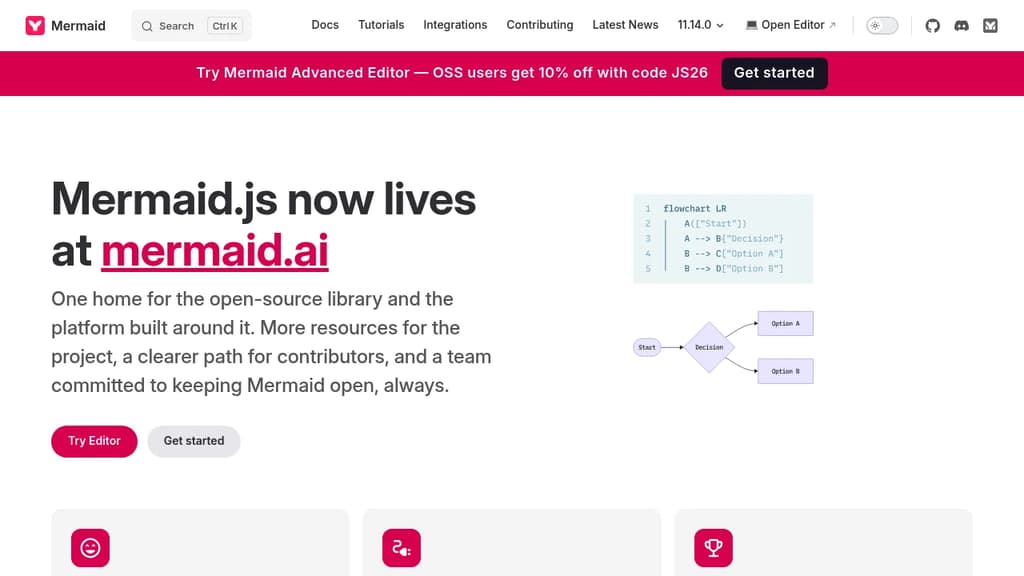
Mermaid lets you write diagrams as text and renders them as visuals. Instead of dragging shapes around in a GUI tool like draw.io, you describe your diagram in a lightweight syntax, and Mermaid generates the image. That means diagrams live alongside your code, version-control cleanly, and update without hunting through a visual editor.
It's built for developers, technical writers, and teams who want diagrams embedded in documentation, READMEs, wikis, or markdown-based doc platforms. Many tools that handle technical documentation support Mermaid natively, so diagrams render inline without any extra setup.
The diagram types it supports cover a wide range:
- Flowcharts for process and decision logic
- Sequence diagrams for showing interactions between systems or actors
- Gantt charts for project timelines
- Class and entity-relationship diagrams for data modeling
- State diagrams, pie charts, quadrant charts, and more
The syntax is intentionally minimal. A few lines of text produce a clean, readable diagram. Because everything is plain text, diagrams fit naturally into pull requests, code reviews, and documentation pipelines.
Beyond the core library, Mermaid also offers a live editor and a collaborative platform at mermaid.ai, where teams can build and share diagrams together. The live editor is useful for prototyping a diagram before dropping the syntax into a doc or codebase.
Mermaid integrates with a broad set of tools including GitHub (which renders Mermaid natively in markdown), Notion, Confluence, and various static site generators. For teams building data dashboards or internal tools, embedding Mermaid diagrams into existing workflows is straightforward.
The project is open source and actively maintained by a sizable core team.

Free online database diagram editor with SQL generation. Create ER diagrams, visualize relationships, export scripts, and reverse engineer schemas - no signup required.
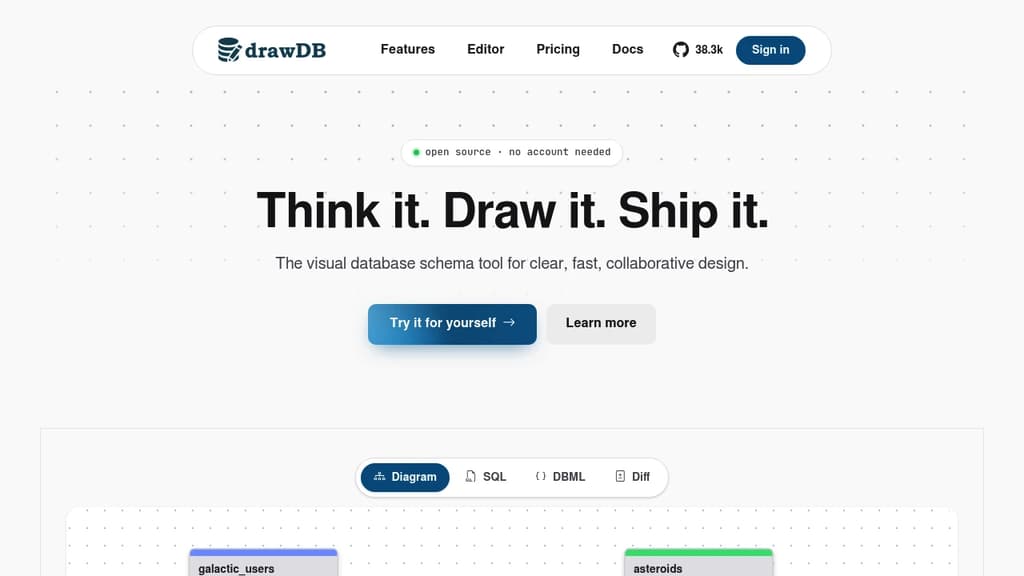
Free and intuitive database design tool that lets you create professional entity-relationship diagrams and generate SQL scripts without any account registration. Perfect for developers, database administrators, and data architects who need quick visualization solutions.
Key features include:
- Visual diagram editor with drag-and-drop functionality for tables, relationships, and constraints
- Multi-database support for MySQL, PostgreSQL, SQLite, MariaDB, and SQL Server
- SQL script generation with DDL export capabilities for immediate database implementation
- Reverse engineering to import existing DDL scripts and automatically generate visual diagrams
- Template library with pre-built structures and custom template saving for recurring projects
Advanced capabilities:
- Issue detection system that identifies diagram errors before script generation
- Presentation mode for team meetings and collaborative discussions
- Customizable workspace with adjustable UI components and keyboard shortcuts
- Object-relational database support with custom types and JSON schema creation
- Task tracking with built-in todo management for project organization
The tool operates entirely in your browser with local storage, ensuring privacy and speed while maintaining full functionality. Export options include SQL scripts, JSON files, and image formats for documentation purposes.

People are looking for alternatives to...
View all alternatives
Spotify

Claude Code

Claude

CapCut

Notion

Lovable
 Bright Data – Web data for AI agents and apps. Built-in unblocking, proxies, and ready-made APIs.
 Windshift