
Workbench
Desktop app and embeddable dashboard for BullMQ that shows live queue metrics, job runs, FlowProducer graphs, and scheduler status without touching Redis directly.
Open Source Alternative to:

Last 30 days
Last commit
5 months agoRepository age
6 monthsVersion
v0.9.1License
MITRepository
pontusab/workbench
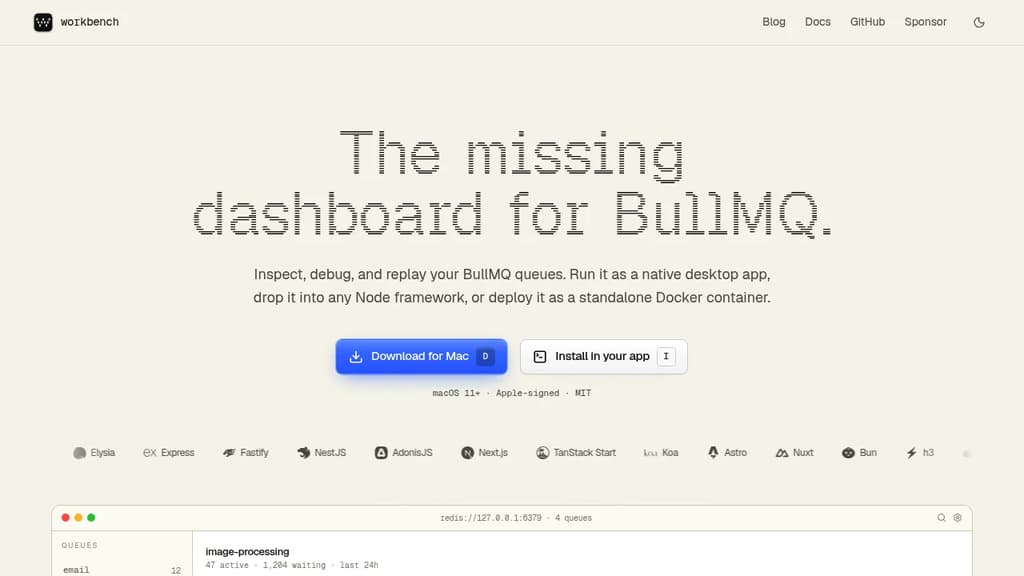
Workbench is a dashboard built specifically for BullMQ queues. It runs as a native macOS app, embeds into any Node.js server, or deploys as a standalone Docker container. All three share the same open-source UI and connect directly to your existing Redis instance.
The core problem it solves: you shouldn't need to SSH into Redis or grep through logs to understand what your workers are doing. Workbench auto-discovers queues from any Redis URL and keeps everything updated live as jobs move through states.
Key capabilities:
- Live counters – completed, failed, active, and waiting counts per queue, with p50/p95 latency and throughput sparklines updated in real time
- Run inspector – a virtualized table of every job with status colors, timestamps, and full payload expansion without leaving the row; filter by status or search by ID
- Error triage – failures grouped by error class, ranked by frequency, with a 24-hour trend so you catch regressions the moment they spike rather than hunting through logs
- FlowProducer DAG – parent/child job relationships rendered as a real graph with per-node status and duration; drill into any node or replay subtrees
- Scheduler management – see active cron and delayed jobs, when they last ran, and what's next; pause, resume, or edit cron expressions without redeploying
- Enqueue from the UI – compose a payload, pick a queue, and fire it with ⌘↵; validates against your schema and shows the run immediately
- Editor integration – click any line in a failed job's stack trace and Workbench opens that file directly in Cursor or VS Code
- Full keyboard control – ⌘K to search, ⌥1–9 to switch queues, R to retry; every common action has a binding
The desktop app stores Redis credentials in the OS keychain and auto-updates via signed releases. The embedded version works with Hono, Express, Fastify, NestJS, Next.js, Nuxt, Bun, and a dozen other Node frameworks. It's a more focused alternative to something like Bull Board, with deeper BullMQ-specific features like flow visualization and scheduler editing built in from the start.
Licensed MIT. Apple-signed on macOS.












Last 30 days
Last commit
5 months agoRepository age
6 monthsVersion
v0.9.1License
MITRepository
pontusab/workbench
Every Sunday we deconstruct one proprietary app and pick the best open source alternatives worth switching to.
Similar open source projects

Stars
Last commit
License
Stars
Last commit
License
Stars
Last commit
License
 Stellar Hosted – Managed Open Source software hosting in the EU: secure, compliant, fast.
 CodeRabbit
 Postiz