Open Source Terminal Alternatives
A curated collection of the 8 best open source alternatives to Terminal.
The best open source alternative to Terminal is Warp. If that doesn't suit you, we've compiled a ranked list of other open source Terminal alternatives to help you find a suitable replacement. Other interesting open source alternatives to Terminal are: Ghostty, Alacritty, Zellij, and Kitty.
Terminal alternatives are mainly Terminal Emulators but may also be AI Terminals or Terminal Multiplexers. Browse these if you want a narrower list of alternatives or looking for a specific functionality of Terminal.

Written by Piotr Kulpinski

Terminal built for running AI coding agents like Claude Code, Codex, and Gemini CLI, with shared context, interactive code review, and multi-session management.
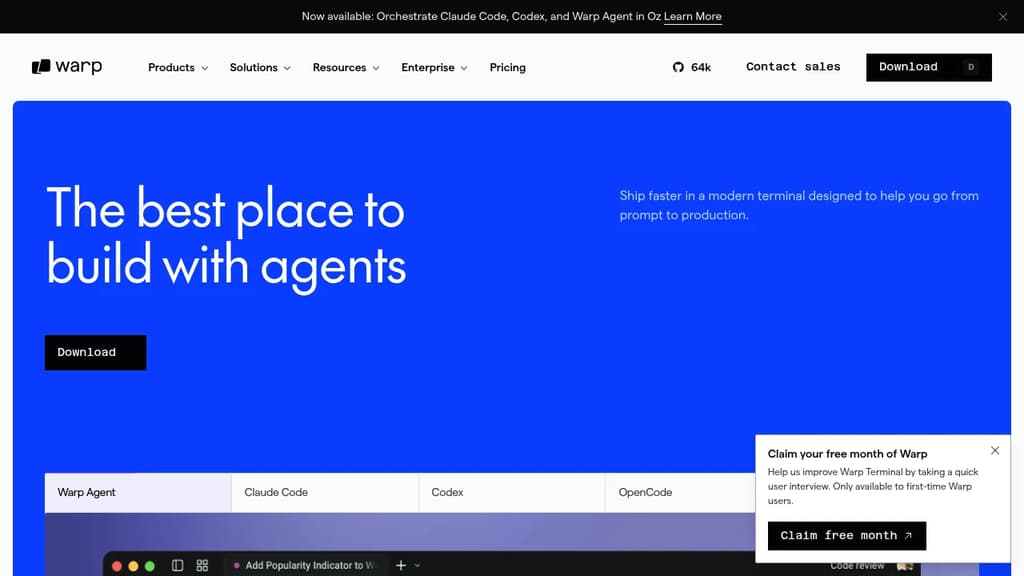
Warp is a terminal redesigned around the way developers actually work with AI coding agents. Rather than treating the terminal as a place to paste commands, it gives you a structured environment where agents run, report back, and wait for your input, all without switching windows or losing context.
It works with the major AI coding agents out of the box:
- Claude Code runs with streaming logs, notifications, and shared session context
- Codex integrates with vertical tabs, code review, and agent notifications
- OpenCode gets session management and context sharing baked in
- Gemini CLI runs alongside Warp's multi-session views and remote control
- Warp Agent is the built-in coding agent for teams that want everything in one place
The interactive code review feature is one of the more practical differentiators. When an agent finishes a task, you can review its changes, leave inline comments, and send them back for revision without leaving the terminal. It's designed to close the gap between an agent's first pass and something actually ready to ship.
Vertical tabs let you run multiple sessions at once, each tagged with metadata like git branch, worktree, or pull request. Notifications surface when an agent needs a decision, whether that's approving a command, confirming a plan, or acknowledging a finished task.
For teams, Warp includes SAML SSO, role-based access control, SOC 2 Type 2 compliance, secret redaction with custom regexes, and integrations with 1Password and LastPass. You can bring your own LLM and keep everything inside your own infrastructure. Centralized admin controls let you set agent permissions and track usage across the whole team.
Warp runs on Mac, Linux, and Windows. It's trusted by over 800,000 developers and sits in the growing category of AI terminals built for agentic workflows.

Experience blazing-fast terminal performance with GPU acceleration and platform-native UI. Cross-platform compatibility meets modern design.
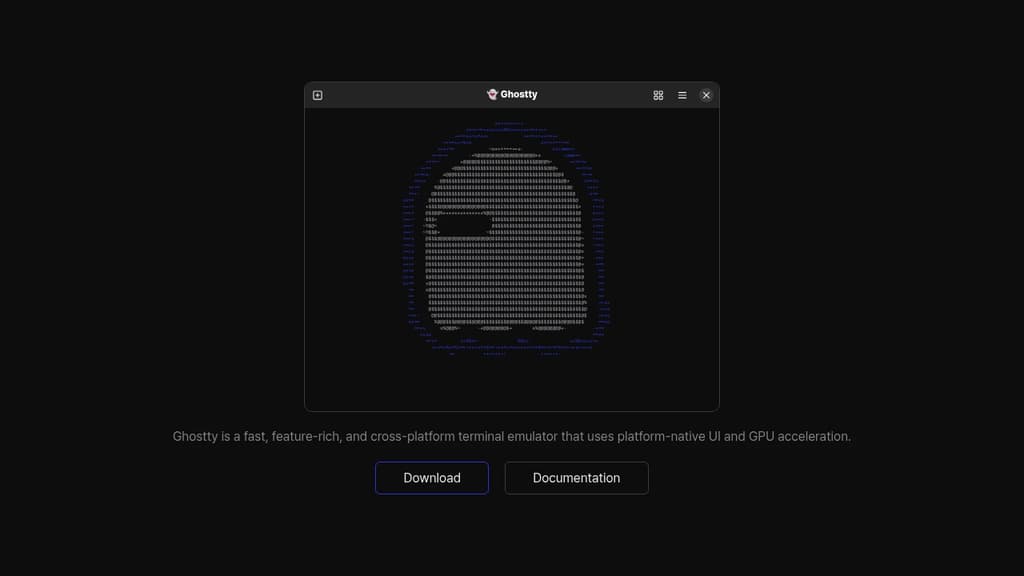
Ghostty delivers exceptional terminal performance through intelligent GPU acceleration and platform-native UI integration. This modern terminal emulator combines speed with visual excellence, offering a seamless experience across different operating systems.
Key advantages include:
- GPU-accelerated rendering for ultra-smooth text display and scrolling
- Platform-native UI that feels right at home on your operating system
- Cross-platform compatibility ensuring consistent experience everywhere
- Feature-rich functionality without compromising on performance
- Modern architecture built for today's demanding workflows
Whether you're a developer, system administrator, or power user, Ghostty provides the responsive terminal experience you need. The combination of hardware acceleration and native UI elements creates a terminal that's both fast and visually appealing, making your command-line work more efficient and enjoyable.

Modern cross-platform terminal emulator with OpenGL acceleration, extensive configuration options, and vi mode support for enhanced productivity.
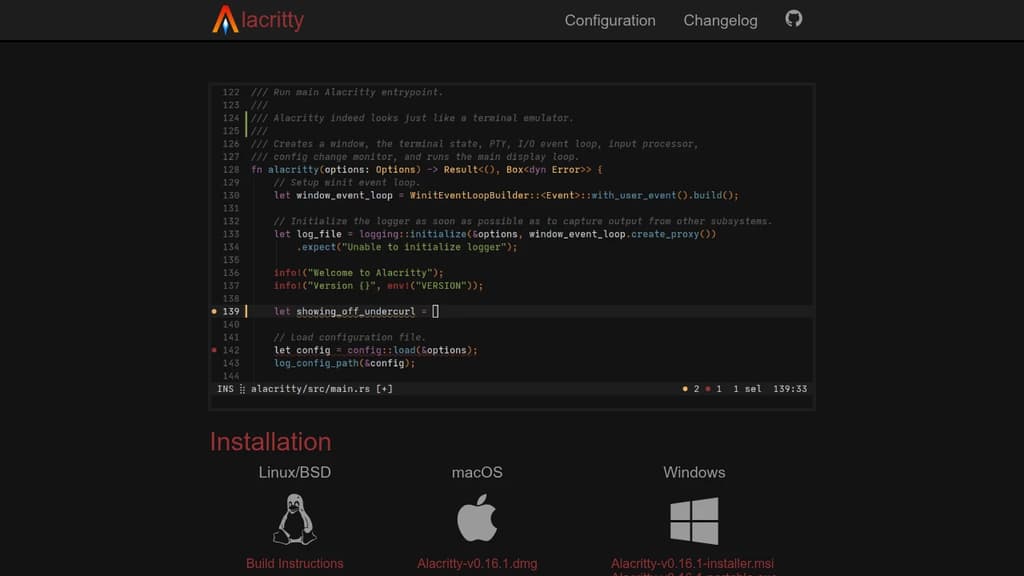
A modern terminal emulator built for performance and flexibility across Linux, macOS, Windows, and BSD systems. Uses OpenGL acceleration to deliver exceptional speed and responsiveness while maintaining extensive customization capabilities.
Key Features:
- Vi Mode - Navigate and select text using familiar vi keybindings
- Search functionality - Find any text within your scrollback buffer instantly
- Regex Hints - Mark and interact with text patterns using mouse or keyboard
- Multi-Window support - Efficient resource usage with single-process architecture
- Extensive configuration - Customize every aspect while maintaining sensible defaults
Currently in beta stage but already trusted by many developers as their daily terminal. Integrates seamlessly with existing tools rather than reimplementing functionality, ensuring high performance without sacrificing features. Perfect for users who spend significant time in the terminal and want a fast, configurable, and reliable experience.

A terminal multiplexer that organizes your workflow with intuitive layouts, tabs, and panes. Includes batteries for seamless terminal workspace management.
Zellij transforms how you work in the terminal by providing a complete workspace environment with everything you need built-in. Unlike traditional multiplexers, it combines intuitive navigation with powerful features that reduce friction in your daily terminal work.
Key capabilities include:
- Flexible layouts - Organize panes and tabs exactly how you need them, with layouts that persist across sessions
- Intuitive navigation - Switch between panes and tabs using keyboard shortcuts that feel natural and responsive
- Built-in features - No need to hunt for plugins or extensions; essential tools come ready to use
- Cross-platform support - Works seamlessly on Linux, macOS, and Windows
- Session management - Detach and reattach sessions without losing your workspace state
Whether you're managing multiple projects, running parallel processes, or organizing complex development workflows, Zellij provides the structure and responsiveness that makes terminal work more efficient. The batteries-included approach means you can start being productive immediately without extensive configuration.

High-performance terminal emulator with GPU acceleration, graphics support, and advanced scripting capabilities for developers and system administrators.
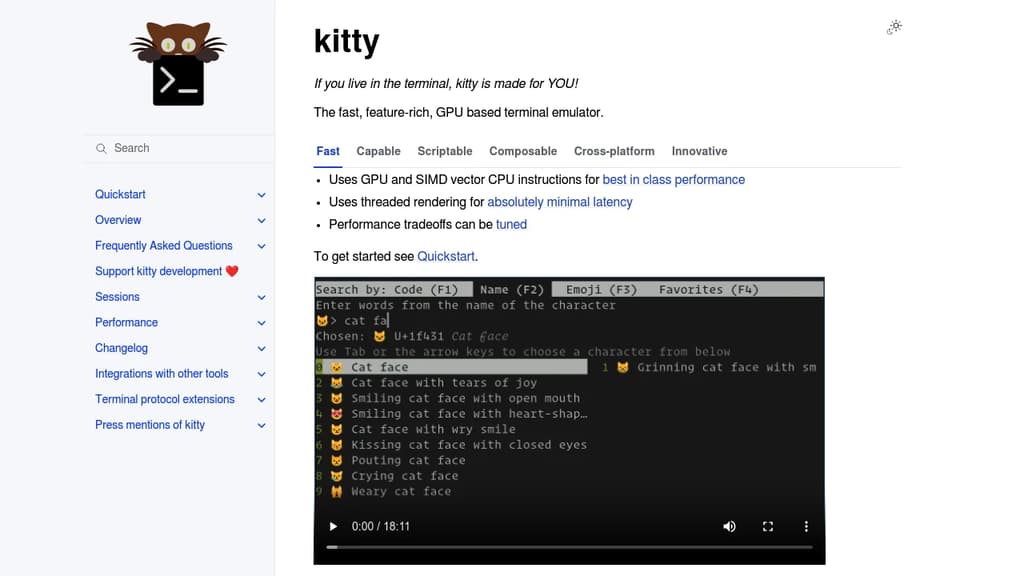
A high-performance terminal emulator designed specifically for users who spend significant time in the command line. Built with cutting-edge technology, it leverages GPU acceleration and SIMD vector CPU instructions to deliver exceptional performance that outpaces traditional terminals.
Key Performance Features:
- GPU-accelerated rendering for smooth, responsive interface
- Threaded rendering architecture for optimal speed
- Configurable performance tradeoffs to match your system
Advanced Capabilities:
- Graphics support with inline image display
- Font ligatures and emoji with proper rendering
- Scriptable interface using Python for automation
- Remote control protocol for external tool integration
Productivity Tools:
- Programmable tabs and windows with flexible layouts
- Built-in pager for comfortable text browsing
- File editing capabilities within SSH sessions
- Hyperlink support for clickable file paths
- Interactive kittens (specialized tools) for various tasks
Cross-Platform Compatibility:
- Full support for Linux, macOS, and various BSD systems
- Consistent experience across different operating systems
The terminal includes innovative features like the graphics protocol for displaying images directly in the terminal, shell integration for enhanced functionality, and broadcast mode for simultaneous input across multiple windows. Perfect for developers, system administrators, and anyone seeking a modern, feature-rich terminal experience.

Cross-platform terminal emulator and multiplexer with GPU acceleration, true color support, and Lua configuration. Runs on Linux, macOS, Windows, FreeBSD, and NetBSD.
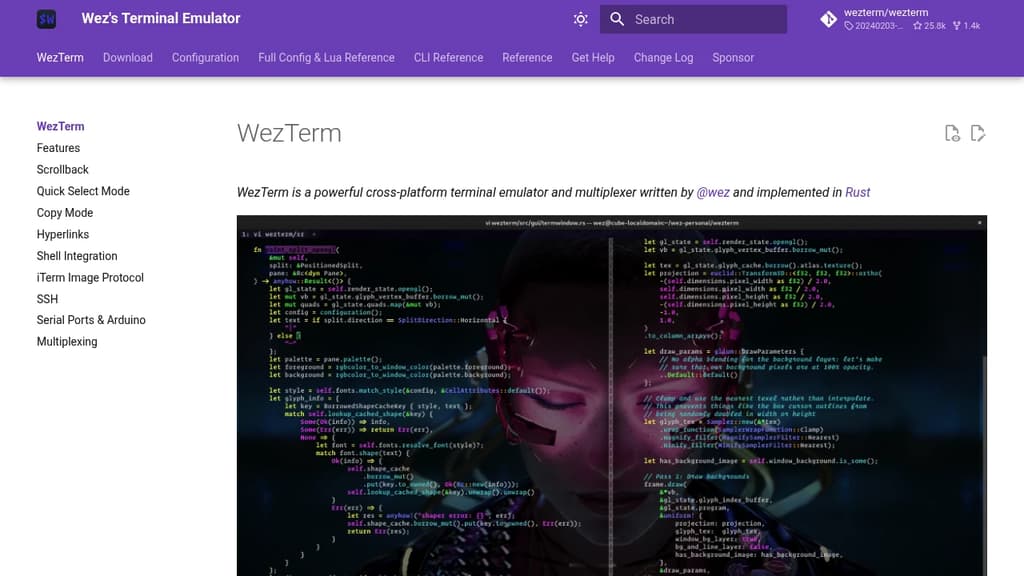
WezTerm is a powerful cross-platform terminal emulator and multiplexer that brings modern features to your command line experience. Built with performance in mind, it leverages GPU acceleration to deliver smooth rendering and responsive interactions.
Key capabilities include:
- Multi-platform support - Runs seamlessly on Linux, macOS, Windows 10, FreeBSD, and NetBSD
- Advanced rendering - GPU-accelerated display with true color support and color emoji rendering
- Font flexibility - Intelligent font fallback system ensures your preferred fonts display correctly
- Multiplexing - Built-in terminal multiplexing for managing multiple sessions and windows
- Lua scripting - Fully customizable through Lua configuration with comprehensive API modules
- Comprehensive CLI - Command-line interface for advanced control and automation
The tool provides extensive configuration options through its Lua-based config system, allowing you to customize colors, key bindings, and behavior. Its modular architecture includes specialized modules for color management, GUI operations, multiplexing, plugins, and more. Whether you're a developer, system administrator, or power user, WezTerm offers the flexibility and performance needed for productive terminal work.

Enhance your terminal with AI, file previews, and web browsing. Available on MacOS, Linux, and Windows.
Wave Terminal is an innovative, open-source terminal designed to enhance productivity by integrating file previews, editing, AI, web browsing, and workspace organization. Compatible with MacOS, Linux, and Windows, it offers a seamless experience across platforms.
Key Features:
- Manage Remote Machines: Easily switch between servers with SSH connection management, including WSL support.
- Screen Splitting and Layouts: Organize your workspace with split screens and customizable dashboards.
- Remote File Management: Navigate and manage files on remote machines with ease.
- Inline Web Browser: Access essential sites like GitHub and StackOverflow directly from your terminal.
- Visual Dashboards: Create and share beautiful dashboards with graphical widgets.
- Open Source: Keep your data secure with local storage, no login required.
- Customization: Personalize themes and styles, and share with your team.
Wave Terminal is perfect for developers seeking a powerful, customizable terminal that integrates modern tools and workflows.

Feature-rich terminal replacement for macOS with split panes, search, autocomplete, and extensive customization options for enhanced productivity.
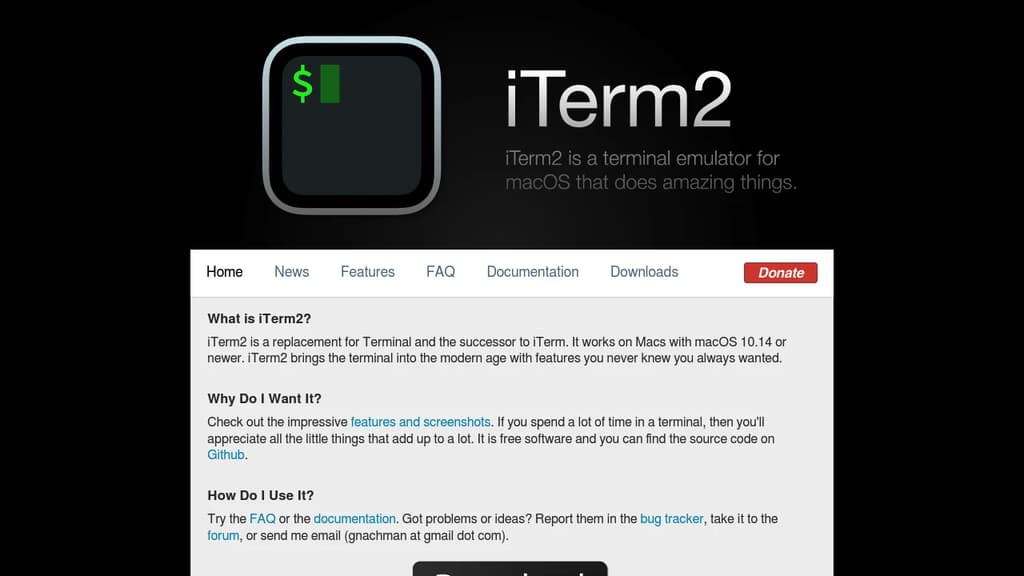
iTerm2 transforms your command-line experience on macOS with powerful features that make terminal work more efficient and enjoyable. This free, open-source terminal replacement offers split panes for multitasking, instant replay to review command history, and smart selection that automatically recognizes URLs, email addresses, and file paths.
Key features include:
- Tabbed interface with unlimited tabs and customizable layouts
- Advanced search with regular expression support and highlighting
- Autocomplete for commands, directories, and previously used arguments
- Hotkey window for quick terminal access from anywhere
- Extensive customization with themes, color schemes, and keyboard shortcuts
- Shell integration with enhanced features like command status indicators
Built specifically for Mac users, iTerm2 supports tmux integration, password manager integration, and trigger actions that can automatically respond to terminal output. The application includes mouseless copy mode, semantic history for navigating file paths, and broadcast input to send commands to multiple sessions simultaneously.
Whether you're a developer, system administrator, or power user, iTerm2's modern interface and productivity-focused features make it an essential upgrade from the standard macOS Terminal application.

People are looking for alternatives to...
View all alternatives
Spotify

Claude Code

CapCut

Claude

Notion

Lovable
 Sent – A unified API for sending messages across SMS, RCS, and apps like WhatsApp.

 Stellar Hosted