Open Source Superhuman Docs Alternatives
A curated collection of the 6 best open source alternatives to Superhuman Docs.
The best open source alternative to Superhuman Docs is Macro Docs. If that doesn't suit you, we've compiled a ranked list of other open source Superhuman Docs alternatives to help you find a suitable replacement. Other interesting open source alternatives to Superhuman Docs are: Outline, Docmost, Docs, and ONLYOFFICE Docs.
Superhuman Docs alternatives are mainly Collaborative Notes & Wikis but may also be Wiki Software or Internal Knowledge Bases. Browse these if you want a narrower list of alternatives or looking for a specific functionality of Superhuman Docs.

Written by Piotr Kulpinski


Collaborative markdown documents with real-time CRDT editing, AI agent cursors, mention linking, and built-in properties tied to your tasks, channels, and email.
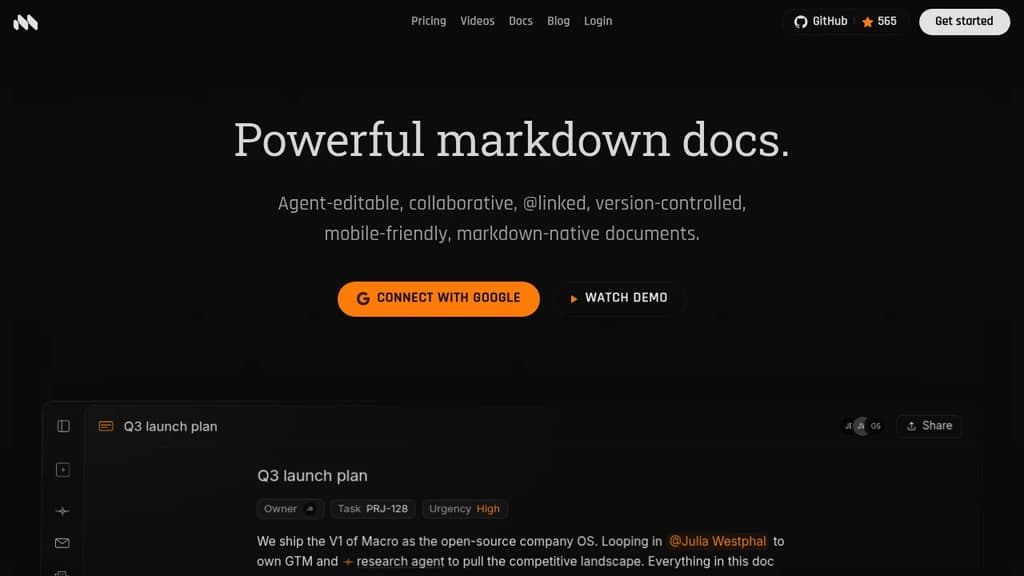
Macro is a markdown-native document editor built to live inside a broader workspace, not alongside one. Every doc connects directly to tasks, email, channels, and AI agents through @mentions that render as live inline pills. What sets Macro apart from tools like Notion or Google Docs is the agent layer. AI agents can edit documents alongside you with a live cursor, not just suggest a diff.
Key capabilities include:
- @mention anything: people, docs, tasks, channels, and calls all render as live inline pills inside any page.
- Markdown-native: type standard markdown and it formats in real time; export back to clean plain markdown anytime.
- Document properties: attach status, assignee, tags, dates, and custom fields directly to a doc without leaving the editor.
- Slash commands: insert headings, tables, code blocks, math equations, and task items with a single keystroke.
- Inline comments and version history: comment on any selection, resolve threads, and restore or fork any past version.
- Unified search: one search index across docs, tasks, email, and channels.
The editing foundation is built on CRDTs (Conflict-free Replicated Data Types), which means multiple people can type on the same line simultaneously without conflicts. Edits apply locally first and reconcile in the background, so the experience stays fast even offline. The backend is written in Rust with a SolidJS frontend, and each document runs as its own Durable Object in the cloud, keeping latency low. Macro is licensed under AGPLv3.
Macro is aimed at teams who want the writing experience of something like Outline or Logseq but need their docs to stay in sync with everything else happening at work. Things can be @mentioned directly in a doc and given context from tasks, channels, or email threads in the same workspace.

Team knowledge base with real-time collaboration, AI-powered search, Slack integration, and self-hosting support for internal docs and wikis.
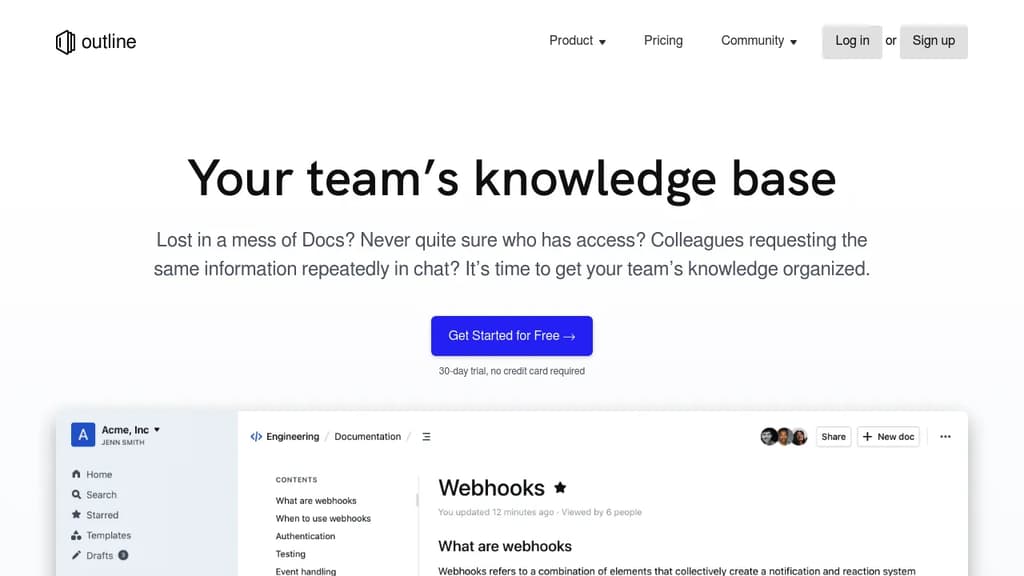
Outline is a team knowledge base built for companies that have outgrown scattered docs, messy shared drives, and repeated Slack questions. It gives teams a single place to write, organize, and find internal documentation, from product specs and onboarding guides to meeting notes and support answers. It's available as a cloud-hosted service or self-hosted on your own infrastructure.
The editor is fast. Documents load instantly, search returns results in milliseconds, and the UI stays snappy even in large workspaces. Writing feels close to plain text, with markdown support and slash commands, but you also get interactive embeds, real-time multiplayer editing, and threaded comments for keeping conversations tied to specific content.
Key capabilities include:
- AI-powered search that lets you ask questions about your documents and get direct answers, not just a list of links
- Slack integration for searching, sharing, and asking questions without leaving chat, plus channel notifications when docs change
- Granular permissions with read/write controls, user groups, guest access, and public sharing via link
- Custom branding with your own domain, colors, and logo
- 20+ integrations including Figma and Loom
- Localization with RTL support and translations in 20 languages
Outline sits in the same space as tools like Docmost or AppFlowy for collaborative wikis, but it's particularly focused on speed and team-wide usability rather than personal note-taking. Unlike personal tools such as Logseq, Outline is designed around shared workspaces with access controls from the start.
The codebase is open source, and self-hosting is a first-class option for teams that need to keep data on their own servers. A cloud-hosted plan with a 30-day free trial is also available for teams that want to get started without managing infrastructure.

Self-hosted wiki platform for enterprise teams with real-time collaboration, built-in AI, SSO, RBAC permissions, and compliance support for ITAR, FedRAMP, and GDPR.
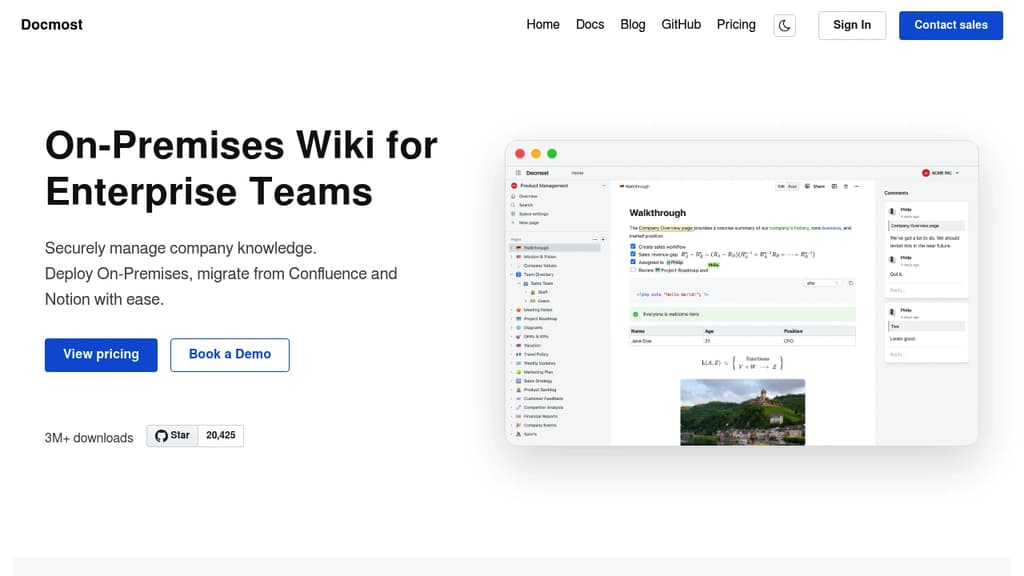
Docmost is a self-hosted wiki platform built for teams that need full control over their data. It's aimed at organizations where compliance isn't optional: defense contractors, regulated industries, and companies subject to GDPR or FedRAMP requirements. You deploy it on your own servers, including air-gapped or isolated environments, and your data never leaves your infrastructure.
The editor supports rich text, tables, code blocks, and real-time collaboration with live cursors. Multiple people can edit the same page simultaneously, with changes syncing instantly across devices. Pages are organized into team spaces, so departments or projects can maintain their own areas without everything bleeding together.
Key capabilities:
- AI assistant that works with self-hosted models (Ollama, vLLM) or cloud providers (OpenAI, Gemini, Azure OpenAI). Chat with your knowledge base, get answers with source citations, and search semantically across all spaces.
- MCP server support exposes your wiki to AI tools like Claude or Cursor via the Model Context Protocol, with no vendor lock-in.
- Built-in diagramming via Draw.io, Excalidraw, and Mermaid, covering everything from UML to quick whiteboard sketches.
- Page verification workflows for tracking reviews and approvals, supporting ISO 9001, ISO 27001, and SOC 2 compliance.
- Enterprise authentication with SAML 2.0, OpenID Connect, LDAP, and MFA.
- RBAC permissions with granular control over who can view, edit, or administer content.
Teams migrating from Confluence or Notion can import existing content directly, including HTML and Markdown files. Integrations cover Figma, Airtable, Google Drive, Miro, Loom, and others, so pages can embed content from tools teams already use.
Docmost sits in the same space as Outline and XWiki, but its combination of self-hosted AI, MCP support, and compliance-focused deployment options makes it a strong fit for organizations that need a collaborative knowledge base without relying on third-party cloud infrastructure.

Transform document collaboration with real-time editing, version control, and secure sharing features that enhance team productivity and communication.
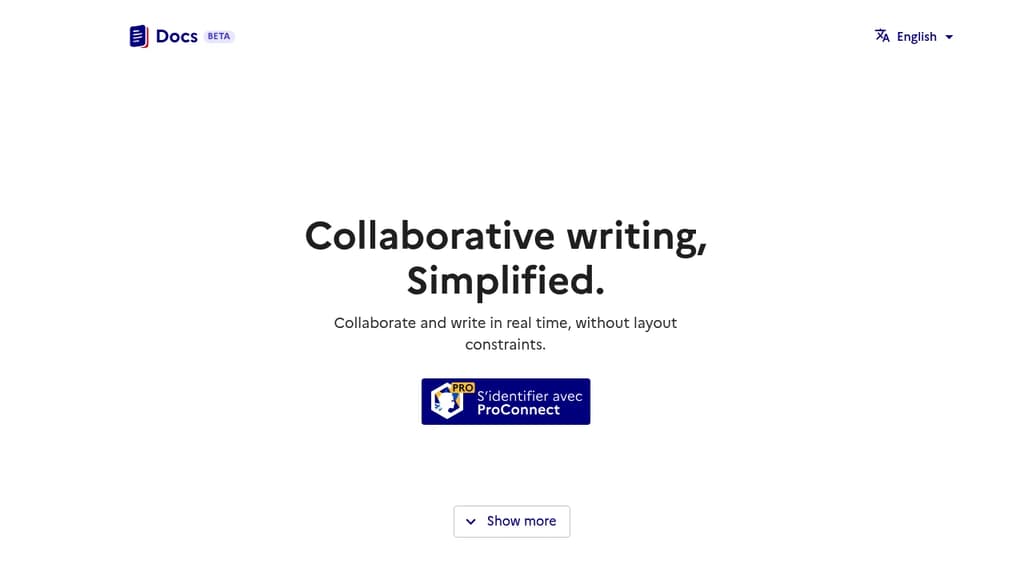
A powerful document collaboration platform that brings teams together for seamless content creation and editing. Real-time collaboration allows multiple users to work simultaneously on documents, with changes reflected instantly across all users.
The platform offers robust version control to track changes and maintain document history, making it easy to review edits and revert to previous versions when needed. Smart commenting and annotation features enable contextual discussions right within documents.
Key features include:
- Intuitive rich text editing with formatting tools
- Secure document sharing with customizable permissions
- Automatic saving and backup
- Cross-platform compatibility for access anywhere
- Integration with popular productivity tools
- Offline mode for uninterrupted work
Whether you're writing business proposals, technical documentation, or creative content, Docs provides the tools needed for efficient document management and team collaboration.

Open-source online editor for documents, spreadsheets, presentations, and PDFs. Features real-time collaboration, AI integration, and accessibility tools.
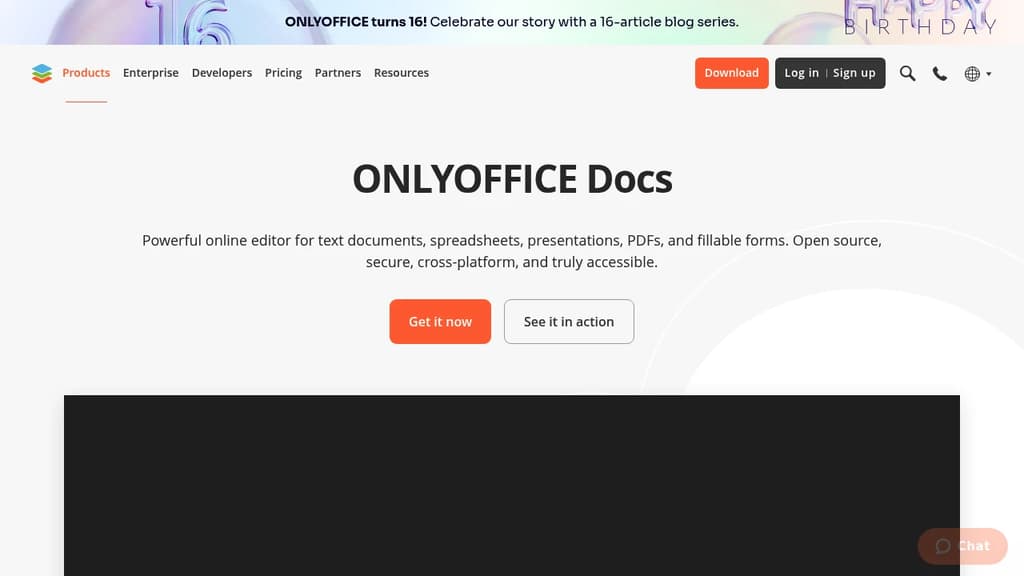
ONLYOFFICE Docs is a comprehensive online office suite that handles all your document editing needs in one powerful platform. Create and edit text documents, spreadsheets, presentations, PDFs, and fillable forms with professional-grade tools and features.
Key Features:
- Universal compatibility - Work with multiple document formats without switching tools
- Real-time collaboration - Share, co-edit, comment, and track changes with team members
- AI-powered assistance - Generate text and images, check grammar, translate languages, and get instant answers
- Accessibility focused - Designed for users with special needs, scalable up to 500% zoom
- Cross-platform support - Available on web, desktop (Windows, Linux, macOS), and mobile (iOS, Android)
Security & Privacy:
- Open source with code available on GitHub
- Three-layer encryption (at rest, in transit, end-to-end)
- Compliance with international security standards
- Support for local AI models
Flexible Deployment Options:
- Use within ONLYOFFICE DocSpace for team collaboration
- Integrate into existing platforms (Box, Moodle, Nextcloud, WordPress)
- Self-host or use cloud solutions
- Work offline with desktop applications
The platform includes ready-made templates to get started quickly and offers dark theme support for comfortable work in any environment. Whether you're working solo or with a team, ONLYOFFICE Docs provides the tools you need for professional document creation and collaboration.

Write, organize, and collaborate in real-time with complete privacy and security. This app is an open-source, online/offline compatible, and AI-free alternative to Google Docs.
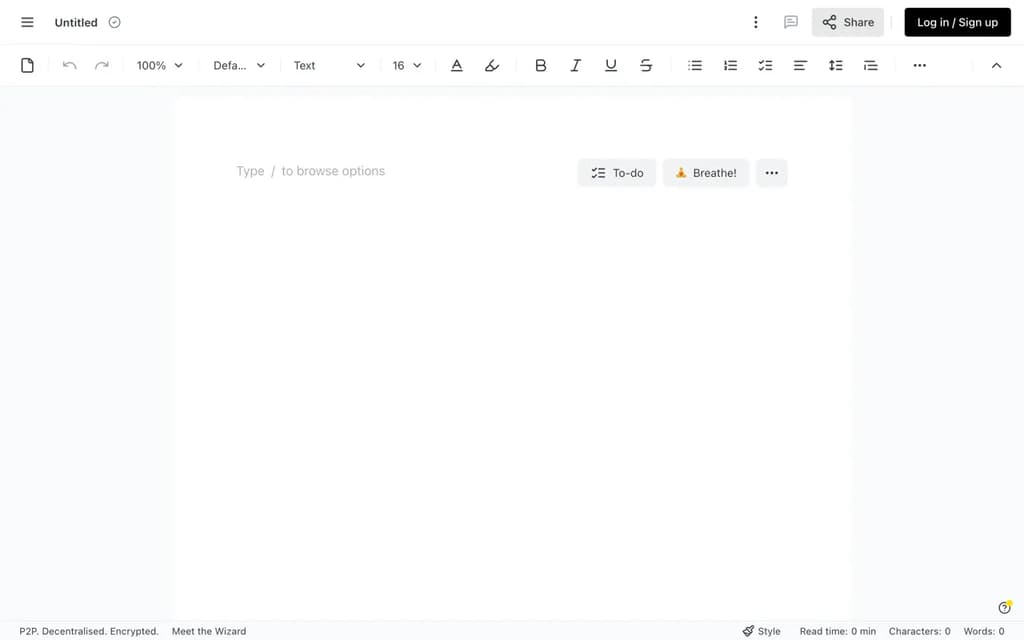
Write privately. Collaborate securely. Control your data.
A privacy-first, decentralized editor built for teams, individual writers, and enterprises who refuse to choose between security and usability. dDocs requires no account, just open ddocs.new on your browser to get started with a familiar interface and blazing fast editor.
Key features:
- Works offline and online: your writing is always accessible, with or without a connection, and syncs seamlessly across all your devices
- End-to-end encrypted: only you and your collaborators can access your documents
- Real-time and async collaboration: work with your team simultaneously, or leave comments and suggestions on your own time
- Markdown and LaTeX support: for math, formulas, and technical notation
- Dark mode and custom themes: customize the look and feel of your editor to match how you like to write
- No download required: open your browser and start writing. Nothing to install
- Sovereignty: access your documents anytime, even if the app goes down. Your files are never locked behind a platform or proprietary database that can disappear
- No AI forced on you: zero unwanted automation
- Tabs: create multiple tabs within the same document, to create standalone sections for your legal document or chapters for your fanfics.
- API access: search for or create new documents on dDocs directly from your CLI or AI agents Whether you're co-authoring legal briefs, drafting academic papers, writing fanfiction, or managing sensitive team documents — this editor gives you a secure, focused space that respects your privacy without getting in the way of your writing.
Whether you’re co-authoring legal briefs, drafting academic papers, writing fanfiction, or managing sensitive team documents, ddocs.new gives you a secure, focused space that respects your privacy without getting in the way of your writing.

People are looking for alternatives to...
View all alternatives
Spotify

Claude Code

CapCut

Claude

Notion

Lovable
 Sent – Messaging Infrastructure for Developers. One API for SMS, WhatsApp, and RCS across 190+ countries.
 Sent
Sent