Open Source Polygraph Alternatives
A curated collection of the 2 best open source alternatives to Polygraph.
The best open source alternative to Polygraph is Grok Build. If that doesn't suit you, we've compiled a ranked list of other open source Polygraph alternatives to help you find a suitable replacement. Other interesting open source alternative to Polygraph is Omnigent.
Polygraph alternatives are mainly AI Coding Agents but may also be AI Coding Agent Orchestrators. Browse these if you want a narrower list of alternatives or looking for a specific functionality of Polygraph.

Written by Piotr Kulpinski


Terminal-based coding agent powered by Grok 4.5 that plans, builds, tests, and deploys across any codebase with parallel subagents and plugin support.
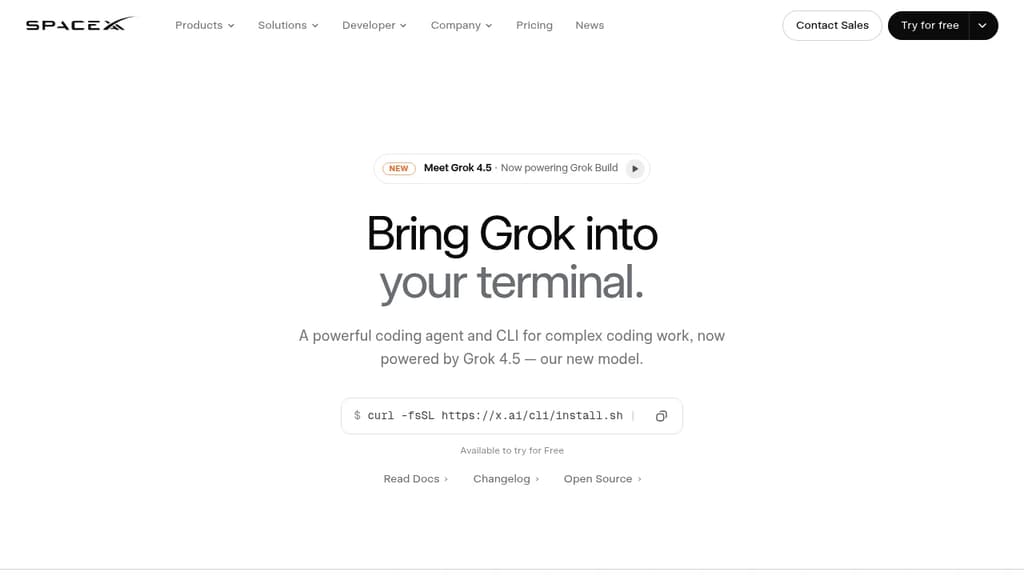
Grok Build is a terminal coding agent built for developers who want serious AI assistance without leaving the command line. It handles the full development cycle: planning, writing code, running tests, committing to git, and deploying. Any language, any codebase.
The tool's Plan Mode sets it apart from simpler autocomplete tools. Before touching a single file, it proposes a structured plan you can approve, comment on line by line, or rewrite entirely. Every approved change appears as a clean diff. Nothing gets written until you say so.
For large tasks, subagents run in parallel, each with its own context window and optionally its own git worktree. Ask it to find a latency regression and it can simultaneously explore your checkout flow, infrastructure, shared libraries, and pricing engine at once.
Key capabilities:
- Skills: reusable slash commands you build from any session using
/skillify, auto-invoked when a task matches - Plugins: bundle skills, agents, hooks, and MCP servers into a single install, shareable via marketplace or a self-hosted git repo
- MCP servers: connect to Cline-style external tools like Linear, Sentry, Grafana, and Postgres
- Hooks: run scripts automatically on file edits or tool calls
- AGENTS.md: set per-directory conventions the agent follows consistently
- Memory: decisions and context persist across sessions
- Headless mode: scriptable in CI/CD pipelines
- Sandboxed execution: run untrusted code in isolation
- Web search: look up docs and packages without switching context
When a task is ambiguous, Grok Build asks targeted multiple-choice questions before starting, so it picks the right framework, schema, or design direction upfront rather than guessing. The fullscreen terminal UI supports mouse input and keyboard-first navigation.
It's free to try, and unlike Grok in a browser chat interface, this is purpose-built for working directly inside your existing development environment.

Meta-harness that sits above Claude Code, Codex, and other AI agents to add policy enforcement, sandboxing, and real-time collaborative sessions.
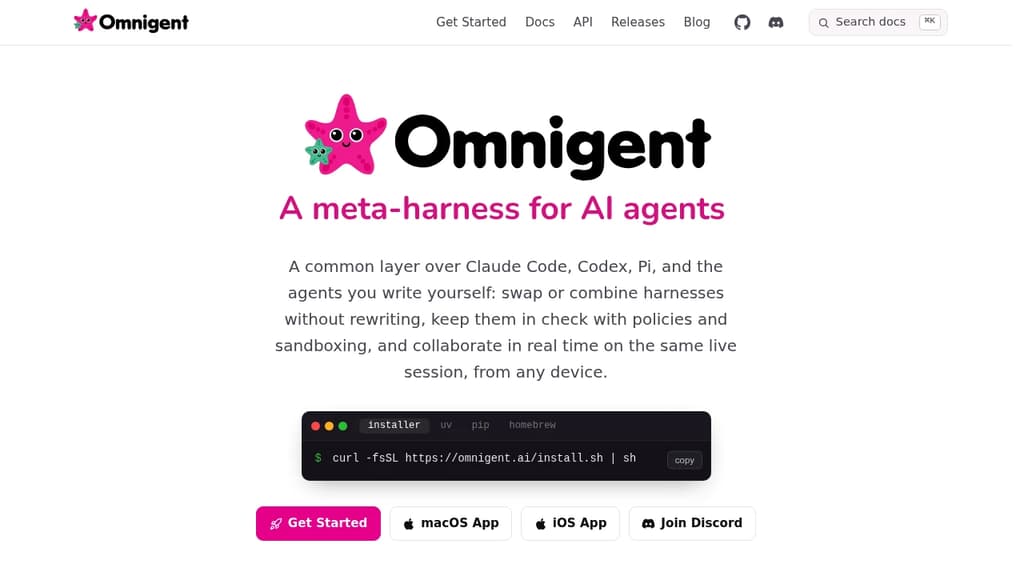
Omnigent sits between you and the AI agents you already use. Instead of locking you into one harness, it wraps tools like Claude Code, Codex, and agents you write yourself inside a uniform session layer. Swap or combine them with minimal changes, no rewriting.
It's aimed at developers and teams who want more control over how agents behave, what they can access, and how much they spend. The core value is governance at the meta-layer rather than through prompts.
Key capabilities:
- Composition: Mix multiple models, harnesses, and techniques in a single workflow. Built-in agents include a coding orchestrator and a model debate setup; you can define your own in YAML.
- Policy enforcement: Stateful spend caps, model routing, and risk-based escalation. Policies track agent actions over time rather than relying on per-prompt instructions.
- Sandboxing: Restrict filesystem and network access. Credentials are hidden from the agent and brokered through Omnigent, so you can run aggressive "YOLO mode" without exposing sensitive data.
- Collaboration: Share a live agent session via URL. Teammates can review history, comment, and steer the session together in real time from any device, including mobile.
The architecture splits into two parts: a runner that wraps any agent in a sandboxed, uniform session, and a server that adds policies and shared history. Sessions are accessible through the terminal, a web interface, a native app, mobile, and a REST API.
For teams using tools like OpenHands or Cline alongside proprietary agents, Omnigent offers a single control plane rather than managing each harness separately. Licensed under Apache 2.0.

People are looking for alternatives to...
View all alternatives
Spotify

Claude Code

Claude

CapCut

Notion

Lovable
 Windshift – The self-hosted platform that replaces Jira.
 CodeRabbit