Open Source Neovim Alternatives
A curated collection of the 3 best open source alternatives to Neovim.
The best open source alternative to Neovim is Zed. If that doesn't suit you, we've compiled a ranked list of other open source Neovim alternatives to help you find a suitable replacement. Other interesting open source alternatives to Neovim are: CodeEdit and Athas.
Neovim alternatives are mainly General Purpose Editors but may also be AI-Powered Editors. Browse these if you want a narrower list of alternatives or looking for a specific functionality of Neovim.

Written by Piotr Kulpinski


A Rust-built code editor from the creators of Atom and Tree-sitter, combining native performance with multiplayer collaboration and deep AI integration.
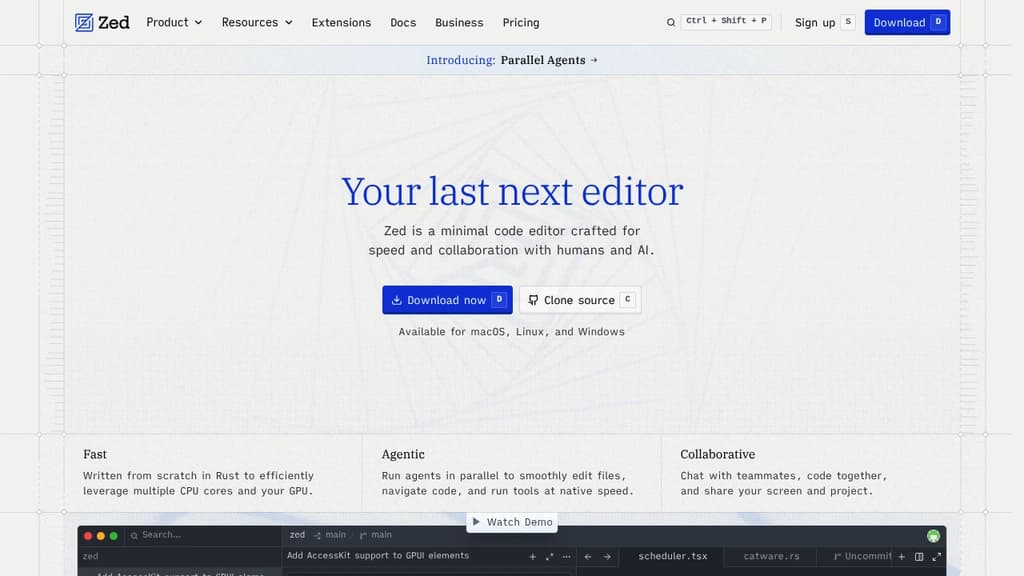
Zed is a code editor built from scratch in Rust, designed to make full use of multiple CPU cores and your GPU. The result is an editor that feels noticeably faster than most alternatives at startup, during file navigation, and while typing. It comes from the team behind Atom and Tree-sitter, and that experience shows in how carefully each feature is implemented.
The AI integration goes well beyond a chat sidebar. Zed lets you run multiple agents in parallel across different projects, delegate tasks and watch changes happen live, and bring in models from providers like Anthropic, OpenAI, or others via ACP. If you prefer a lighter touch, the inline assistant lets you send selected code directly to a model for transformation without breaking your flow. Edit prediction, powered by Zeta (an open-weight model), anticipates your next edit as you type. Tools like Aider take a similar agentic approach, but Zed does it natively inside the editor itself.
Collaboration is built in at a deep level. You can code with teammates in real time, share your screen and project, and chat without leaving the editor. Remote development is also supported: the UI runs locally while the actual codebase lives on a remote server.
Key capabilities include:
- Multibuffer editing: compose excerpts from across the codebase into one editable surface
- Native Git support: stage, commit, diff, pull, and push without plugins
- Debugger: built on the Debug Adapter Protocol with multi-language support
- LSP support: full language server integration for diagnostics, completions, and more
- Vim and Helix modes: first-class modal editing with text objects and marks
- Built-in REPL: run code interactively through Jupyter kernels
- Dev Containers: consistent environments across machines
- Extensions ecosystem: hundreds of extensions for language support, themes, and tooling
Zed targets developers who've felt the sluggishness of Electron-based editors and want something that keeps up with how fast they think. It's a strong alternative to editors like CodeEdit for macOS users who want a native feel, but with broader platform support (macOS, Linux, and Windows) and a more mature feature set. The combination of raw speed, real-time collaboration, and deep AI tooling in a single editor is what makes it stand apart.

A lightweight, natively built editor. Open source and free forever. Develop any project using any language at speeds like never before.
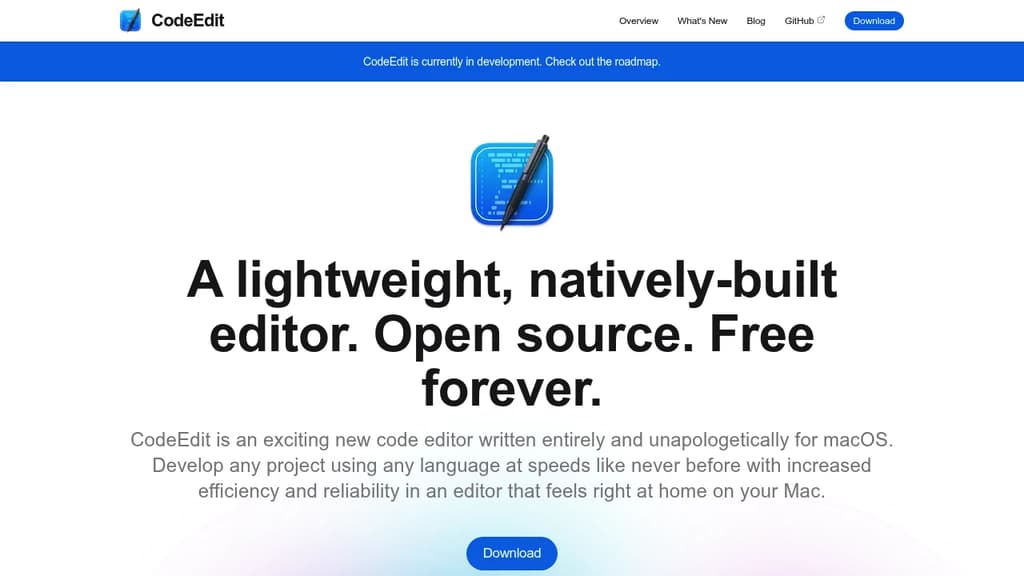
CodeEdit is an exciting new code editor written entirely and unapologetically for macOS. Develop any project using any language at speeds like never before with increased efficiency and reliability in an editor that feels right at home on your Mac.
It is not meant to replace Xcode but rather supplement it for projects not intended for Apple platforms. We believe every type of developer deserves a great experience and excellent performance.
Key features:
- macOS Native: Harness the full power of your Mac, something only possible with our completely native architecture developed in Swift.
- Lightweight Yet Powerful: Designed to be lean with limitless potential.
- Completely Open Source: CodeEdit is developed for you by developers like you. Don't like something? Want a new feature? Just create an issue or submit a PR.
- Extensible & customizable: Make CodeEdit your own, tailored to your needs.
- Familiar & Intuitive User Interface: Our user interface is designed to be familiar for ease-of-use and productivity.
- Better tools to get the job done: Feel connected to the code you are writing with tools to keep you on track.

Open-source code editor for macOS, Windows, and Linux that puts coding agents, terminal, Git, and GitHub in a single window.
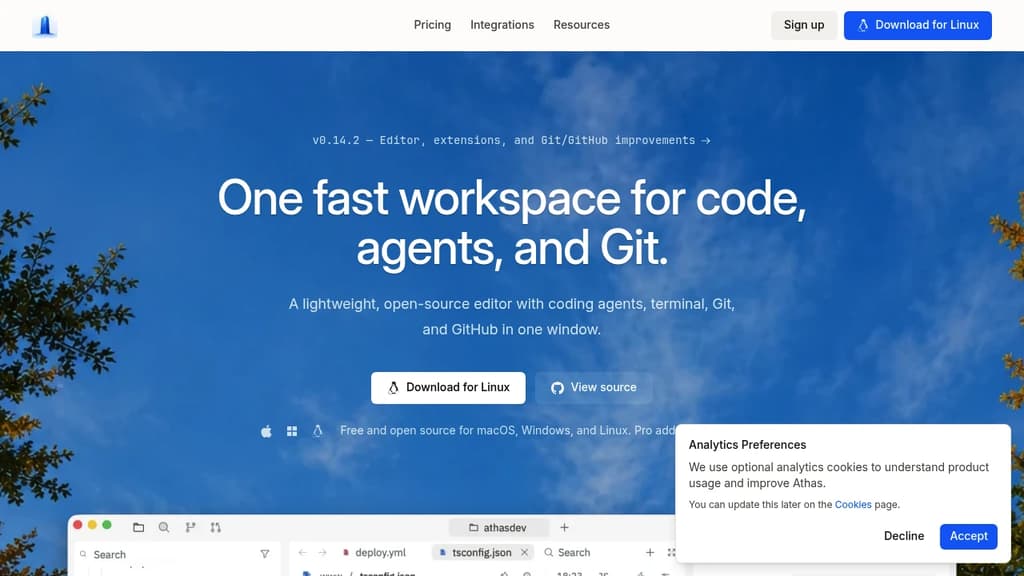
Athas is a lightweight, open-source code editor built around the idea that your editor, your AI coding agents, and your Git workflow belong in one place. It runs on macOS, Windows, and Linux, and keeps the interface fast and focused rather than loading it with features you won't use.
The core pitch is simplicity without sacrifice. You get a code editor, an integrated terminal, Git controls, and GitHub access, all in a single window. Agents sit beside the code they're changing, so you can review diffs in context rather than switching between tools.
What's included:
- Built-in Athas Agent for chat-driven coding, with support for any OpenAI-compatible model provider and per-task model switching
- Third-party agent support for Claude, Gemini CLI, GitHub Copilot, Antigravity, Kimi CLI, OpenCode, Qwen Code, and others
- Git and GitHub integration built directly into the editor window, no separate client needed
- Integrated terminal so you stay in one window from editing through running
- 102 integrations to shape the editor around your specific stack
Compared to heavier AI-powered editors like Cursor, Athas leans into minimalism. It's not trying to be an IDE with every feature bolted on; it's a focused workspace that stays out of your way. The AGPL-3.0 license means the code is fully open, and development happens in public.
If you already have a preferred CLI agent, Athas is designed to run it natively rather than replace it.

People are looking for alternatives to...
View all alternatives
Spotify

Claude Code

Claude

CapCut

Notion

Lovable
 Sent – Messaging Infrastructure for Developers. One API for SMS, WhatsApp, and RCS across 190+ countries.
 Stellar Hosted