Open Source Antigravity Alternatives
A curated collection of the 8 best open source alternatives to Antigravity.
The best open source alternative to Antigravity is OpenCode. If that doesn't suit you, we've compiled a ranked list of other open source Antigravity alternatives to help you find a suitable replacement. Other interesting open source alternatives to Antigravity are: pi, Zed, Cline, and Kilo.
Antigravity alternatives are mainly AI Coding Agents but may also be General Purpose Editors or AI-Powered Editors. Browse these if you want a narrower list of alternatives or looking for a specific functionality of Antigravity.

Written by Piotr Kulpinski


Open source AI coding agent that works in your terminal, IDE, or desktop app, supporting 75+ LLM providers with no code storage.
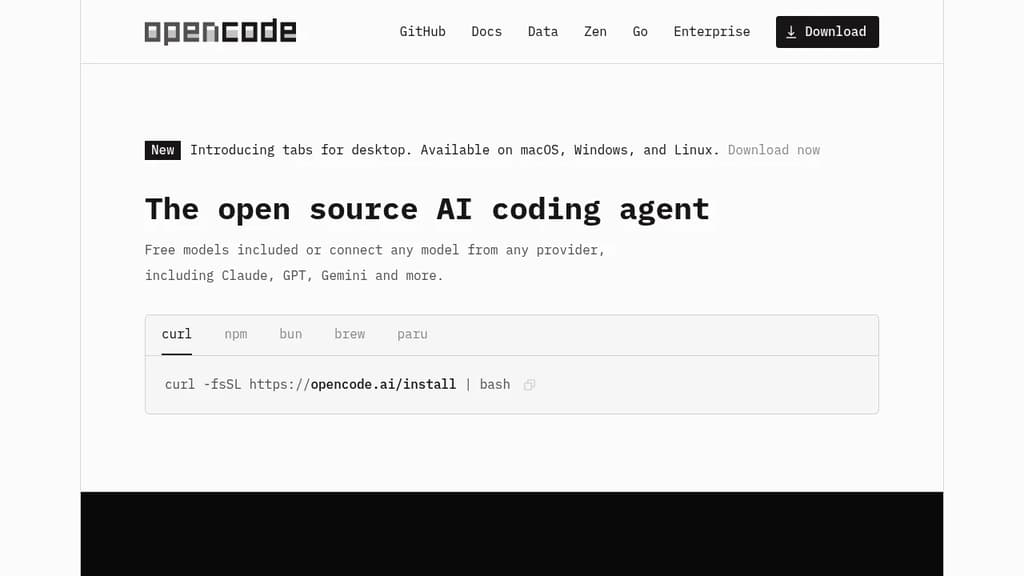
OpenCode is an open source AI coding agent built for developers who want full control over their tools and data. It runs in the terminal, as a desktop app (available in beta on macOS, Windows, and Linux), and as an IDE extension, so it fits into existing workflows without forcing a specific environment.
Model flexibility is a core part of the design. It connects to 75+ LLM providers through Models.dev, including local models, and supports Claude, GPT, Gemini, and others. Developers with existing GitHub Copilot or ChatGPT Plus/Pro subscriptions can log in directly and use those accounts without paying for another service.
LSP (Language Server Protocol) support is built in, meaning OpenCode automatically loads the appropriate language servers for the LLM context. This gives the agent a more accurate understanding of your codebase rather than treating it as plain text. You can also run multiple agents in parallel on the same project, which is useful when working across separate features or debugging threads simultaneously.
Session sharing lets you generate a link to any coding session. That makes it easier to hand off context to a colleague or revisit a debugging thread later.
Privacy is handled by design: OpenCode does not store your code or context data. That makes it usable in environments where sending source code to third-party servers is a concern. Tools like Cline and Continue take similar approaches to local-first AI coding, but OpenCode's combination of desktop, terminal, and IDE support in one package is relatively uncommon.
The project has over 160,000 GitHub stars, 900 contributors, and is used by roughly 7.5 million developers monthly.

Terminal-based coding agent with a minimal core, 15+ LLM providers, tree-structured session history, and a TypeScript extension system for building your own workflows.
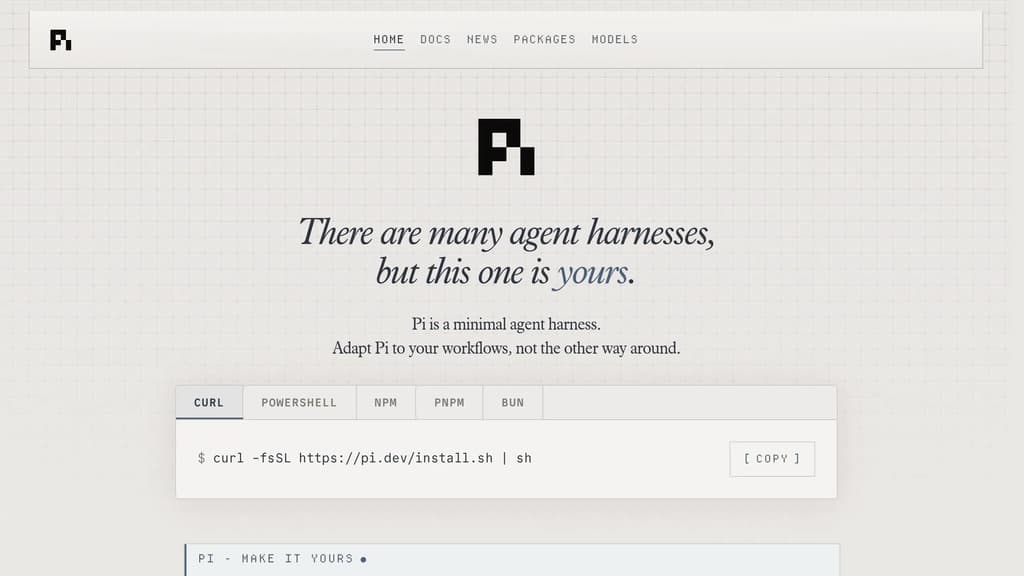
Pi is a terminal coding agent built around a single principle: the harness should adapt to you, not the other way around. Unlike AI coding agents that ship with fixed opinions about plan modes, sub-agents, and permission flows, Pi keeps the core deliberately small and exposes everything through a TypeScript extension system.
The extension model is the real differentiator. You can add tools, commands, keyboard shortcuts, events, custom editors, status bars, and overlays. Bundle those into a package and share it via npm or git. Third-party extensions already exist, including one that turns Pi into a drawing canvas inside the terminal. If you want a feature Pi doesn't have, you ask Pi to build it, hit /reload, and keep going.
Key capabilities:
- 15+ providers including Anthropic, OpenAI, Google, Azure, Bedrock, Mistral, Groq, Cerebras, xAI, Ollama, OpenRouter, and more. Switch models mid-session with
/modelor cycle favorites withCtrl+P. - Tree-structured history so sessions branch rather than scroll. Navigate any prior point with
/tree, export to HTML, or upload to a GitHub gist for a shareable URL. - Context engineering via AGENTS.md (project instructions), SYSTEM.md (custom system prompts), skills (on-demand capability packages), prompt templates, and fully customizable compaction that summarizes older messages before hitting the context limit.
- Steering while running. Press Enter to interrupt the current run with a steering message, or Alt+Enter to queue a follow-up once it finishes.
- Four modes: interactive TUI, print/JSON for scripting, RPC over stdin/stdout for non-Node integrations, and an SDK for embedding Pi in your own apps.
Pi is token-efficient by design. Its system prompt is minimal, and skills use progressive disclosure so you're not burning tokens on capabilities you haven't loaded. Features like Aider or Cline bake more in by default; Pi bets that a smaller, extensible core is more useful to developers who want control over their tooling.
Licensed under MIT and self-hostable.

A Rust-built code editor from the creators of Atom and Tree-sitter, combining native performance with multiplayer collaboration and deep AI integration.
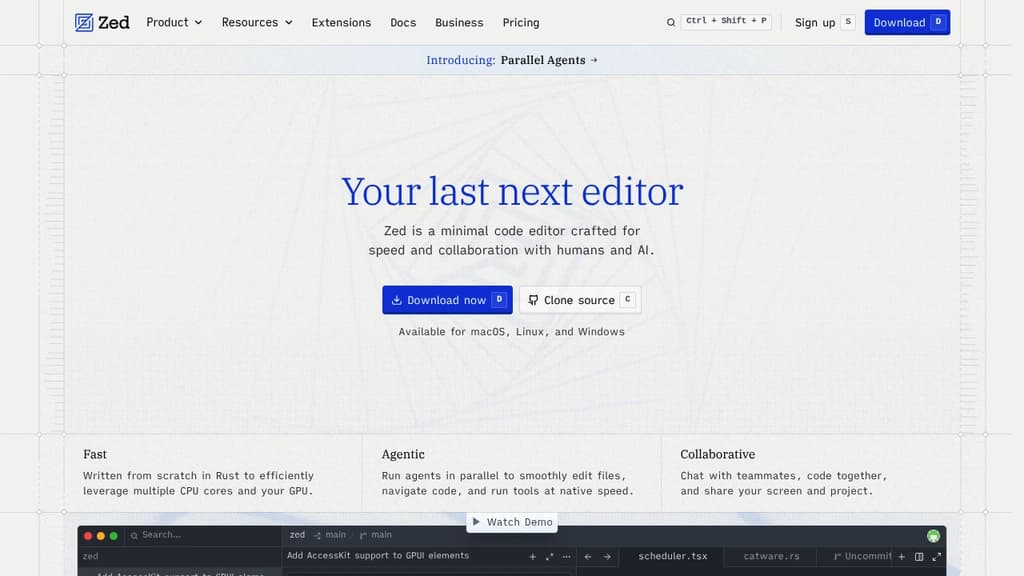
Zed is a code editor built from scratch in Rust, designed to make full use of multiple CPU cores and your GPU. The result is an editor that feels noticeably faster than most alternatives at startup, during file navigation, and while typing. It comes from the team behind Atom and Tree-sitter, and that experience shows in how carefully each feature is implemented.
The AI integration goes well beyond a chat sidebar. Zed lets you run multiple agents in parallel across different projects, delegate tasks and watch changes happen live, and bring in models from providers like Anthropic, OpenAI, or others via ACP. If you prefer a lighter touch, the inline assistant lets you send selected code directly to a model for transformation without breaking your flow. Edit prediction, powered by Zeta (an open-weight model), anticipates your next edit as you type. Tools like Aider take a similar agentic approach, but Zed does it natively inside the editor itself.
Collaboration is built in at a deep level. You can code with teammates in real time, share your screen and project, and chat without leaving the editor. Remote development is also supported: the UI runs locally while the actual codebase lives on a remote server.
Key capabilities include:
- Multibuffer editing: compose excerpts from across the codebase into one editable surface
- Native Git support: stage, commit, diff, pull, and push without plugins
- Debugger: built on the Debug Adapter Protocol with multi-language support
- LSP support: full language server integration for diagnostics, completions, and more
- Vim and Helix modes: first-class modal editing with text objects and marks
- Built-in REPL: run code interactively through Jupyter kernels
- Dev Containers: consistent environments across machines
- Extensions ecosystem: hundreds of extensions for language support, themes, and tooling
Zed targets developers who've felt the sluggishness of Electron-based editors and want something that keeps up with how fast they think. It's a strong alternative to editors like CodeEdit for macOS users who want a native feel, but with broader platform support (macOS, Linux, and Windows) and a more mature feature set. The combination of raw speed, real-time collaboration, and deep AI tooling in a single editor is what makes it stand apart.

AI coding agent that runs inside VS Code and the terminal, supporting multi-file edits, bash execution, and any LLM provider via bring-your-own-key.

Cline is an open-source AI coding agent that works inside VS Code and the command line. It reads and edits files across a project, runs terminal commands, reacts to their output in real time, and handles long-running processes like dev servers or test suites.
The Plan/Act mode split lets you discuss a strategy with the agent before it touches any code, then switch to Act mode when you're ready to execute. Every step is approvable, or you can enable auto-approve for unattended runs.
Model choice is unrestricted. Claude, GPT, Gemini, local Ollama or LM Studio instances, and any OpenAI-compatible endpoint all work. You bring your own key or your own weights.
For teams, Cline supports multi-agent setups where a coordinator delegates to specialist agents with their own tools and context windows. It also connects to Slack, Discord, Telegram, and Linear, and runs headlessly inside GitHub Actions or GitLab pipelines. Tools like Roo Code and OpenHands take a similar multi-agent approach if you want to compare.
.clinerules files let you ship coding standards, architecture guidelines, and deployment conventions alongside your repo so the agent follows project-specific rules consistently.
Extensibility comes through the SDK and MCP server support, which lets you register custom tools and connect to databases, APIs, or infrastructure. The project is Apache 2.0 licensed with 250+ contributors.

Open source AI coding agent with 500+ models, bring-your-own-key support, and specialized modes for writing, debugging, and planning code across IDEs and CLI.
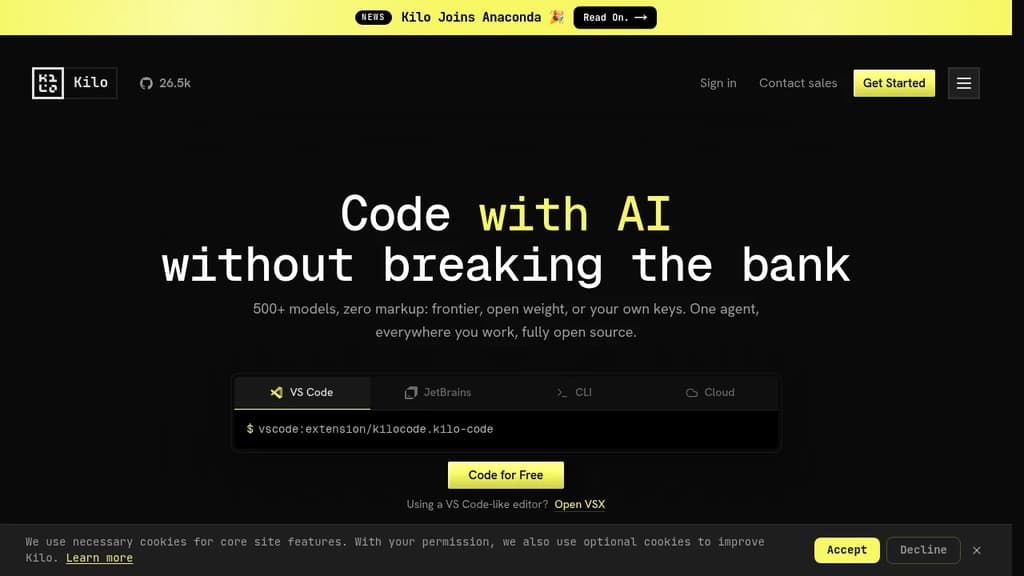
Kilo is an AI coding agent that works inside VS Code, JetBrains, the command line, and a hosted cloud environment. It's built for developers who want full control over their AI setup: bring your own API keys at zero markup, use local models to keep code private, or route through Kilo's model gateway to access 500+ models.
The agent ships with five specialized modes, each suited to a different part of the development workflow:
- Code Mode writes, refactors, and ships production-ready code with full codebase context
- Architect Mode helps plan complex features and structure work before any code is written
- Debug Mode reads errors, traces issues, and suggests targeted fixes
- Ask Mode answers questions about your codebase without making changes
- Custom Mode lets you define your own agent behavior for specific workflows
Switching between modes doesn't mean switching tools. Everything runs in the same agent, in the editor or terminal you're already using.
Kilo also includes KiloClaw, a managed version of the OpenHands open agent platform. It deploys in under 60 seconds with no Docker, SSH, or config files required. Once running, KiloClaw connects to Telegram, Discord, or Slack, handles scheduled tasks and cron jobs, and acts on your behalf autonomously. It's the part of Kilo designed for background work: running tasks while you're away, automating repetitive operations, or handling code review in the cloud.
For teams comparing options, Kilo positions itself against tools like Cline and Roo Code as a more fully integrated alternative with broader model support and cloud agent capabilities built in. The codebase is Apache-2.0 licensed and fully open source.

A lightweight, natively built editor. Open source and free forever. Develop any project using any language at speeds like never before.
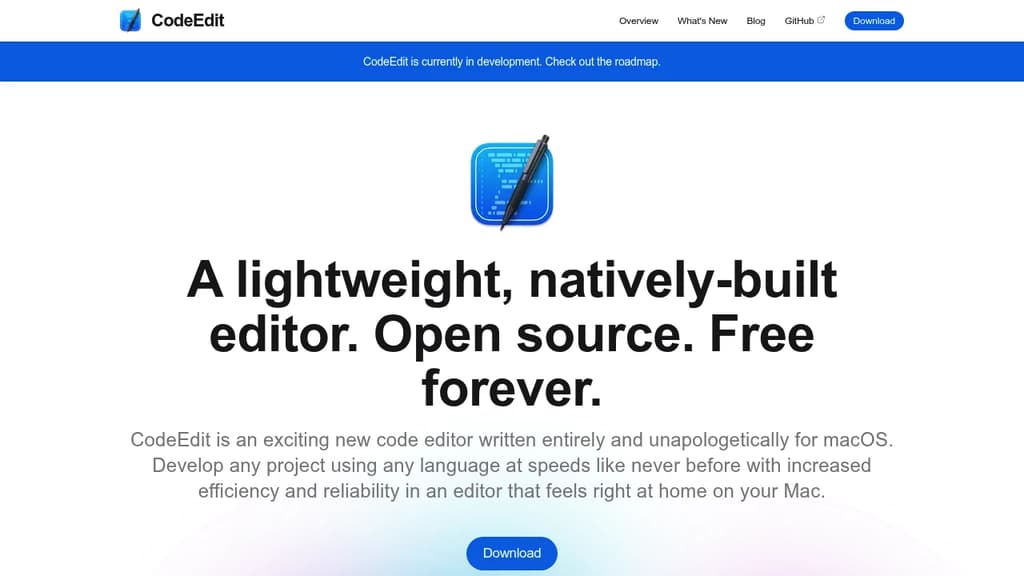
CodeEdit is an exciting new code editor written entirely and unapologetically for macOS. Develop any project using any language at speeds like never before with increased efficiency and reliability in an editor that feels right at home on your Mac.
It is not meant to replace Xcode but rather supplement it for projects not intended for Apple platforms. We believe every type of developer deserves a great experience and excellent performance.
Key features:
- macOS Native: Harness the full power of your Mac, something only possible with our completely native architecture developed in Swift.
- Lightweight Yet Powerful: Designed to be lean with limitless potential.
- Completely Open Source: CodeEdit is developed for you by developers like you. Don't like something? Want a new feature? Just create an issue or submit a PR.
- Extensible & customizable: Make CodeEdit your own, tailored to your needs.
- Familiar & Intuitive User Interface: Our user interface is designed to be familiar for ease-of-use and productivity.
- Better tools to get the job done: Feel connected to the code you are writing with tools to keep you on track.

Open-source code editor for macOS, Windows, and Linux that puts coding agents, terminal, Git, and GitHub in a single window.
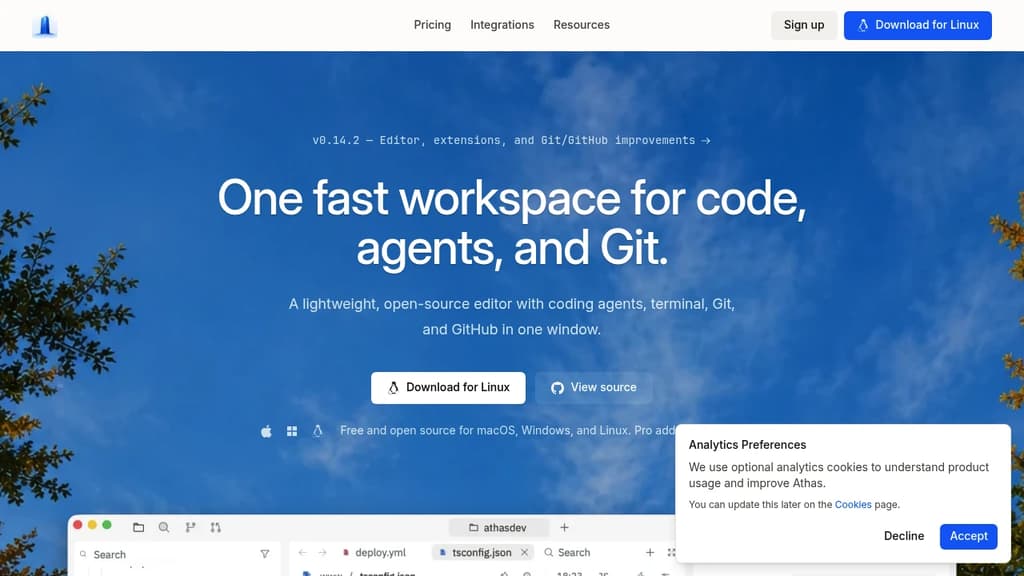
Athas is a lightweight, open-source code editor built around the idea that your editor, your AI coding agents, and your Git workflow belong in one place. It runs on macOS, Windows, and Linux, and keeps the interface fast and focused rather than loading it with features you won't use.
The core pitch is simplicity without sacrifice. You get a code editor, an integrated terminal, Git controls, and GitHub access, all in a single window. Agents sit beside the code they're changing, so you can review diffs in context rather than switching between tools.
What's included:
- Built-in Athas Agent for chat-driven coding, with support for any OpenAI-compatible model provider and per-task model switching
- Third-party agent support for Claude, Gemini CLI, GitHub Copilot, Antigravity, Kimi CLI, OpenCode, Qwen Code, and others
- Git and GitHub integration built directly into the editor window, no separate client needed
- Integrated terminal so you stay in one window from editing through running
- 102 integrations to shape the editor around your specific stack
Compared to heavier AI-powered editors like Cursor, Athas leans into minimalism. It's not trying to be an IDE with every feature bolted on; it's a focused workspace that stays out of your way. The AGPL-3.0 license means the code is fully open, and development happens in public.
If you already have a preferred CLI agent, Athas is designed to run it natively rather than replace it.

Open-source AI coding agent for the terminal that works with 25+ model providers, keeps sessions on your disk, and ships as a single Go binary with no telemetry.
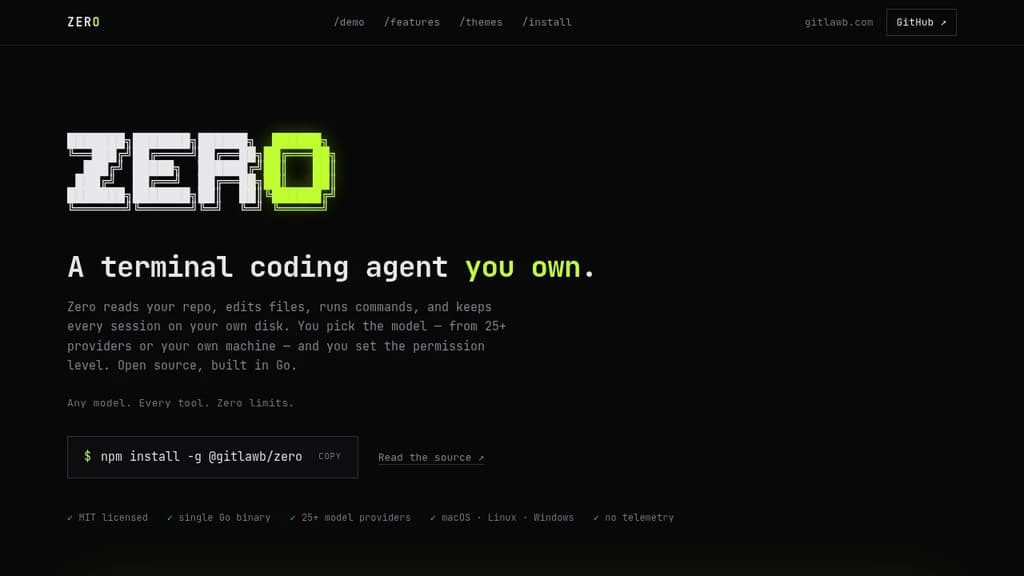
Zero is a terminal coding agent built for developers who want full control over their AI tooling. It reads your repo, edits files, runs commands, and stores every session locally on your disk. No cloud sync, no telemetry, no vendor lock-in on the model side.
The model choice is genuinely open. Zero connects to 25+ providers including OpenAI, Anthropic, Gemini, Mistral, Groq, DeepSeek, Bedrock, Vertex AI, and local options like Ollama and LM Studio. You can switch providers mid-session with /model, or point it at any OpenAI- or Anthropic-compatible endpoint.
Permissions are explicit and visible. Every side effect (file writes, shell commands, network access) is gated, with OS-level sandboxing. Autonomy is an opt-in, not the default. That makes it practical to run in CI as well as interactively.
Key capabilities:
- Headless mode for one-shot or scripted runs with JSON and stream-JSON output, plus reliable exit codes for pipelines
- MCP support in both directions: consume MCP servers over stdio, HTTP, or SSE, or expose Zero itself as an MCP server
- Spec-first runs to draft and review a plan before any file changes
- Specialist subagents to fan work out to focused sub-sessions you can inspect live
- Isolated git worktrees for risky changes you can discard if they don't pan out
- Session history that's searchable, resumable, and forkable from the command line
- Skills and plugins for encoding team conventions in markdown and extending behavior with hooks
- Scheduled agents for recurring jobs like nightly triage or dependency sweeps
- GitHub Action for PR review and CI jobs using the same agent
Sessions live in ~/.config/zero/ and API keys are stored in an encrypted local store. Unlike some other terminal agents, Zero ships as a single Go binary that runs on macOS, Linux, and Windows (x64 and arm64). Twelve contrast-audited themes are included.
It's MIT licensed. You pay your model provider, or nothing at all with a local model.

People are looking for alternatives to...
View all alternatives
Spotify

Claude Code

CapCut

Claude

Notion

Lovable
 Bright Data – Web data for AI agents and apps. Built-in unblocking, proxies, and ready-made APIs.

 Stellar Hosted