Open Source Manus Cue Alternatives
A curated collection of the 14 best open source alternatives to Manus Cue.
The best open source alternative to Manus Cue is OpenClaw. If that doesn't suit you, we've compiled a ranked list of other open source Manus Cue alternatives to help you find a suitable replacement. Other interesting open source alternatives to Manus Cue are: Hermes Agent, AutoGPT, LobeChat, and nanobot.
Manus Cue alternatives are mainly AI Personal Assistants but may also be AI Agent Platforms or AI Chat Interfaces. Browse these if you want a narrower list of alternatives or looking for a specific functionality of Manus Cue.

Written by Piotr Kulpinski


A personal AI assistant that connects to your existing chat apps and handles real tasks like email, calendar, and flight check-ins on your behalf.
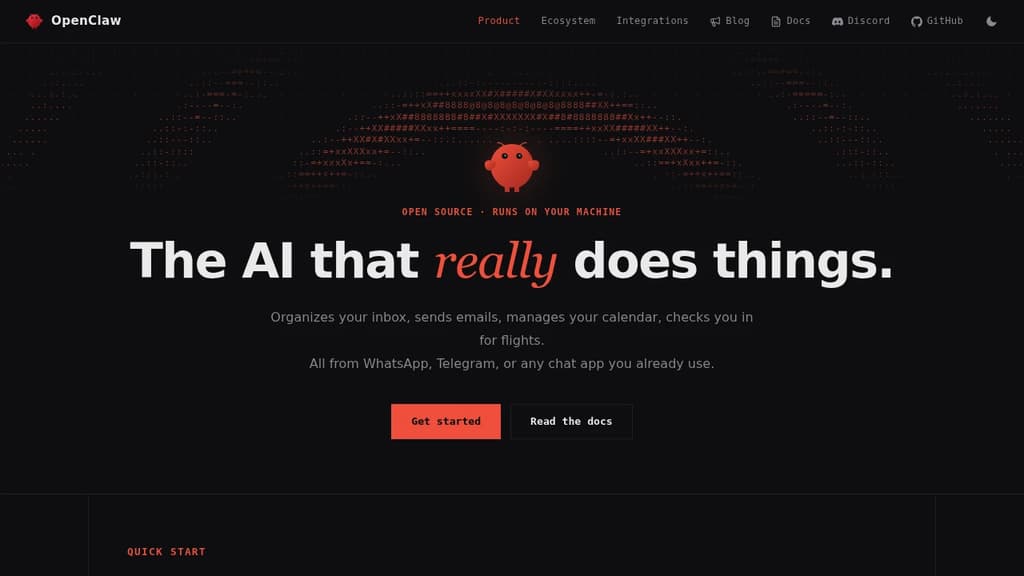
OpenClaw is a personal AI assistant built to take action. It doesn't just answer questions. It clears your inbox, sends emails, manages your calendar, and handles tasks like flight check-ins, all triggered through chat apps you already use every day.
The core idea is that you shouldn't need a new app to talk to your assistant. OpenClaw works through WhatsApp, Telegram, Discord, Slack, Signal, and iMessage, so you interact with it wherever you already spend time. No dashboard to open, no new habit to build.
It connects to a wide range of services out of the box:
- Email and calendar via Gmail and similar tools, handling real actions, not just summaries
- AI models including Claude and GPT, so you can route requests through your preferred backend
- Productivity tools like Obsidian and GitHub for note-taking and code workflows
- Smart home and media through Philips Hue and Spotify
- Social and browser via Twitter and direct browser control
What sets it apart from most chat-based AI tools is the action layer. Many assistants can tell you what to do. OpenClaw does it. The integrations aren't read-only; it can send, create, update, and automate across connected services.
The project is open source and self-hostable, which matters if you're handing an assistant access to your email and calendar. You control where it runs and what it can reach. A companion menubar app is available for macOS users who want quick access without switching windows.
It's an independent project, not affiliated with Anthropic or any of the AI providers it connects to. That independence shows in the breadth of integrations rather than a walled ecosystem.

Cross-platform desktop agent from Nous Research that connects to Telegram, Discord, Slack, WhatsApp, and more, with persistent memory, scheduling, and isolated sandboxing.
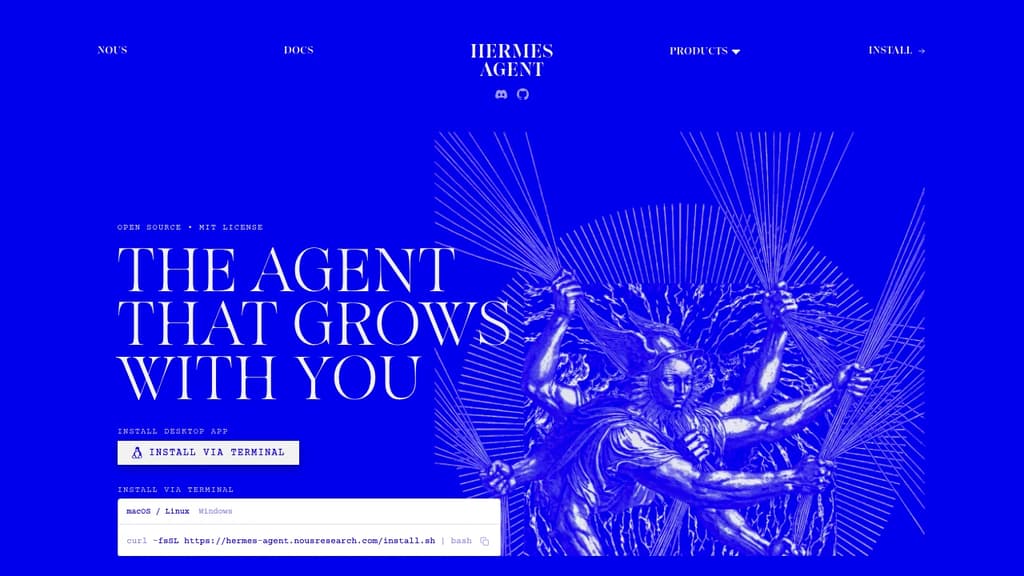
Hermes Agent is a desktop AI agent built by Nous Research that runs natively on macOS, Windows, and Linux. It's designed for people who want a single agent that works across their communication tools, handles recurring tasks, and actually remembers what it's done before.
The core idea is persistence. Most agents start fresh every session. Hermes maintains memory across conversations, auto-generates skills from past interactions, and builds up context about your projects over time. You don't have to re-explain things.
Where it connects:
- Telegram, Discord, Slack, WhatsApp, Signal, and email are all supported natively, so the agent meets you where you already work
- A CLI interface is also available for terminal-first workflows
What it can do:
- Natural-language scheduling for reports, backups, and briefings that run unattended
- Web search and browser automation with vision, image generation, and text-to-speech
- Subagents that run in isolated conversations with their own terminals and Python RPC scripts, useful for parallel pipelines without ballooning context costs
- Multi-model reasoning with access to 300+ models through the Nous Portal
Sandboxing is a genuine differentiator. Five execution backends (local, Docker, SSH, Singularity, and Modal) give you control over where code actually runs, with container hardening and namespace isolation. That matters if you're running automated tasks or untrusted scripts.
For teams or individuals already using LobeChat or similar multi-surface chat interfaces, Hermes takes a different angle: it's less about chat UI and more about an agent that operates autonomously across surfaces. Think of it as closer to an AgentOS approach, where the agent itself is the persistent layer.
It's free to use under the MIT license, with paid tiers through the Nous Portal for higher model access and monthly credits.

Platform for building, deploying, and running AI agents that automate repeatable digital work across research, outreach, content, and support without writing code.
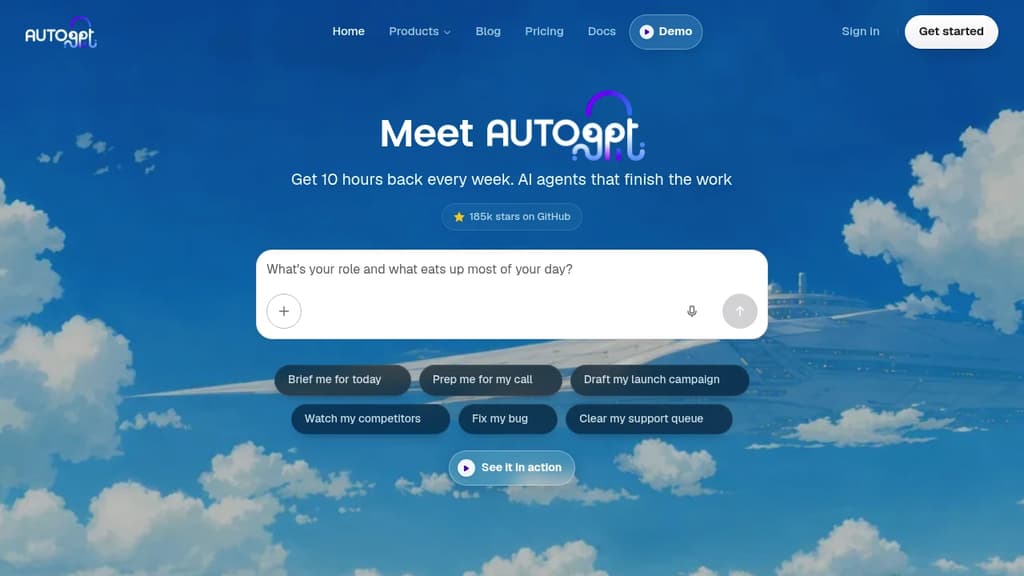
AutoGPT is an AI agent platform for people who want to hand off recurring work entirely, not just get help with a single task. You describe the outcome you want, and an agent plans and executes every step: pulling data, calling AI models, updating spreadsheets, sending messages, and looping back on a schedule. It's built for the kind of work that comes back every day or every week.
There are four ways to interact with the platform:
- AutoPilot lets you describe a job in plain English and builds the agent for you inside the conversation, no flowcharts or prompt engineering required.
- Visual Builder gives you a drag-and-drop canvas of blocks when you need exact control over branching, looping, and routing logic.
- Dashboard shows every agent's status, run history, and spend in one place, with alerts when an agent needs a decision from you.
- Marketplace offers ready-made agents from AutoGPT and the community, browsable without an account and deployable in one click.
On the integration side, the platform ships with dozens of AI models already connected (no API keys needed) and supports services like Gmail, Slack, Google Sheets, Notion, HubSpot, GitHub, and Airtable. Agents can handle chat, image generation, video, transcription, OCR, and more across 45+ platforms.
Common uses include morning briefings assembled from earnings and headlines, prospect research before sales calls, overnight campaign drafts, support ticket triage, and competitor monitoring that only pings you when something actually changes.
AutoGPT is fully open source. Self-hosting is free: you bring your own model API keys and infrastructure and get the same builder and agent runtime as the cloud. The hosted cloud removes the ops burden and covers model usage through a subscription. Teams often prototype in the cloud and move sensitive workloads on-prem later.
For teams that want a visual workflow automation approach rather than agent-based logic, tools like ByteChef or Automa take a different angle. If you're looking for an agent-first experience with a different focus, Eigent is worth comparing. AutoGPT's sweet spot is repeatable, multi-step work you can describe clearly enough to hand to a capable assistant.

A collaborative platform to create, schedule, and operate AI agents that handle long-running tasks, team workflows, and automated jobs without constant oversight.
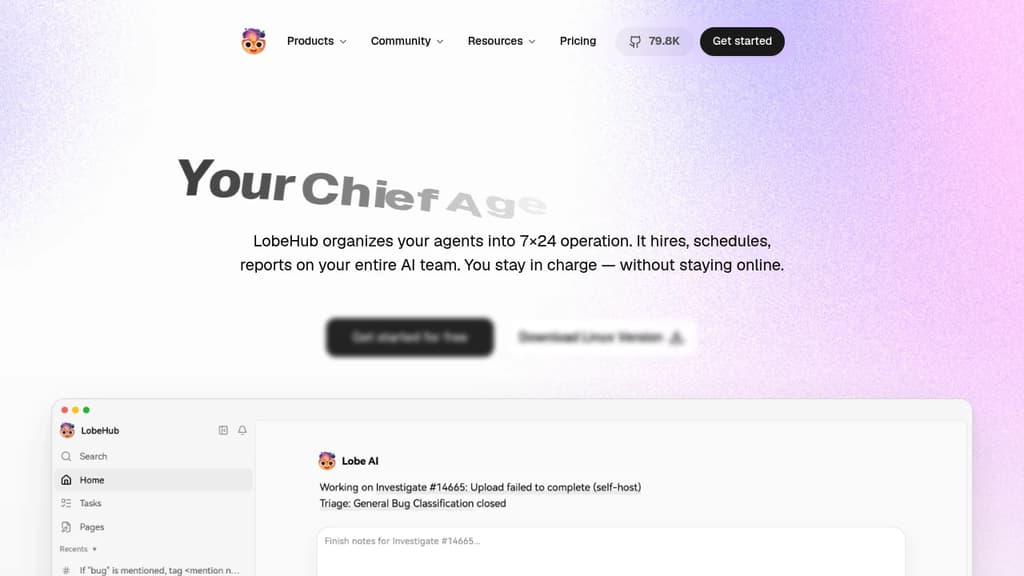
LobeHub is a platform for building and operating teams of AI agents. Rather than managing individual AI tools one at a time, it lets you assemble agents into coordinated groups, assign them tasks, and let them run. Agents report back on progress while you focus on higher-level decisions.
The agent builder starts from a single sentence. From that, LobeHub automatically configures names, roles, skills, and behaviors. Agents connect to a library of over 312,000 skills, and you can attach any model or modality you want. It works with providers like OpenAI and Anthropic, so you're not locked into one AI backend.
For longer or more complex work, LobeHub supports agent groups that self-assemble based on the task at hand. Multiple agents can work in parallel, iterate on each other's output, and handle multi-step jobs. This matters most for things like large-scale issue triage, content workflows, or anything that would otherwise require constant human coordination. Among AI agent platforms, that kind of parallel execution is still relatively rare.
The platform includes several workspace-style features: Pages for writing and refining documents with multiple agents sharing context, Projects for organizing work, Schedules for time-based task automation, and a shared Workspace with visibility controls for teams. There's also an IM Gateway that connects agents to messaging platforms where your team already communicates.
Agents are designed to improve over time. Personal Memory builds a structured, editable model of how you work. Continual Learning adjusts agent behavior based on patterns it observes. Memory is white-box, meaning you can inspect and edit what the system knows about you rather than treating it as a black box. That's a meaningful difference from tools like Khoj, where memory handling is less transparent.
LobeHub is open source and has a community component where agents and skills can be shared. It's built for individuals and teams who want AI to handle ongoing, multi-step work rather than single-turn interactions. If you're already using a knowledge management platform like Pipeshub or a multi-agent framework like Agno, LobeHub sits closer to the operational end of that spectrum, focused on running work rather than just organizing it.

Lightweight, self-hosted AI agent that runs in a web UI, terminal, or chat app, handling long-running workflows with controlled token budgets.
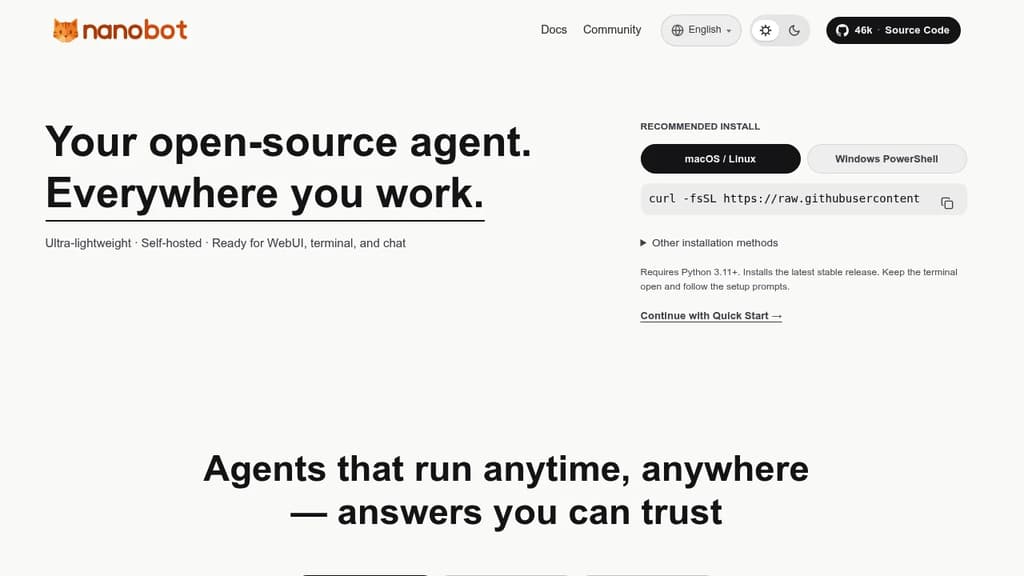
nanobot is a minimal, self-hosted AI agent designed to run wherever you work: a web UI, your terminal, or a chat interface. It's built for people who want a personal AI agent they control, without the overhead of bloated frameworks or cloud-locked platforms.
The core design philosophy is lean execution. Rather than consuming tokens without restraint, nanobot applies sensible context management and explicit token budgets, so your costs stay predictable. That matters especially for long-horizon tasks, where the agent needs to sustain coherent reasoning across tens or even hundreds of steps without losing the thread.
Key capabilities:
- Multi-surface operation: runs in a browser-based web UI, a terminal, or directly inside chat apps, so you're not locked into one interface
- Long-running workflows: maintains steady execution across complex, multi-step tasks without context drift
- Token budgeting: built-in controls keep spending predictable, unlike agents that leave cost management entirely to the user
- Embeddable runtime kernel: the agent core is portable, so you can drop it into a business workflow or a personal automation setup without rewiring everything around it
- Self-hosted: your data stays on your infrastructure; no third-party service holds your conversations or task history
Compared to heavier agent frameworks or fully managed platforms like Agenta, nanobot stays deliberately small. The codebase is compact, the runtime is portable, and the architecture doesn't assume you want a full orchestration platform. It suits developers and technically minded individuals who want an agent they can embed, extend, or just run locally without a lot of ceremony.
It supports automation tasks, developer integrations, and conversational use cases through the same core runtime. The MIT license means you can adapt it freely for personal or commercial use.

Self-hosted AI agent that connects to WhatsApp, Telegram, Slack, and a dozen more messaging apps, running each agent in an isolated Docker container with credential injection via a secure vault.
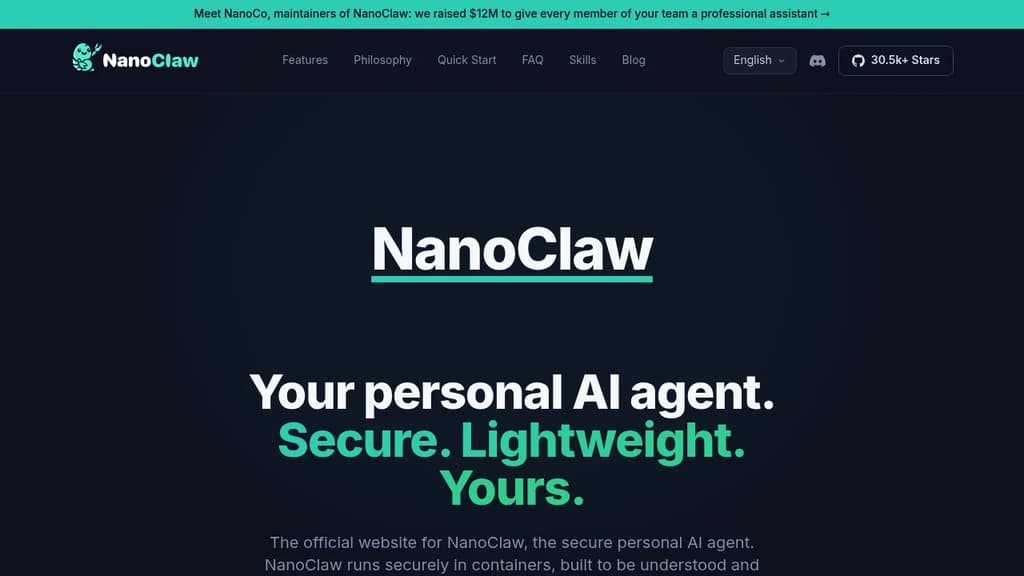
NanoClaw is a self-hosted personal AI agent built for individuals who want full control over their AI assistant. It connects to messaging apps including WhatsApp, Telegram, Discord, Slack, Microsoft Teams, iMessage, Matrix, Google Chat, Webex, WeChat, and email, then routes every conversation through isolated Docker containers. The codebase is intentionally small: 132 source files, roughly 17,500 lines of code, and fewer than 10 dependencies. You can read the whole thing in an afternoon.
It positions itself as a lightweight alternative to OpenClaw, which ships 3,680 source files and 70 dependencies. That size difference isn't cosmetic. It shapes whether you can audit what your agent actually does, customize it without fear, and trust its security model.
Security is structural, not policy-based. Each agent group runs in its own Linux container with its own filesystem. It can only see directories you explicitly mount. Credentials never enter the container at all. Outbound API requests route through OneCLI's Agent Vault, which injects authentication at the proxy level and enforces per-agent rate limits and policies.
Key capabilities:
- Multi-channel messaging – WhatsApp, Telegram, Slack, Discord, Teams, iMessage, Matrix, and more, installed on demand with
/add-<channel>skills - Flexible agent wiring – give each channel its own isolated agent, share one agent across channels for unified memory, or fold channels into a shared session
- Per-agent workspaces – each agent group has its own memory, its own
CLAUDE.md, and its own container boundary - Scheduled tasks – recurring jobs that run Claude and message you back (morning briefings, weekly reviews)
- Multiple AI providers – runs Claude Code natively via the Claude Agent SDK; drop-in options for OpenAI Codex, OpenRouter, Google, DeepSeek, and local models via Ollama
- Skills over features – install only the adapters you need; nothing is bundled that you didn't ask for
The architecture is a single Node.js host process that routes inbound messages through an entity model, writes to SQLite, and wakes per-session containers. No microservices, no message brokers, no shared memory across agent boundaries.
NanoClaw is MIT-licensed and designed to be forked. The philosophy is that your personal AI agent should be working software shaped to your exact needs, not a generic framework you configure around.

A single Rust binary that runs a personal AI agent on your own hardware, connecting to 70+ LLM providers and 30+ messaging channels with built-in sandboxing and cryptographic tool receipts.
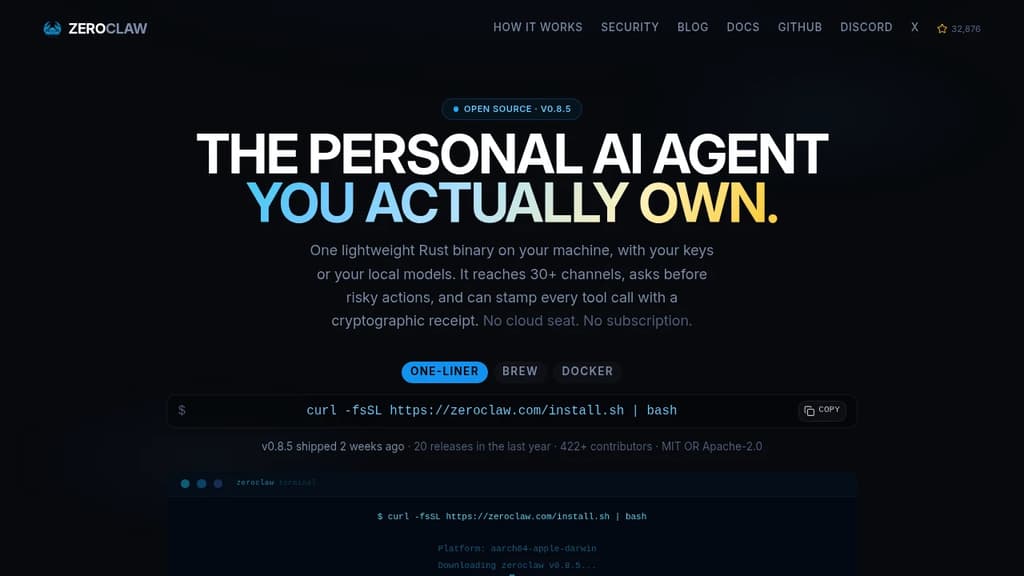
Most AI assistants are a seat you rent on someone else's infrastructure. ZeroClaw runs as a single native binary on your own machine, using your own API keys or fully local models like Ollama. No cloud seat, no subscription, no ZeroClaw server in the middle.
The binary is built in Rust and starts in under 20ms. It uses less memory than a browser tab and runs on everything from a workstation to a Raspberry Pi, including ARM and x86. There's no Node, JVM, or Python environment to install.
What it connects to:
- 70+ LLM providers: local options like LM Studio, llama.cpp, vLLM, and LocalAI, plus hosted providers including Anthropic, OpenAI, Google Gemini, Amazon Bedrock, Mistral, Groq, and any OpenAI-compatible endpoint
- 30+ channels: Telegram, Discord, WhatsApp, Slack, Signal, iMessage, Matrix, email, IRC, Bluesky, Reddit, Nostr, Notion, webhooks, and more
- Hardware: GPIO on Raspberry Pi, STM32, Arduino, and ESP32
Security is the default posture, not an add-on.
- Supervised autonomy: medium-risk actions require your approval before they run; high-risk ones are blocked outright
- OS-level sandboxes: Landlock, Bubblewrap, Seatbelt, or Docker contain what the agent can touch, enforced by the kernel rather than a prompt
- Command allowlists: explicit workspace scoping decides what runs and where
- Tool receipts: every successful tool call can be stamped with an HMAC-SHA256 tag the model cannot forge, making fabricated runs or invented results detectable
YOLO mode exists for trusted dev environments and is strictly opt-in.
The agent supports multiple named agents running from a single daemon, each isolated. Skills package repeatable tasks with their tools. Scheduled jobs, webhook triggers, and channel events all run through the same agent loop inside the same sandbox and allowlists you've scoped. A2A discovery lets agents describe and find one another through the gateway.
With a local model, nothing leaves your machine at all. With a hosted provider, only your prompts go to the provider you chose, using your own key. Dual-licensed MIT OR Apache-2.0.

Collection of open blueprints combining models, agent harnesses, and runtime controls to deploy specialized autonomous AI agents with policy-based guardrails.
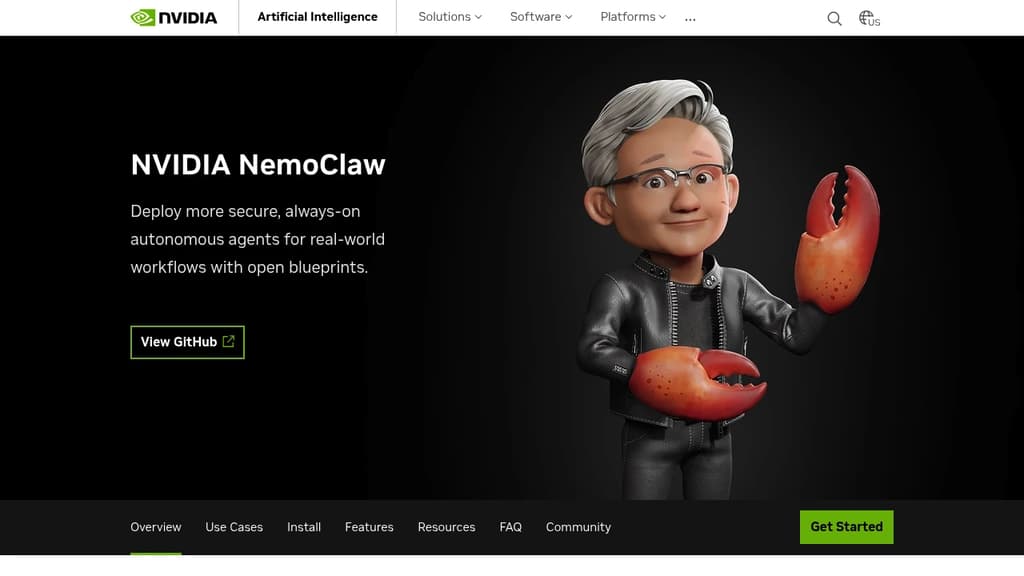
NVIDIA NemoClaw is a collection of open blueprints for building and deploying autonomous AI agents. It's aimed at teams that have moved past the prototype stage and need to run always-on, domain-specialized agents in real workflows with actual governance controls, not just a demo that works in a sandbox.
At its core, NemoClaw bundles three things together: a model (open or frontier), an agent harness, and a runtime. The runtime is OpenShell, which enforces what the agent can actually touch, files, networks, credentials, and tools. That separation matters. You get agents that can reason and act autonomously without giving them unchecked access to your systems.
The blueprints support several agent harnesses:
- OpenClaw agents get OpenShell policy controls, lifecycle management, and sandboxing layered on top, moving them from open-ended prototypes to governed deployments.
- LangChain Deep Agents are tuned for Nemotron 3 Ultra, with benchmark-leading accuracy among open models and the flexibility to swap in other models.
- Hermes agents from Nous Research use a skills-and-memory loop, letting agents learn from experience and reuse successful workflows while staying within defined privacy and inference guardrails.
Model choice is flexible. You can run local open models, route to cloud-based frontier models, or use a model router that picks between them based on your privacy and performance policies. That makes NemoClaw practical for organizations that can't send everything to an external API.
Real-world use cases already documented include chip design verification (Cadence cut RTL verification from weeks to hours), product manufacturing automation, and controlling tools like Blender and NVIDIA Omniverse from within governed sandboxes. These aren't toy examples.
For teams building agentic pipelines or comparing against other agent orchestration approaches, NemoClaw's distinguishing angle is the combination of open blueprints with enforced runtime policy. The agent harness handles what the agent does; OpenShell handles what it's allowed to do. That boundary is explicit and configurable, not just a best-practice suggestion.
NVIDIA also contributes directly to the OpenClaw project and partners with harness developers like LangChain and Nous Research, so the blueprints stay current with upstream changes.

Manages a team of AI agents across your company, with every agent, skill, memory, and connector stored as versioned files in a git repo you own and self-host.
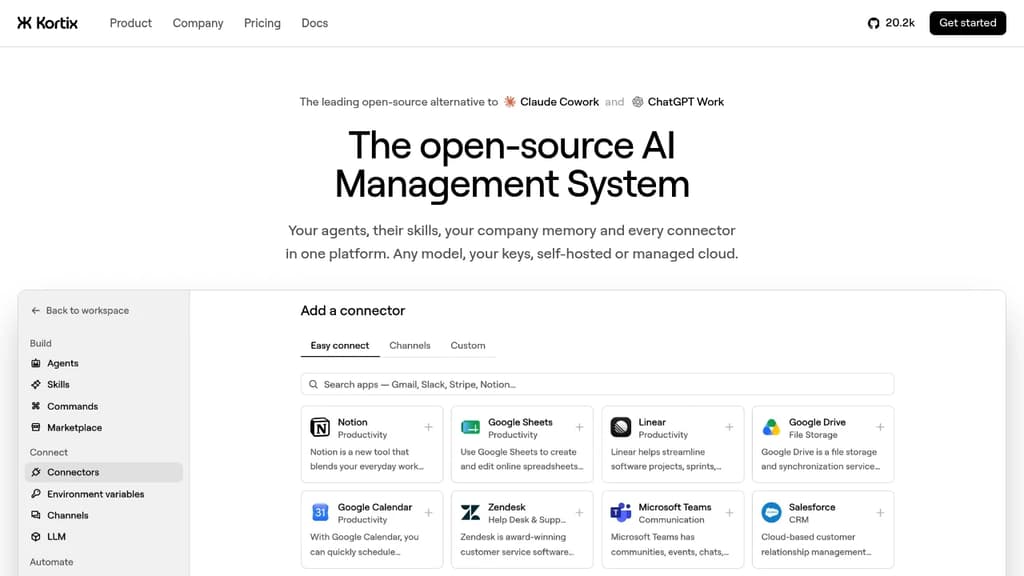
Kortix is a platform for running AI agents across an entire company, where the whole setup lives in a single git repo you own. Agents, skills, memory, connectors, triggers, and permissions are all plain files. You can grep the company, diff any change, and roll anything back. No settings locked in someone else's database.
It fits teams that want AI agents doing real, multi-step work across sales, engineering, finance, marketing, and ops, not just answering questions. Agents start from Slack, MS Teams, the web, a CLI, a cron schedule, or a signed webhook. Work lands back in the repo as a change request you read as a diff before it merges.
The platform is built in six layers that work together:
- Git repo as the source of truth.
kortix.yamldeclares the machine image, connectors, and triggers. Agents and skills are markdown files. Memory accumulates as files over time. - Connectors. 3,000+ app integrations plus MCP, OpenAPI, GraphQL, and raw HTTP. Credentials are brokered server-side and never reach the agent's machine. Each tool call can be set to allow, ask, or block, down to the specific arguments passed.
- Model-agnostic runtime. Pick any model per agent, per session, or per message. Bring your own API keys, use a ChatGPT subscription you already pay for, or point it at any OpenAI-compatible endpoint.
- Agent harness powered by OpenCode. Turns a model into an agent that plans, uses tools, and finishes multi-step runs. Permissions are set per tool in the agent file, so a
git pushcan be blocked until a human reviews the change request. - Isolated sandboxes. Each session boots its own Linux machine with the repo and tools already loaded. Thousands run in parallel with no crossover. Only commits survive.
- Unified control plane. Web, Slack, mobile, CLI, and API all start the same session type. Cron and webhooks start sessions with no human involved.
Practical examples from the source: an engineering agent reads error logs each morning, reproduces the top failure on its own machine, patches it, and opens a pull request. A finance agent reconciles the ledger, chases missing receipts, and closes the month with the variance explained. A data science agent queries the warehouse on a schedule and posts the chart to Slack before the team wakes up.
Kortix is self-hostable, VPC-deployable, or available as managed cloud. It sits in the AI coding agent orchestrators space but extends well beyond code, covering any business function that can be described as a repeatable job.

Autonomous AI agent framework that operates on its own sandboxed computer, creates tools dynamically, manages memory, and executes multi-step workflows with full transparency.
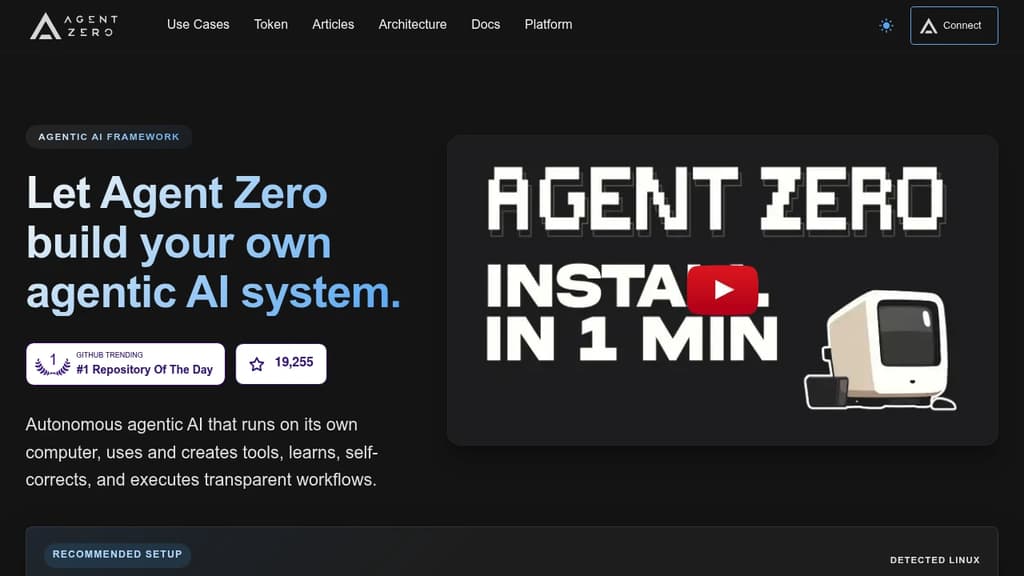
Agent Zero is an agentic AI framework built for people who want autonomous AI that actually does work, not just answers questions. It runs inside a sandboxed Docker environment with its own terminal, file system, and browser, so agents can execute real tasks end-to-end without touching your local machine unless you explicitly connect them.
The core idea is that agents shouldn't need pre-built tools for every situation. Agent Zero creates tools on the fly as tasks demand them, learns from past runs, and self-corrects when something goes wrong. Workflows are fully transparent: you can see what the agent is doing, why, and what it's executing at every step.
Key capabilities:
- Multi-provider support: Connect any LLM provider without exposing API keys to the agent itself.
- Dynamic tool creation: Agents write and reuse tools as needed rather than relying on a fixed library.
- Agentic memory and RAG: Persistent knowledge management lets agents recall context across sessions and build on prior work.
- Subordinate agents: Spawn specialized sub-agents to handle parallel or delegated tasks within a single workflow.
- Plugin Hub: Browse, install, and update community plugins directly from the UI, with built-in AI-driven security scanning before deployment.
- A0 CLI Connector: Bridge the sandboxed agent to your local terminal and project files when you need it.
- Context engineering: Prompt structure is tuned to stay efficient on local models and scale to larger ones without bloat.
Agent Zero suits developers and power users who want a self-hostable AI personal assistant they can extend, audit, and fully control. Unlike closed systems such as ChatGPT or Manus, every layer is inspectable and modifiable.
The project also has a community governance layer backed by the A0T token on Ethereum BASE L2, letting token holders vote on feature priorities and development allocation. Venice AI integration gives community members access to private AI API keys at no cost.
Self-hostable desktop app that runs a coordinated team of AI agents to browse the web, manage files, execute terminal commands, and complete complex workflows.
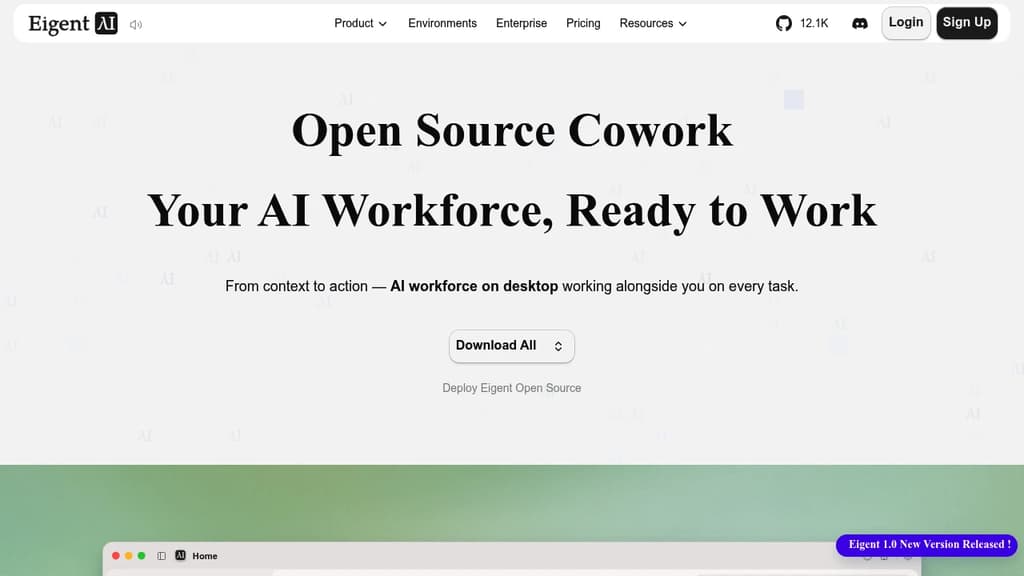
Eigent is a desktop application that puts a multi-agent AI workforce on your machine. You describe a task, and a pool of specialized agents divides it up, works in parallel, and delivers results. It's built for people who want AI to actually finish work, not just assist with it.
The core idea is "cowork": agents operate alongside you in your desktop environment with access to your local files, browser, and terminal. You can run a single focused agent for direct tasks or spin up a full workforce where agents collaborate across steps. A Browser Agent handles web research, a Document Agent reads and writes files, a Terminal Agent runs shell commands, and a Multi-modal Agent processes images and other media.
Key capabilities include:
- Scheduled automation: set recurring workflows so agents run tasks on a timer, even when you're not at your desk
- Local-first execution: files, credentials, and context stay on your machine; nothing has to leave it
- Model agnostic: connect cloud APIs, enterprise model gateways, or local inference. No vendor lock-in
- MCP and skill support: track which tools, skills, and referenced files each agent uses during a task
- Agent folder: every file an agent creates or modifies during a task is surfaced in one place for review
The open source version is fully self-hostable with your own API keys or local models. It's built on CAMEL-AI, a multi-agent framework, and runs on Mac, Windows, and Linux.
For teams doing research-heavy work, competitive analysis, report generation, or any task that involves pulling from multiple sources and producing structured output, Eigent is closer to OpenHands than a simple chat interface. It's designed to complete multi-step work end-to-end rather than hand control back to you at every turn.

Deploy AI agents inside your own infrastructure with document-grounded answers, computer use, and support for any AG-UI-compatible agent framework.
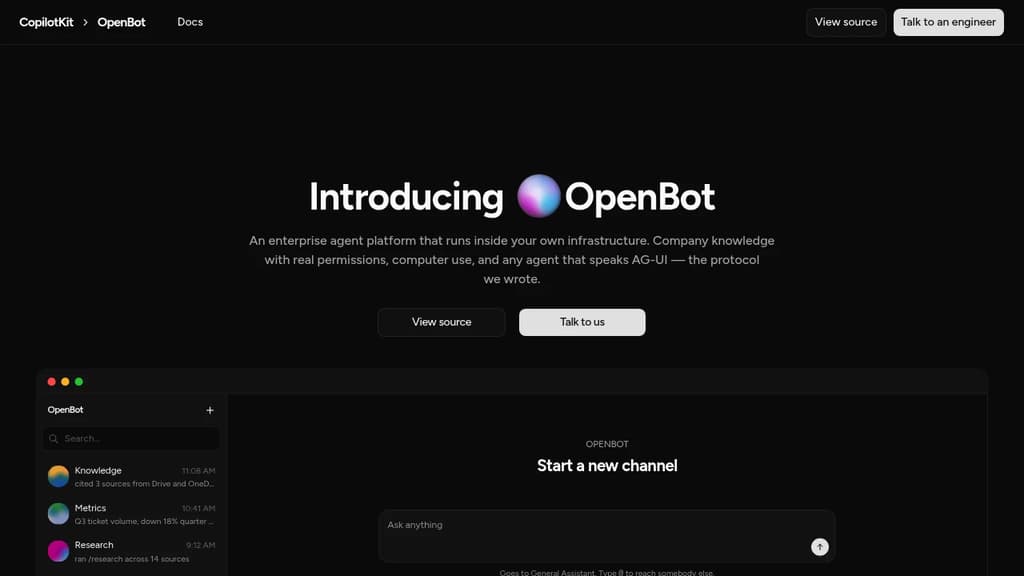
OpenBot is a self-hosted enterprise agent platform built for companies that can't afford to hand their data to a third party. It runs on your own infrastructure, keeps documents and conversations in your own Postgres database, and enforces the same file permissions your existing systems already have. Every agent gets its own channel, behaves like a named colleague, and only has access to the tools and sources its role requires.
The platform ships several agent archetypes out of the box:
- Knowledge agent answers questions from connected company documents (Google Drive, OneDrive) and always cites the source files, so answers can be verified rather than trusted.
- Metrics agent queries your analytics warehouse and draws the answer directly instead of describing it in prose.
- Research agent gathers context across documents and drafts from them, keeping contradictory sources rather than quietly picking one.
- Tool operator signs into interfaces that have no useful API and drives them the way a person would. You can watch the screen in real time and take control mid-task.
- Inbox triage, onboarding buddy, and other role-based agents can be published and scoped to exactly the skills they need.
Permissions are fail-closed throughout. An agent only sees files the person asking is already allowed to open. Documents with ambiguous permission mappings aren't returned at all. Sensitive tool calls go through a gateway with an explicit per-tool allowlist, and every call is logged.
OpenBot is built on AG-UI, the Agent-User Interaction Protocol that the team behind OpenBot wrote and maintains. This means any agent that speaks AG-UI, whether built on LangGraph, Mastra, PydanticAI, or a custom framework, can be registered as an endpoint and given a channel. No lock-in to a single agent framework.
On the infrastructure side: no shared tenancy, no seat counting, and no bundled model. Admins supply their own provider credentials, which are encrypted at rest and never logged. Nothing silently falls back to an external LLM if a provider isn't configured. Helm is the supported production deployment path.
Run a team of AI agents locally on your own API keys and subscriptions, with scheduled tasks, computer use, and Gmail, GitHub and Slack integrations.
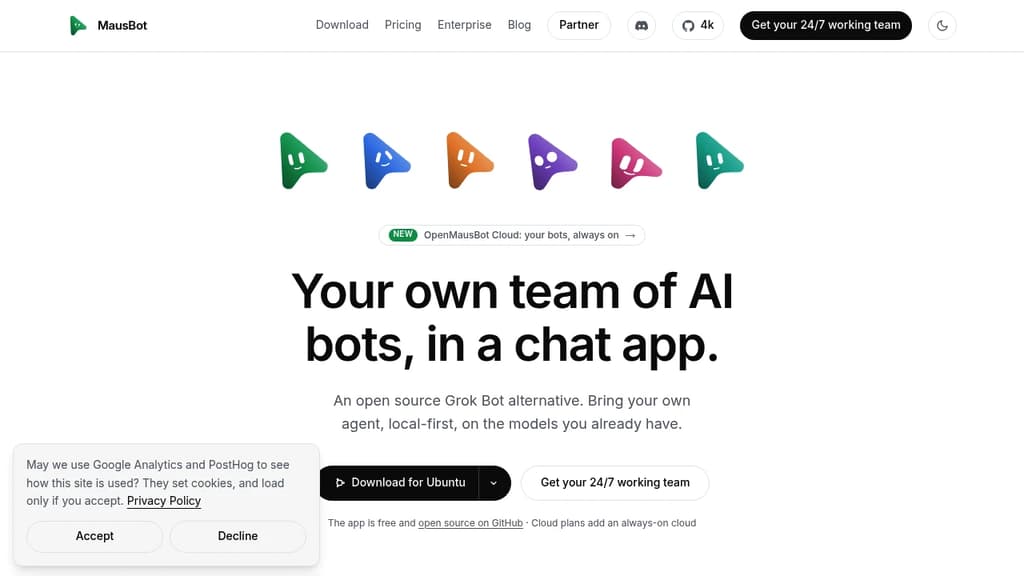
MausBot is a local-first Grok Bot alternative that lets you run a team of AI agents from a familiar chat interface. Each bot gets its own model, its own computer, and access to your connected apps. They work in parallel, come back when something needs your attention, and never proxy your credentials through a third party.
It runs on Mac, Windows, and Linux under Apache 2.0. Your transcripts, keys, and events stay in a local folder on your own disk. Local-first isn't a setting; it's the default.
Key capabilities:
- Model per bot. Assign Claude, Codex, or other models to individual bots and switch mid-conversation.
- Computer use. Each bot gets a desktop it can see and click, either a cloud desktop from a provider you connect or your local machine directly.
- Scheduled tasks. Inbox sweeps, weekly reports, competitor watches, PR reviews, and support triage all run on a calendar you define.
- Connected apps. Gmail, Slack, GitHub, Notion, Linear, and hundreds more via Composio. Authenticate once and every bot on the team can use them.
- Voice. Hit call and the bot hears you, narrates its work, and asks for approvals out loud.
- Playbooks. A whole team, its routines, and its app connections ship as a single Markdown file. Connections stay off until you approve them.
- Manage bots like contacts. Pin, duplicate, mark unread, hide, or delete. The interface is a messaging app, not a dashboard.
For teams that want bots running around the clock without leaving a laptop on, Cloud plans add always-on workspaces with scheduled tasks and voice included. You still bring your own Claude or ChatGPT account; MausBot never sits between you and the model provider.
Compared to other AI chat interfaces, MausBot is built specifically for multi-agent workflows where each agent has persistent tasks, tool access, and its own compute rather than just a shared conversation window.

Run persistent AI bots that sign into your tools, complete tasks autonomously, and ask for approval when needed. Your keys, your model, your infrastructure.
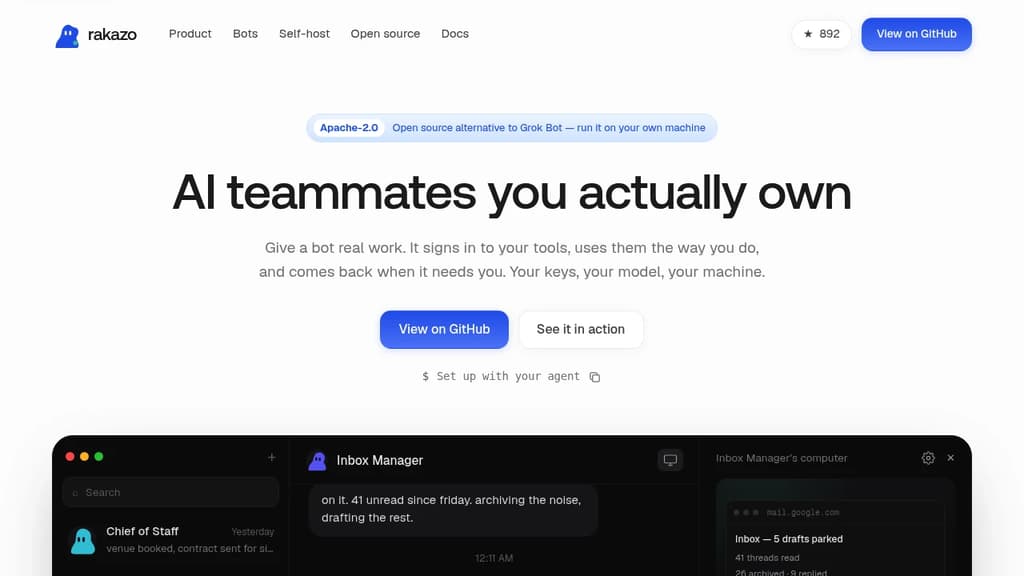
Rakazo is a self-hosted platform for running AI agents that actually do things. Each bot gets a sandboxed browser and shell, signs into your tools the way you would, and completes tasks while you're away. It's a direct Grok Bot alternative built around one principle: you own everything.
Bots run in Docker on your own machine, behind your firewall. Sessions and credentials never leave your infrastructure. You point each bot at whatever model you want (Claude, GPT, Grok, or a local model), and you can mix and match per bot. The cheap model triages; the smart one writes.
Setup starts with an interview. A new bot asks you a few questions about the work, your writing style, and which tools it should use. Then it gets going.
What bots can handle out of the box:
- Inbox Manager archives noise, replies to routine threads, and parks drafts for your review
- Sales Outbound researches accounts overnight, scores intent, and drafts outreach in your voice
- Talent Scout reads applicants, shortlists against your criteria, and writes intro emails
- Bug Triage reproduces reports in a real browser and attaches reproduction steps to the issue
- Expense Manager matches receipts to charges and files reports, asking before guessing
- Chief of Staff runs briefings, bookings, and handoffs between your other bots
Routines are saved as plain Markdown. Show a bot a workflow once and it writes a routine you can read, edit, and commit to version control. Approvals are configurable: set what a bot may do alone and what it must ask you about first. Every action lands in an audit log you own.
Rakazo is Apache-2.0 licensed with no seats, no pricing tiers, and nothing gated. Unlimited bots, no limits on usage. A managed cloud option (where you bring your own keys and they run the sandboxes) is planned, with no migration required when it arrives.

People are looking for alternatives to...
View all alternatives
Spotify

Claude Code

Claude

CapCut

Notion

Lovable
 Windshift – The self-hosted platform that replaces Jira.


 Postiz