Open Source LobeChat Alternatives
A curated collection of the 15 best open source alternatives to LobeChat.
The best open source alternative to LobeChat is Proton Lumo. If that doesn't suit you, we've compiled a ranked list of other open source LobeChat alternatives to help you find a suitable replacement. Other interesting open source alternatives to LobeChat are: AutoGPT, Open WebUI, AnythingLLM, and nanobot.
LobeChat alternatives are mainly AI Chat Interfaces but may also be AI Agent Platforms or AI Personal Assistants. Browse these if you want a narrower list of alternatives or looking for a specific functionality of LobeChat.

Written by Piotr Kulpinski


AI chat assistant from Proton that stores conversations with zero-access encryption, never logs chats, and never uses your data to train models.
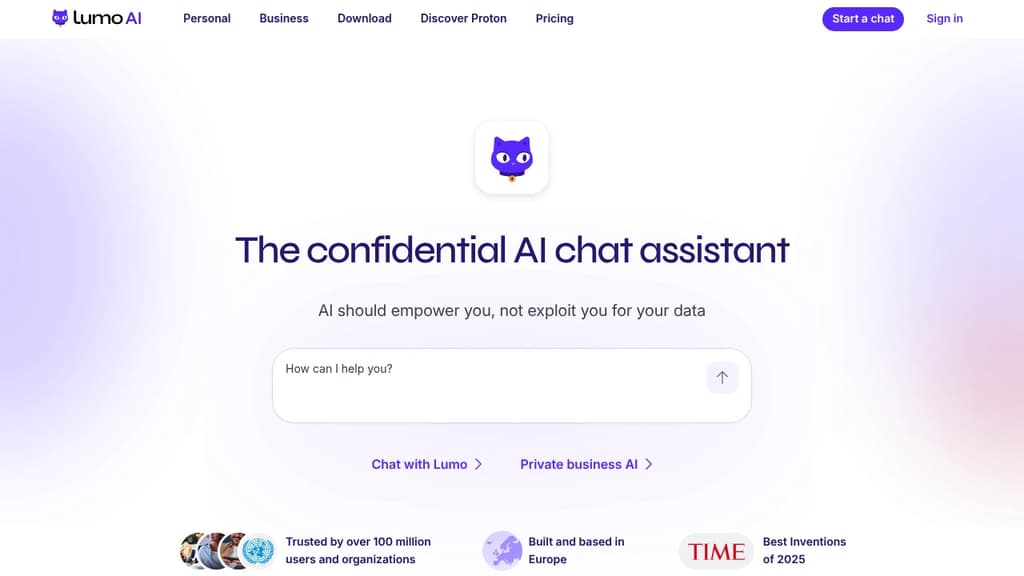
Lumo is an AI chat assistant built by the team behind Proton Mail and Proton Drive. Its core promise is simple: your conversations stay yours. Every chat is stored with zero-access encryption, meaning not even Proton can read what you've asked. No logs, no ad targeting, no data sold to third parties.
Most popular AI chat alternatives collect and retain your messages, often using them to train future models or serve targeted ads. Lumo's open-source code lets anyone verify that it doesn't. You can also use it anonymously via Tor without creating an account.
Based in Switzerland and subject to GDPR, Lumo sits outside US jurisdiction and Big Tech infrastructure. You can delete your account at any time, and Proton cannot share your data with governments or advertisers even if asked.
What Lumo can do day-to-day:
- Image generation: Turn text descriptions into images, with iterative refinement. Your inputs aren't reused to train the model.
- Web search: Built-in real-time search for current information, without queries being tied to an ad profile.
- Document analysis: Upload confidential reports or research and extract insights without that data appearing in future AI outputs.
- Project organization: Turn messy workloads into prioritized plans, handle sensitive admin tasks like visa or tax paperwork.
- Code review and file linking: Connect files from Proton Drive to work with full context across projects.
- Custom Lumos: Create specialized assistants for specific workflows (paid tier).
The free tier covers limited messages, image generations, and one project. Lumo Plus adds unlimited chats, higher model usage, more image generations, and unlimited projects. It's aimed at professionals and teams who handle sensitive information and can't afford to have that data harvested by the tools they rely on daily.

Platform for building, deploying, and running AI agents that automate repeatable digital work across research, outreach, content, and support without writing code.
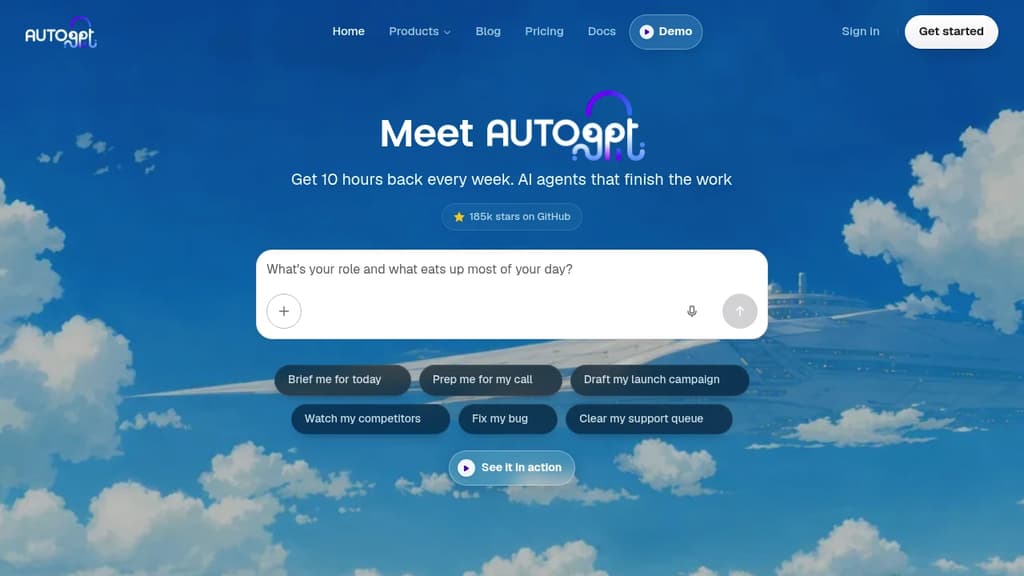
AutoGPT is an AI agent platform for people who want to hand off recurring work entirely, not just get help with a single task. You describe the outcome you want, and an agent plans and executes every step: pulling data, calling AI models, updating spreadsheets, sending messages, and looping back on a schedule. It's built for the kind of work that comes back every day or every week.
There are four ways to interact with the platform:
- AutoPilot lets you describe a job in plain English and builds the agent for you inside the conversation, no flowcharts or prompt engineering required.
- Visual Builder gives you a drag-and-drop canvas of blocks when you need exact control over branching, looping, and routing logic.
- Dashboard shows every agent's status, run history, and spend in one place, with alerts when an agent needs a decision from you.
- Marketplace offers ready-made agents from AutoGPT and the community, browsable without an account and deployable in one click.
On the integration side, the platform ships with dozens of AI models already connected (no API keys needed) and supports services like Gmail, Slack, Google Sheets, Notion, HubSpot, GitHub, and Airtable. Agents can handle chat, image generation, video, transcription, OCR, and more across 45+ platforms.
Common uses include morning briefings assembled from earnings and headlines, prospect research before sales calls, overnight campaign drafts, support ticket triage, and competitor monitoring that only pings you when something actually changes.
AutoGPT is fully open source. Self-hosting is free: you bring your own model API keys and infrastructure and get the same builder and agent runtime as the cloud. The hosted cloud removes the ops burden and covers model usage through a subscription. Teams often prototype in the cloud and move sensitive workloads on-prem later.
For teams that want a visual workflow automation approach rather than agent-based logic, tools like ByteChef or Automa take a different angle. If you're looking for an agent-first experience with a different focus, Eigent is worth comparing. AutoGPT's sweet spot is repeatable, multi-step work you can describe clearly enough to hand to a capable assistant.

Self-hosted AI platform that connects local and cloud models, extends with Python, and keeps your data under your control.
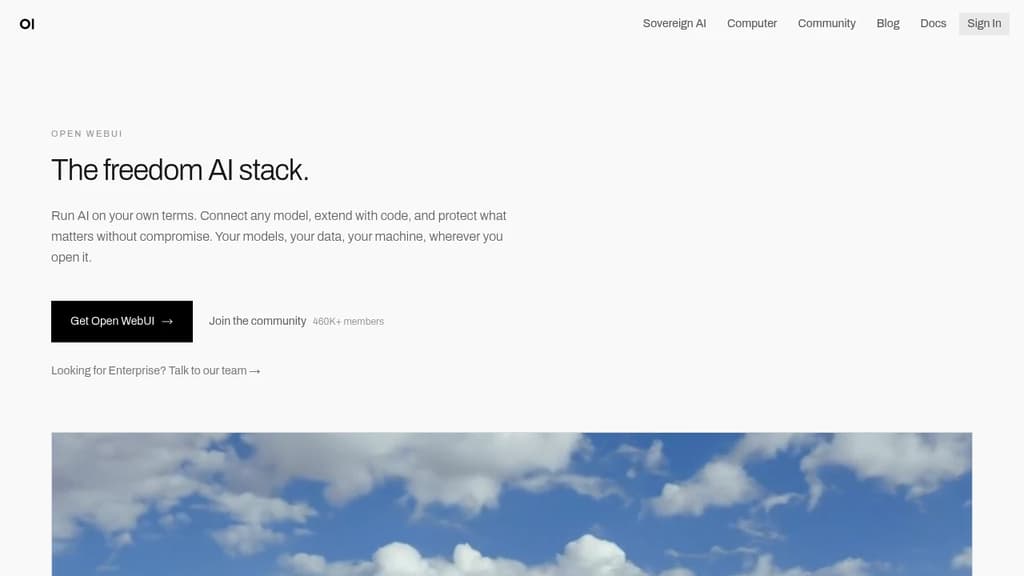
Open WebUI is a self-hosted platform for running AI models without depending on a vendor's infrastructure. It works with local models via Ollama and cloud providers like OpenAI and Anthropic, all through a single interface. Your data stays where you put it.
It's built for people who want real control. That means no accounts required to get started, no third-party data handling, and no lock-in to a single model provider. It fits as well on a personal laptop as it does inside an enterprise network.
What you can connect and do:
- Model flexibility: Connect Ollama, OpenAI, Anthropic, or any OpenAI-compatible API. Mix local and cloud models in the same workspace.
- Voice, vision, and retrieval: Multimodal capabilities are included out of the box, not bolted on later.
- Python extensions: Write custom tools and functions to extend behavior beyond what the default interface offers.
- Web search integration: Pull live information into conversations without leaving the platform.
- Enterprise controls: SSO, role-based access control, and audit logs for teams operating in regulated environments.
The community platform hosts over 410,000 members sharing prompts, models, tools, and functions. You can install what others have built or publish your own. It's a meaningful accelerator if you're experimenting or building on top of Open WebUI for others.
For teams evaluating AI interaction interfaces, Open WebUI sits in a different position than most. Tools like LLMChat or Dyad offer focused experiences for specific use cases, while Open WebUI is designed to be the central hub for everything AI-related in an organization. The scale backs that up: 290 million downloads and 139,000 GitHub stars point to broad, sustained adoption across individual users and large deployments alike.

A desktop and self-hostable AI app for chatting with documents, running local LLMs, and using AI agents without writing code or creating an account.
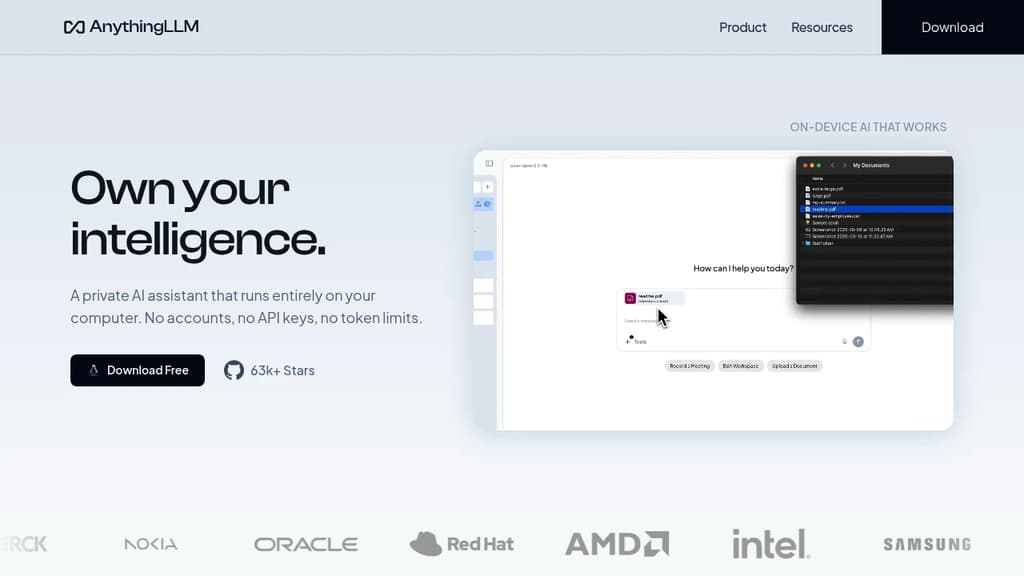
AnythingLLM is a desktop application and self-hostable platform that lets you chat with your documents, run AI agents, and work with large language models entirely on your own machine. No account required. No data leaves your device unless you explicitly connect to a cloud provider. It runs on macOS, Windows, and Linux.
The core use case is document chat. You load in PDFs, Word files, CSVs, codebases, or content pulled from online sources, then ask questions against that material. The underlying LLM can be a local model running on your own hardware or a cloud provider like OpenAI, Azure, or AWS. You pick which one, and you can switch between them. It also supports multi-modal models, so working with images or audio is possible within the same interface.
Privacy is a first-class concern. By default, everything stays local: the model, the vector database, the embedder, your documents, and your chat history. Nothing is shared unless you configure an external provider. That makes it a practical choice for anyone handling sensitive business documents who can't send data to third-party APIs — including use cases that would otherwise call for legal AI platforms.
For teams, there's a self-hosted or cloud-hosted option with multi-user support. Each user gets isolated access, and admins get fine-grained controls over what users can see and do. The platform can also be white-labeled with custom branding, which makes it usable as an internal tool under a company's own identity.
Beyond document chat, it includes a built-in developer API for integrating its capabilities into existing products. If you're building on top of it, the API fits naturally into the broader LLM application framework ecosystem. A community hub provides shared agent skills, system prompts, and slash commands, so you can extend what the assistant can do without building from scratch.
The MIT license means the source is open and free to use or modify. If you want a lighter-weight alternative focused purely on chat, tools like LLMChat or LobeChat cover that narrower scope. AnythingLLM sits closer to a full local AI workspace, with document ingestion, agent support, and multi-user access all in one place.

Lightweight, self-hosted AI agent that runs in a web UI, terminal, or chat app, handling long-running workflows with controlled token budgets.
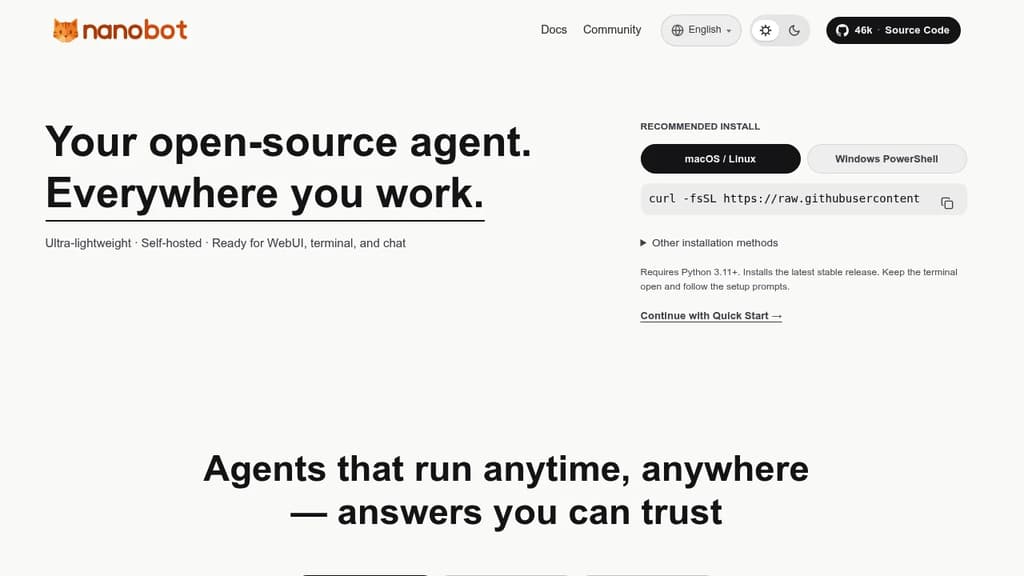
nanobot is a minimal, self-hosted AI agent designed to run wherever you work: a web UI, your terminal, or a chat interface. It's built for people who want a personal AI agent they control, without the overhead of bloated frameworks or cloud-locked platforms.
The core design philosophy is lean execution. Rather than consuming tokens without restraint, nanobot applies sensible context management and explicit token budgets, so your costs stay predictable. That matters especially for long-horizon tasks, where the agent needs to sustain coherent reasoning across tens or even hundreds of steps without losing the thread.
Key capabilities:
- Multi-surface operation: runs in a browser-based web UI, a terminal, or directly inside chat apps, so you're not locked into one interface
- Long-running workflows: maintains steady execution across complex, multi-step tasks without context drift
- Token budgeting: built-in controls keep spending predictable, unlike agents that leave cost management entirely to the user
- Embeddable runtime kernel: the agent core is portable, so you can drop it into a business workflow or a personal automation setup without rewiring everything around it
- Self-hosted: your data stays on your infrastructure; no third-party service holds your conversations or task history
Compared to heavier agent frameworks or fully managed platforms like Agenta, nanobot stays deliberately small. The codebase is compact, the runtime is portable, and the architecture doesn't assume you want a full orchestration platform. It suits developers and technically minded individuals who want an agent they can embed, extend, or just run locally without a lot of ceremony.
It supports automation tasks, developer integrations, and conversational use cases through the same core runtime. The MIT license means you can adapt it freely for personal or commercial use.

Desktop AI client for Windows, macOS, and Linux that connects 300+ models from 50+ providers, with local storage, a built-in knowledge base, and autonomous agent mode.
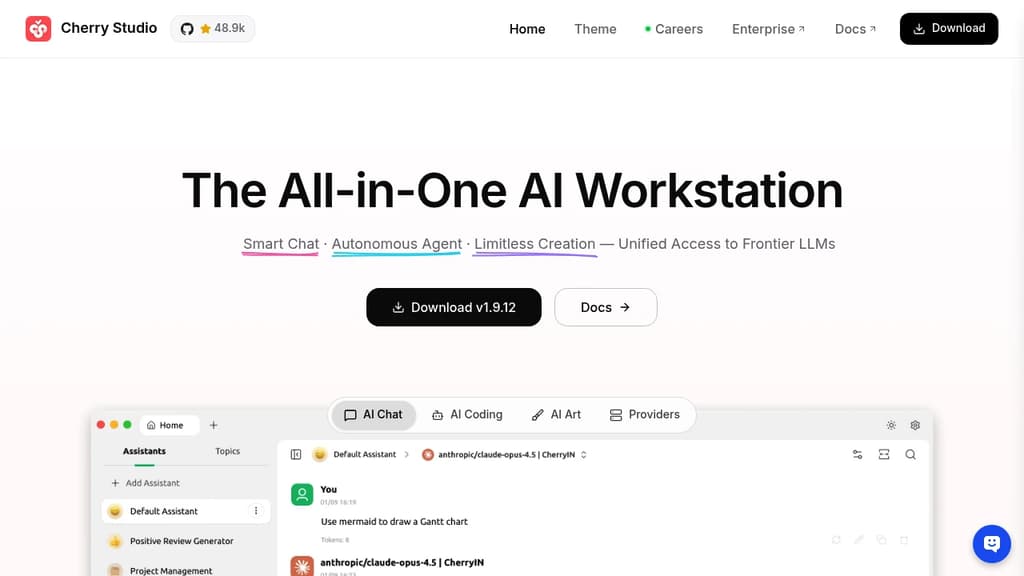
Cherry Studio is a cross-platform desktop client for AI chat interfaces that puts dozens of AI providers under one roof. It runs on Windows, macOS, and Linux, stores all your data locally, and lets you bring your own API keys or use bundled free models without any account setup.
The core appeal is breadth without chaos. You can pull responses from OpenAI, Anthropic, Google Gemini, DeepSeek, and many others, then compare them side by side in the same window. No copy-pasting prompts across browser tabs. Local models through Ollama or LM Studio work the same way, so fully offline use is an option too.
Beyond basic chat, Cherry Studio includes:
- Agent mode: give it a goal, and it reasons through the problem, breaks it into steps, picks the right tools, and executes independently
- Knowledge base: import PDFs, Word docs, Excel files, Markdown, or web pages to build a personal document assistant that answers questions from your own content
- 300+ pre-built assistants: covering writing, coding, translation, marketing, DevOps, and more, so you don't need to write prompts from scratch
- MCP server support: connect to databases, file systems, and external services through the Model Context Protocol to extend what the client can do
- Document handling: renders Mermaid charts, syntax-highlights code, and handles Office files and PDFs natively
- WebDAV backup: sync your chat history and settings across devices without sending data to a third-party server
Privacy is a genuine design constraint here, not a marketing claim. Chat history, settings, and knowledge base files stay on your device. Cherry Studio never routes your data through its own servers.
Compared to browser-based options like LibreChat or Open WebUI, Cherry Studio leans into the desktop experience: global search, drag-and-drop organization, transparent windows, and full Markdown rendering. It's a practical choice for anyone who works across multiple AI personal assistant tools today and wants to consolidate without giving up model flexibility.

Chat with multiple AI providers through a single self-hostable interface, with support for custom agents, file uploads, plugins, and multi-user access control.
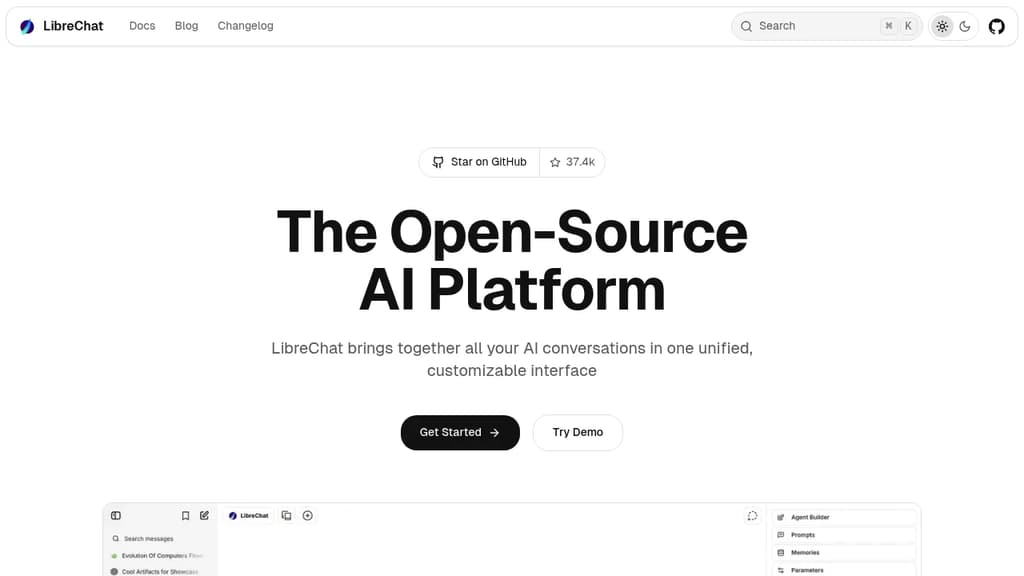
LibreChat is a self-hostable chat interface that connects to virtually every major AI provider from one place. Instead of juggling separate tabs for OpenAI, Anthropic, Google, and others, you get a single UI where you can switch models mid-conversation, compare responses, and manage everything under one login. It's built for teams and organizations that want control over their AI tooling without depending on a SaaS vendor.
The platform sits in the same space as Open WebUI and LobeChat, but LibreChat leans heavily into multi-user deployments. Admins can manage users, set spending limits, assign roles, and configure which models each user can access. That makes it practical for companies rolling out AI access across a team rather than just personal use.
Key capabilities include:
- Multi-provider support: Connect OpenAI, Azure OpenAI, Anthropic, Google Gemini, Mistral, and more, including local models via Ollama.
- Custom agents: Build agents with specific instructions, tools, and model configurations that persist across sessions.
- File handling: Upload images, PDFs, and documents directly into conversations for context-aware responses.
- Plugins and tools: Extend conversations with web search, code execution, and third-party integrations.
- Conversation branching: Fork any message to explore different directions without losing the original thread.
- Presets: Save model configurations and system prompts as reusable presets for consistent workflows.
LibreChat fits into the broader AI chat interfaces category but stands out for its depth of configuration. The UI closely mirrors ChatGPT's layout, which flattens the learning curve for teams migrating off proprietary tools. With over 37,000 GitHub stars and 35 million Docker pulls, it has significant real-world adoption behind it.

Jan runs open-source AI models on your own hardware or connects to cloud providers like OpenAI, Anthropic, and Google, keeping your conversations off third-party servers.
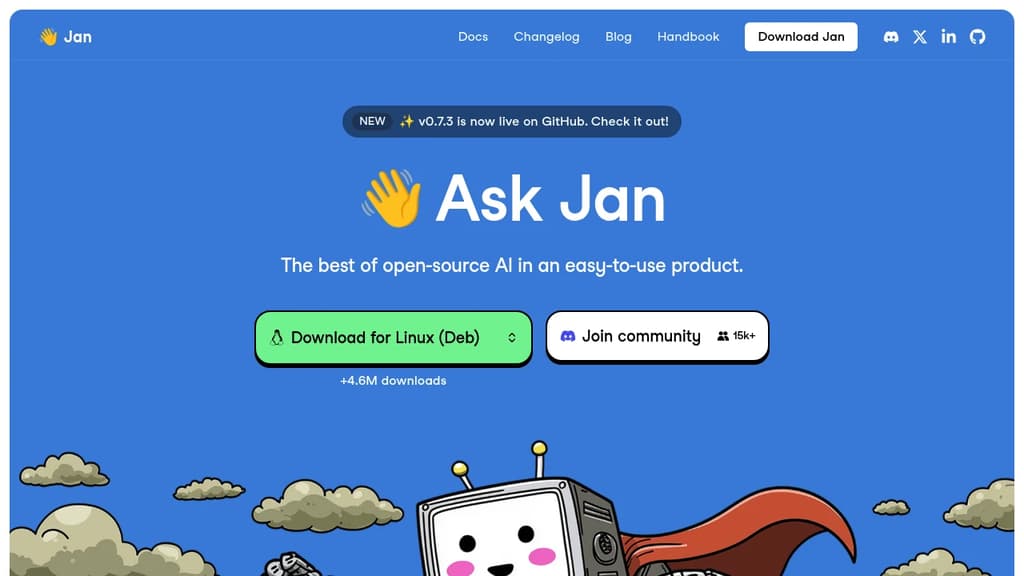
Jan is a desktop AI chat app built for people who want the capabilities of ChatGPT without handing their conversations to a cloud service. It runs entirely on your own machine using open-source models, or you can connect it to hosted providers when you need more power. Either way, you stay in control.
The model selection is broad. Out of the box, Jan supports:
- Local models like Llama, Mistral, Qwen, Gemma, and DeepSeek, downloaded and run on your hardware
- Cloud providers including OpenAI, Anthropic (Claude), Google (Gemini), and others, connected via API key
- Switching between them without leaving the app, so you're not locked into one backend
This flexibility is what separates Jan from simpler local-model runners. You get offline capability when you want privacy, and cloud fallback when a task demands it.
Jan is built in public and has crossed 5.7 million downloads, which puts it among the more widely adopted self-hosted AI interfaces alongside tools like Open WebUI and LibreChat. The codebase is open, community-driven, and free.
The interface is clean and focused on conversation. A memory feature is in development that will carry context and preferences across sessions, so you won't need to re-explain your setup or working style each time you start a new chat.
It's a practical fit for developers, designers, researchers, or anyone who handles sensitive work and doesn't want that data leaving their machine. Local inference does require reasonable hardware, but Jan handles model management inside the app, so you don't need to touch a terminal to get started.

A single Rust binary that runs a personal AI agent on your own hardware, connecting to 70+ LLM providers and 30+ messaging channels with built-in sandboxing and cryptographic tool receipts.
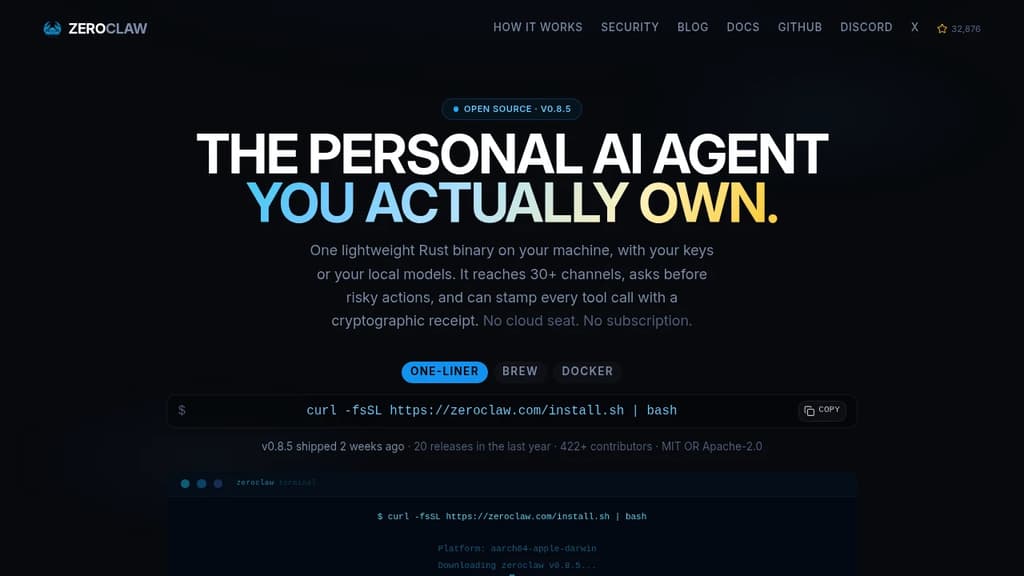
Most AI assistants are a seat you rent on someone else's infrastructure. ZeroClaw runs as a single native binary on your own machine, using your own API keys or fully local models like Ollama. No cloud seat, no subscription, no ZeroClaw server in the middle.
The binary is built in Rust and starts in under 20ms. It uses less memory than a browser tab and runs on everything from a workstation to a Raspberry Pi, including ARM and x86. There's no Node, JVM, or Python environment to install.
What it connects to:
- 70+ LLM providers: local options like LM Studio, llama.cpp, vLLM, and LocalAI, plus hosted providers including Anthropic, OpenAI, Google Gemini, Amazon Bedrock, Mistral, Groq, and any OpenAI-compatible endpoint
- 30+ channels: Telegram, Discord, WhatsApp, Slack, Signal, iMessage, Matrix, email, IRC, Bluesky, Reddit, Nostr, Notion, webhooks, and more
- Hardware: GPIO on Raspberry Pi, STM32, Arduino, and ESP32
Security is the default posture, not an add-on.
- Supervised autonomy: medium-risk actions require your approval before they run; high-risk ones are blocked outright
- OS-level sandboxes: Landlock, Bubblewrap, Seatbelt, or Docker contain what the agent can touch, enforced by the kernel rather than a prompt
- Command allowlists: explicit workspace scoping decides what runs and where
- Tool receipts: every successful tool call can be stamped with an HMAC-SHA256 tag the model cannot forge, making fabricated runs or invented results detectable
YOLO mode exists for trusted dev environments and is strictly opt-in.
The agent supports multiple named agents running from a single daemon, each isolated. Skills package repeatable tasks with their tools. Scheduled jobs, webhook triggers, and channel events all run through the same agent loop inside the same sandbox and allowlists you've scoped. A2A discovery lets agents describe and find one another through the gateway.
With a local model, nothing leaves your machine at all. With a hosted provider, only your prompts go to the provider you chose, using your own key. Dual-licensed MIT OR Apache-2.0.

Collection of open blueprints combining models, agent harnesses, and runtime controls to deploy specialized autonomous AI agents with policy-based guardrails.
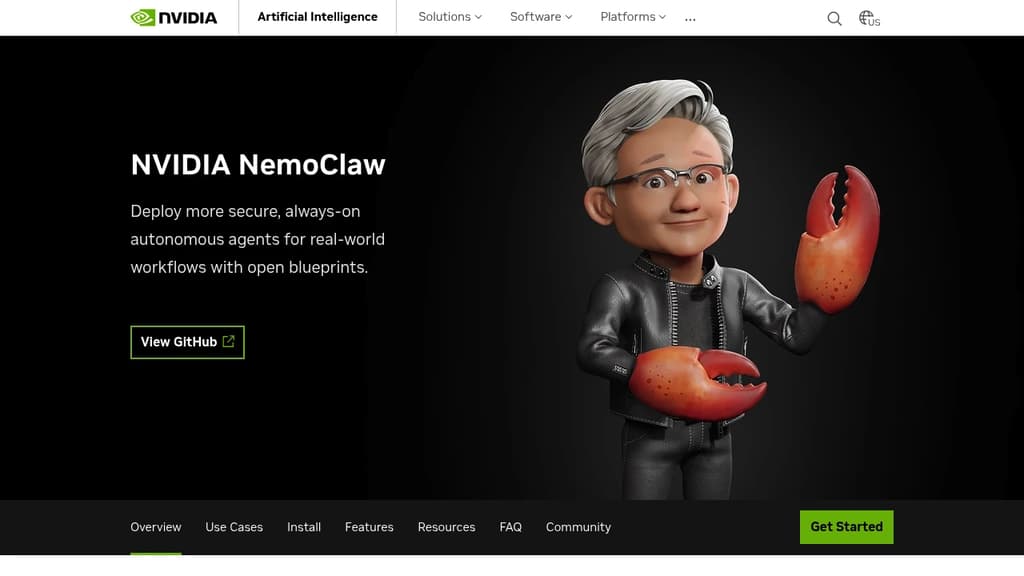
NVIDIA NemoClaw is a collection of open blueprints for building and deploying autonomous AI agents. It's aimed at teams that have moved past the prototype stage and need to run always-on, domain-specialized agents in real workflows with actual governance controls, not just a demo that works in a sandbox.
At its core, NemoClaw bundles three things together: a model (open or frontier), an agent harness, and a runtime. The runtime is OpenShell, which enforces what the agent can actually touch, files, networks, credentials, and tools. That separation matters. You get agents that can reason and act autonomously without giving them unchecked access to your systems.
The blueprints support several agent harnesses:
- OpenClaw agents get OpenShell policy controls, lifecycle management, and sandboxing layered on top, moving them from open-ended prototypes to governed deployments.
- LangChain Deep Agents are tuned for Nemotron 3 Ultra, with benchmark-leading accuracy among open models and the flexibility to swap in other models.
- Hermes agents from Nous Research use a skills-and-memory loop, letting agents learn from experience and reuse successful workflows while staying within defined privacy and inference guardrails.
Model choice is flexible. You can run local open models, route to cloud-based frontier models, or use a model router that picks between them based on your privacy and performance policies. That makes NemoClaw practical for organizations that can't send everything to an external API.
Real-world use cases already documented include chip design verification (Cadence cut RTL verification from weeks to hours), product manufacturing automation, and controlling tools like Blender and NVIDIA Omniverse from within governed sandboxes. These aren't toy examples.
For teams building agentic pipelines or comparing against other agent orchestration approaches, NemoClaw's distinguishing angle is the combination of open blueprints with enforced runtime policy. The agent harness handles what the agent does; OpenShell handles what it's allowed to do. That boundary is explicit and configurable, not just a best-practice suggestion.
NVIDIA also contributes directly to the OpenClaw project and partners with harness developers like LangChain and Nous Research, so the blueprints stay current with upstream changes.

Manages a team of AI agents across your company, with every agent, skill, memory, and connector stored as versioned files in a git repo you own and self-host.
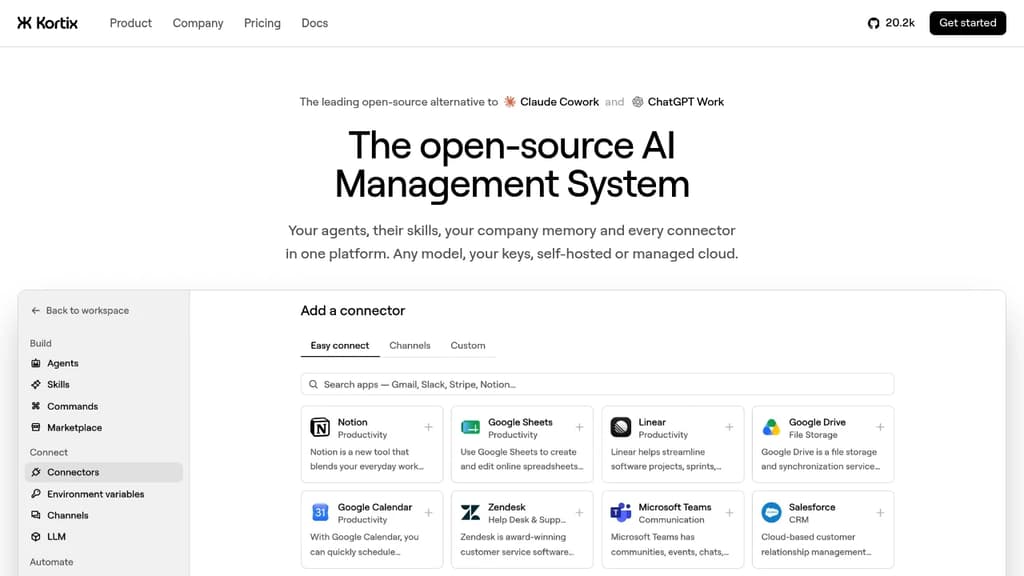
Kortix is a platform for running AI agents across an entire company, where the whole setup lives in a single git repo you own. Agents, skills, memory, connectors, triggers, and permissions are all plain files. You can grep the company, diff any change, and roll anything back. No settings locked in someone else's database.
It fits teams that want AI agents doing real, multi-step work across sales, engineering, finance, marketing, and ops, not just answering questions. Agents start from Slack, MS Teams, the web, a CLI, a cron schedule, or a signed webhook. Work lands back in the repo as a change request you read as a diff before it merges.
The platform is built in six layers that work together:
- Git repo as the source of truth.
kortix.yamldeclares the machine image, connectors, and triggers. Agents and skills are markdown files. Memory accumulates as files over time. - Connectors. 3,000+ app integrations plus MCP, OpenAPI, GraphQL, and raw HTTP. Credentials are brokered server-side and never reach the agent's machine. Each tool call can be set to allow, ask, or block, down to the specific arguments passed.
- Model-agnostic runtime. Pick any model per agent, per session, or per message. Bring your own API keys, use a ChatGPT subscription you already pay for, or point it at any OpenAI-compatible endpoint.
- Agent harness powered by OpenCode. Turns a model into an agent that plans, uses tools, and finishes multi-step runs. Permissions are set per tool in the agent file, so a
git pushcan be blocked until a human reviews the change request. - Isolated sandboxes. Each session boots its own Linux machine with the repo and tools already loaded. Thousands run in parallel with no crossover. Only commits survive.
- Unified control plane. Web, Slack, mobile, CLI, and API all start the same session type. Cron and webhooks start sessions with no human involved.
Practical examples from the source: an engineering agent reads error logs each morning, reproduces the top failure on its own machine, patches it, and opens a pull request. A finance agent reconciles the ledger, chases missing receipts, and closes the month with the variance explained. A data science agent queries the warehouse on a schedule and posts the chart to Slack before the team wakes up.
Kortix is self-hostable, VPC-deployable, or available as managed cloud. It sits in the AI coding agent orchestrators space but extends well beyond code, covering any business function that can be described as a repeatable job.

Autonomous AI agent framework that operates on its own sandboxed computer, creates tools dynamically, manages memory, and executes multi-step workflows with full transparency.
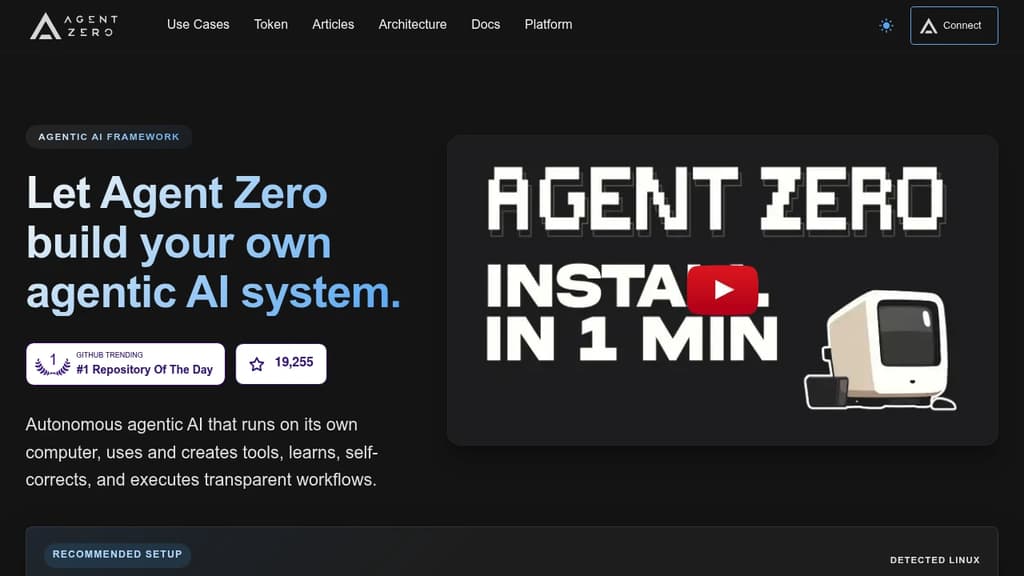
Agent Zero is an agentic AI framework built for people who want autonomous AI that actually does work, not just answers questions. It runs inside a sandboxed Docker environment with its own terminal, file system, and browser, so agents can execute real tasks end-to-end without touching your local machine unless you explicitly connect them.
The core idea is that agents shouldn't need pre-built tools for every situation. Agent Zero creates tools on the fly as tasks demand them, learns from past runs, and self-corrects when something goes wrong. Workflows are fully transparent: you can see what the agent is doing, why, and what it's executing at every step.
Key capabilities:
- Multi-provider support: Connect any LLM provider without exposing API keys to the agent itself.
- Dynamic tool creation: Agents write and reuse tools as needed rather than relying on a fixed library.
- Agentic memory and RAG: Persistent knowledge management lets agents recall context across sessions and build on prior work.
- Subordinate agents: Spawn specialized sub-agents to handle parallel or delegated tasks within a single workflow.
- Plugin Hub: Browse, install, and update community plugins directly from the UI, with built-in AI-driven security scanning before deployment.
- A0 CLI Connector: Bridge the sandboxed agent to your local terminal and project files when you need it.
- Context engineering: Prompt structure is tuned to stay efficient on local models and scale to larger ones without bloat.
Agent Zero suits developers and power users who want a self-hostable AI personal assistant they can extend, audit, and fully control. Unlike closed systems such as ChatGPT or Manus, every layer is inspectable and modifiable.
The project also has a community governance layer backed by the A0T token on Ethereum BASE L2, letting token holders vote on feature priorities and development allocation. Venice AI integration gives community members access to private AI API keys at no cost.

Cross-platform desktop AI assistant supporting multiple providers, local knowledge base, and custom prompts. Integrates MCP protocol for enhanced AI tool capabilities.
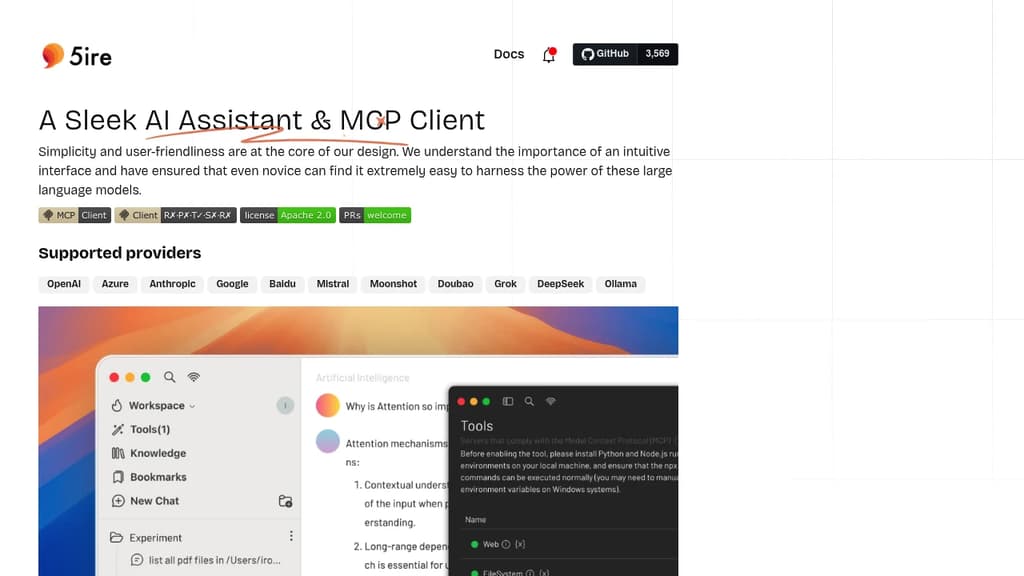
5ire brings sophisticated AI capabilities to your desktop with a clean, intuitive interface that makes advanced AI features accessible to everyone. The application stands out with its support for multiple leading AI providers including OpenAI, Anthropic, Google, and Mistral.
A key differentiator is the integration of the Model Context Protocol (MCP), which acts like a universal connector for AI applications. This allows 5ire to leverage various tools for file system access, database interactions, and remote data retrieval, expanding far beyond simple chat capabilities.
The built-in local knowledge base powered by bge-m3 embedding model enables multilingual document processing and vectorization. Users can analyze docx, pdf, xlsx, and other document formats for powerful local Retrieval-Augmented Generation. Additional features include:
- Usage analytics to track API spending and optimize costs
- Custom prompt library with variable support for reusable templates
- Conversation bookmarks that persist even after message deletion
- Full-text search across all conversations
- Free and open source with cross-platform support
5ire combines enterprise-grade AI capabilities with user-friendly design, making it an ideal choice for both casual users and professionals seeking a powerful desktop AI assistant.

A mobile app for interacting with private, local large language models that work offline and are optimized for Apple silicon.
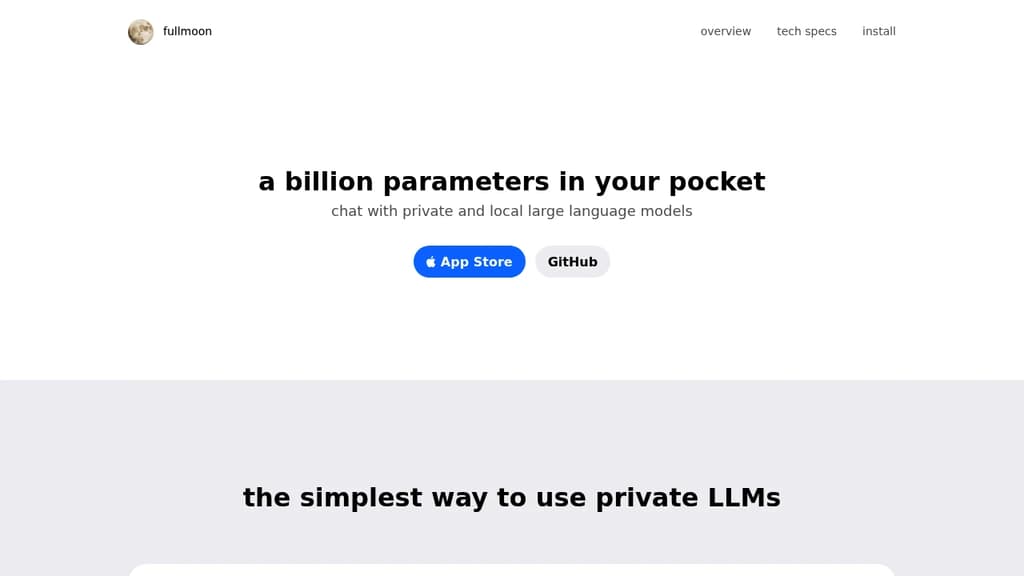
fullmoon is a revolutionary mobile app that brings the power of large language models to your pocket.
Here's what makes it stand out:
- Private and Local: Chat with AI models that run entirely on your device, ensuring your conversations remain private and secure.
- Offline Capability: Enjoy uninterrupted AI assistance even without an internet connection, perfect for travel or areas with poor connectivity.
- Optimized for Apple Silicon: Leveraging the power of Apple's custom chips, fullmoon delivers fast and efficient performance on iOS, iPadOS, macOS, and visionOS devices.
- Customizable Experience: Personalize your interaction by adjusting themes, fonts, and system prompts to suit your preferences.
- Integration with Apple Ecosystem: Use Shortcuts to incorporate AI-powered text generation into your workflows seamlessly.
- Open Source and Free: fullmoon is completely free to use and open source, allowing for transparency and community contributions.
- Multiple Model Support: Choose from different language models, including Llama-3.2-1B-Instruct and Llama-3.2-3B-Instruct, optimized for mobile devices.
Whether you're a writer seeking inspiration, a student looking for study assistance, or a professional needing quick information, fullmoon puts the power of AI in your hands, all while prioritizing your privacy and device performance.

Open-source chat application that lets you interact with multiple AI models in one interface, offering flexible conversations and diverse capabilities.
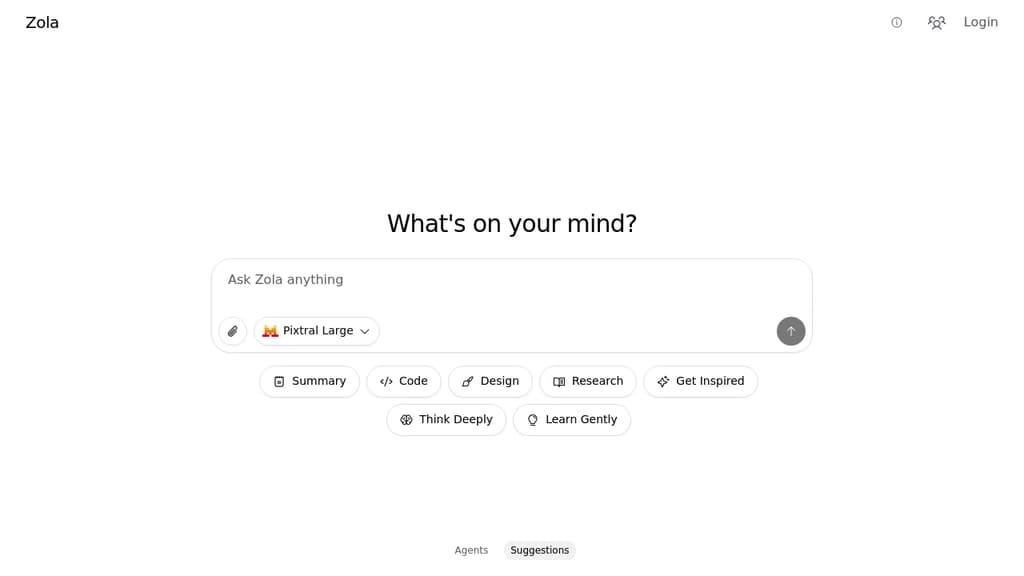
Zola brings a fresh approach to AI chat interactions with its multi-model support and intuitive interface. This open-source application serves as your versatile AI companion, allowing you to seamlessly switch between different AI models for varied conversation styles and capabilities.
The app features a clean, user-friendly design with dedicated sections for different thinking modes - from quick summaries to deep research and creative inspiration. Smart suggestions help guide your interactions, while the agent system enables more focused and specialized conversations.
Key features include:
- Multiple AI model integration
- Specialized conversation modes
- Built-in suggestion system
- Clean and intuitive interface
- Research and learning assistance
- Creative inspiration tools
As a free and open-source solution, Zola offers a transparent and customizable platform for engaging with AI technology, making advanced AI interactions accessible to everyone.

People are looking for alternatives to...
View all alternatives
Spotify

Claude Code

CapCut

Claude

Notion

Lovable
 Bright Data – Web data for AI agents and apps. Built-in unblocking, proxies, and ready-made APIs.


 Docmost