Open Source InVision Alternatives
A curated collection of the 4 best open source alternatives to InVision.
The best open source alternative to InVision is Excalidraw. If that doesn't suit you, we've compiled a ranked list of other open source InVision alternatives to help you find a suitable replacement. Other interesting open source alternatives to InVision are: Penpot, Tldraw, and Quant-UX.
InVision alternatives are mainly Online Design Tools but may also be Collaborative Workspaces or Whiteboarding Tools. Browse these if you want a narrower list of alternatives or looking for a specific functionality of InVision.

Written by Piotr Kulpinski


Virtual whiteboard for sketching diagrams, flowcharts, and wireframes with a distinctive hand-drawn look. Real-time collaboration built in.
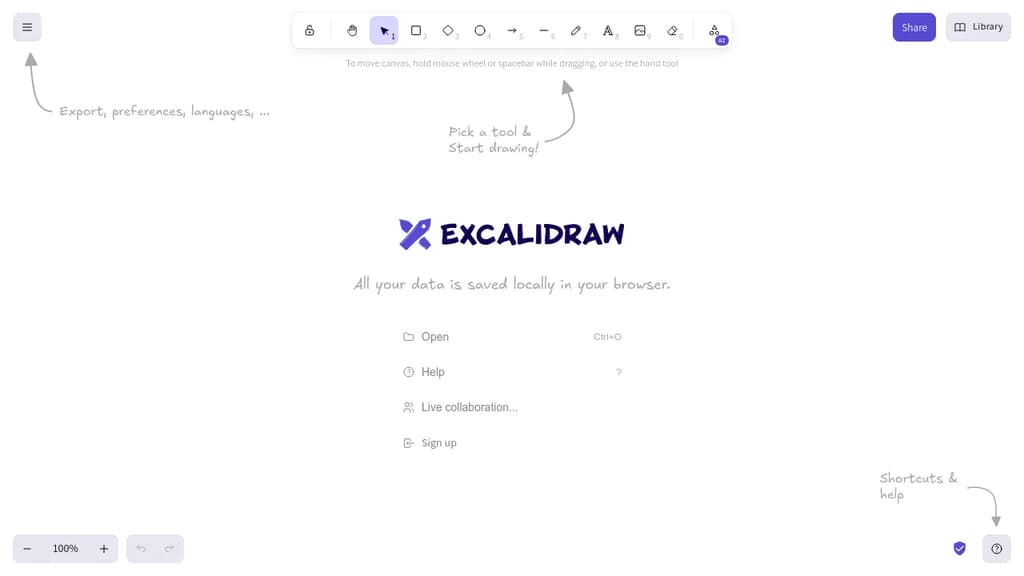
Excalidraw is a browser-based whiteboarding tool built around one idea: making diagrams feel human. Everything you draw comes out with a sketchy, hand-drawn style that keeps things informal and approachable, which makes it popular for brainstorming sessions, technical diagrams, and quick wireframes where polish would actually get in the way.
It's built for collaboration. Multiple people can work on the same canvas in real time, making it a practical choice for remote teams who need a shared visual space without spinning up heavy software.
Key capabilities include:
- Hand-drawn rendering that gives shapes, arrows, and text a natural, informal look
- Real-time multiplayer so teams can sketch together live
- Exportable scenes to PNG, SVG, or the native
.excalidrawformat for reuse - Libraries of reusable shapes and components you can drop into any canvas
- End-to-end encrypted sharing when you share a link with collaborators
- Embeddable in other apps via its open API, which is why it shows up inside tools like Obsidian and Notion
Compared to tools like draw.io or tldraw, Excalidraw leans harder into the sketchy aesthetic as a deliberate design choice rather than a mode you toggle. It's not trying to produce publication-ready diagrams. That constraint is the point: it keeps conversations focused on ideas rather than pixel-perfect layouts.
The canvas is infinite, the interface stays minimal, and the whole thing runs in the browser with no account required to start drawing.

Design, prototype, and hand off to developers in one platform. Supports design systems, tokens, flexible layouts, and AI workflows with real CSS/HTML output.
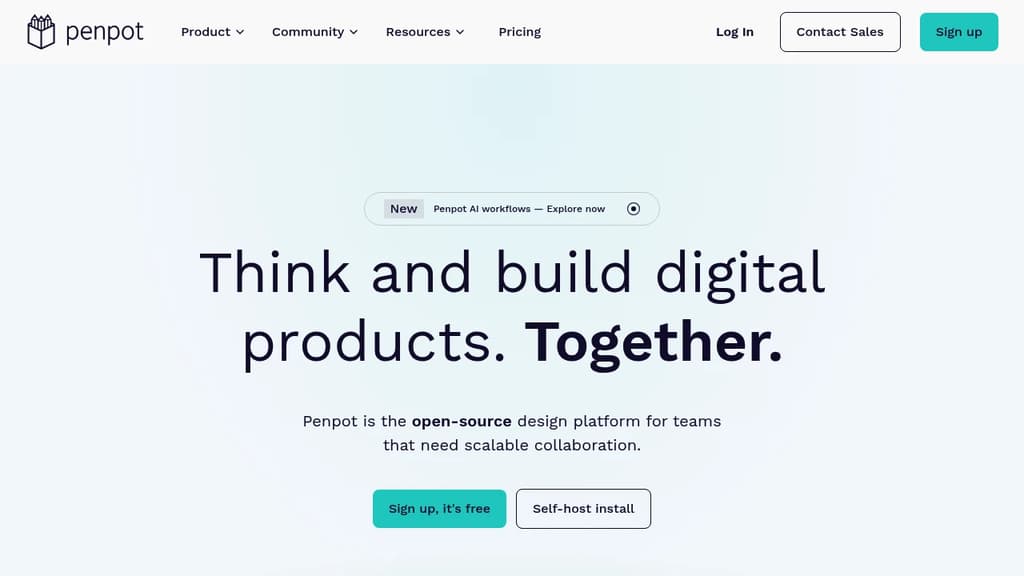
Penpot is a browser-based design and prototyping platform built for teams working on digital products. It covers the full design process, from early wireframes through polished UI, interactive prototypes, and developer handoff, without requiring separate tools for each stage. It's self-hostable, so teams with strict data requirements can run it on their own infrastructure.
The core workflow connects designers and developers more directly than most tools. Instead of exporting assets and writing specs separately, Penpot generates 1:1 CSS, HTML, SVG, and JSON directly from the design. What you see in the canvas is what developers get in code, which cuts down on the back-and-forth that usually happens during implementation.
Key capabilities include:
- Design Systems with reusable components and design tokens, giving teams a shared source of truth that stays in sync across projects
- Flexible layouts using grid and auto-layout tools suited for responsive UI design
- Prototyping with interactive flows built directly on the canvas, no separate prototyping mode required
- AI workflows with multi-directional agentic support, letting teams connect any LLM or agent into their design process
- Code inspect that surfaces accurate CSS and HTML values without manual annotation
Penpot is a practical alternative to Sketch or Adobe XD for teams that want full control over their tooling. Because it's open source and web-native, there's no per-seat licensing tied to a vendor's pricing decisions, and it works across operating systems without a desktop install.
It suits product teams where designers and engineers work closely together, particularly those building design systems at scale or looking to bring AI tooling into their existing design process.

Virtual whiteboard that works instantly on any device, no signup required, with real-time multiplayer collaboration built in.
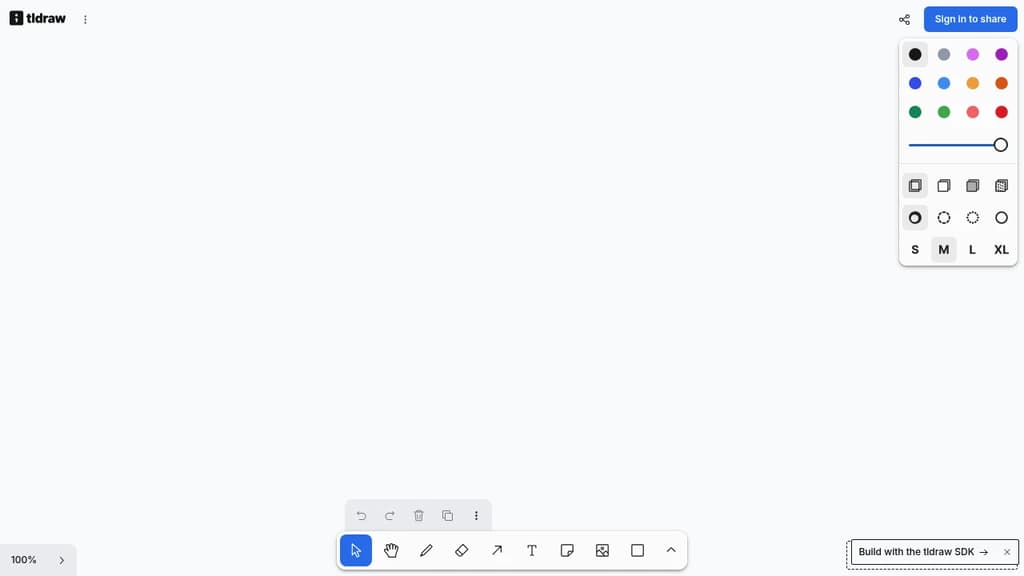
tldraw is a free virtual whiteboard that opens in your browser and works immediately. No account, no installation, no waiting. It runs on desktop, tablet, and mobile, making it practical for quick sketches, brainstorming sessions, or visual collaboration across teams.
The core experience is fast and low-friction. You get a clean infinite canvas with drawing tools, shapes, text, arrows, and sticky notes. Real-time multiplayer is built in, so multiple people can draw and edit together without any setup. Share a link and collaborators are in.
What sets tldraw apart from tools like Excalidraw or draw.io is its focus on feel. The drawing experience is deliberately smooth, with snapping, alignment guides, and a hand-drawn aesthetic that makes diagrams feel approachable rather than stiff. It's well-suited for informal collaboration: wireframes, quick diagrams, meeting notes with visuals, or just thinking out loud with a colleague.
Key capabilities include:
- Infinite canvas with zoom and pan that stays responsive at any scale
- Multiplayer collaboration via shareable links, no accounts required for guests
- Shape library covering arrows, connectors, text, and freehand drawing
- Embeds so you can drop in images and other content directly onto the board
- Export to PNG, SVG, and JSON for use outside the app
tldraw is also available as an open-source SDK, which means developers can embed the whiteboard engine directly into their own products. That dual nature (polished end-user tool and embeddable component) gives it a broader reach than most LucidChart alternatives in this space.

Quant-UX is an open-source tool for creating interactive prototypes, conducting user tests, and analyzing results to improve UX design.
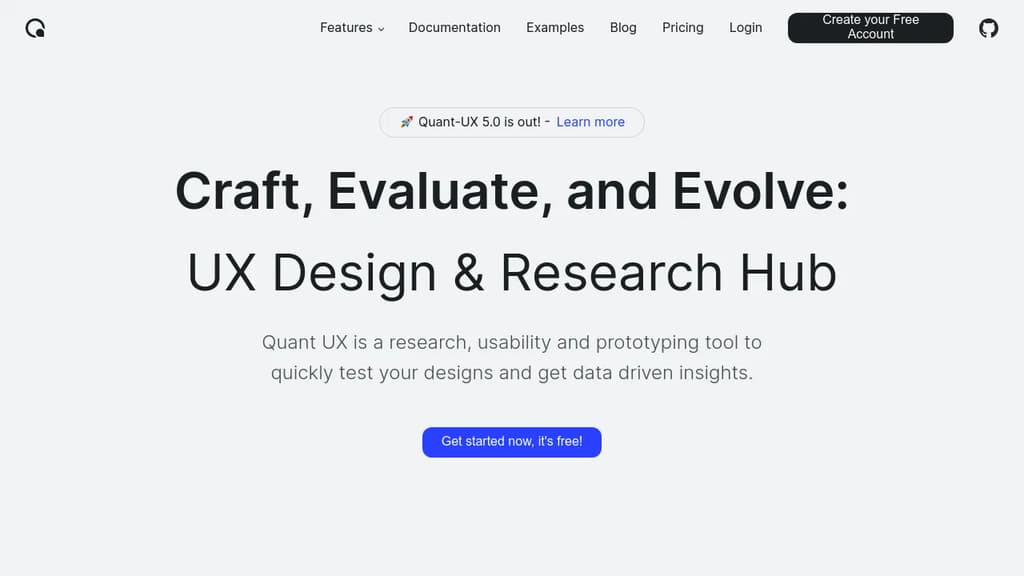
Quant-UX is a powerful, free, open-source tool for UX designers and researchers. It offers a comprehensive suite of features to streamline the entire UX process:
- Rapid Prototyping: Create interactive prototypes quickly using a visual editor. Add animations, logic flows, and form validation to make your designs feel like real apps.
- User Testing: Conduct usability tests effortlessly by sharing a link with your audience. Define user tasks, record screen interactions, and even perform A/B testing to compare design alternatives.
- Analytics and Insights: Automatically generate heatmaps, success rates, and other key metrics from your user tests. Identify drop-off points and gather valuable user feedback through built-in surveys.
- Design System Support: Utilize design tokens, components, and master screens to build scalable design systems for your projects.
- AI-Assisted Design: Leverage an AI assistant to speed up repetitive tasks and get faster, more accurate results during the design process.
- Low-Code Capabilities: Convert your designs into production-ready systems, bridging the gap between prototyping and development.
Quant-UX is trusted by thousands of users worldwide, including researchers, students, and professionals. Its combination of prototyping, testing, and analytics in a single platform makes it an invaluable tool for creating data-driven, user-centered designs.
Whether you're working on a small project or a large-scale application, Quant-UX provides the tools you need to craft, evaluate, and evolve your user experiences effectively.

People are looking for alternatives to...
View all alternatives
Spotify

Claude Code

CapCut

Claude

Notion

Lovable
 Windshift – The self-hosted platform that replaces Jira.
 Bright Data