Open Source Framer Alternatives
A curated collection of the 4 best open source alternatives to Framer.
The best open source alternative to Framer is Onlook. If that doesn't suit you, we've compiled a ranked list of other open source Framer alternatives to help you find a suitable replacement. Other interesting open source alternatives to Framer are: WordPress, Grida, and Nordcraft.
Framer alternatives are mainly Frontend Development Tools but may also be Website Builders or Blogging Platforms. Browse these if you want a narrower list of alternatives or looking for a specific functionality of Framer.

Written by Piotr Kulpinski


Onlook is an open-source desktop app that allows you to visually edit React applications and automatically write changes back to your code in real-time.
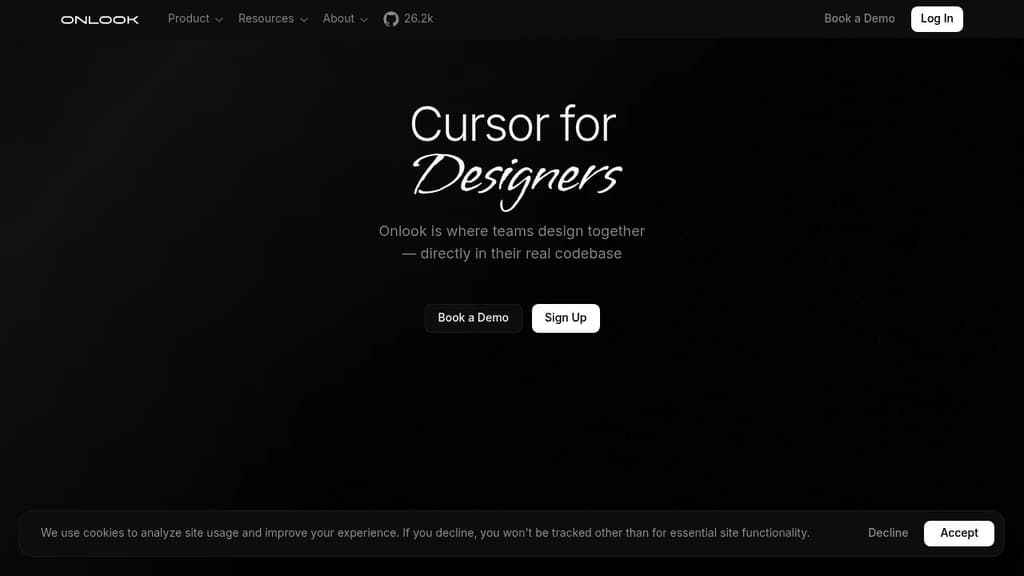
Onlook brings the power of visual editing to React development, similar to how Webflow works for web design. This innovative tool allows developers to:
- Visually edit React applications in real-time
- Automatically generate and update code based on visual changes
- Work with existing React projects using Tailwind CSS
- Maintain full ownership and control of your code
Key features:
- Visual Editing: Adjust layouts, modify colors, edit text, and more without writing code.
- Real-time Code Updates: Changes made in the visual editor are instantly reflected in your React code.
- Design System Integration: Use your existing design system and components within Onlook.
- Local-first Approach: All code stays on your device, ensuring security and privacy.
- Version Control Friendly: Maintains your existing version control workflow.
- Easy Setup: Link Onlook to your React project with a single command.
Onlook is perfect for developers who want to streamline their workflow, designers who wish to contribute directly to React projects, and teams looking to bridge the gap between design and development.
Get started with Onlook today and experience a new way of building React applications that combines the best of visual design and coding.

A versatile, user-friendly platform for building and managing websites, from simple blogs to complex e-commerce stores.
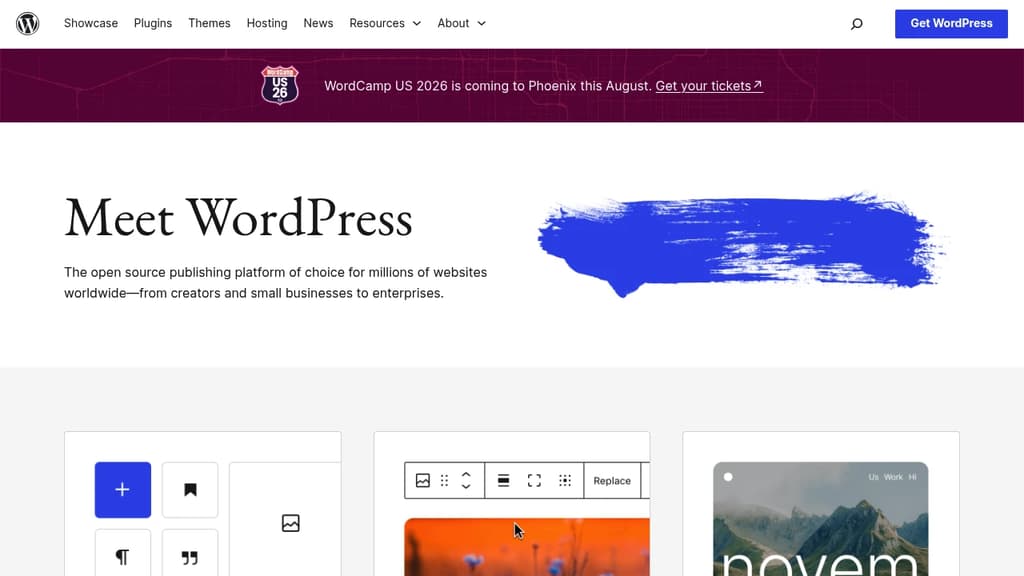
WordPress is a powerful and flexible content management system that enables users of all skill levels to create and maintain stunning websites. With its intuitive interface and extensive customization options, WordPress offers a seamless experience for bloggers, businesses, and developers alike.
Key benefits of WordPress include:
- User-friendly interface: Easy-to-use dashboard for managing content, themes, and plugins
- Extensive customization: Thousands of themes and plugins to tailor your site's appearance and functionality
- SEO-friendly: Built-in features and plugins to optimize your site for search engines
- Scalability: Suitable for small personal blogs to large enterprise websites
- Active community: Access to a vast network of developers, designers, and users for support and resources
- Regular updates: Continuous improvements in security, performance, and features
- Mobile-responsive: Ensures your site looks great on all devices
- Multi-language support: Create multilingual websites to reach a global audience
- E-commerce integration: Build online stores with WooCommerce and other e-commerce plugins
Whether you're a beginner or an experienced web developer, WordPress provides the tools and flexibility to bring your vision to life. Its open-source nature and extensive ecosystem make it a future-proof choice for your web presence.

Design and build web applications on an open canvas with AI-powered tools, Figma integration, pixel drawing, and a modular SDK built for extensibility.
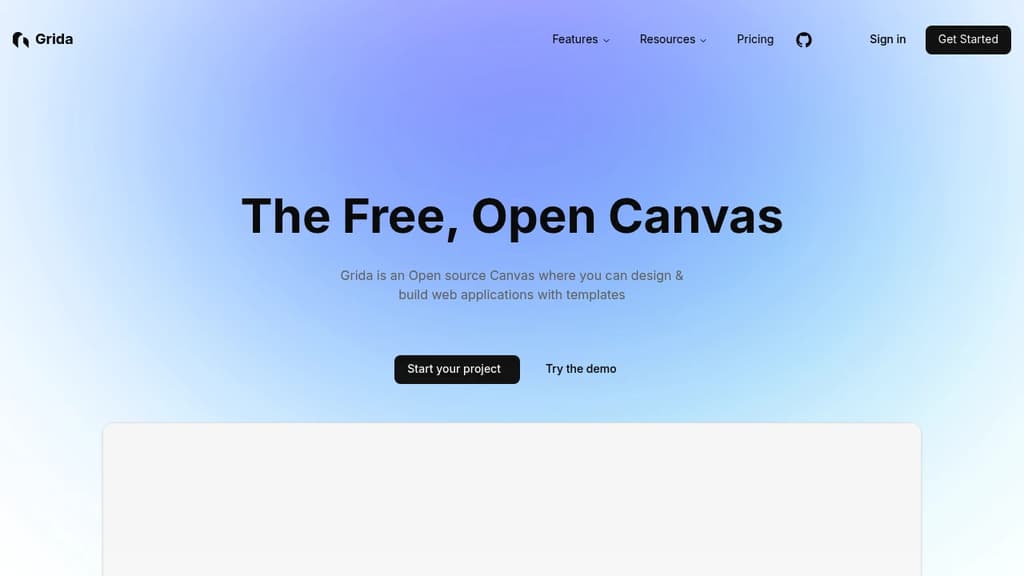
Grida is an open source canvas editor aimed at designers and developers who want a single tool for visual design and web app building. It covers the range from polished UI/UX layouts to pixel art, with enough extensibility that developers can embed it, script it, or build entirely new tools on top of it.
The canvas itself is general-purpose. You can work from templates, drag in widgets and icons, write copy with an AI assistant, and edit text directly on the canvas. Figma import and export means you're not starting from scratch if your team already has assets in Figma. For pixel work, there's a dedicated free pixel drawing mode built into the same editor.
What separates Grida from tools like Penpot or Excalidraw is its developer-first architecture:
- React component – embed the canvas directly in your own app, or bring your own React components into it
- Modular SDK – build custom tools on top of Grida's core rather than being locked into the default interface
- Scripting interface – automate design tasks and write plugins using a runtime scripting layer
- Performance – compute-heavy modules run on Rust and WebGPU, which matters when you're working with complex documents or large canvases
For teams, Grida offers enterprise options with on-premise deployment and custom solutions, so it's not just a solo design tool.
It fits developers who want a visual web builder they can actually hack on, and designers who need something between a lightweight whiteboard and a full-featured UI tool.

Visual web development engine combining design and development tools. Build immersive, interactive web experiences with component-based framework, real-time collaboration, and powerful visual editor.
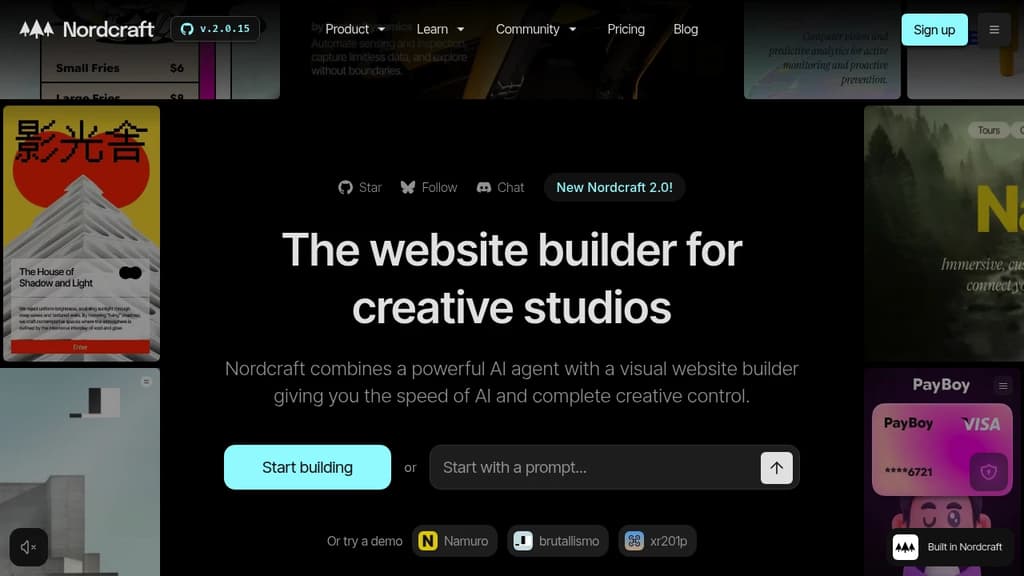
The world's first Web Development Engine - Nordcraft brings game development quality tooling to web development. Just as game studios rely on Unreal Engine to create AAA games, web teams can now use Nordcraft to build exceptional web applications.
Visual tools meet powerful framework - Built on web standards with a component-based architecture familiar to React, Vue, and Svelte developers. Features a lightweight 24kb runtime, server-side rendering, and a fast reactive core based on signals.
End the assembly line workflow - Skip the traditional Figma-to-Jira-to-code handoffs. Designers and developers collaborate directly in one tool, building with live data and seeing changes in real-time.
Complete development suite includes:
- Visual editor and scripting tools
- API connections and database integration
- Cloudflare hosting with 285 global edge locations
- Built-in version control and branching
- Component libraries and design systems
- AI assistant for development support
- SEO optimization and web components export
Open source and self-hostable - Released under Apache License 2.0, giving you full control over deployment and customization. Enterprise support available with onboarding workshops and dedicated channels.

People are looking for alternatives to...
View all alternatives
Spotify

Claude Code

Claude

CapCut

Notion

Lovable
 Sent – Messaging Infrastructure for Developers. One API for SMS, WhatsApp, and RCS across 190+ countries.
 Bright Data