Open Source Filestash Alternatives
A curated collection of the 2 best open source alternatives to Filestash.
The best open source alternative to Filestash is Spacedrive. If that doesn't suit you, we've compiled a ranked list of other open source Filestash alternatives to help you find a suitable replacement. Other interesting open source alternative to Filestash is Firefiles.
Filestash alternatives are mainly Cloud File Sync & Share Tools but may also be File Management Utilities. Browse these if you want a narrower list of alternatives or looking for a specific functionality of Filestash.

Written by Piotr Kulpinski


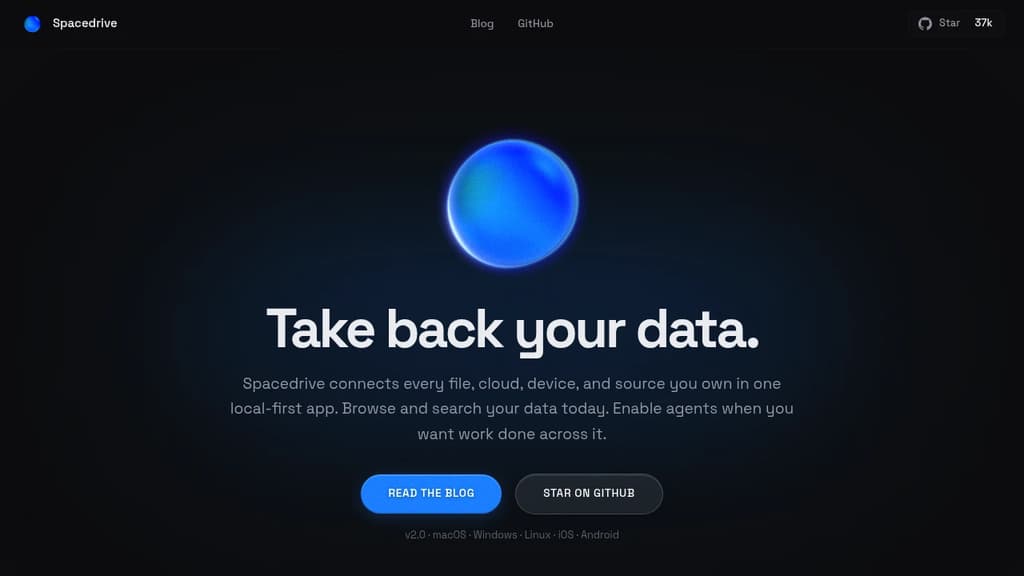
A cross-platform file manager that unifies your devices into a seamless, organized digital workspace.
Important: Development paused due to funding constraints (source).
Spacedrive revolutionizes file management by creating a virtual distributed filesystem across all your devices. This open-source application offers a unified interface to access, organize, and manage your files, regardless of their physical location.
Key benefits of Spacedrive include:
- Unified Access: Connect and browse files from multiple devices and cloud services in one place.
- Smart Organization: Utilize powerful tagging, categorization, and search features to keep your digital life in order.
- Cross-Platform Compatibility: Seamlessly work across Windows, macOS, Linux, iOS, and Android.
- Privacy-Focused: Your data remains under your control, with optional end-to-end encryption.
- Customizable: Tailor the interface and workflows to suit your specific needs.
- Offline Capabilities: Access your virtual filesystem even without an internet connection.
- Media Management: Enjoy built-in media viewing and playback features.
- Version Control: Keep track of file changes and revert when needed.
- Extensible: Enhance functionality with a growing ecosystem of plugins and integrations.
Spacedrive empowers you to take control of your digital assets, providing a seamless experience across all your devices and storage solutions. Whether you're a creative professional managing large media libraries, a developer organizing code repositories, or simply someone looking to declutter their digital life, Spacedrive offers the tools you need to create a more efficient and organized digital workspace.

Firefiles turns S3 buckets and other cloud backends into a unified file manager with browser-based previews, multi-drive support, and a clean light/dark interface.
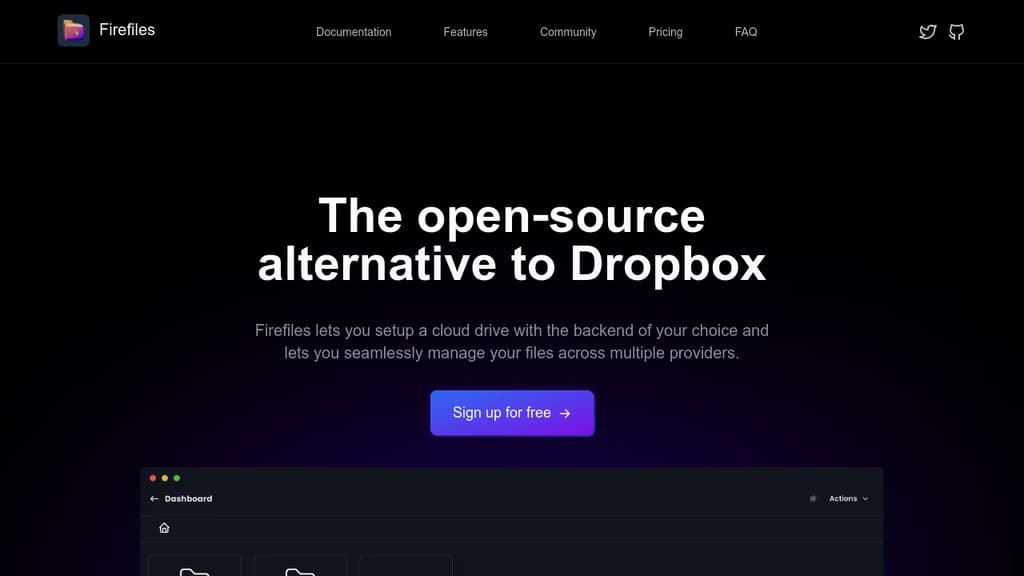
Firefiles is a self-hosted file manager that sits on top of your existing cloud storage. Instead of paying for a service like Dropbox to hold your files, you connect your own storage buckets and manage everything through a modern browser interface. Your data stays wherever you put it.
The core idea is simple: you bring the storage, Firefiles brings the interface. It currently supports AWS S3 buckets as backends, letting you treat them as cloud drives you can browse, upload to, and download from without touching the AWS console.
Key capabilities include:
- Multi-drive dashboard to manage several storage buckets side by side, all from one place
- Browser-based file previews so you can view files without downloading them first
- Bulk uploads and single-click downloads for moving files quickly
- Light and dark themes that you can switch between at will
- Fully open-source codebase on GitHub, so you can inspect or modify anything
Firefiles fits individuals or small teams who already use S3-compatible cloud storage and want a cleaner way to interact with it. If you've been relying on the AWS console or a tool like Filestash and want something more polished and purpose-built, Firefiles is worth a look.
Because you own the backend, there's no storage cap imposed by the app itself. Your limits are whatever your chosen cloud provider allows. Privacy is a genuine advantage here: no third-party service holds your files or has access to your data.

People are looking for alternatives to...
View all alternatives
Spotify

Claude Code

CapCut

Claude

Notion

Lovable
 InfluxDB – The purpose-built time series platform for high-velocity ingestion and real-time queries at scale.
 Stellar Hosted