Open Source Faved Alternatives
A curated collection of the 8 best open source alternatives to Faved.
The best open source alternative to Faved is Karakeep. If that doesn't suit you, we've compiled a ranked list of other open source Faved alternatives to help you find a suitable replacement. Other interesting open source alternatives to Faved are: Linkwarden, Wallabag, Linkding, and Bookmark It.
Faved alternatives are mainly Bookmark Managers but may also be Read-it-Later & Knowledge Hubs or Browser Extensions. Browse these if you want a narrower list of alternatives or looking for a specific functionality of Faved.

Written by Piotr Kulpinski


Self-hostable bookmark manager that saves links, notes, images, and PDFs, then automatically tags and organizes them using AI for faster retrieval.
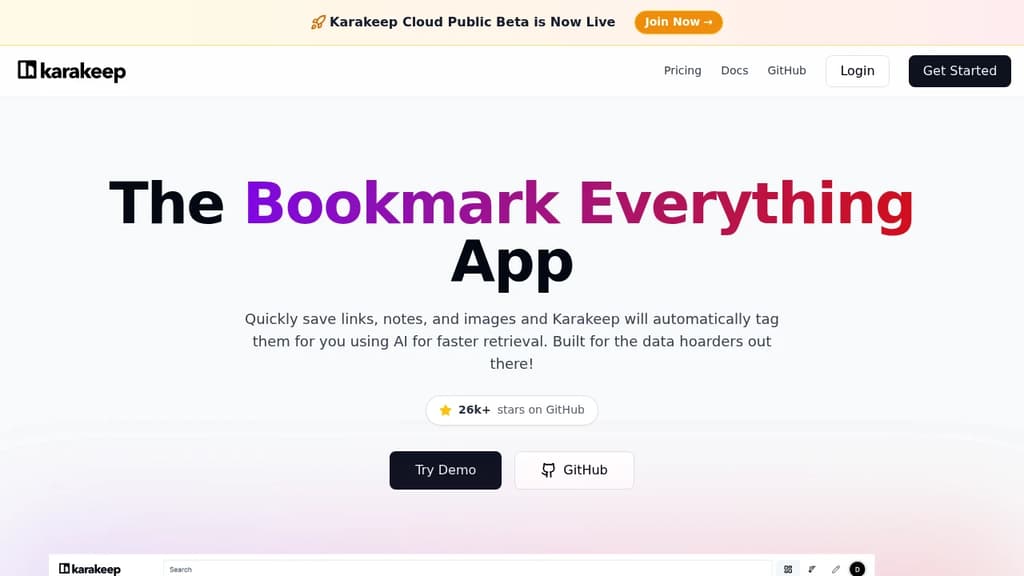
Karakeep is a bookmark manager built for people who save everything and need to find it again later. It handles links, notes, images, and PDFs in one place, automatically fetching titles, descriptions, and preview images for any URL you add. The core pitch: AI tags your bookmarks without you lifting a finger, so retrieval is faster even when your collection grows into the thousands.
It's self-hostable via Docker, which means your data stays on your own server. There's also a hosted cloud option for those who'd rather skip the infrastructure. Native apps cover iOS and Android, and browser extensions are available for Chrome and Firefox.
Key capabilities:
- AI tagging automatically categorizes every bookmark so you're not stuck manually organizing everything
- Full-text search across all saved content, not just titles
- Highlights let you mark up text on saved pages and keep those annotations organized
- Rule engine applies automation to incoming bookmarks based on conditions you define
- RSS feed ingestion pulls content automatically from feeds you follow
- Collaborative lists let teams share and build on bookmark collections together
- Bulk actions for managing large collections without clicking through items one by one
- REST API and webhooks for connecting Karakeep to other tools in your workflow
Compared to simpler tools like Linkding or Readeck, Karakeep leans harder into automation. The rule engine and AI tagging together mean less manual overhead as your library scales. It's a good fit for researchers, developers, or anyone who treats bookmarking as a serious part of their workflow rather than an afterthought.

Open-source platform to collect, organize, and preserve webpages with powerful collaboration features
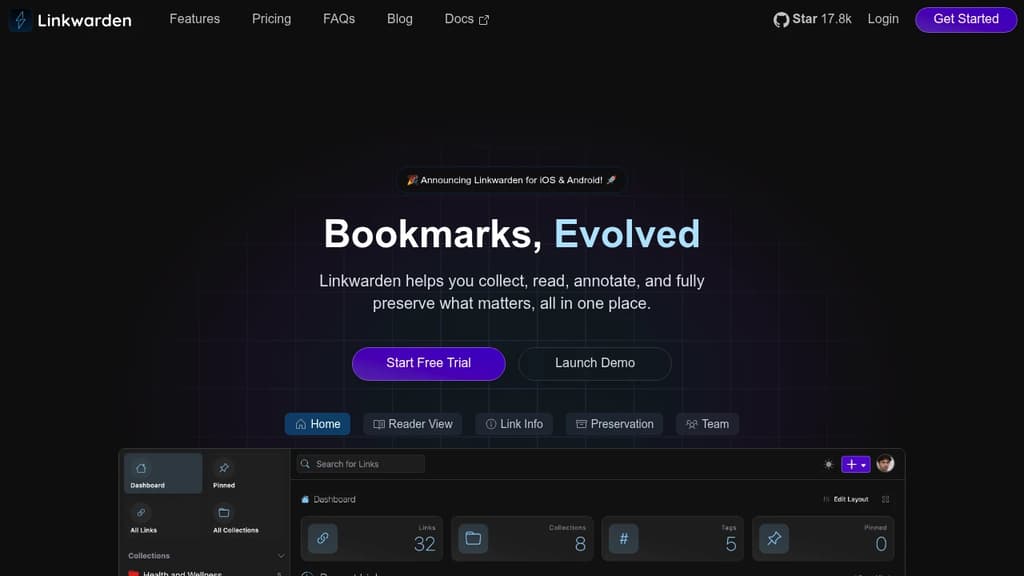
Linkwarden is an innovative open-source bookmark management solution designed for both individuals and teams. It goes beyond simple link saving by offering robust features for collecting, organizing, and preserving web content.
Key features:
- Effortless collection: Easily save webpages and bookmarks from any browser
- Powerful organization: Create Collections, Sub-Collections, and use Tags to keep your links structured
- Web archiving: Preserve full webpage snapshots, protecting against link rot and content changes
- Collaboration tools: Share Collections with team members and assign customizable permissions
- Privacy-focused: Self-hostable with transparent, open-source code for complete control of your data
Additional highlights:
- Responsive design for seamless use across devices
- Pin favorite links to your dashboard
- Advanced search and filtering capabilities
- Dark and light mode options
- Browser extension for quick saving
- Import/export functionality
- Bulk editing features
- API access for custom integrations
Whether you're a researcher building a knowledge base, a team collaborating on projects, or an individual organizing your digital life, Linkwarden provides a powerful and flexible solution for managing your web resources.

Self-hosted web article archiving tool that extracts content for comfortable reading. Import from Pocket, Instapaper. Open source with API access.
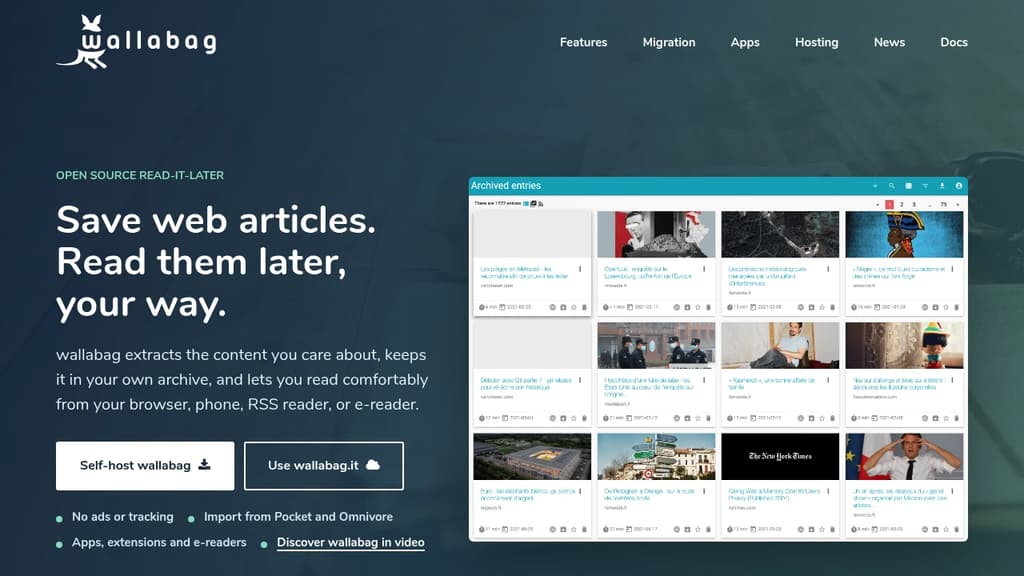
Save and read web articles on your own terms with this self-hosted application that puts privacy and freedom first. Unlike commercial read-later services, you maintain complete control over your data.
Key features that make reading better:
- Clean content extraction - strips away ads and distractions, displaying only the article content
- Cross-platform access - start reading on your laptop, continue on mobile, finish on your e-reader
- Import your existing data from Pocket, Readability, Instapaper, or Pinboard
- RSS reader integration - works seamlessly with your favorite RSS applications
Built for developers and power users:
- Complete API access for custom integrations
- Open source with active community support
- Self-hosted deployment gives you full data ownership
- Professional hosting available starting at €11/year with 14-day free trial
Perfect for anyone who wants to archive web content without depending on third-party services that could disappear or change their terms. The community-driven development ensures continuous improvements and long-term sustainability.

Minimal, fast bookmark manager with automatic metadata fetching, archiving, multi-user support, and browser extensions. Easy Docker setup with SQLite.
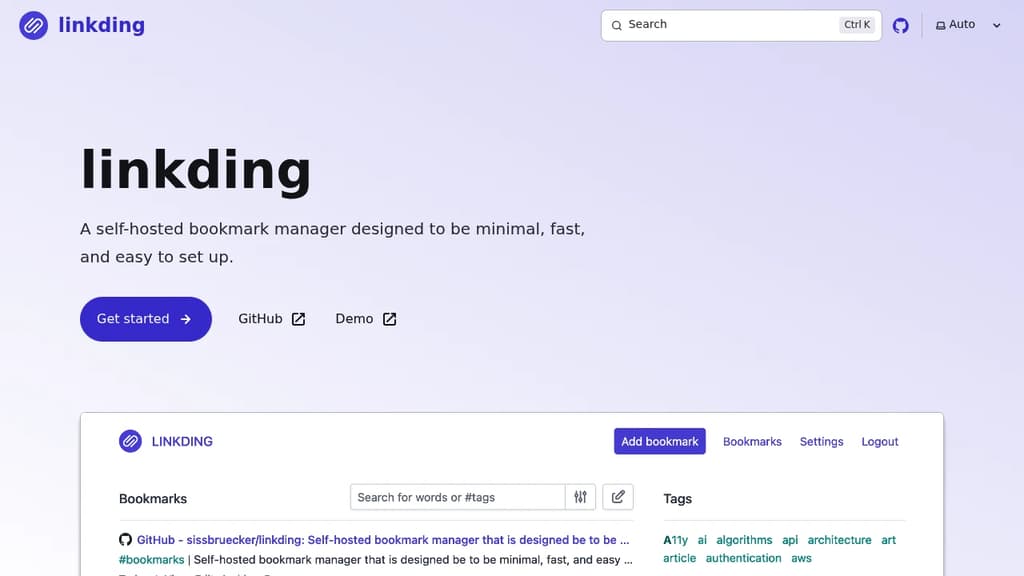
A self-hosted bookmark manager that prioritizes simplicity without sacrificing functionality. Built for users who want complete control over their bookmarks while maintaining a clean, distraction-free experience.
Key Features:
- Automatic metadata extraction - Fetches titles, descriptions, icons, and preview images
- Built-in archiving - Creates snapshots as local HTML files or via Internet Archive
- Multi-user support - Share bookmarks with other users or guests
- Browser extensions - Seamless integration for adding and searching bookmarks
- Bulk operations - Apply changes to multiple bookmarks at once
- Import/Export - Full Netscape HTML format compatibility
Technical Benefits:
- Single Docker container deployment for easy setup
- SQLite database - No complex database management required
- Automated migrations with zero breaking changes
- REST API for custom integrations and third-party apps
- Customizable interface with adjustable settings
Perfect for developers, researchers, and anyone who wants a reliable, self-hosted alternative to cloud-based bookmark services. The minimal design ensures fast performance while the comprehensive feature set covers all essential bookmark management needs.

Open-source bookmark manager with timeline view, one-click saving, categorization, and sharing features. Free plan available with pro upgrades.
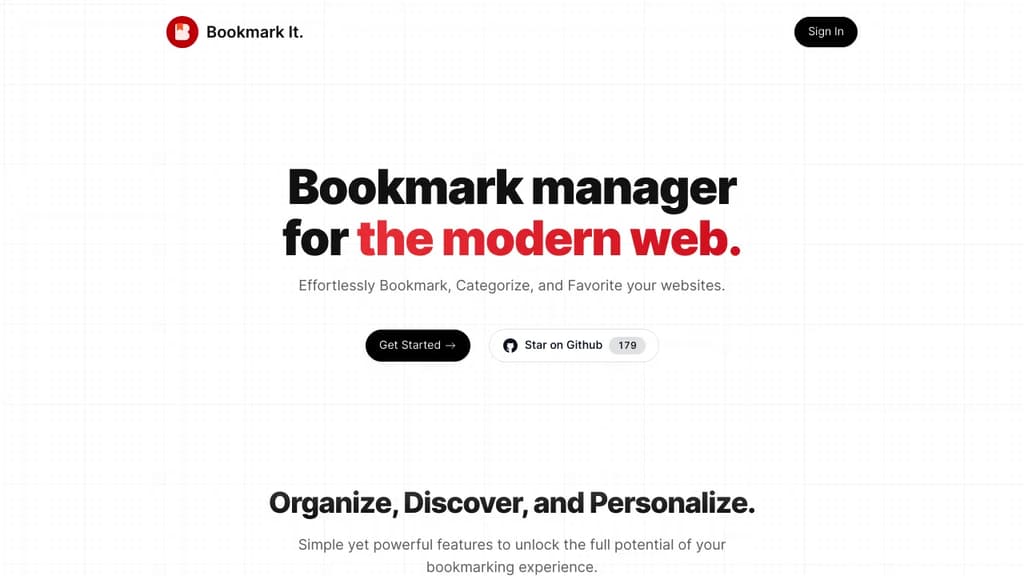
Transform your bookmarking experience with a modern, open-source solution that goes beyond simple link storage. This bookmark manager features a Twitter-like timeline interface that makes browsing your saved content feel natural and intuitive.
Key features include:
- One-click bookmarking through browser extensions
- Timeline-based organization for easy historical browsing
- Smart categorization with tags and favorites
- Public sharing of bookmark collections
- Cross-device synchronization for seamless access
- Export functionality (CSV/HTML formats)
- Theme customization options
The platform offers a generous free tier with 25 bookmarks per month, 15 tags, and basic sharing capabilities. Pro users get expanded limits (100 bookmarks/month, 100 tags) plus advanced features like multiple imports and email support for just $24/year.
Built with privacy in mind, you maintain full control over your data while enjoying seamless integration across devices. The open-source nature ensures transparency and community-driven development, with source code available on GitHub for review and contribution.

Private macOS app for saving web pages, text, links, and images locally with full-text search, OCR, and a CLI, no account or cloud required.
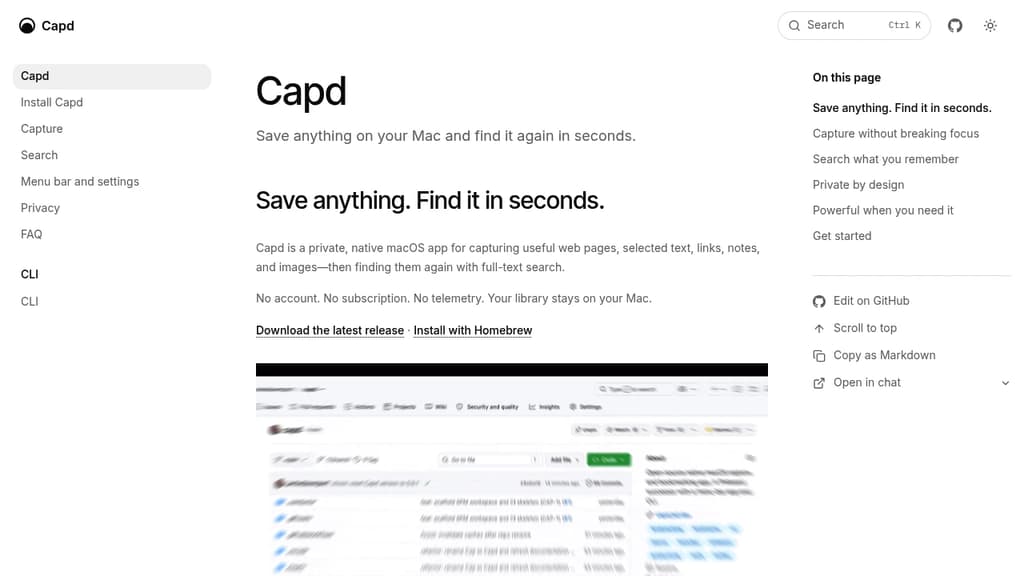
Capd is a native macOS app for building a personal library of things worth keeping: web pages, selected text, links, images, and notes. Everything stays on your Mac in a local SQLite database. No account, no subscription, no telemetry.
Capturing is designed to stay out of your way. A global shortcut works from any app, you can drag links or images to the menu bar, or use the standard macOS share sheet. A small HUD confirms the save and lets you add a note without opening the main window. Capd also strips tracking parameters from URLs and merges duplicate captures automatically.
Finding things is where it earns its keep:
- Full-text search across titles, site names, notes, selected text, and readable page content
- OCR search inside saved images, so text in screenshots is findable too
- On-device tagging for quick filtering as your library grows
- Ask Cap answers natural-language questions using your captures as context, with every claim linked back to its source (requires Apple Intelligence)
For automation, Capd ships a capd CLI that captures, searches, and exports the same local library with stable JSON output. It also exposes a read-only MCP server, making your library accessible to compatible AI assistants without any cloud intermediary.
Capd fits people who want a private alternative to cloud-based read-later or bookmark tools like Karakeep or Readeck, without giving up search quality or capture convenience. OCR and tagging run entirely on-device, so nothing leaves your machine.

Cloud-based bookmark manager that lets you save, categorize, and access your web favorites from any device with smart organization features
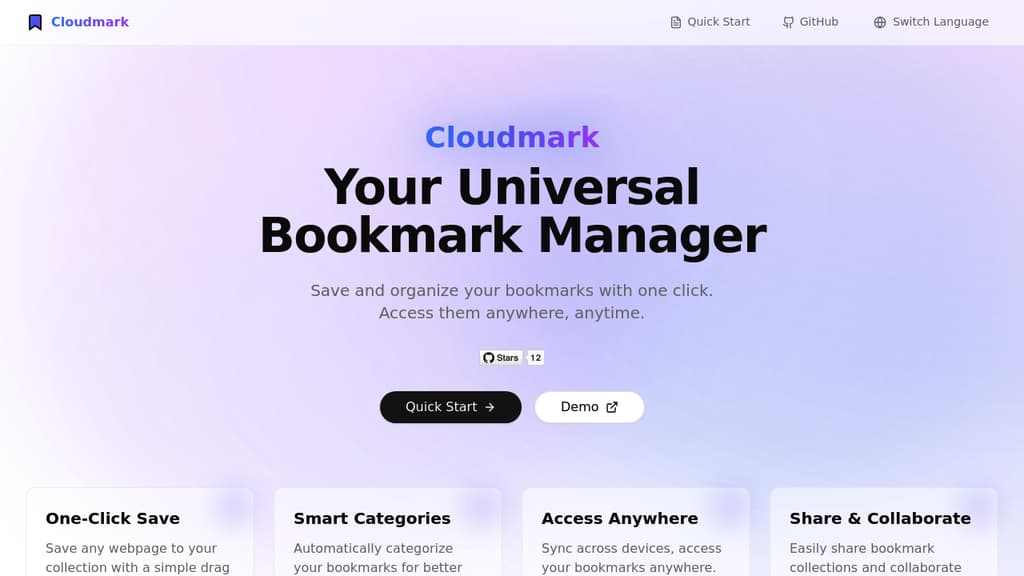
Cloudmark transforms how you manage your web bookmarks with powerful cloud-based features. Save any webpage instantly with a simple drag-and-drop browser extension that works across all major browsers. The smart categorization system automatically organizes your bookmarks into logical groups, making it easy to find what you need.
Key benefits include:
- One-click saving from any browser or device
- Intelligent auto-categorization of bookmarks
- Cross-device sync and access
- Collaborative features for sharing collections
- Clean, intuitive interface for easy navigation
- Secure cloud storage of your bookmarks
Whether you're a professional managing research materials or a casual user keeping track of interesting content, Cloudmark provides a seamless way to organize and access your digital resources.

A privacy-focused bookmark manager that encrypts your saved links, allowing you to access them anytime, anywhere, on any device with complete control.
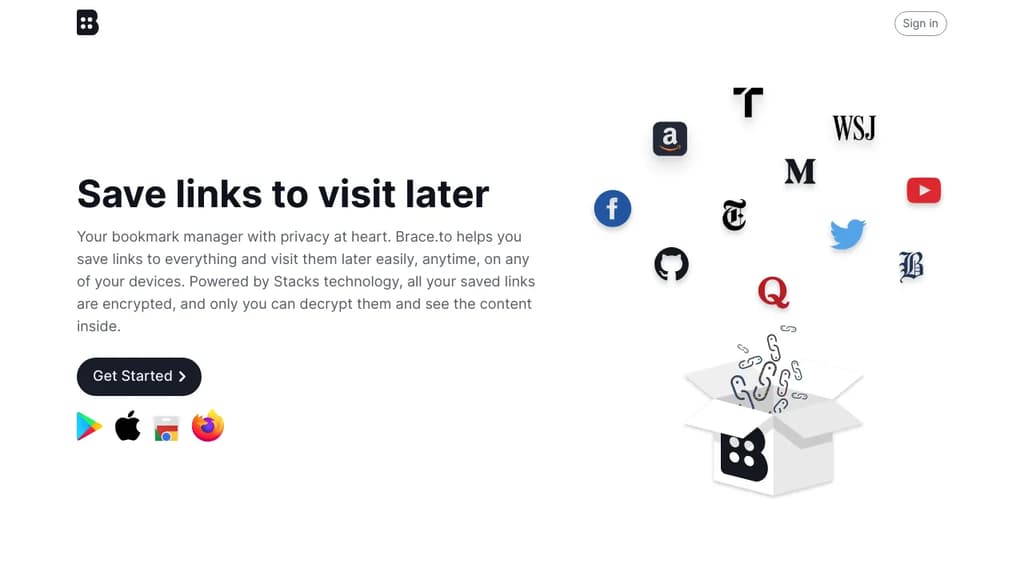
Brace.to is a revolutionary bookmark manager designed with privacy at its core. Powered by Stacks technology, it offers a secure way to save and organize your favorite links while maintaining full control over your data.
Key benefits of Brace.to include:
-
Encryption: All saved links are encrypted, ensuring only you can access and view your bookmarks.
-
Cross-device compatibility: Access your saved links on any device, anytime.
-
Multiple saving methods:
- Browser extension for Chrome and Firefox
- Mobile apps for iOS and Android
- Direct saving on the Brace.to website
- Quick save by typing "brace.to/" before any URL in your browser's address bar
-
User-friendly interface: Beautified links with representative images and titles for easy recognition.
-
Privacy-first approach: Your account is cryptographically generated, preventing unauthorized access or bans.
-
Decentralized data storage: Choose your preferred data server, giving you complete control over your information.
Brace.to embodies the "Can't Be Evil" philosophy, ensuring that your bookmarks remain private, secure, and under your control. Whether you're saving long articles, interesting websites, online shopping items, or media content, Brace.to provides a seamless and secure way to manage your digital discoveries.

People are looking for alternatives to...
View all alternatives
Spotify

Claude

Claude Code

CapCut

Notion

Lovable
 Postiz – The All-in-One agentic social media scheduling tool

 Docmost