Open Source Factory Alternatives
A curated collection of the 9 best open source alternatives to Factory.
The best open source alternative to Factory is OpenCode. If that doesn't suit you, we've compiled a ranked list of other open source Factory alternatives to help you find a suitable replacement. Other interesting open source alternatives to Factory are: OpenHands, Cline, Aider, and Grok Build.
Factory alternatives are mainly AI Coding Agents but may also be AI Coding Assistants or AI Code Reviewers. Browse these if you want a narrower list of alternatives or looking for a specific functionality of Factory.

Written by Piotr Kulpinski


Open source AI coding agent that works in your terminal, IDE, or desktop app, supporting 75+ LLM providers with no code storage.
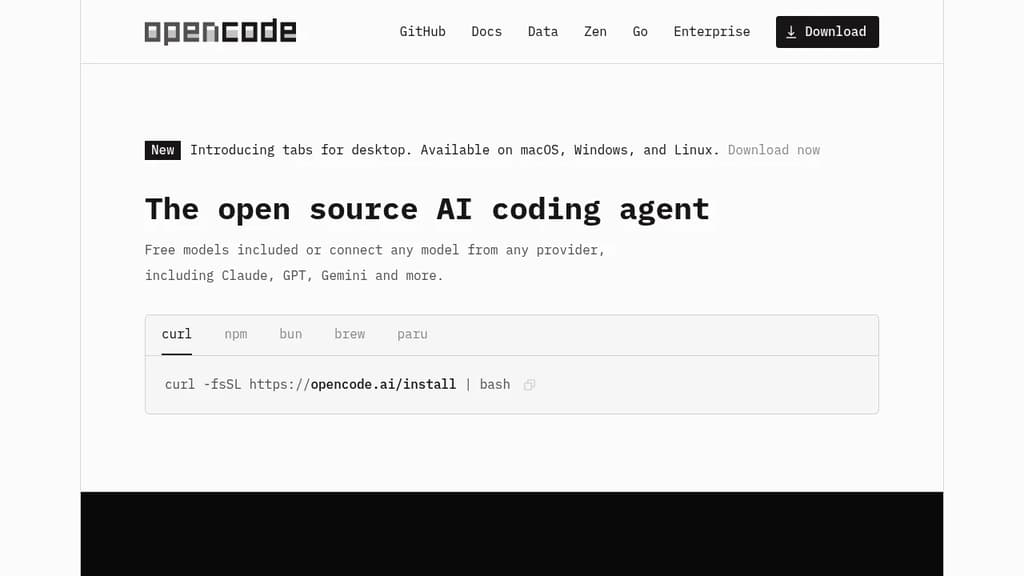
OpenCode is an open source AI coding agent built for developers who want full control over their tools and data. It runs in the terminal, as a desktop app (available in beta on macOS, Windows, and Linux), and as an IDE extension, so it fits into existing workflows without forcing a specific environment.
Model flexibility is a core part of the design. It connects to 75+ LLM providers through Models.dev, including local models, and supports Claude, GPT, Gemini, and others. Developers with existing GitHub Copilot or ChatGPT Plus/Pro subscriptions can log in directly and use those accounts without paying for another service.
LSP (Language Server Protocol) support is built in, meaning OpenCode automatically loads the appropriate language servers for the LLM context. This gives the agent a more accurate understanding of your codebase rather than treating it as plain text. You can also run multiple agents in parallel on the same project, which is useful when working across separate features or debugging threads simultaneously.
Session sharing lets you generate a link to any coding session. That makes it easier to hand off context to a colleague or revisit a debugging thread later.
Privacy is handled by design: OpenCode does not store your code or context data. That makes it usable in environments where sending source code to third-party servers is a concern. Tools like Cline and Continue take similar approaches to local-first AI coding, but OpenCode's combination of desktop, terminal, and IDE support in one package is relatively uncommon.
The project has over 160,000 GitHub stars, 900 contributors, and is used by roughly 7.5 million developers monthly.

AI agent platform that runs autonomous coding agents to plan, write, and ship changes across codebases end-to-end, with support for any model and self-hosted deployment.
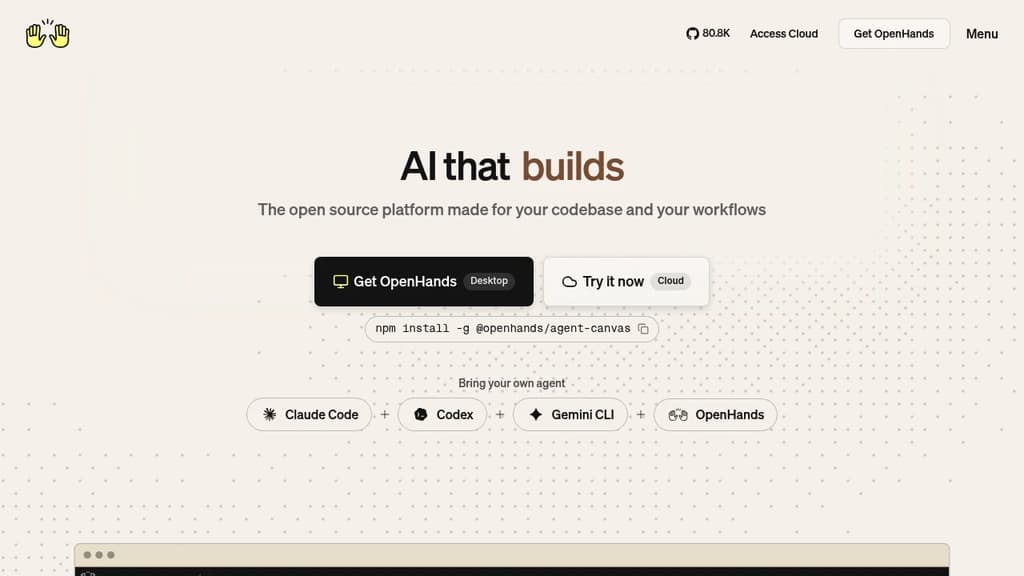
OpenHands is an AI agent platform built for software teams that need more than code suggestions. Instead of autocompleting lines in an editor, it runs autonomous agents that plan, execute, and ship changes across entire codebases. Think: open a GitHub issue, an agent investigates, writes the fix, runs tests, and opens a pull request for review.
It's model-agnostic by design. You can point it at any LLM, swap models as needs change, and integrate it into existing CI/CD pipelines without rearchitecting your workflow. For teams already using self-hosted developer infrastructure, it fits naturally into that setup.
Key capabilities include:
- Vulnerability remediation: Scans repositories, patches security issues, and opens reviewable PRs automatically
- PR review automation: Reviews pull requests for quality, security, and best practices
- Legacy migration: Migrates COBOL systems to Java with testing and validation built in
- Incident triage: Investigates production errors, traces root causes, and posts actionable debugging summaries
- Test coverage expansion: Generates and maintains tests for new features to catch regressions before they ship
- Parallel execution: Runs thousands of agent tasks simultaneously, not just one at a time
The platform runs inside isolated Docker or Kubernetes environments. Your code stays in your environment, on-prem or private cloud, with full auditability over every agent action and artifact. That matters for teams with strict compliance requirements.
A Large Codebase SDK handles dependency mapping across complex systems, letting multiple agents work in parallel without creating conflicts. This makes it practical for large legacy codebases that most AI tools struggle with.
Teams can interact with OpenHands through a web UI, CLI, or SDK. It integrates directly with GitHub, GitLab, Slack, and standard ticketing tools, so agents can be triggered from wherever work already happens. Developers building their own AI-powered tooling can embed the SDK into custom workflows.
OpenHands has accumulated over 75,000 GitHub stars and an active contributor community. The open-source foundation means full visibility into how agents behave, which is a meaningful difference from closed-source alternatives.

AI coding agent that runs inside VS Code and the terminal, supporting multi-file edits, bash execution, and any LLM provider via bring-your-own-key.
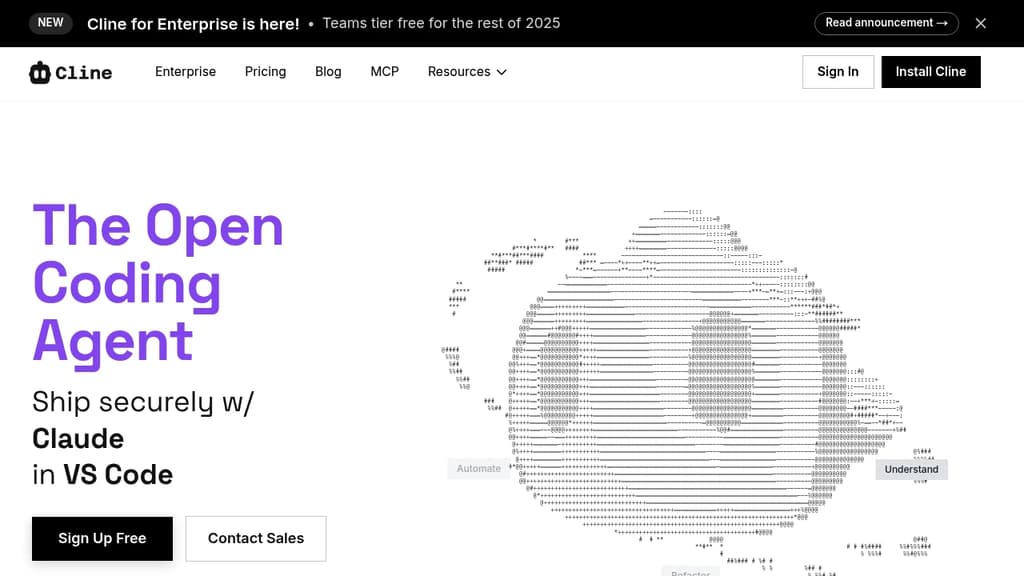
Cline is an open-source AI coding agent that works inside VS Code and the command line. It reads and edits files across a project, runs terminal commands, reacts to their output in real time, and handles long-running processes like dev servers or test suites.
The Plan/Act mode split lets you discuss a strategy with the agent before it touches any code, then switch to Act mode when you're ready to execute. Every step is approvable, or you can enable auto-approve for unattended runs.
Model choice is unrestricted. Claude, GPT, Gemini, local Ollama or LM Studio instances, and any OpenAI-compatible endpoint all work. You bring your own key or your own weights.
For teams, Cline supports multi-agent setups where a coordinator delegates to specialist agents with their own tools and context windows. It also connects to Slack, Discord, Telegram, and Linear, and runs headlessly inside GitHub Actions or GitLab pipelines. Tools like Roo Code and OpenHands take a similar multi-agent approach if you want to compare.
.clinerules files let you ship coding standards, architecture guidelines, and deployment conventions alongside your repo so the agent follows project-specific rules consistently.
Extensibility comes through the SDK and MCP server support, which lets you register custom tools and connect to databases, APIs, or infrastructure. The project is Apache 2.0 licensed with 250+ contributors.

Terminal-based AI coding tool that lets you edit existing codebases or start new projects using LLMs like Claude, GPT, and DeepSeek.
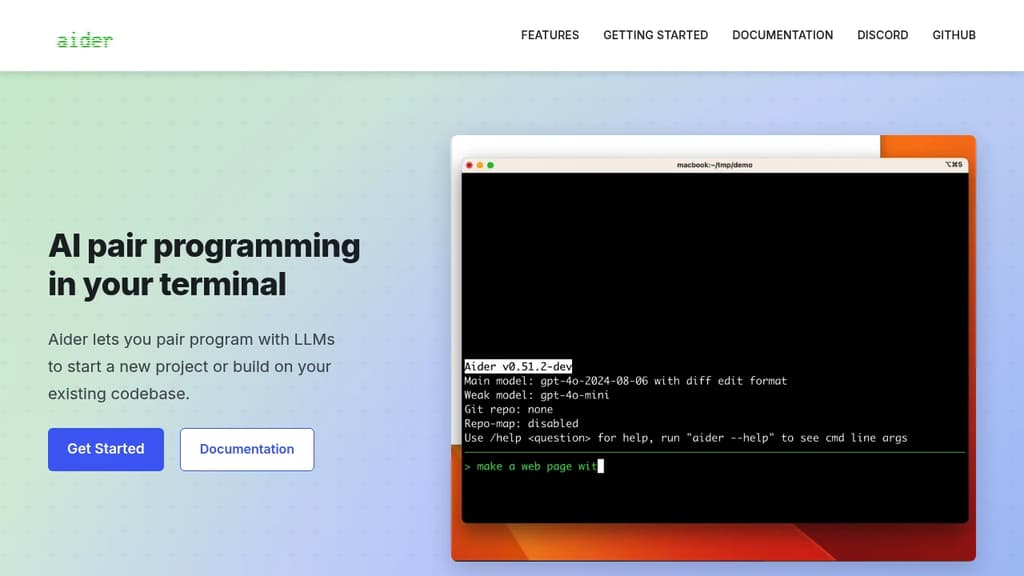
Aider brings AI pair programming directly into your terminal, letting you work with large language models on real codebases. It's built for developers who want to stay in their existing workflow rather than switching to a new editor or browser-based tool.
You point Aider at your project directory and start a conversation. It reads your files, understands the structure, and makes targeted edits across multiple files at once. Changes are applied directly to your code, not pasted into a chat window for you to copy manually.
Key capabilities:
- Multi-model support: works with Claude, GPT-4, o3-mini, DeepSeek, and other LLMs. You bring your own API key.
- Git-aware editing: automatically commits changes with meaningful messages, so every AI-assisted edit is tracked and reversible.
- Multi-file edits: handles changes that span several files in a single request, keeping diffs coherent.
- Existing codebase support: drop it into any project, not just greenfield work. It maps your repo to give the model context.
- Voice input: supports voice-to-code for hands-free coding sessions.
- Linting and test integration: can run your test suite or linter after edits and feed results back to the model for self-correction.
Compared to IDE plugins or browser-based AI coding agents, Aider is lightweight and editor-agnostic. It fits into any setup that has a terminal. The open source model means no subscription lock-in, and you control which LLM backend you use.
It's a practical choice for developers who want AI assistance without giving up their existing tools or paying for a bundled editor.

Terminal-based coding agent powered by Grok 4.5 that plans, builds, tests, and deploys across any codebase with parallel subagents and plugin support.
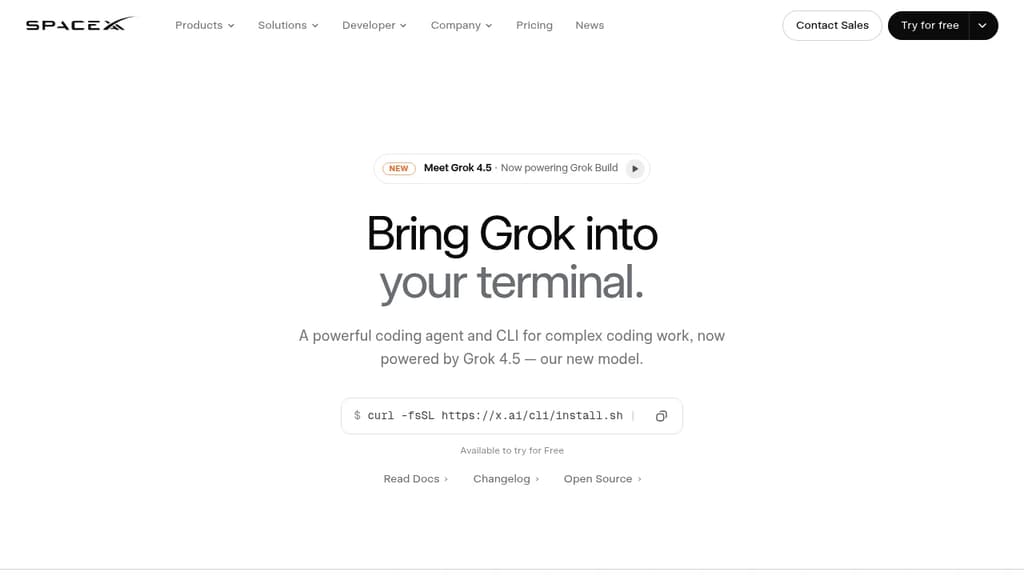
Grok Build is a terminal coding agent built for developers who want serious AI assistance without leaving the command line. It handles the full development cycle: planning, writing code, running tests, committing to git, and deploying. Any language, any codebase.
The tool's Plan Mode sets it apart from simpler autocomplete tools. Before touching a single file, it proposes a structured plan you can approve, comment on line by line, or rewrite entirely. Every approved change appears as a clean diff. Nothing gets written until you say so.
For large tasks, subagents run in parallel, each with its own context window and optionally its own git worktree. Ask it to find a latency regression and it can simultaneously explore your checkout flow, infrastructure, shared libraries, and pricing engine at once.
Key capabilities:
- Skills: reusable slash commands you build from any session using
/skillify, auto-invoked when a task matches - Plugins: bundle skills, agents, hooks, and MCP servers into a single install, shareable via marketplace or a self-hosted git repo
- MCP servers: connect to Cline-style external tools like Linear, Sentry, Grafana, and Postgres
- Hooks: run scripts automatically on file edits or tool calls
- AGENTS.md: set per-directory conventions the agent follows consistently
- Memory: decisions and context persist across sessions
- Headless mode: scriptable in CI/CD pipelines
- Sandboxed execution: run untrusted code in isolation
- Web search: look up docs and packages without switching context
When a task is ambiguous, Grok Build asks targeted multiple-choice questions before starting, so it picks the right framework, schema, or design direction upfront rather than guessing. The fullscreen terminal UI supports mouse input and keyboard-first navigation.
It's free to try, and unlike Grok in a browser chat interface, this is purpose-built for working directly inside your existing development environment.

Open source AI coding agent with 500+ models, bring-your-own-key support, and specialized modes for writing, debugging, and planning code across IDEs and CLI.
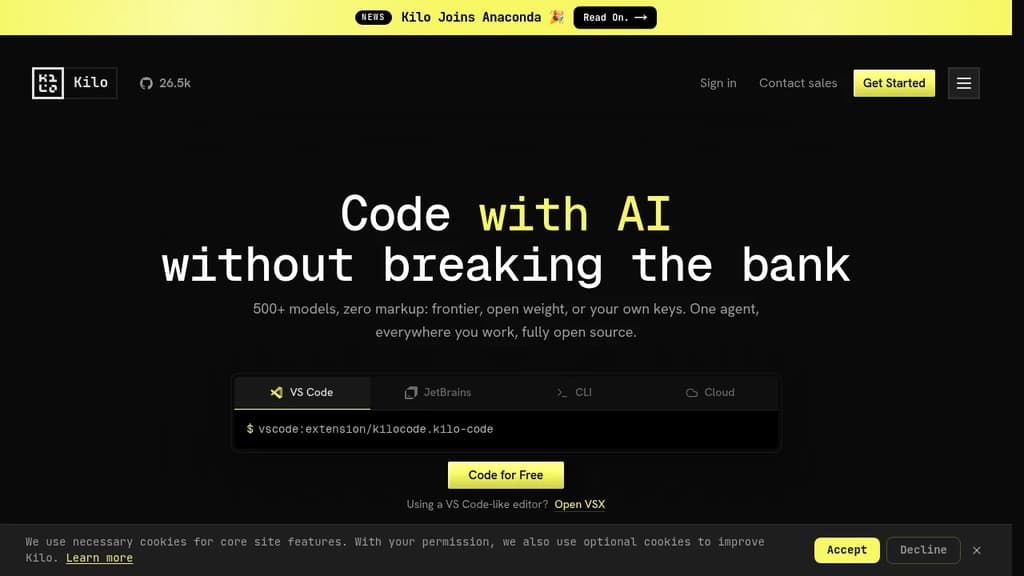
Kilo is an AI coding agent that works inside VS Code, JetBrains, the command line, and a hosted cloud environment. It's built for developers who want full control over their AI setup: bring your own API keys at zero markup, use local models to keep code private, or route through Kilo's model gateway to access 500+ models.
The agent ships with five specialized modes, each suited to a different part of the development workflow:
- Code Mode writes, refactors, and ships production-ready code with full codebase context
- Architect Mode helps plan complex features and structure work before any code is written
- Debug Mode reads errors, traces issues, and suggests targeted fixes
- Ask Mode answers questions about your codebase without making changes
- Custom Mode lets you define your own agent behavior for specific workflows
Switching between modes doesn't mean switching tools. Everything runs in the same agent, in the editor or terminal you're already using.
Kilo also includes KiloClaw, a managed version of the OpenHands open agent platform. It deploys in under 60 seconds with no Docker, SSH, or config files required. Once running, KiloClaw connects to Telegram, Discord, or Slack, handles scheduled tasks and cron jobs, and acts on your behalf autonomously. It's the part of Kilo designed for background work: running tasks while you're away, automating repetitive operations, or handling code review in the cloud.
For teams comparing options, Kilo positions itself against tools like Cline and Roo Code as a more fully integrated alternative with broader model support and cloud agent capabilities built in. The codebase is Apache-2.0 licensed and fully open source.

State-of-the-art AI agent that uses language models like GPT-4o to autonomously solve GitHub issues, fix bugs, and implement features with configurable YAML setup.
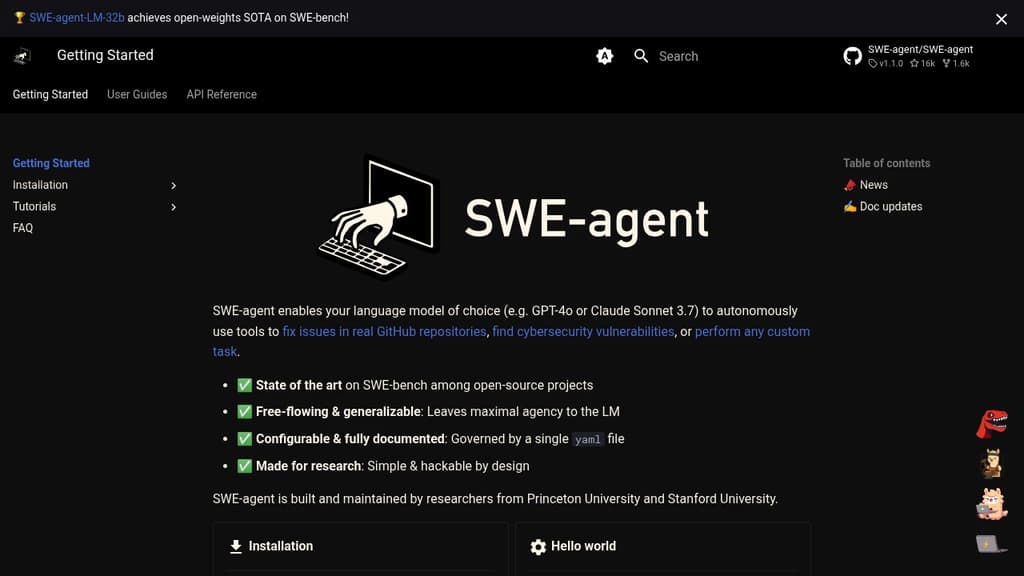
SWE-agent enables language models like GPT-4o or Claude Sonnet 3.7 to autonomously use tools to solve GitHub issues, fix bugs, and implement new features. Built by researchers from Princeton and Stanford Universities, it achieves state-of-the-art performance on SWE-bench among open-source projects.
Key Features:
- 🏆 SOTA Performance: Leading results on SWE-bench benchmarks
- 🔧 Fully Configurable: Single YAML file controls all agent behavior
- 🎯 Research-Ready: Simple, hackable design for experimentation
- 🚀 Free-flowing Agency: Maximizes language model autonomy
The platform provides comprehensive documentation including installation guides, tutorials, and API references. Whether you're looking to automate code fixes, resolve complex GitHub issues, or conduct AI research, SWE-agent offers a robust foundation with proven academic backing and real-world performance.

An open-source GitHub bot that runs AI agents to review PRs, triage issues, fix CI failures, and ship code using any LLM provider.
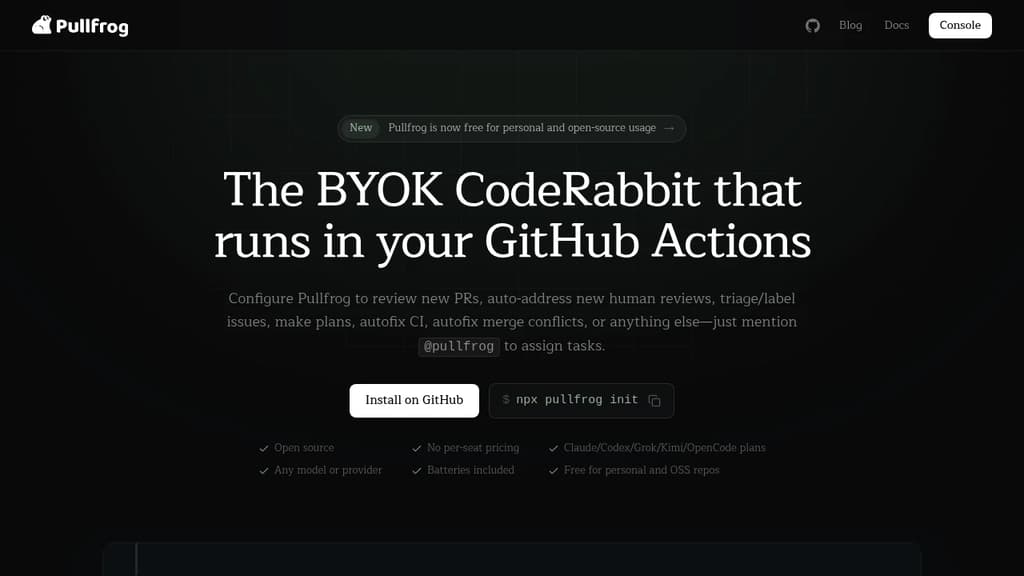
Pullfrog is an AI-powered GitHub bot that automates the repetitive parts of software development directly inside your existing workflow. It listens for GitHub events and triggers agent runs in response: a PR opens, a review is submitted, CI fails, a merge conflict appears. No separate dashboard to babysit. Just tag @pullfrog anywhere, or configure automations to fire on their own.
It runs on GitHub Actions, which means it lives in your repo and uses infrastructure you already have. There's nothing new to learn about where your code runs.
What it can do out of the box:
- PR review – automatically reviews incoming pull requests and leaves structured comments
- Issue triage – labels and categorizes new issues based on your instructions
- CI autofix – detects failures on its own PRs and attempts fixes; can be configured for human PRs too
- Merge conflict resolution – identifies and resolves conflicts automatically
- Plan and PRD generation – drafts technical plans from issue descriptions
- Review iteration – when you leave comments on a Pullfrog-created PR, it addresses them and updates you
- Headless browser – runs end-to-end tests, takes screenshots, and iterates on UI without extra setup
Unlike tools such as CodeRabbit or OpenHands, Pullfrog is model-agnostic. It works with Anthropic, OpenAI, Google, Mistral, DeepSeek, OpenRouter, and more. API keys are stored as GitHub secrets and passed with least-privilege access. Short-lived installation tokens are auto-revoked after each run, so credentials don't linger.
Security is handled at the architecture level. Shell commands run in an isolated subprocess with no access to sensitive environment variables. A purpose-built MCP server handles all git and GitHub operations, with permission checks that prevent the agent from pushing to protected branches or touching repos it shouldn't see.
Pricing is pay-as-you-go at $0.07 per run (plus model costs), with 30 free runs per month and no card required to start. Open source projects can apply for free full access.

Source-available, self-hosted AI coding agent that connects to your repo, tools, and chat to investigate issues and open reviewable PRs on your own infrastructure.
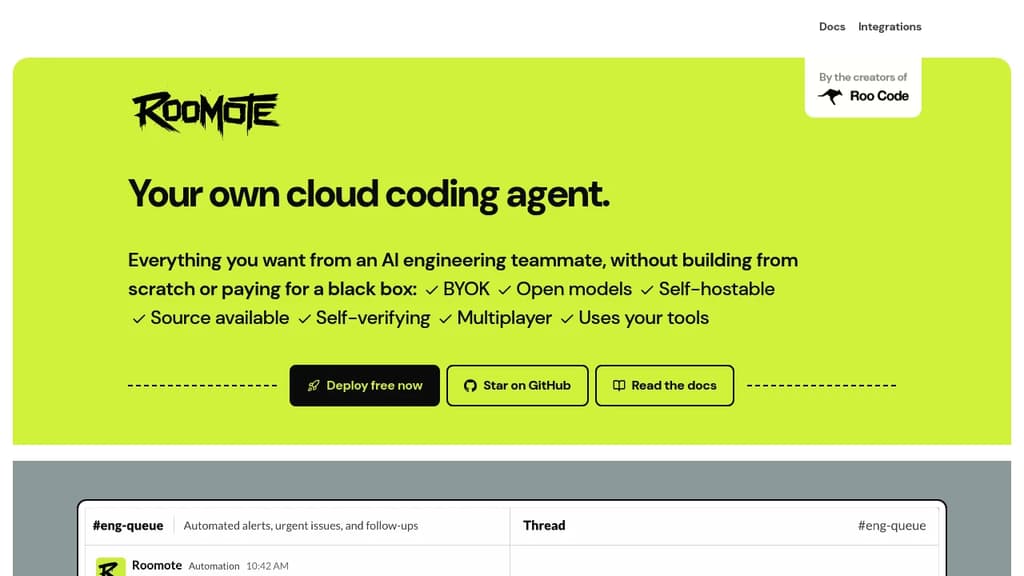
Roomote is a self-hosted, source-available AI coding agent built for engineering teams that want autonomous coding work without handing their code, prompts, or data to a vendor's black box. It connects to the tools your team already uses and returns reviewable pull requests through your normal review workflow.
Unlike IDE-based tools like Cline or local agents, Roomote runs in the cloud on your own infrastructure. You assign it work from Slack, an issue tracker, GitHub, or the web. It investigates, plans, and ships changes, then opens a PR your team can read end to end. You keep full control of what merges.
What it can do:
- Full lifecycle tasks. Repo-backed answers, scoped fixes, database migrations, bug investigations, and reviewable PRs. Not just code suggestions.
- Self-review loops. Before marking work done, it runs the actual app, reviews its own changes, and attaches previews or screenshots as proof.
- Live preview URLs. Reviewers get a running instance to inspect, not just a diff.
- Parallel tasks. Multiple teammates can run unlimited tasks simultaneously, including live multi-user sessions on the same issue.
- Model-agnostic. Bring Claude, GPT, or any open-weight model. Swap providers without changing your workflow.
- Broad integrations. Connects to Jira, Linear, Sentry, Grafana, Supabase, BigQuery, Snowflake, Figma, Notion, PostHog, Vercel, and more.
Roomate uses OpenCode as its underlying harness, which keeps it token-efficient compared to first-party vendor agents.
Every prompt, decision path, and line of the agent is in the repository. You can read it, fork it, and adapt it for your team's needs. The license lets you self-host, modify, and redistribute it for internal use, education, and professional services. Competing commercial products built on top of it are the main restriction.
It's a practical fit for engineering leaders who want model choice and deployment control, and for solo developers who want a cloud agent they own and can run cheaply on open-weight models. Non-engineering teammates can also assign work through familiar interfaces without any local setup.

People are looking for alternatives to...
View all alternatives
Spotify

Claude Code

CapCut

Claude

Notion

Lovable
 CodeRabbit – The leading AI Code Review platform. Ship better quality code in 50% less time, with 90% fewer bugs.

 Docmost