Open Source Dust Alternatives
A curated collection of the 6 best open source alternatives to Dust.
The best open source alternative to Dust is Dify. If that doesn't suit you, we've compiled a ranked list of other open source Dust alternatives to help you find a suitable replacement. Other interesting open source alternatives to Dust are: LobeHub, Onyx, OpenWork, and Kortix.
Dust alternatives are mainly AI Agent Platforms but may also be Enterprise Knowledge Search. Browse these if you want a narrower list of alternatives or looking for a specific functionality of Dust.

Written by Piotr Kulpinski

Visual platform for building agentic workflows, RAG pipelines, and LLM-powered apps. Supports hundreds of models, MCP integration, and self-hosted deployment.
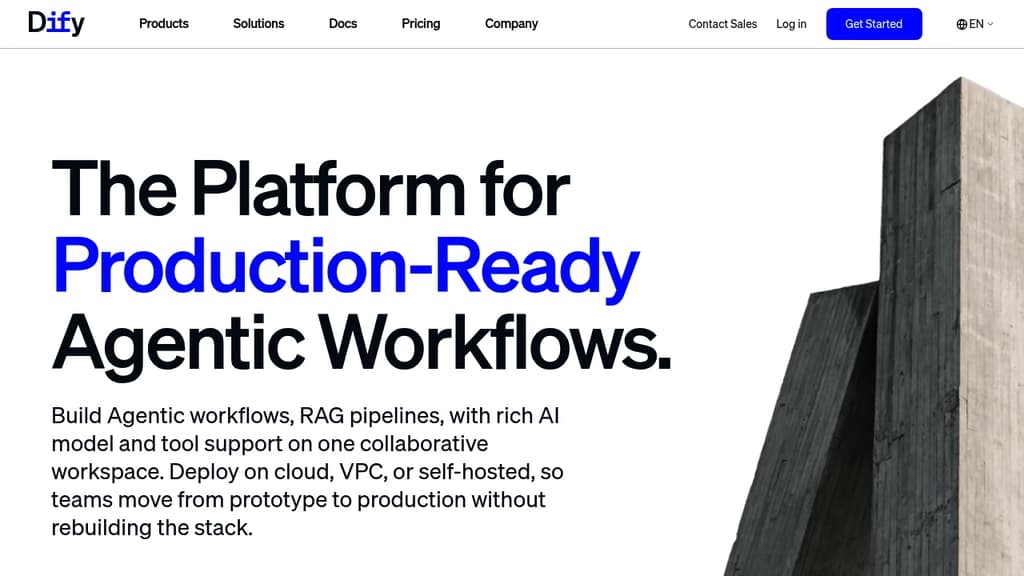
Dify is an open source platform for building production-ready AI applications without writing boilerplate infrastructure. It targets developers and teams who want to move from idea to deployed app quickly, using a visual workflow builder rather than assembling everything from scratch.
The core of Dify is its agentic workflow builder: a drag-and-drop canvas where you connect LLM calls, tools, conditional logic, and data sources into multi-step pipelines. These aren't toy demos. The platform is designed to handle real production traffic, with enterprise-grade security and scalability built in from the start.
Key capabilities include:
- RAG pipelines: ingest documents, connect knowledge bases, and make your data queryable by any LLM with minimal setup
- Multi-model support: connect to hundreds of global LLMs, including OpenAI, Anthropic, and locally-hosted models via Ollama or OpenAI-compatible APIs
- MCP integration: native support for the Model Context Protocol, both consuming external MCP servers and publishing your own app as an MCP server
- Plugin marketplace: extend functionality with community plugins without touching source code
- Observability: built-in monitoring so you can iterate based on real usage data
Teams can self-host the entire platform, which matters for organizations with strict data residency or compliance requirements. The no-code interface makes it accessible to non-engineers, while the underlying API and plugin system give developers room to build complex, custom logic.
Dify is used across industries from biomedicine to automotive. Ricoh built internal tooling on it; Volvo Cars uses it for rapid AI validation. Over a million applications run on Dify deployments worldwide.

Add AI agents to Slack, Discord or Telegram that pick up requests, hand coding to Claude Code or Codex, report back in thread, and learn from your corrections.
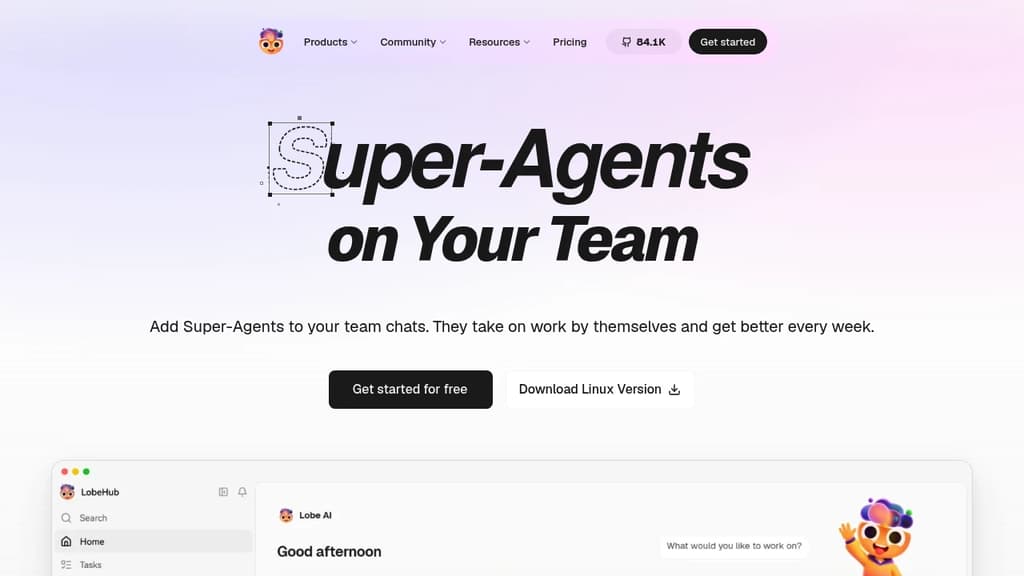
LobeHub is a collaborative agent platform where AI agents join your team chats and take on work. You add an agent to Slack, Discord or Telegram, and it reads the channel history, docs and code before it does anything. It's built for teams that want routine requests handled without someone assigning every task.
The agent can act on its own. With the "speak up on its own" setting on, it spots a feature request that several people have +1'd, creates a task, and starts work without being tagged.
- Coding handoff: it passes the build to Claude Code or Codex and tracks the task
- Acceptance checks: each delivery comes with screenshots or recordings, and you can send back any check that's off
- Pull requests: the PR merges only after you accept
- Thread replies: it tells the people who asked once the work is live
- Permissions: you decide what it can do, for example opening PRs freely while deploys need your OK
- Daily brief: a home page lists what finished, what's running, and what needs your decision
The agent also learns. A Self-evolving page shows each area it practices, the lessons you've taught it, and how often it gets things right. Mistakes become lessons, and a rule it keeps breaking is flagged so you can teach it again.
You can start with one agent and add more later, such as separate agents for design, releases and docs. Each teammate can have their own too. Agents remember team preferences, like sending pricing copy to a specific person for sign-off.

An open-source platform that connects to 40+ apps to provide intelligent search and AI assistance across all company information
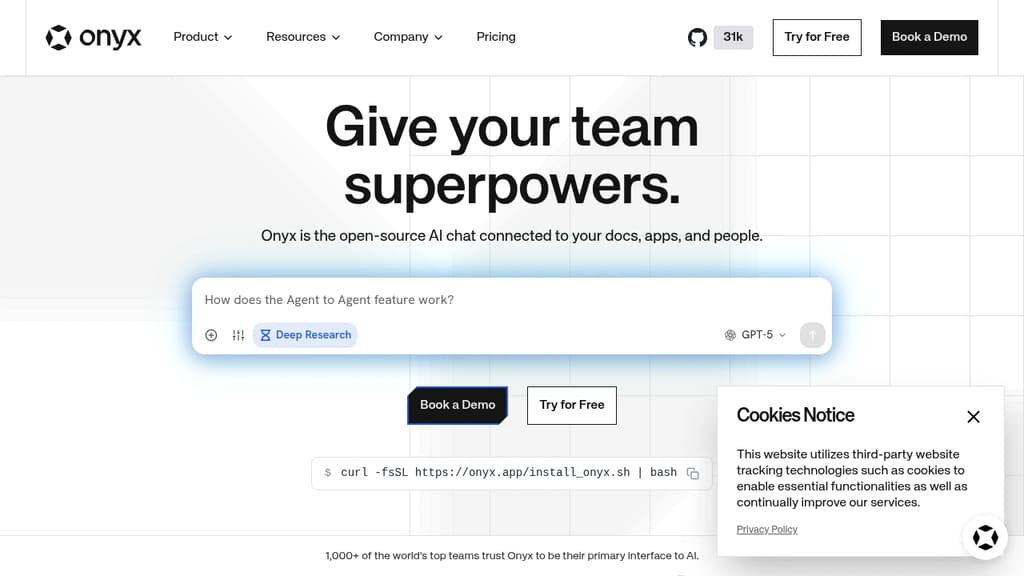
Onyx is a powerful open-source enterprise search platform that transforms how teams find and access information. With seamless integration across 40+ popular business tools like Slack, GitHub, Notion, and Google Workspace, it creates a unified search experience powered by AI.
Key features include:
- AI Workplace Search that helps teams quickly find answers across all connected apps and documents
- AI Assistant capabilities that leverage your organization's knowledge to provide contextual responses
- Developer-friendly APIs for building custom workflows and integrations
- Enterprise-grade security with document-level permissions and optional air-gapped deployment
- Model flexibility allowing you to choose or self-host your preferred AI models
The platform is designed to be highly extensible with modular architecture, making it easy to customize and adapt to your specific needs while maintaining complete control over your data.

Desktop app for teams to run AI agents across 50+ LLMs, share skills and MCP servers org-wide, and automate browser tasks with your own keys.
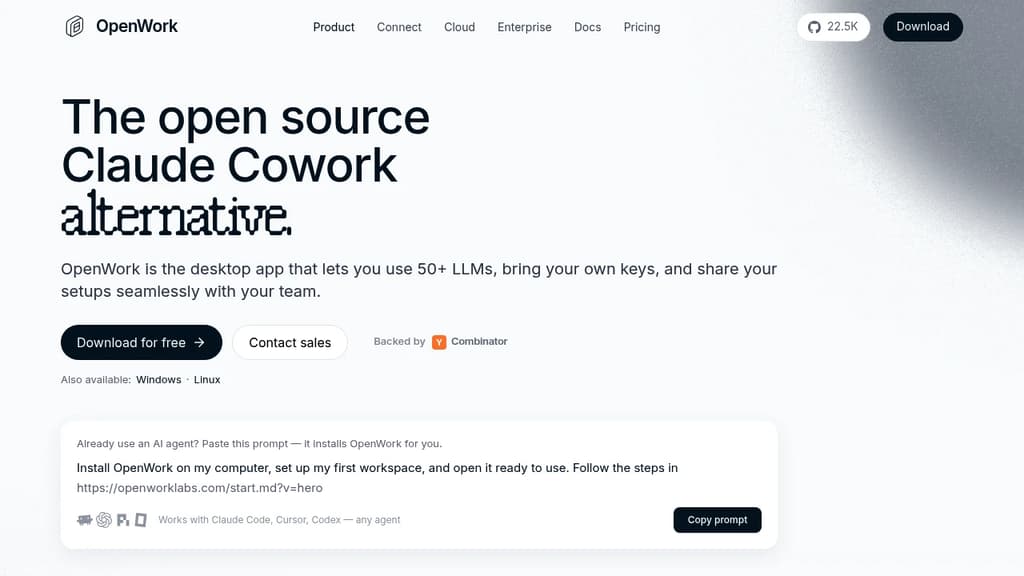
OpenWork is a desktop app (and browser-based workspace) that lets individuals and teams run AI agents against their own files, tools, and data. It's built on OpenCode and positions itself as an open alternative to Claude Cowork, supporting 50+ LLMs from providers like OpenAI, Anthropic, Google, Mistral, and local models, rather than locking you to a single vendor.
The core idea: bring your own API keys, wire in the tools your team already uses, and package everything into reusable setups that anyone can import in one click. No terminal required.
Key capabilities:
- Multi-model support – switch between OpenAI, Anthropic, Gemini, Bedrock, Azure AI Foundry, Mistral, OpenRouter, or local models. Connect your own keys or use a managed provider on cloud plans.
- Browser automation – describe a task in plain language and the agent executes it in a real browser. Like replies, extract data, fill forms, and save results to your machine.
- OpenWork Connect (MCP gateway) – add an MCP server or skill once, and every teammate gets it instantly across desktop, web, and any MCP-compatible client like Claude Code or Cursor. One URL covers your whole org, with auth, roles, and policies applied in transit.
- Skill and plugin sharing – Anthropic-compatible plugins and SKILL.md files work as-is. Teams package skills, configs, and MCP servers into a single shareable link.
- Local-first privacy – in desktop mode, files stay on your machine. Prompts go directly to the LLM provider you choose. Cloud workers are optional and sandboxed.
- Self-host or managed – run it on your own infrastructure or use OpenWork Cloud for central seat management, SSO, and bring-your-own inference.
For teams migrating from Claude Cowork, existing SKILL.md files and MCP servers import without modification. The free desktop app needs no account to start. Team plans add API access and the Extension Marketplace at $10 per seat per month after the first five free seats.

Manages a team of AI agents across your company, with every agent, skill, memory, and connector stored as versioned files in a git repo you own and self-host.
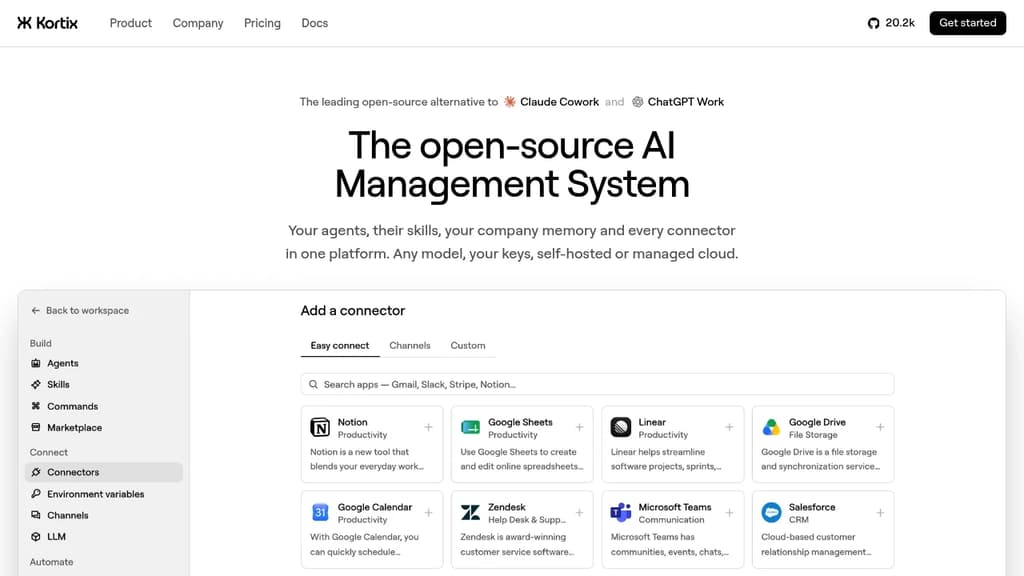
Kortix is a platform for running AI agents across an entire company, where the whole setup lives in a single git repo you own. Agents, skills, memory, connectors, triggers, and permissions are all plain files. You can grep the company, diff any change, and roll anything back. No settings locked in someone else's database.
It fits teams that want AI agents doing real, multi-step work across sales, engineering, finance, marketing, and ops, not just answering questions. Agents start from Slack, MS Teams, the web, a CLI, a cron schedule, or a signed webhook. Work lands back in the repo as a change request you read as a diff before it merges.
The platform is built in six layers that work together:
- Git repo as the source of truth.
kortix.yamldeclares the machine image, connectors, and triggers. Agents and skills are markdown files. Memory accumulates as files over time. - Connectors. 3,000+ app integrations plus MCP, OpenAPI, GraphQL, and raw HTTP. Credentials are brokered server-side and never reach the agent's machine. Each tool call can be set to allow, ask, or block, down to the specific arguments passed.
- Model-agnostic runtime. Pick any model per agent, per session, or per message. Bring your own API keys, use a ChatGPT subscription you already pay for, or point it at any OpenAI-compatible endpoint.
- Agent harness powered by OpenCode. Turns a model into an agent that plans, uses tools, and finishes multi-step runs. Permissions are set per tool in the agent file, so a
git pushcan be blocked until a human reviews the change request. - Isolated sandboxes. Each session boots its own Linux machine with the repo and tools already loaded. Thousands run in parallel with no crossover. Only commits survive.
- Unified control plane. Web, Slack, mobile, CLI, and API all start the same session type. Cron and webhooks start sessions with no human involved.
Practical examples from the source: an engineering agent reads error logs each morning, reproduces the top failure on its own machine, patches it, and opens a pull request. A finance agent reconciles the ledger, chases missing receipts, and closes the month with the variance explained. A data science agent queries the warehouse on a schedule and posts the chart to Slack before the team wakes up.
Kortix is self-hostable, VPC-deployable, or available as managed cloud. It sits in the AI coding agent orchestrators space but extends well beyond code, covering any business function that can be described as a repeatable job.

Self-hostable enterprise AI platform that unifies business data across apps, powers a knowledge graph for cited answers, and lets teams build AI agents across their stack.
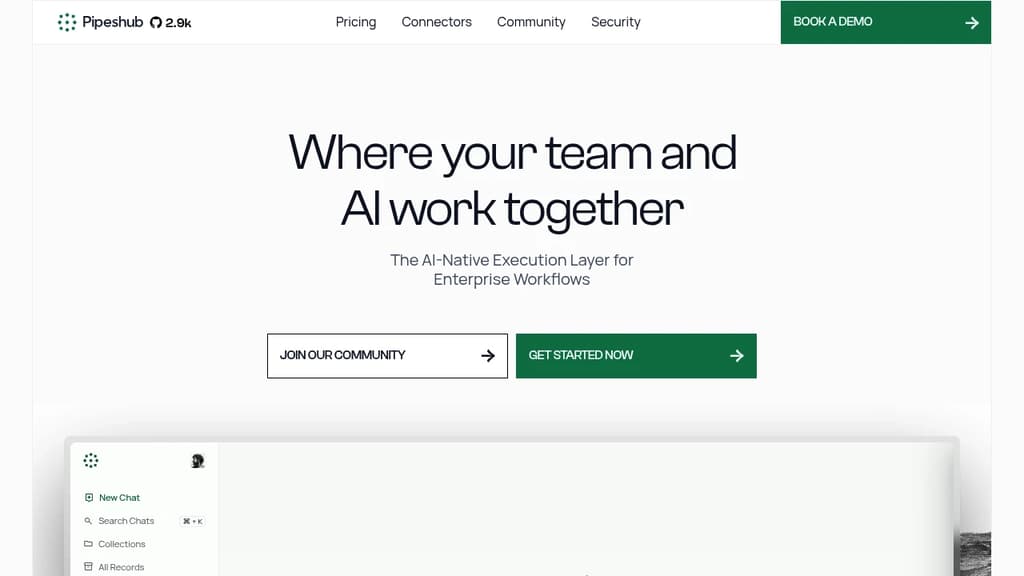
PipesHub is an open-source enterprise AI platform built for teams that need accurate, explainable answers from their internal knowledge, without shipping sensitive data to a vendor's cloud. It positions itself as a self-hostable alternative to Glean, giving organizations full control over their infrastructure, models, and data.
At its core, PipesHub builds a knowledge graph across your connected apps, so queries return structured, reasoned results rather than fuzzy keyword matches. Every answer comes with pinpoint citations: page numbers, paragraph references, and direct links back to the source document. Confidence levels are surfaced explicitly, so users know when an answer is well-supported versus tentative.
Key capabilities include:
- Connectors for Google Drive, Slack, Jira, Notion, GitHub, Salesforce, Gmail, Confluence, Outlook, and Teams, all syncing in real time with permissions inherited from the source app
- Collections to organize documents by team or project, with role-based access control enforced end-to-end
- AI agent builder with a no-code interface and SDKs for Python, Go, and TypeScript, supporting event-driven and scheduled workflows across connected tools
- Model flexibility: bring API keys for OpenAI, Anthropic, Google, or Mistral, or run fully local with Ollama. No opaque per-query charges
- MCP server to expose your knowledge graph to Claude, Cursor, VS Code, or your own product
- Deployment options spanning cloud, VPC, on-premise, and air-gapped environments
The platform is Apache 2.0 licensed, so every line is auditable. SOC 2 Type I compliance is in place, with ISO 27001 and VAPT certifications also covered. If a user can't see a document in Drive, they can't surface it through PipesHub either, permissions aren't re-implemented, they're inherited.
Agents can be scoped per department, triggered by events, and wired to take actions like creating Jira tickets from emails, syncing notes to Confluence, or sending Slack alerts. The platform scales horizontally and handles millions of indexed documents from a single Docker deployment up to full enterprise infrastructure.

People are looking for alternatives to...
View all alternatives
Spotify

Claude

Claude Code

CapCut

Lovable
Notion
 CodeRabbit – The leading AI Code Review platform. Ship better quality code in 50% less time, with 90% fewer bugs.

 Postiz