Open Source drawDB Alternatives
A curated collection of the 3 best open source alternatives to drawDB.
The best open source alternative to drawDB is Mermaid. If that doesn't suit you, we've compiled a ranked list of other open source drawDB alternatives to help you find a suitable replacement. Other interesting open source alternatives to drawDB are: draw.io and Azimutt .
drawDB alternatives are mainly Data Visualization Tools but may also be Design & Prototyping Tools or Database Tools & GUIs. Browse these if you want a narrower list of alternatives or looking for a specific functionality of drawDB.

Written by Piotr Kulpinski


Create flowcharts, sequence diagrams, Gantt charts, and more using a simple Markdown-like syntax that renders anywhere.
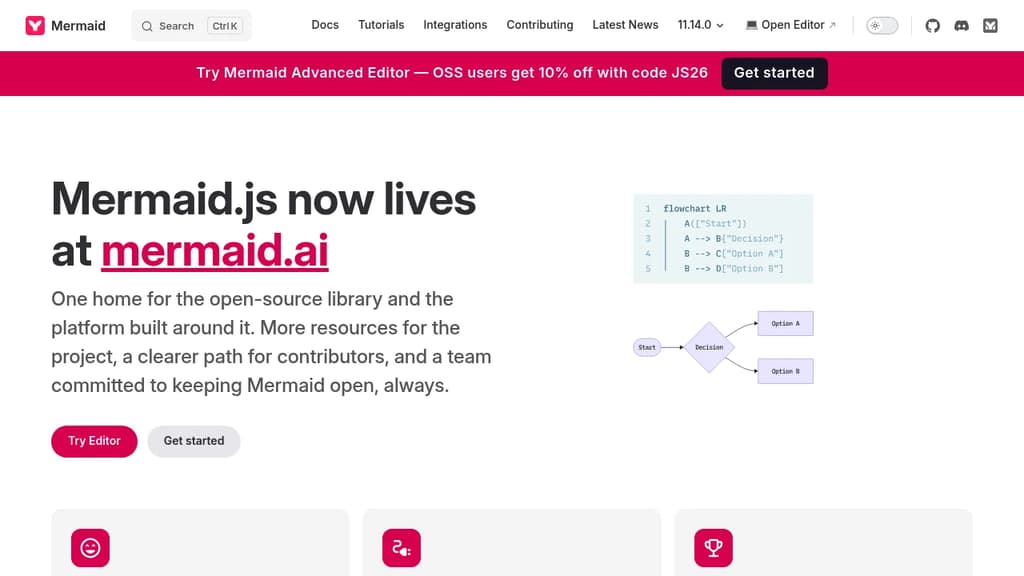
Mermaid lets you write diagrams as text and renders them as visuals. Instead of dragging shapes around in a GUI tool like draw.io, you describe your diagram in a lightweight syntax, and Mermaid generates the image. That means diagrams live alongside your code, version-control cleanly, and update without hunting through a visual editor.
It's built for developers, technical writers, and teams who want diagrams embedded in documentation, READMEs, wikis, or markdown-based doc platforms. Many tools that handle technical documentation support Mermaid natively, so diagrams render inline without any extra setup.
The diagram types it supports cover a wide range:
- Flowcharts for process and decision logic
- Sequence diagrams for showing interactions between systems or actors
- Gantt charts for project timelines
- Class and entity-relationship diagrams for data modeling
- State diagrams, pie charts, quadrant charts, and more
The syntax is intentionally minimal. A few lines of text produce a clean, readable diagram. Because everything is plain text, diagrams fit naturally into pull requests, code reviews, and documentation pipelines.
Beyond the core library, Mermaid also offers a live editor and a collaborative platform at mermaid.ai, where teams can build and share diagrams together. The live editor is useful for prototyping a diagram before dropping the syntax into a doc or codebase.
Mermaid integrates with a broad set of tools including GitHub (which renders Mermaid natively in markdown), Notion, Confluence, and various static site generators. For teams building data dashboards or internal tools, embedding Mermaid diagrams into existing workflows is straightforward.
The project is open source and actively maintained by a sizable core team.

Create professional diagrams online or offline with security-first approach. No registration needed. Works with Google Drive, SharePoint, Atlassian, and more.
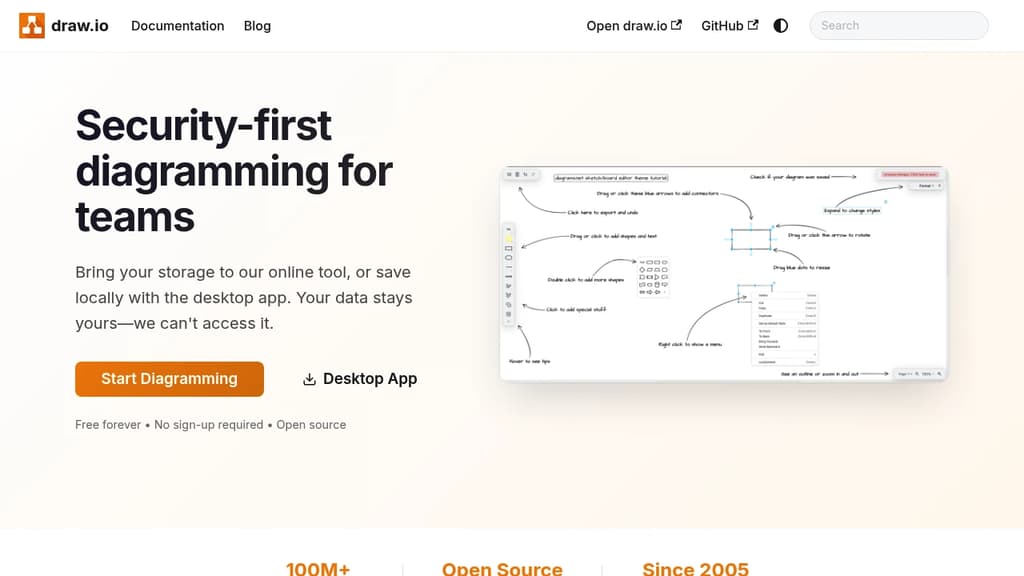
Security-first diagramming solution that puts your data privacy first. Create professional flowcharts, network diagrams, org charts, and technical drawings without compromising security.
Key features:
- No login or registration required - start diagramming immediately
- Bring your own storage - works with Google Drive, SharePoint, OneDrive, Dropbox, and Git
- Desktop app available for complete offline functionality
- AI-powered diagram generation using OpenAI integration
- Long-term compatibility - files from 2005 still work today
Extensive integrations make it perfect for teams:
- Google Workspace and Google Drive integration
- Microsoft SharePoint and OneDrive support
- Atlassian products (highest-rated Confluence app)
- Git repositories for version-controlled documentation
- Notion embedding for seamless workflow integration
Whether you need quick sketches or complex technical diagrams, this tool adapts to your workflow while keeping your data secure. The combination of browser-based convenience and desktop reliability makes it suitable for individual users and enterprise teams alike.

Azimutt is a powerful tool for seamlessly exploring, documenting, and optimizing large and complex databases.
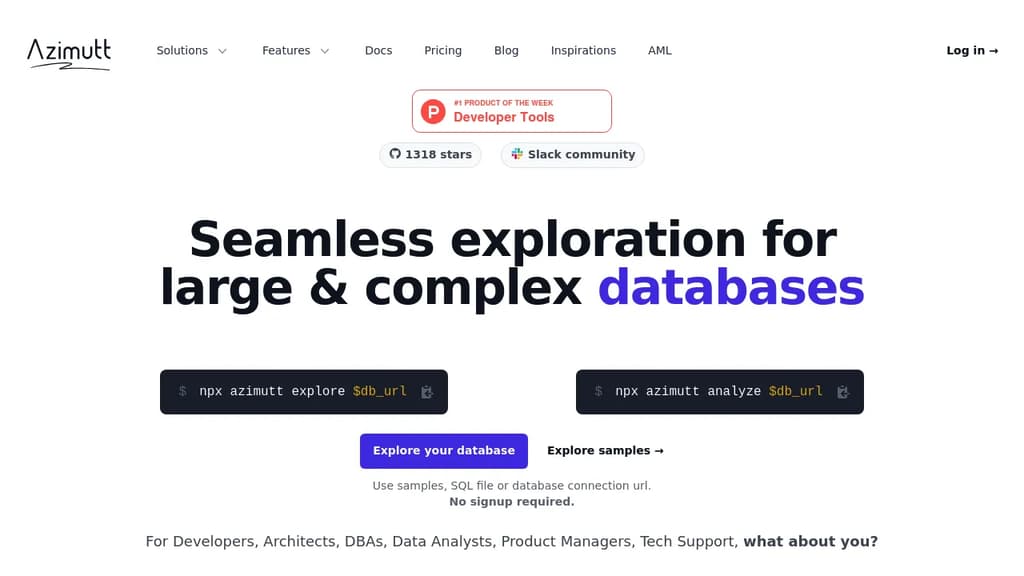
Azimutt is an innovative database exploration and analysis tool designed for developers, architects, DBAs, and data analysts working with large and complex databases.
Key features:
- Seamless Exploration: Easily navigate through your database schema with search everywhere, follow relations, and find path functionalities.
- Visual Documentation: Create and save custom layouts, add notes and tags to tables/columns, and generate comprehensive database documentation.
- Powerful Analysis: Utilize built-in rules to identify common database design issues and optimize performance.
- Data Exploration: Follow relations within your data and generate AI-powered SQL queries for deeper insights.
- Multi-Database Support: Compatible with major database systems including PostgreSQL, MySQL, SQL Server, Oracle, and more.
Azimutt stands out by offering:
- Incremental Visualization: Build your database diagram step-by-step, focusing on relevant parts of your schema.
- Collaborative Features: Share layouts and notes with team members to improve knowledge sharing and onboarding.
- AI-Assisted Querying: Leverage AI to generate, explain, and optimize SQL queries.
- No Setup Required: Start exploring your database instantly using SQL files or direct database connections.
Whether you're reverse engineering a large database, optimizing queries, or documenting your data model, Azimutt provides the tools you need to work efficiently and gain deeper insights into your data infrastructure.

People are looking for alternatives to...
View all alternatives
Spotify

Claude Code

CapCut

Claude

Notion

Lovable
 Sent – Messaging Infrastructure for Developers. One API for SMS, WhatsApp, and RCS across 190+ countries.
 Sent
Sent