Open Source Compositor Alternatives
A curated collection of the 4 best open source alternatives to Compositor.
The best open source alternative to Compositor is Darktable. If that doesn't suit you, we've compiled a ranked list of other open source Compositor alternatives to help you find a suitable replacement. Other interesting open source alternatives to Compositor are: Krita, PixiEditor, and GIMP.
Compositor alternatives are mainly Photo Editing Software. Browse these if you want a narrower list of alternatives or looking for a specific functionality of Compositor.

Written by Piotr Kulpinski
Open source photography workflow application for RAW development. Non-destructive editing, professional color management, and GPU acceleration for photographers.
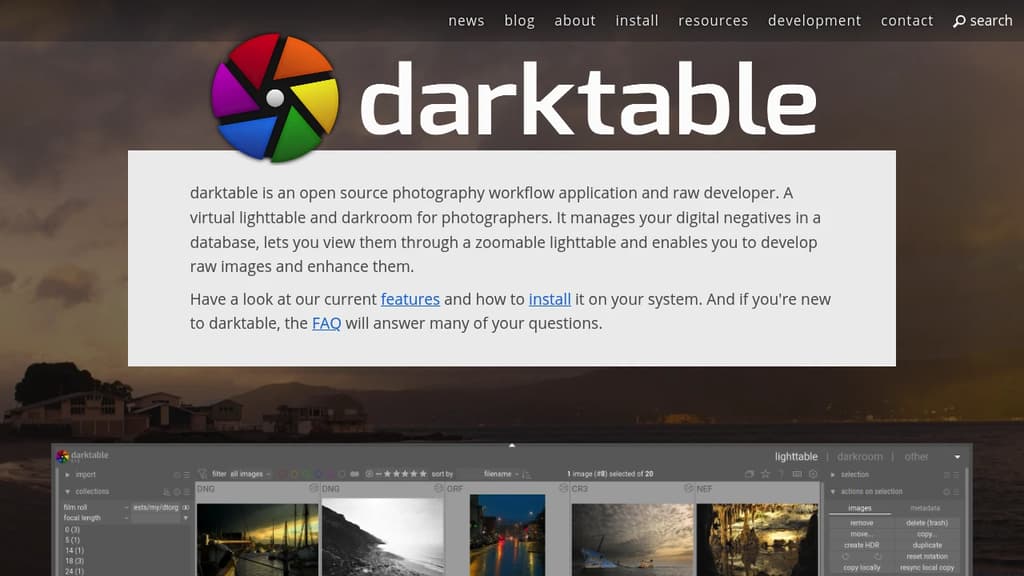
darktable is a comprehensive open source photography workflow application designed specifically for photographers who demand professional-grade RAW processing capabilities. This powerful tool serves as both a virtual lighttable and darkroom, providing everything needed to manage, develop, and enhance digital photographs.
Key Features:
- Non-destructive editing - Your original images remain untouched throughout the entire editing process
- Professional color management - Ensures color fidelity from capture to print
- GPU acceleration - Leverages your graphics card for faster processing and smoother workflow
- Database-driven organization - Efficiently manages your digital negatives with robust cataloging
- Zoomable lighttable - Intuitive interface for viewing and organizing your photo collection
Built by photographers, for photographers, darktable understands real-world workflows and challenges. The development team includes active photographers who bring practical experience to the software's design and functionality.
The application excels at RAW development with a comprehensive set of tools for exposure correction, color grading, noise reduction, and creative enhancement. Whether you're a professional photographer or serious enthusiast, darktable provides the advanced features needed for high-quality image processing without the cost of proprietary alternatives.

Free and open source painting program built by artists for artists. Features professional brushes, layers, animation tools, and drawing assistants for all skill levels.
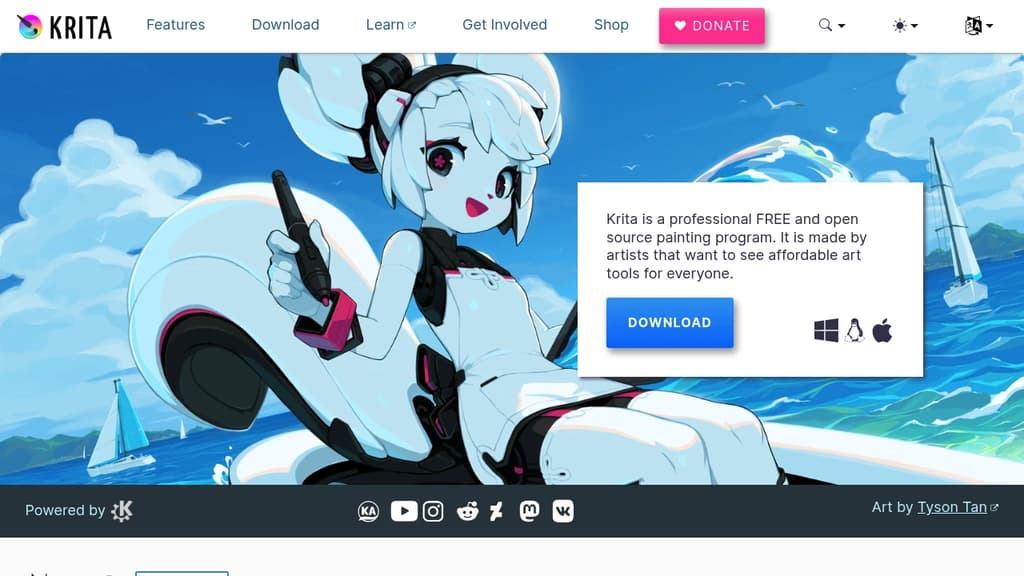
Professional-grade digital art creation without the price tag. This free and open source painting program delivers everything artists need to bring their creative visions to life, from concept sketches to finished masterpieces.
Comprehensive toolset for every artistic style:
- Multiple brush engines optimized for different techniques
- Advanced layer system with blending modes and effects
- Drawing assistants and stabilizers for precise control
- Built-in animation tools for motion graphics and storytelling
Expand your creative possibilities with extensive community resources including custom brushes, texture packs, patterns, and plugins that add new functionality. The active artist community provides ongoing support, feedback opportunities, and inspiration through shared artwork and tutorials.
Built by artists, for artists - this GNU GPL licensed project remains forever free and continuously evolves based on real artist needs. Whether you're a beginner exploring digital art or a professional illustrator, the intuitive interface and powerful features adapt to your workflow and skill level.

Desktop 2D graphics editor combining pixel art tools, vector drawing, frame-by-frame animation, and a node graph workflow for procedural, non-destructive editing.
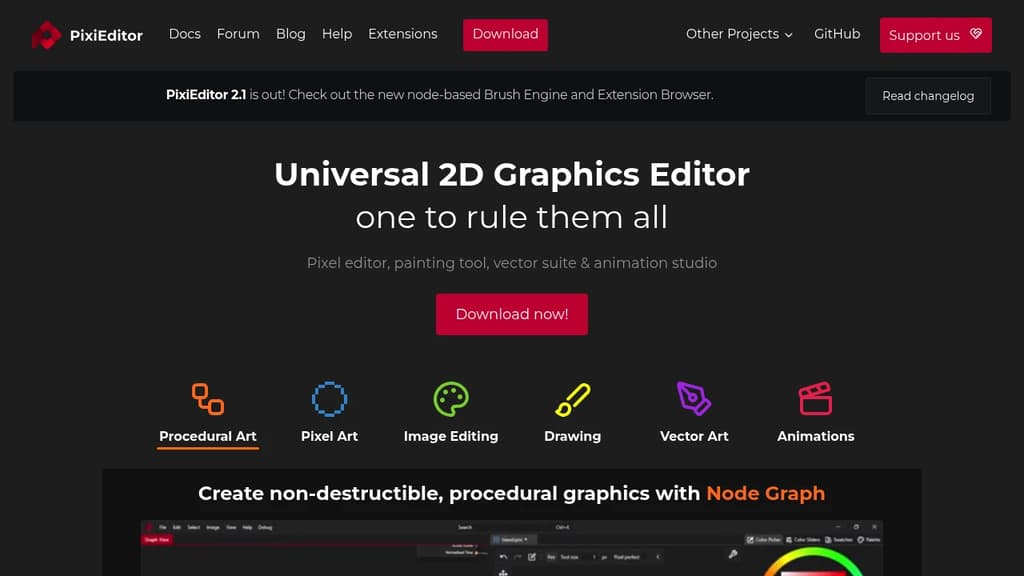
PixiEditor is a desktop 2D graphics editor that covers a surprisingly wide range of creative work: pixel art, vector illustration, image editing, freehand drawing, and frame-by-frame animation. It runs offline, works cross-platform, and doesn't require an account or subscription.
The standout feature is its Node Graph workflow, which lets you build non-destructive, procedural graphics by connecting nodes. You can chain effects, write custom shaders, and compose complex visuals without permanently altering your source material. The same node system powers the Brush Engine, so you can build custom brushes by sampling layers, applying shaders, or tweaking the built-in presets.
Key capabilities:
- Pixel art toolset with pixel-perfect pen mode, palette management, and tools suited for game sprites and retro-style artwork. It's a capable Aseprite alternative for artists who want a free option.
- Vector tools for logos, icons, and illustrations, with snapping and curve editing. Vectors mix freely with raster layers and stay sharp at any scale, similar to what you'd expect from Inkscape.
- Frame-by-frame animation for turning drawings into moving sequences.
- Image editing with raster selection, clipping, resizing, and painting tools, putting it in the same category as tools like GIMP for basic photo work.
- Procedural art through the node graph, comparable in approach to Graphite but bundled alongside traditional drawing tools.
PixiEditor is built for artists who don't want to juggle multiple apps. A kid making game sprites, a hobbyist illustrator, and a designer prototyping icons can all work in the same tool. The interface draws comparisons to Photoshop in layout, which shortens the learning curve for anyone coming from commercial software.
It's free, has no AI features, and is developed by a small European studio with a public, community-voted roadmap.

Free, open-source image editor with professional tools for photo manipulation, digital art creation, and graphic design. Cross-platform support.
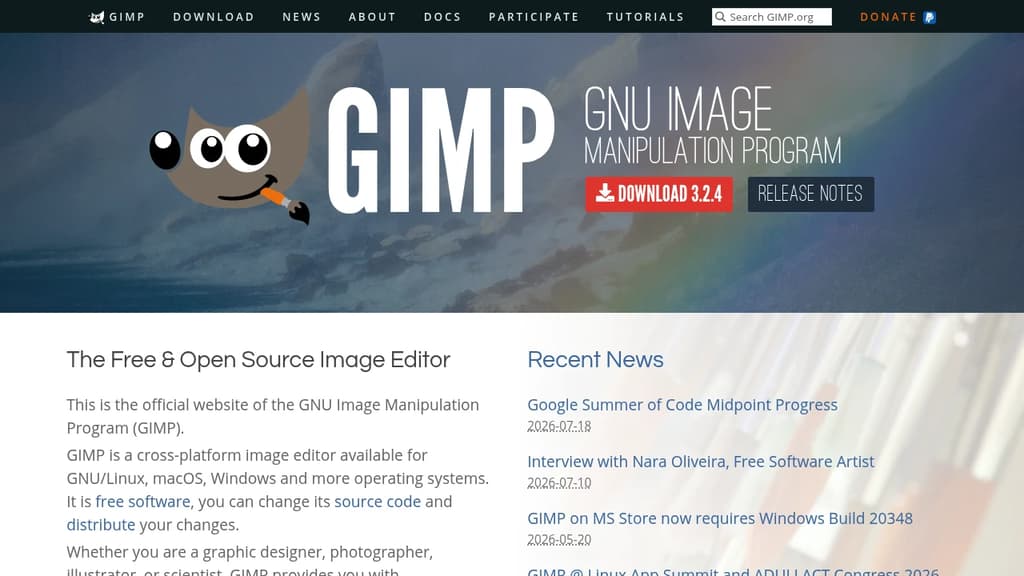
GIMP is a powerful, free alternative to expensive image editing software that delivers professional-grade results. This cross-platform editor runs seamlessly on GNU/Linux, macOS, Windows, and other operating systems, making it accessible to everyone.
Perfect for multiple creative disciplines: Whether you're a graphic designer crafting logos, a photographer retouching portraits, an illustrator creating digital art, or a scientist processing research images, GIMP provides sophisticated tools to match your workflow.
Key capabilities include:
- High-quality photo manipulation - Advanced retouching, restoration, and creative compositing tools
- Original artwork creation - Complete digital painting and illustration suite
- Graphic design elements - Icon creation, UI mockups, and design asset production
- Scripted automation - Multi-language programming support (C, C++, Perl, Python, Scheme)
Professional workflow integration features top-notch color management for consistent reproduction across digital and print media. The software integrates beautifully with other open-source tools in desktop publishing workflows.
Extensive customization through plugins, scripts, and community-created extensions means you can tailor GIMP to your specific needs. The active development community continuously adds new features and improvements, ensuring this free tool stays competitive with premium alternatives.

People are looking for alternatives to...
View all alternatives
Spotify

Claude

Claude Code

CapCut

Lovable
Notion
 InfluxDB – The purpose-built time series platform for high-velocity ingestion and real-time queries at scale.
 Stellar Hosted