Open Source Cody Alternatives
A curated collection of the 3 best open source alternatives to Cody.
The best open source alternative to Cody is Aider. If that doesn't suit you, we've compiled a ranked list of other open source Cody alternatives to help you find a suitable replacement. Other interesting open source alternatives to Cody are: Tabby and Forgecode.
Cody alternatives are mainly AI Coding Assistants. Browse these if you want a narrower list of alternatives or looking for a specific functionality of Cody.

Written by Piotr Kulpinski


Terminal-based AI coding tool that lets you edit existing codebases or start new projects using LLMs like Claude, GPT, and DeepSeek.

Aider brings AI pair programming directly into your terminal, letting you work with large language models on real codebases. It's built for developers who want to stay in their existing workflow rather than switching to a new editor or browser-based tool.
You point Aider at your project directory and start a conversation. It reads your files, understands the structure, and makes targeted edits across multiple files at once. Changes are applied directly to your code, not pasted into a chat window for you to copy manually.
Key capabilities:
- Multi-model support: works with Claude, GPT-4, o3-mini, DeepSeek, and other LLMs. You bring your own API key.
- Git-aware editing: automatically commits changes with meaningful messages, so every AI-assisted edit is tracked and reversible.
- Multi-file edits: handles changes that span several files in a single request, keeping diffs coherent.
- Existing codebase support: drop it into any project, not just greenfield work. It maps your repo to give the model context.
- Voice input: supports voice-to-code for hands-free coding sessions.
- Linting and test integration: can run your test suite or linter after edits and feed results back to the model for self-correction.
Compared to IDE plugins or browser-based AI coding agents, Aider is lightweight and editor-agnostic. It fits into any setup that has a terminal. The open source model means no subscription lock-in, and you control which LLM backend you use.
It's a practical choice for developers who want AI assistance without giving up their existing tools or paying for a bundled editor.

Self-hosted AI coding assistant that enhances productivity with context-aware suggestions and privacy-focused implementation.
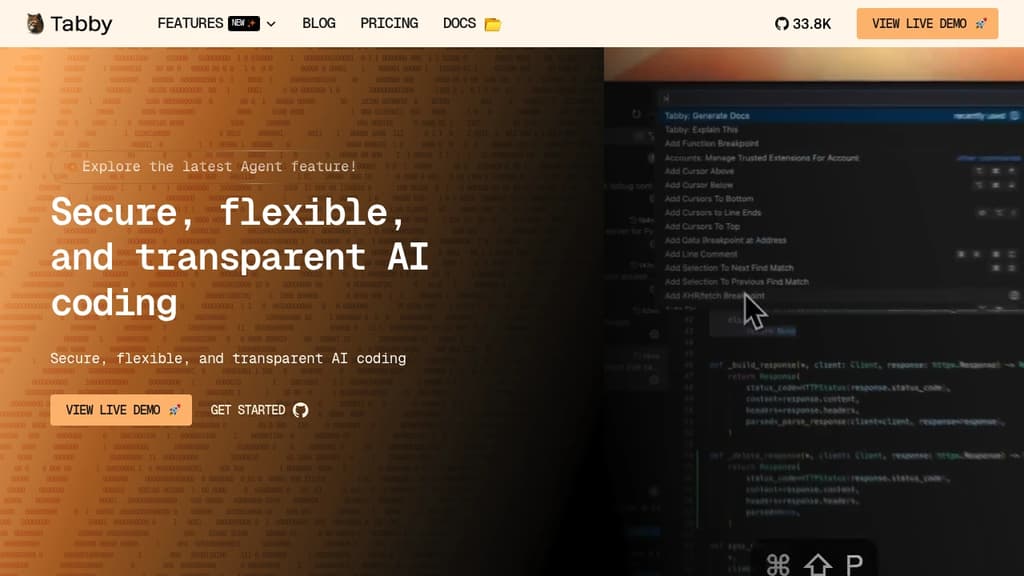
Tabby is a revolutionary self-hosted AI coding assistant that transforms the way developers write code. By leveraging advanced machine learning techniques, Tabby provides intelligent, context-aware code suggestions that seamlessly integrate into your existing workflow.
Key benefits of Tabby include:
- Enhanced Productivity: Tabby accelerates your coding process by offering relevant code completions and snippets, reducing the time spent on repetitive tasks.
- Privacy-Focused: As a self-hosted solution, Tabby ensures that your code and data remain secure within your own infrastructure, addressing privacy concerns associated with cloud-based alternatives.
- Customizable and Adaptable: Tabby learns from your codebase and coding style, providing increasingly accurate and personalized suggestions over time.
- Language Agnostic: Supporting a wide range of programming languages, Tabby seamlessly integrates into diverse development environments.
- Resource Efficient: Designed to run efficiently on consumer-grade hardware, Tabby delivers powerful AI assistance without the need for extensive computational resources.
- Open Source: Benefit from a transparent, community-driven development process and the ability to customize Tabby to your specific needs.
By combining the power of AI with the control and security of self-hosting, Tabby empowers developers to write better code faster while maintaining full ownership of their development process.

AI coding harness that runs inside your terminal, mixes LLMs per task, and uses multi-agent architecture to handle large codebases without bloating context.
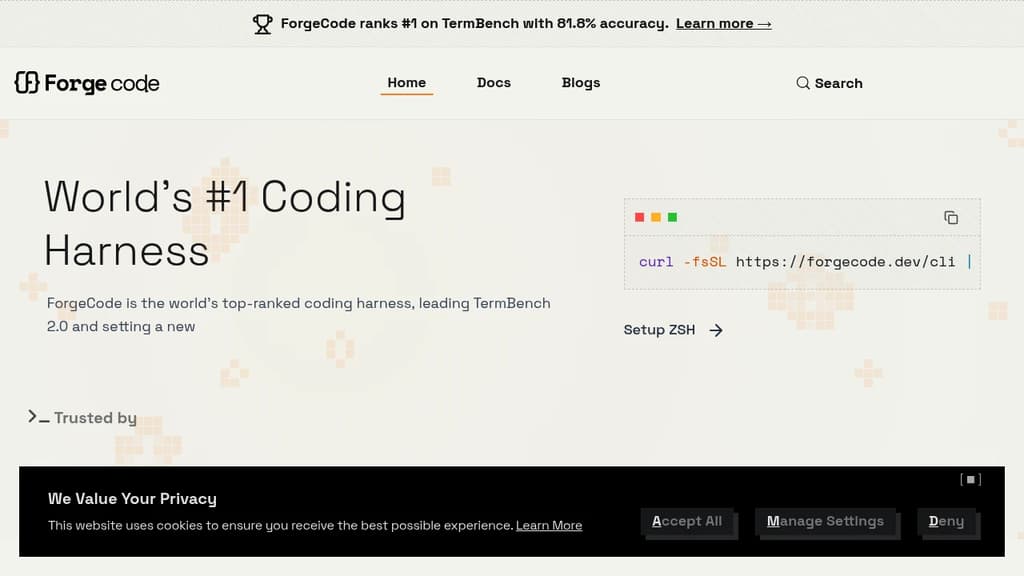
ForgeCode is a terminal-native AI coding agent that sits directly inside your ZSH shell. It's built for developers who want AI assistance without leaving the command line or abandoning their existing setup. Your custom aliases, Oh My Zsh plugins, and shell workflows stay intact. Type : and you're talking to ForgeCode.
What sets it apart from other AI coding tools is how it handles context. Rather than dumping your entire codebase into one prompt, ForgeCode uses a multi-agent architecture with specialized sub-agents for research, planning, and execution. Each agent works on minimal, relevant context, which keeps local models on track and results reliable.
Key capabilities:
- Model mixing per task. Use a thinking model to plan, a fast model to write code, and a large-context model for big files, all within a single session without restarting.
- Codebase understanding at scale. A context engine built for large repos, with fast tool corrections that prevent local models from drifting off course.
- Skills at scale. Handles thousands of skills without bloating the context window.
- Broad LLM support. Connects to hundreds of providers and models natively from the shell.
- Rigorous evaluation. Every change runs through thousands of evaluations across coding tasks and models before shipping.
ForgeCode ranks #1 on TermBench 2.0 with 81.8% accuracy, a benchmark designed specifically for terminal-based coding agents. It processes over 38 billion tokens and 24 million lines of code per day across its user base.
It's fully open source, with over 7,300 GitHub stars and 354 releases, backed by an active community. For teams already living in the terminal, it's a practical alternative to browser-based or IDE-embedded AI coding environments.

People are looking for alternatives to...
View all alternatives
Claude Code

Spotify

Notion

Lovable

Wispr Flow

Discord
 Docmost – Open-source wiki software with real-time collaboration, diagrams, AI, SSO, RBAC permissions and more.
 Sent
Sent