Open Source Codex CLI Alternatives
A curated collection of the 4 best open source alternatives to Codex CLI.
The best open source alternative to Codex CLI is Cline. If that doesn't suit you, we've compiled a ranked list of other open source Codex CLI alternatives to help you find a suitable replacement. Other interesting open source alternatives to Codex CLI are: Goose, Kilo, and Qwen Code.
Codex CLI alternatives are mainly AI Coding Agents but may also be AI Agent Platforms. Browse these if you want a narrower list of alternatives or looking for a specific functionality of Codex CLI.

Written by Piotr Kulpinski


AI coding agent that runs inside VS Code and the terminal, supporting multi-file edits, bash execution, and any LLM provider via bring-your-own-key.
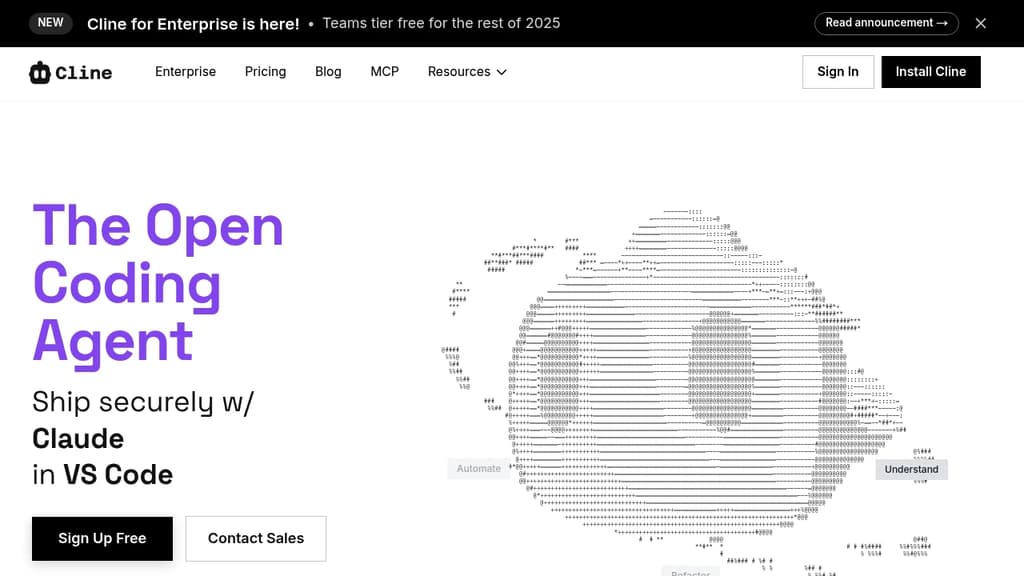
Cline is an open-source AI coding agent that works inside VS Code and the command line. It reads and edits files across a project, runs terminal commands, reacts to their output in real time, and handles long-running processes like dev servers or test suites.
The Plan/Act mode split lets you discuss a strategy with the agent before it touches any code, then switch to Act mode when you're ready to execute. Every step is approvable, or you can enable auto-approve for unattended runs.
Model choice is unrestricted. Claude, GPT, Gemini, local Ollama or LM Studio instances, and any OpenAI-compatible endpoint all work. You bring your own key or your own weights.
For teams, Cline supports multi-agent setups where a coordinator delegates to specialist agents with their own tools and context windows. It also connects to Slack, Discord, Telegram, and Linear, and runs headlessly inside GitHub Actions or GitLab pipelines. Tools like Roo Code and OpenHands take a similar multi-agent approach if you want to compare.
.clinerules files let you ship coding standards, architecture guidelines, and deployment conventions alongside your repo so the agent follows project-specific rules consistently.
Extensibility comes through the SDK and MCP server support, which lets you register custom tools and connect to databases, APIs, or infrastructure. The project is Apache 2.0 licensed with 250+ contributors.

Local AI agent with a desktop app, CLI, and API that connects to 15+ LLM providers and 70+ extensions for code, research, automation, and data tasks.
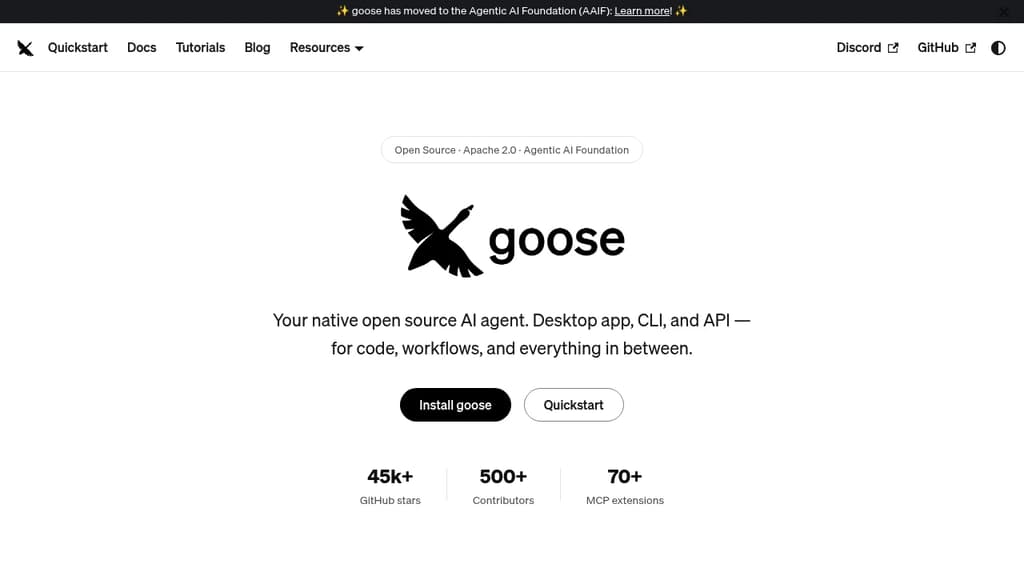
Goose is a general-purpose AI agent that runs natively on your machine. It's not narrowly focused on coding: you can use it for research, writing, data analysis, browser automation, or any multi-step task you'd otherwise piece together manually. It ships as a desktop app for macOS, Linux, and Windows, a full CLI for terminal-first workflows, and an API for embedding it in other tools.
The LLM support is broad. Goose works with 15+ providers, including Anthropic, OpenAI, Google, Ollama, LocalAI, OpenRouter, Azure, and Bedrock. You can use API keys or connect through existing Claude, ChatGPT, or Gemini subscriptions, so you're not locked into a new billing relationship just to try it.
Extensibility is central to how goose works:
- 70+ MCP extensions connect it to databases, APIs, browsers, GitHub, Google Drive, and more via the open Model Context Protocol standard
- MCP Apps let extensions render interactive UIs inside the desktop app, including buttons, forms, and visualizations
- Recipes let you capture repeatable workflows as portable YAML configs, shareable with a team or runnable in CI
- Subagents can be spawned to handle tasks in parallel, keeping the main conversation focused
- Security controls include prompt injection detection, tool permission controls, and a sandbox mode
Goose also implements the Agent Client Protocol, which means it works as an ACP server you can connect from editors like Zed, JetBrains, or VS Code. It can use Codex and similar agents as providers through the same standard.
The project sits under the Agentic AI Foundation at the Linux Foundation, which keeps it vendor-neutral and community-governed. Built in Rust for performance, it has attracted 500+ contributors and 45k+ GitHub stars. If you want a self-hostable, provider-agnostic agent that works across interfaces and integrates deeply with the MCP ecosystem, goose covers a lot of ground.

Open source AI coding agent with 500+ models, bring-your-own-key support, and specialized modes for writing, debugging, and planning code across IDEs and CLI.
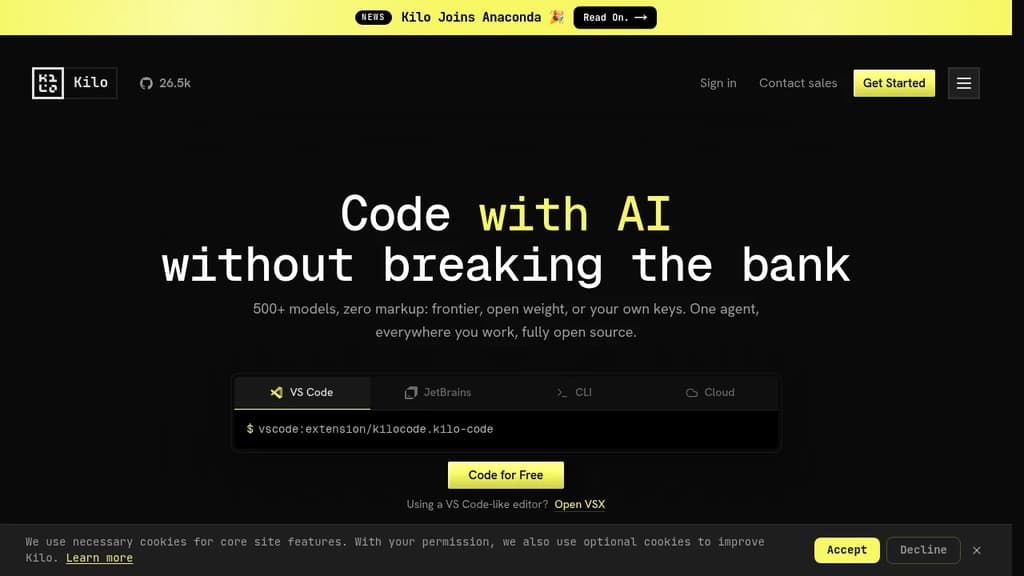
Kilo is an AI coding agent that works inside VS Code, JetBrains, the command line, and a hosted cloud environment. It's built for developers who want full control over their AI setup: bring your own API keys at zero markup, use local models to keep code private, or route through Kilo's model gateway to access 500+ models.
The agent ships with five specialized modes, each suited to a different part of the development workflow:
- Code Mode writes, refactors, and ships production-ready code with full codebase context
- Architect Mode helps plan complex features and structure work before any code is written
- Debug Mode reads errors, traces issues, and suggests targeted fixes
- Ask Mode answers questions about your codebase without making changes
- Custom Mode lets you define your own agent behavior for specific workflows
Switching between modes doesn't mean switching tools. Everything runs in the same agent, in the editor or terminal you're already using.
Kilo also includes KiloClaw, a managed version of the OpenHands open agent platform. It deploys in under 60 seconds with no Docker, SSH, or config files required. Once running, KiloClaw connects to Telegram, Discord, or Slack, handles scheduled tasks and cron jobs, and acts on your behalf autonomously. It's the part of Kilo designed for background work: running tasks while you're away, automating repetitive operations, or handling code review in the cloud.
For teams comparing options, Kilo positions itself against tools like Cline and Roo Code as a more fully integrated alternative with broader model support and cloud agent capabilities built in. The codebase is Apache-2.0 licensed and fully open source.

Terminal-based AI coding agent that reads your codebase, edits files and runs commands, with support for Qwen, OpenAI, Anthropic, Gemini and local models.
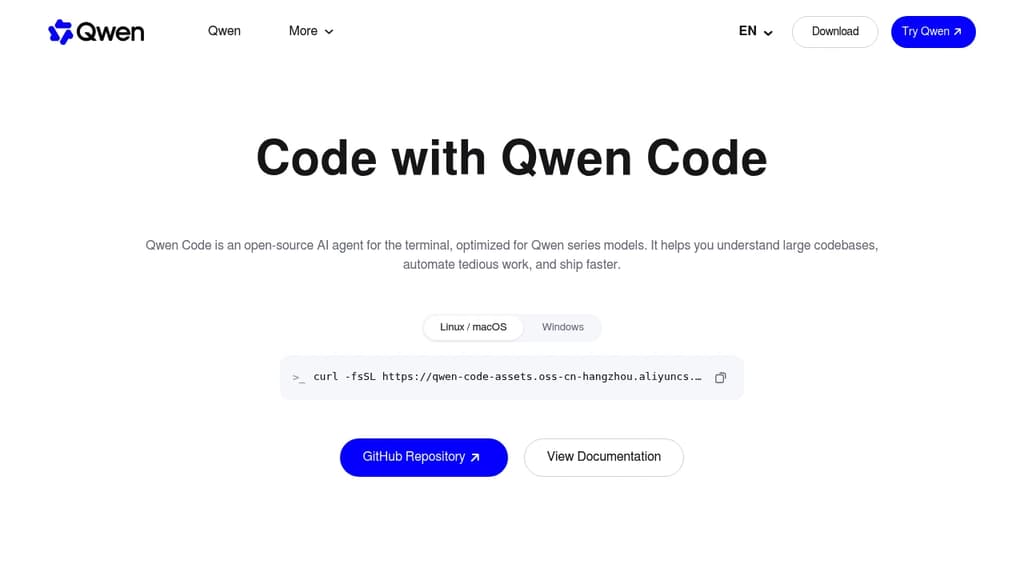
Qwen Code is an open source AI coding agent from the Qwen team at Alibaba. It runs in the terminal and reads your codebase, edits files, runs shell commands, and works through multi-step tasks on your local repository.
The project started from Google's Gemini CLI v0.8.2. Since v0.1 it has been developed independently, with its own features and support for many model providers.
Key capabilities:
- Multi-provider models: works with OpenAI, Anthropic, Gemini and Qwen APIs, any compatible third-party provider, and local models through Ollama or vLLM. You can switch models at runtime.
- Agent features: subagents, agent teams, skills, auto-memory and MCP server support.
- More than a terminal: IDE plugins for VS Code, Zed and JetBrains, a desktop app, a web UI, and SDKs for building on top of the agent.
- Chat integrations: run the agent from Telegram, DingTalk, WeChat or Feishu.
Qwen Code is optimized for Qwen models, and many of those are open-weight, so you can run both the agent and the model on your own hardware. It is a good fit for developers who want a Claude Code alternative without being tied to one model vendor.
Install it with the standalone script, npm (@qwen-code/qwen-code, Node.js 22+) or Homebrew.

People are looking for alternatives to...
View all alternatives
Spotify

Claude

Claude Code

CapCut

Notion

Lovable
 InfluxDB – The purpose-built time series platform for high-velocity ingestion and real-time queries at scale.
 Bright Data