10 Postman Alternatives for API Testing in 2026
Discover the 10 best alternatives to Postman for 2026. Explore top open-source, self-hosted, and GUI/CLI tools for seamless API testing and development.

Written by Piotr Kulpinski

Postman has long been the default tool for millions of developers to design, build, and test APIs. But the landscape is shifting. Developers are seeking alternatives to Postman, driven by pricing concerns, performance issues on complex projects, and a desire to escape vendor lock-in.
The push toward open, privacy-conscious, and Git-native workflows is accelerating. Teams want tools that integrate into CI/CD pipelines, store sensitive data on their own infrastructure, and embrace a code-first philosophy. Whether you're a solo developer needing a lightweight client, a QA engineer automating test suites, or a DevOps professional managing infrastructure as code, one size no longer fits all.
This guide offers a practical analysis of the best Postman alternatives available today, with a focus on open-source and self-hosted options. You'll find detailed breakdowns covering:
- Key Features: Collections, environments, scripting, and CI integration.
- Use Cases: Who each tool serves best: individual developers, QA teams, or security auditors.
- Pros & Cons: Honest assessments based on real-world usage.
- Migration Path: Import/export capabilities to ease your transition.
Each entry includes screenshots and direct links to help you find a tool that matches your workflow, budget, and principles. All pricing details and GitHub star counts below were verified as of August 2026.
TL;DR: For most developers, Hoppscotch (browser-based, generous free tier) and Bruno (offline-first, Git-native) are the strongest open-source picks. Teams that need broad protocol support and built-in collaboration should start with Insomnia. The full comparison below covers ten options across GUI, CLI, and mocking workflows.
1. OpenAlternative’s "10 Best Open Source Postman Alternatives"
Instead of starting with a single tool, our top recommendation is a meta-resource: OpenAlternative's curated list of the best open-source Postman alternatives. This page is an exceptional starting point because it doesn't just give you one option; it provides a well-researched, up-to-date directory of the top contenders in the space, saving you hours of fragmented research. It’s the most efficient way to survey the landscape of alternatives to Postman before diving deep into hands-on testing.
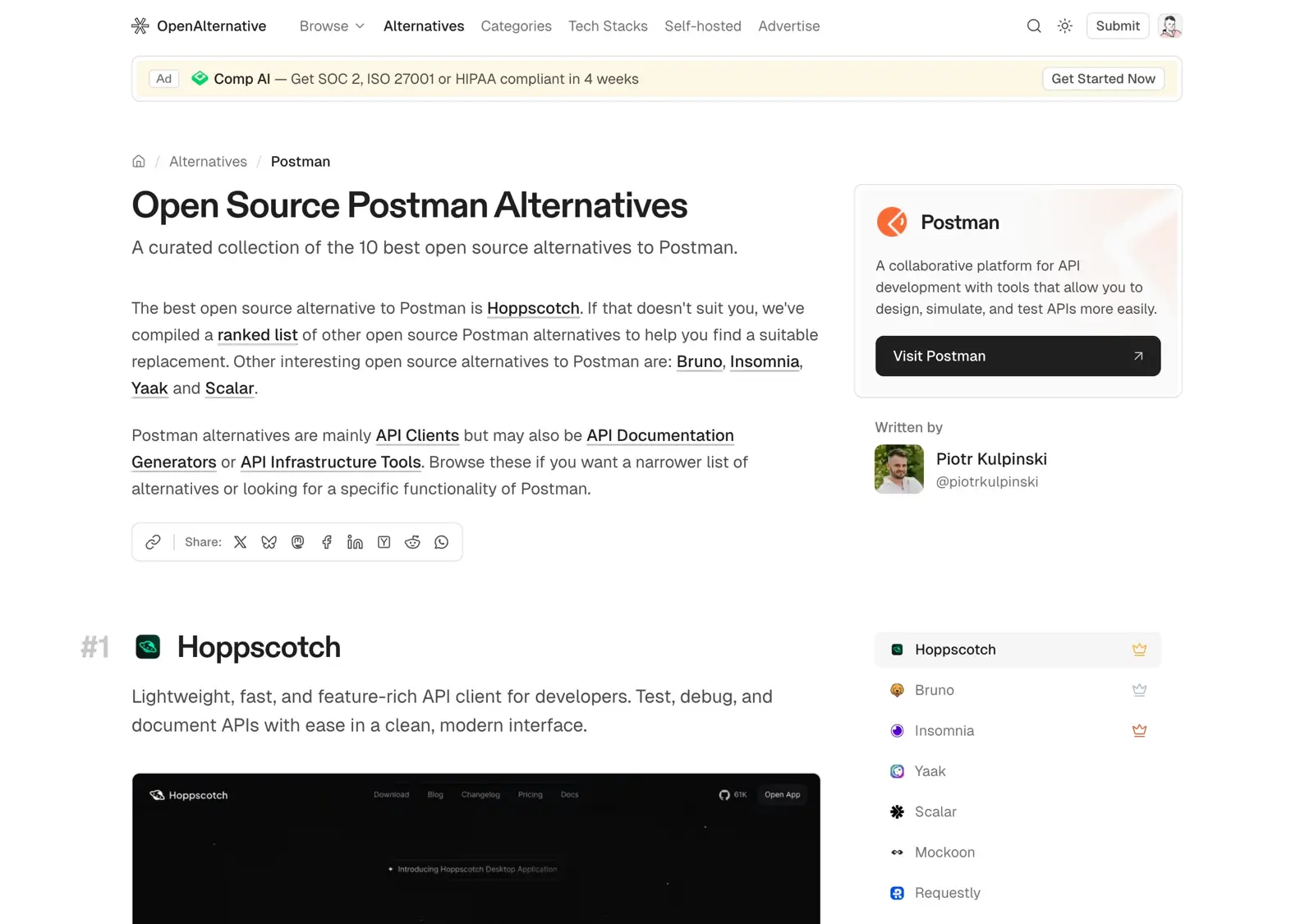
This resource excels by focusing exclusively on what matters to developers seeking privacy and control: open-source projects. Each entry is vetted and includes critical at-a-glance metrics like GitHub stars, forks, and last-commit dates. This transparency immediately signals a project's health and community activity, helping you filter out abandoned or poorly maintained tools.
Why It's Our Top Choice
The platform’s strength lies in its thoughtful curation and structure. It categorizes tools effectively (GUI clients, CLI tools, mocking servers) so you can pinpoint options that match your specific workflow. For teams prioritizing data sovereignty, the emphasis on self-hostable solutions is a significant advantage. Rather than a generic list, it acts as a strategic evaluation tool, providing concise summaries that highlight each alternative's core value proposition without promotional fluff.
Featured tools include:
- Hoppscotch: 80k+ GitHub stars
- Bruno: Offline-first, Git-friendly
- Insomnia: Powerful open-source core (now owned by Kong)
- Mockoon: Popular for API mocking
Key Takeaway: Use this as your starting point. Shortlist 2-3 tools based on maintenance signals and summaries, then test hands-on.
Website: https://openalternative.co/alternatives/postman
2. Insomnia (by Kong)
Insomnia, now under the Kong umbrella, is a powerful open-source API client and one of the most feature-rich alternatives to Postman. It offers a sleek, cross-platform interface for designing, documenting, and testing APIs with broad protocol support: REST, GraphQL, gRPC, and WebSockets.
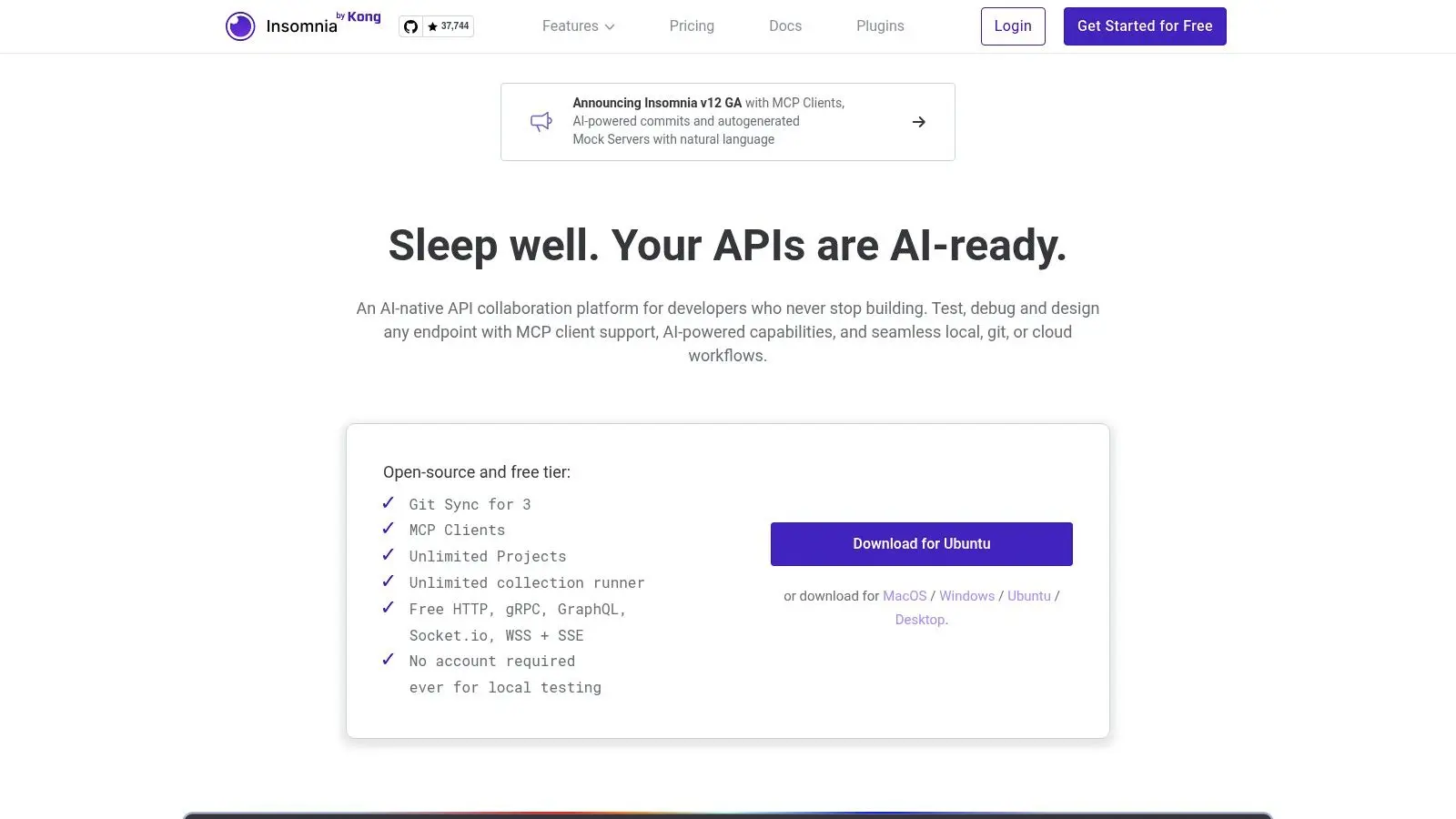
What sets Insomnia apart is its native Git Sync feature. Teams can manage API specs and test suites version-controlled within their Git repositories, a significant advantage over cloud-only sync. The Inso CLI enables seamless CI/CD integration for automated API testing. For organizations seeking robust API management, explore the broader API gateway ecosystem.
Key Features and Considerations
The free tier includes unlimited request collections and environments, more than enough for individual developers and small teams. Paid plans unlock advanced collaboration features like role-based access control (RBAC) and centralized organization management.
- Pros:
- Extensive protocol support (REST, GraphQL, gRPC, WebSockets).
- Native Git Sync for version-controlled API collections.
- Powerful Inso CLI for CI/CD pipeline automation.
- Generous free tier with core features unlocked.
- Cons:
- Advanced team collaboration and security features are locked behind paid tiers.
- Optional cloud sync may present data residency concerns for some organizations.
Website: https://insomnia.rest
3. Hoppscotch
Hoppscotch is a lightweight, open-source, browser-first API development suite, one of the most accessible alternatives to Postman. Start sending REST or GraphQL requests directly from your browser in seconds, no installation required. For teams prioritizing data privacy, Hoppscotch offers a well-documented path to self-host the entire platform.
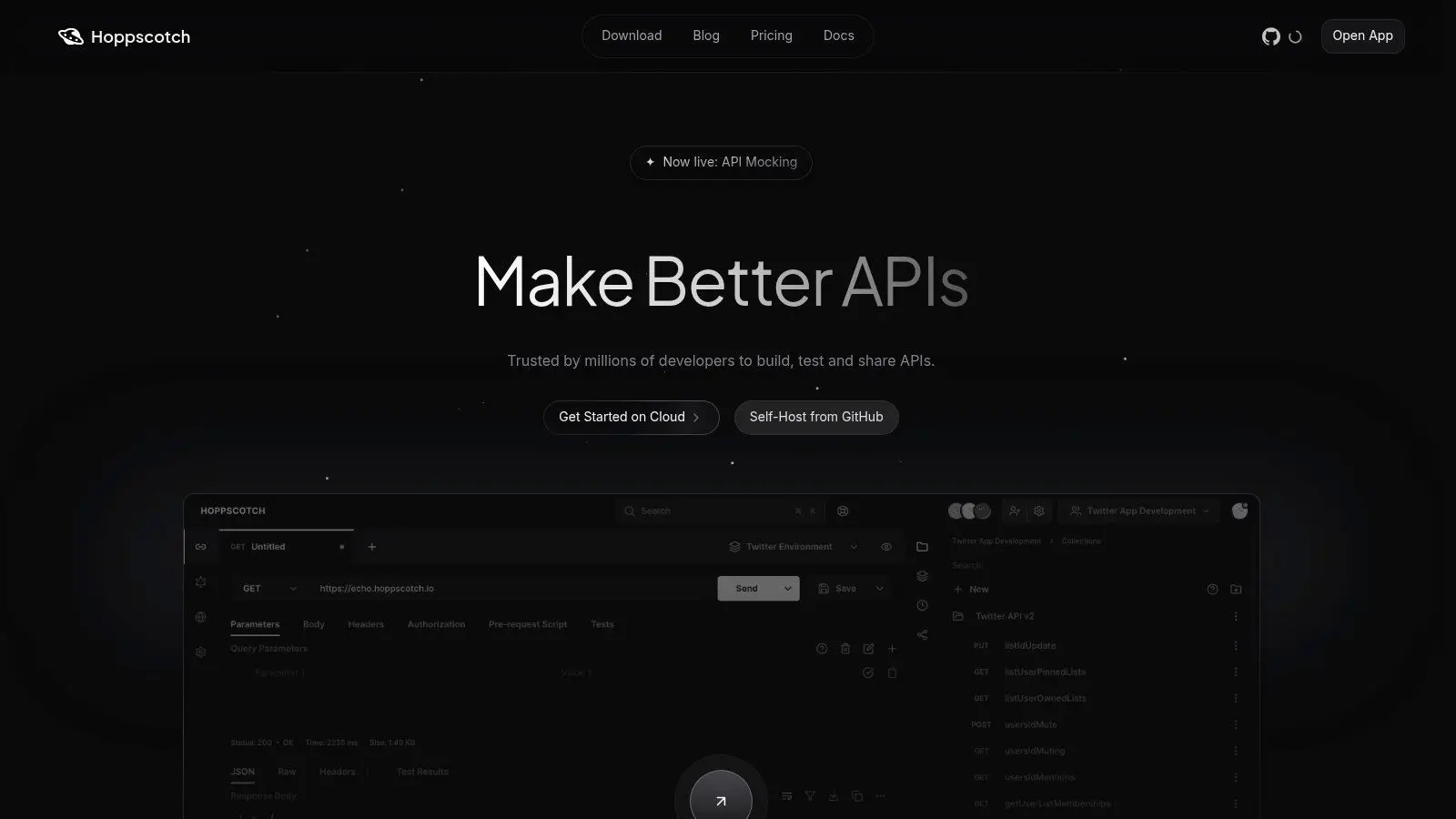
The free cloud-hosted version is generous: unlimited workspaces, collections, and requests, more than enough for most developers and small teams. This removes the immediate paywalls found in other tools. For growing organizations, the self-hosted enterprise edition provides SSO and dedicated support, scaling with your security and compliance needs.
Key Features and Considerations
Hoppscotch balances a fast, web-centric workflow with the option to self-host for enhanced security. Active development and a transparent public status page inspire confidence in the platform's reliability. Core functionality is free; enterprise-grade features require paid or self-hosted enterprise plans.
- Pros:
- Extremely lightweight and fast, running directly in the browser.
- Generous free tier with unlimited team workspaces and requests.
- Strong open-source foundation with a clear path to self-host for privacy.
- Actively maintained with a transparent development process.
- Cons:
- Audit logs and SSO are exclusive to paid/enterprise tiers.
- Although an official desktop app exists, the experience remains web-centric; users who want a fully native, offline-first client may prefer Bruno or Yaak.
Website: https://hoppscotch.com
4. Bruno
Bruno is an open-source API client that prioritizes offline-first functionality and Git-native workflows. Unlike cloud-centric tools, Bruno stores API collections on your local filesystem as plain-text .bru files. This makes it lightweight, fast, and ideal for developers who version control API tests alongside application code.
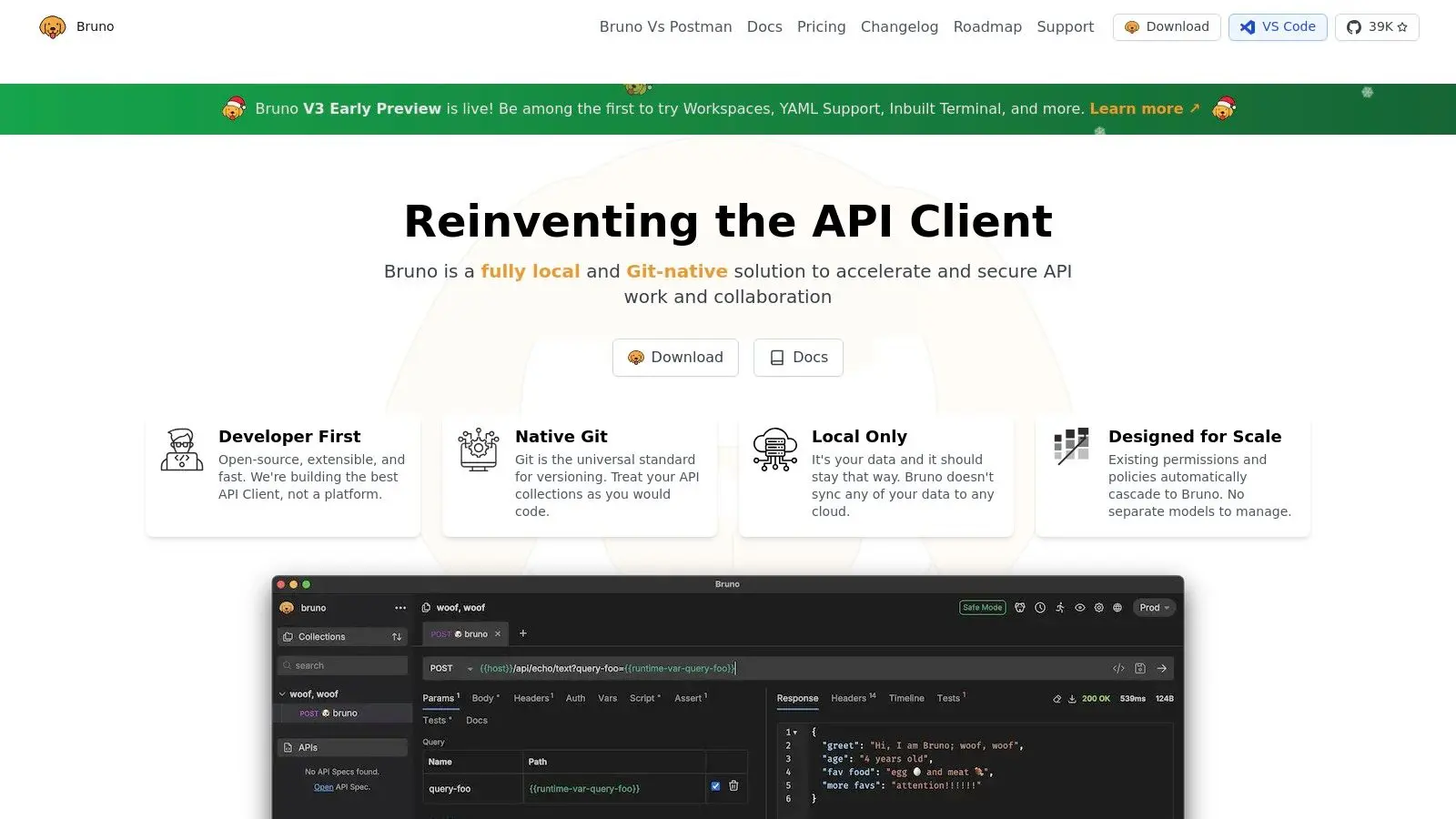
There's no cloud sync by design, which eliminates data residency concerns and vendor lock-in. Bruno offers a clean cross-platform desktop app, a CLI for automation, and a VS Code extension. This Git-centric model treats API collections as part of your codebase, simplifying collaboration. Explore more open-source Bruno alternatives.
Key Features and Considerations
Bruno’s core open-source version is completely free and highly capable, covering all essential API testing needs for individual developers and teams. For advanced features like in-collection secret management, performance testing, and enhanced script libraries, Bruno offers paid Pro ($6 per user/month) and Ultimate ($11 per user/month) subscriptions.
- Pros:
- Offline-first and local-only, ensuring excellent privacy and data control.
- Git-native workflow using plain-text files simplifies version control.
- Lightweight, fast, and available as a desktop app, CLI, and VS Code extension.
- No mandatory cloud sign-up or subscription for core features.
- Cons:
- No built-in cloud sync, which may be a drawback for teams accustomed to it.
- Some advanced features require a paid Pro or Ultimate subscription.
Website: https://www.usebruno.com
5. Yaak
Yaak is a modern, open-source alternative to Postman, built by the original creator of Insomnia. Designed from the ground up with privacy, offline-first functionality, and developer control at its core, Yaak commits to local-only data storage with zero telemetry. Your sensitive API information stays encrypted on your machine.
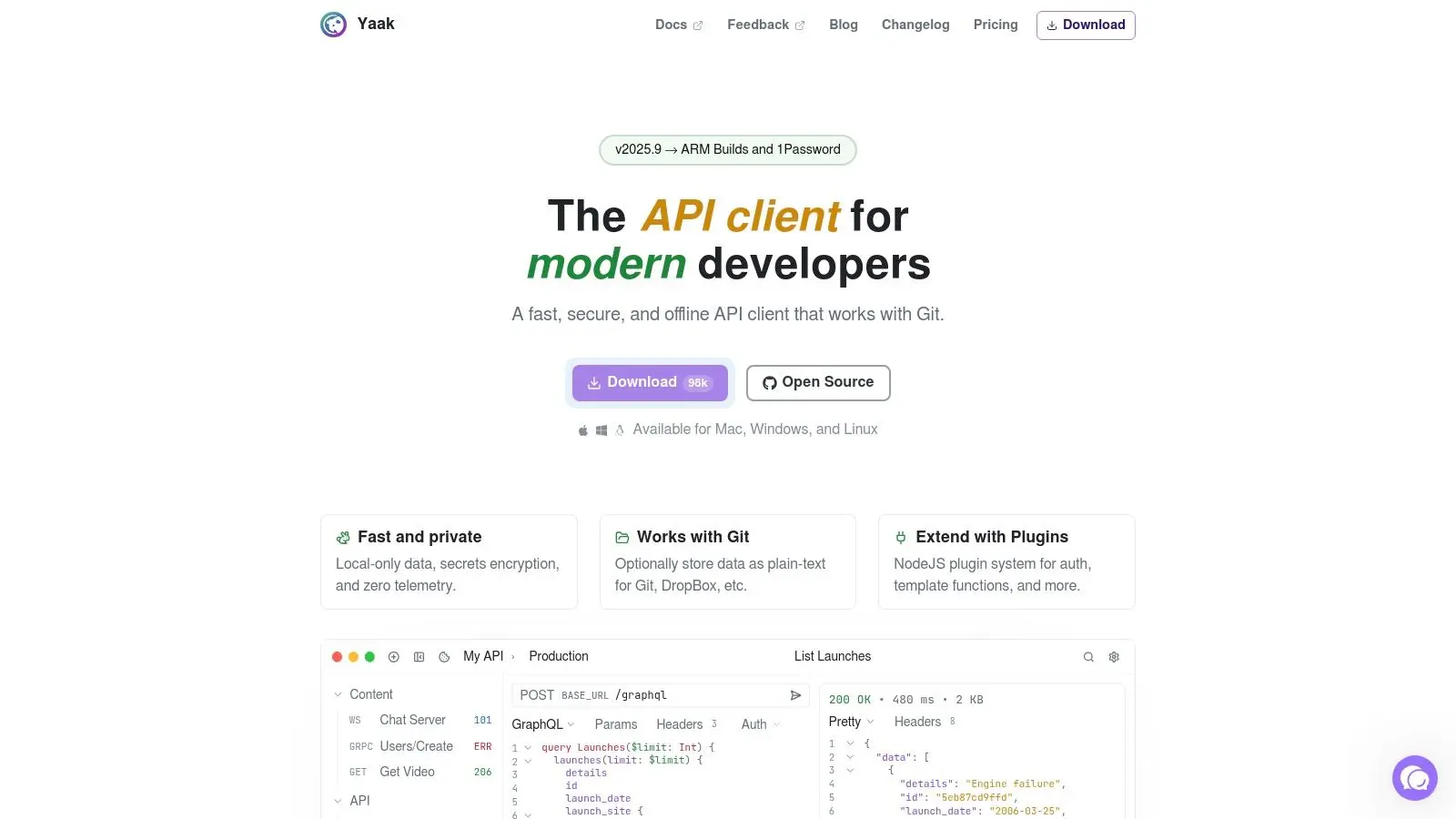
Yaak resists vendor lock-in with seamless Git-based workflows. Collections and environments are stored in plain-text formats, easy to version control and share alongside your codebase. Its snappy, multi-window interface and extensible plugin system for custom authentication and templating cater to developers who demand speed and flexibility.
Key Features and Considerations
Yaak is open source under the MIT license and free for personal use; commercial use of the prebuilt binaries requires a license: $79 per year for an individual, $399 as a one-off lifetime purchase, or $149 per user/year for a business. Building from source stays free for any use. It supports imports from Postman, Insomnia, and OpenAPI specifications, simplifying migration.
- Pros:
- Privacy-first architecture with local-only storage and zero telemetry.
- Git-friendly plain-text storage for easy version control.
- Fast, modern UI with cross-platform support (macOS, Windows, Linux).
- Open source (MIT) with a transparent roadmap; free for personal use.
- Cons:
- Plugin ecosystem is still growing.
- Lacks advanced team governance features found in enterprise platforms.
Website: https://yaak.app
6. Thunder Client (VS Code extension)
For developers who live inside Visual Studio Code, Thunder Client integrates API testing directly into the editor. This popular extension eliminates context-switching with a simple GUI for composing requests, managing environments, and running tests. API interaction feels like a native part of the coding process.
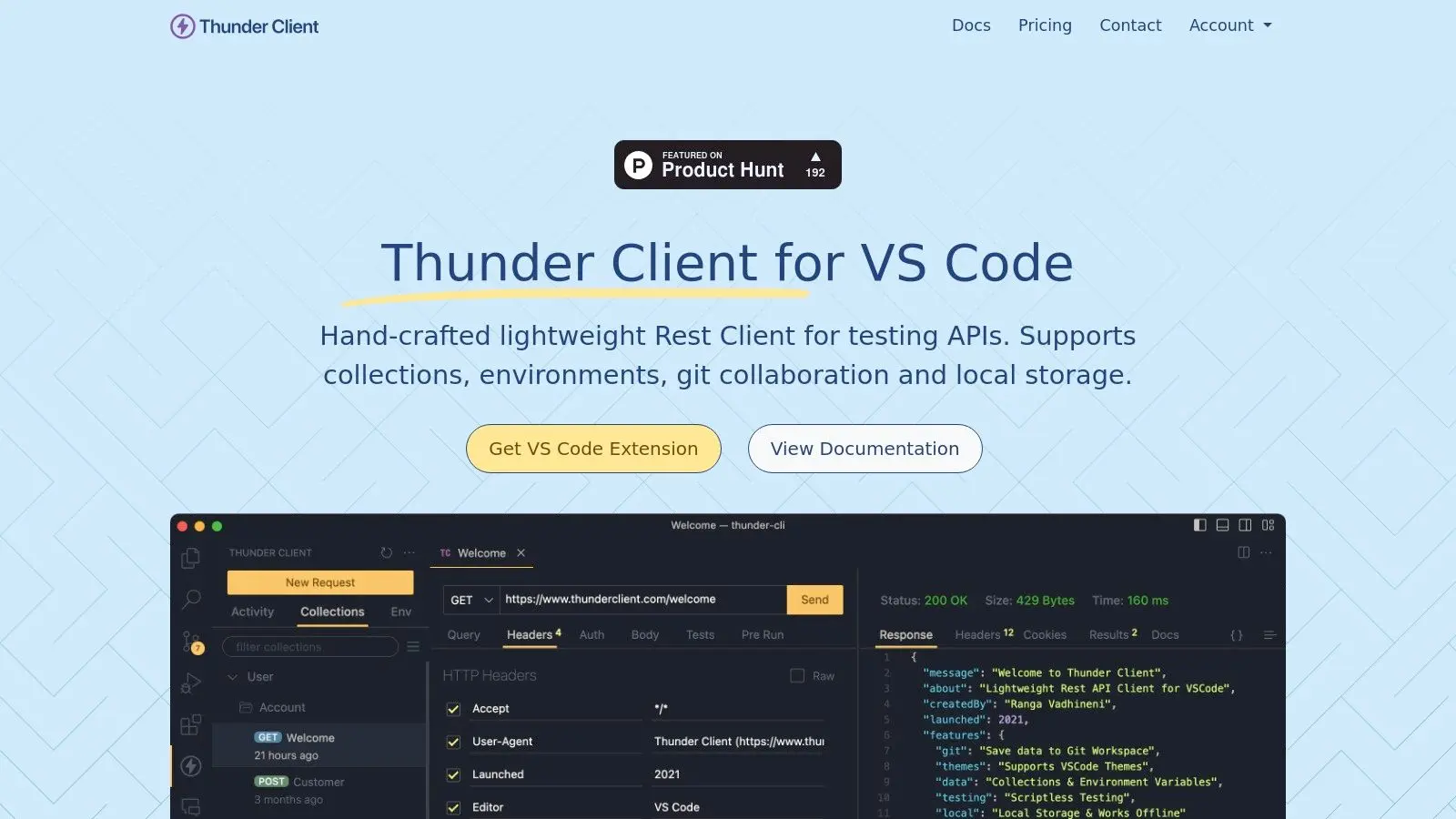
Thunder Client balances simplicity and power. It provides collections, environment variables, and automated testing in a clean interface. On paid plans, Git Sync keeps collections version-controlled alongside your codebase, and a dedicated CLI enables CI/CD integration for automatic API contract validation.
Key Features and Considerations
Thunder Client operates on a freemium model. The free tier is limited (about 250 collection runs per month); paid tiers starting at $3 per user/month unlock gRPC, WebSockets, SSE, Git Sync, and CI/CD integration, with SSO and encrypted environment variables on higher plans.
- Pros:
- Seamless integration directly within the VS Code environment.
- Simple, clean UI that is easy to learn and use.
- Supports collections, environments, Git Sync, and CI/CD automation.
- Paid tiers offer advanced security and protocol support.
- Cons:
- Free tier caps usage at roughly 250 collection runs per month.
- Not a standalone app; VS Code required.
- Some friction reported when hitting usage limits.
Website: https://www.thunderclient.com
7. HTTPie
HTTPie started as a beloved, human-friendly CLI HTTP client and has evolved into a full suite with desktop and web applications. It excels for developers who prioritize terminal-first workflows, scripting, and rapid API exploration. The philosophy of simplicity carries from CLI to GUI: clean, intuitive, offline-capable, no account required.
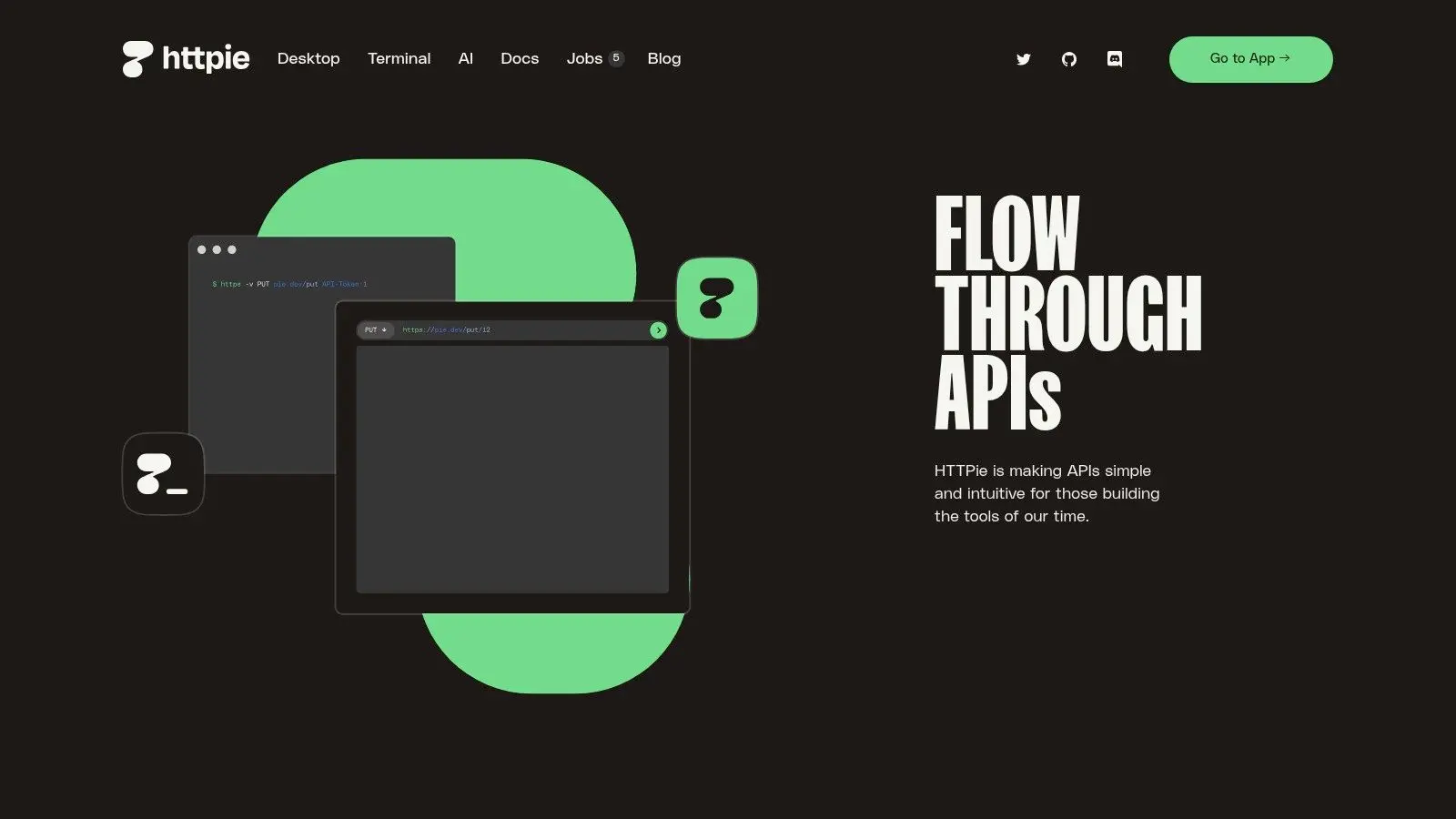
HTTPie blends a powerful CLI with a user-friendly GUI. Send requests from your terminal using expressive syntax, then organize them into collections within the desktop or web app. This dual-interface approach serves both quick, scripted interactions and structured, long-term projects. For intercepting and modifying requests, explore traffic modification tools.
Key Features and Considerations
The CLI is free and open source; desktop and web apps offer a generous free plan. Paid plans add team collaboration, enhanced sync, and dedicated support for organizations needing centralized API management. Worth noting: the open-source CLI has seen little development since late 2024, as the company focuses on its desktop and web apps.
- Pros:
- Excellent for rapid API exploration and automation via its human-friendly CLI.
- No forced sign-in for the desktop app reduces friction for local development.
- Well-respected open-source project with easy installation on major operating systems.
- Cons:
- Team collaboration less extensive than enterprise-focused suites.
- GUI still evolving; feature depth may lag more mature competitors.
Website: https://httpie.io
8. Paw (RapidAPI for Mac)
Paw, now RapidAPI for Mac, has long been a favorite among macOS developers for its beautiful, powerful native API client. It offers a polished, Mac-first experience for building requests, generating documentation, and inspecting responses. A strong alternative to Postman for teams embedded in the Apple ecosystem.
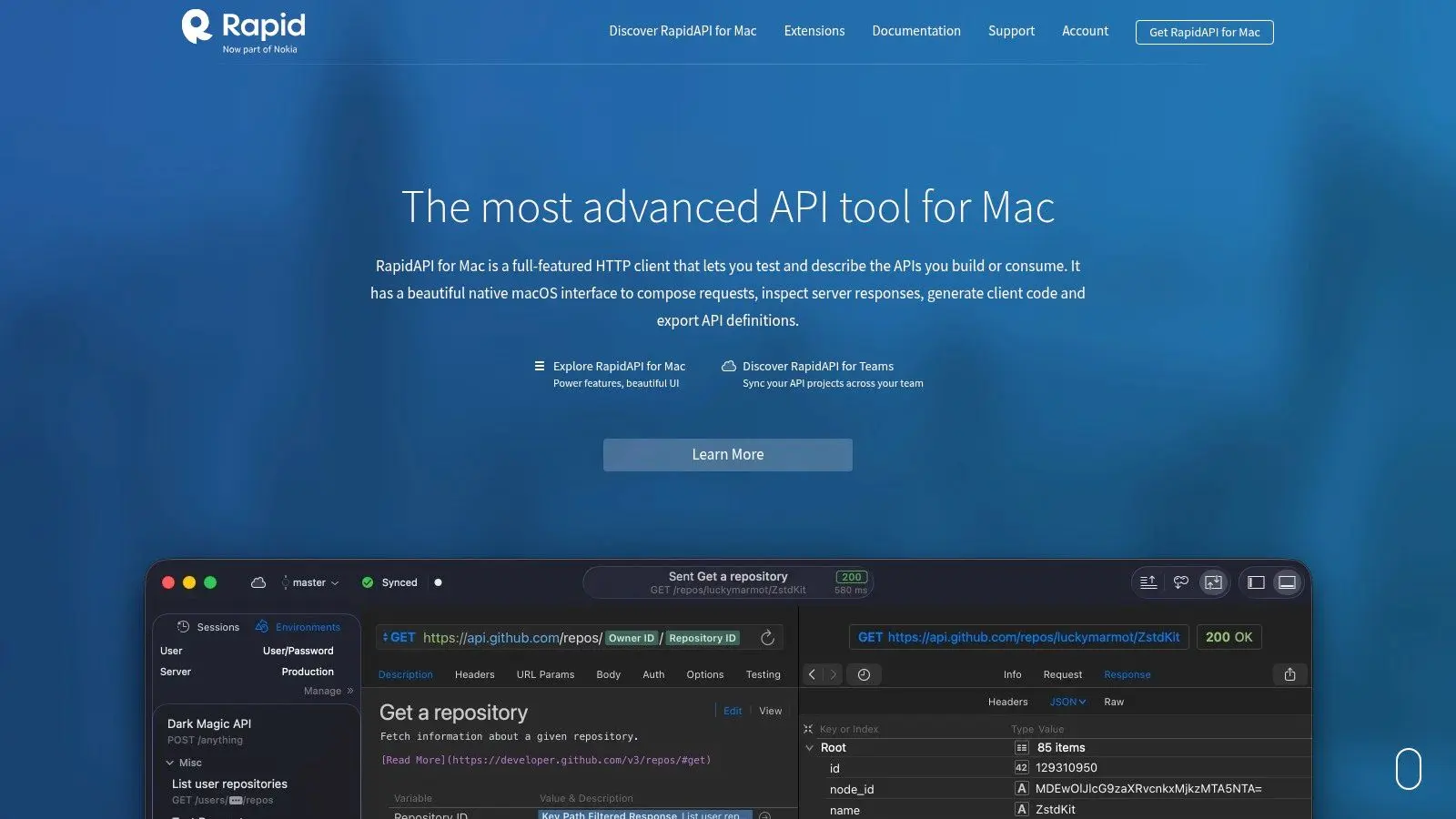
Paw focuses on the entire API lifecycle, from design to consumption. It excels at importing and generating OpenAPI, Swagger, and RAML formats, simplifying client code and documentation generation. Team collaboration has historically tied into RapidAPI Studio, though that integration's future is now unclear; the core app remains highly capable for crafting and debugging complex requests with dynamic values and environment management.
Key Features and Considerations
Paw is now free for personal and professional use, a significant change from its previous paid model. Team synchronization is managed through a RapidAPI account. Note that Nokia acquired Rapid, the company behind RapidAPI, in late 2024, and the platform's future is uncertain; the Mac app itself remains maintained and free.
- Pros:
- Exceptional native macOS experience with a polished and intuitive UI.
- Strong documentation and client code generation capabilities.
- Excellent support for importing and exporting API description formats.
- Now free to use, removing a previous barrier to entry.
- Cons:
- macOS-only, so unsuitable for cross-platform teams.
- Team collaboration relies on the RapidAPI ecosystem, whose future is uncertain after the Nokia acquisition.
Website: https://paw.cloud
9. SoapUI and ReadyAPI
For organizations invested in enterprise-grade API quality assurance, SoapUI and ReadyAPI present a powerful, mature alternative to Postman. SoapUI Open Source handles SOAP and REST API testing; its commercial sibling ReadyAPI by SmartBear expands into advanced functional, security, and performance testing.
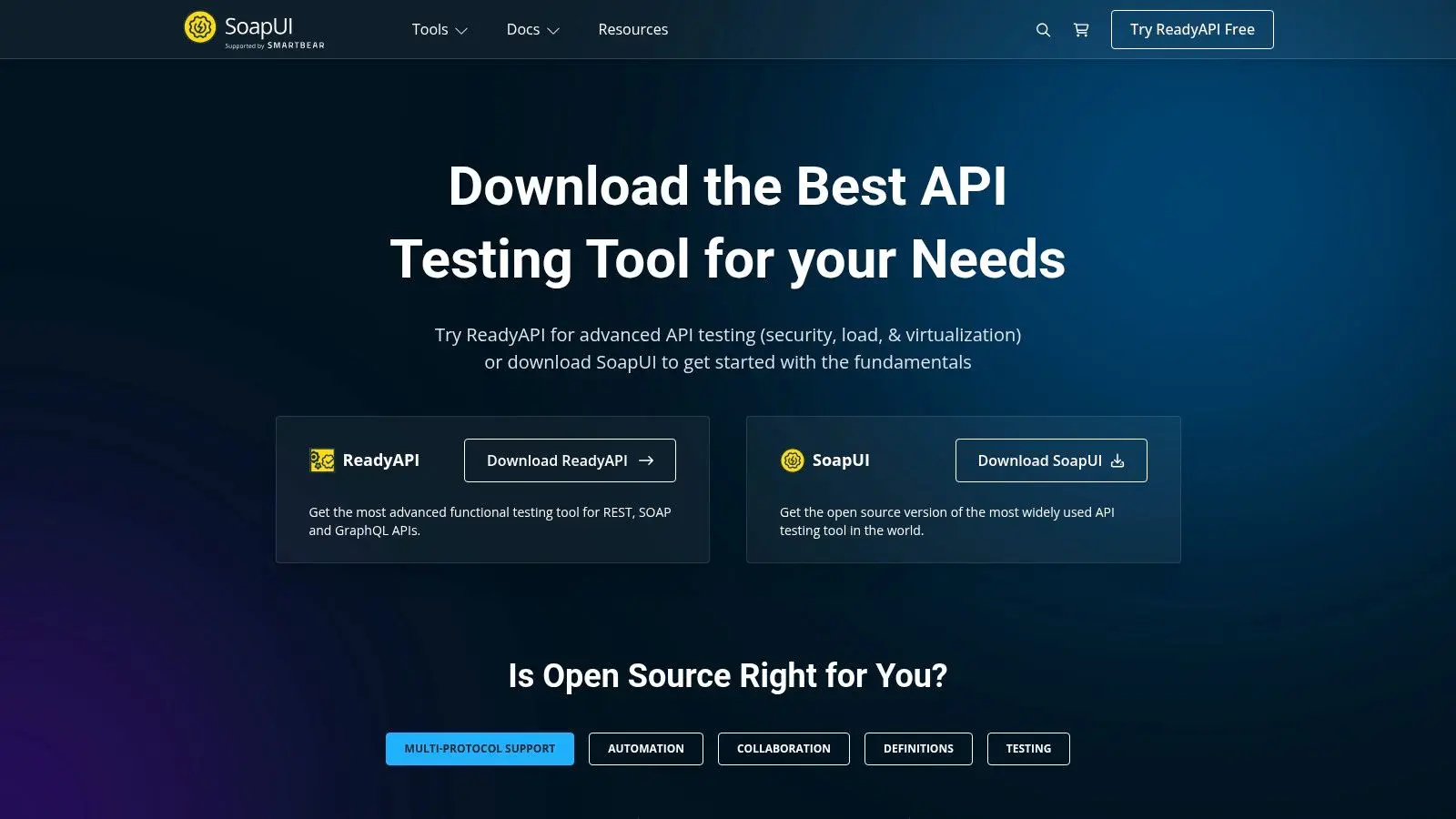
This platform excels in complex, data-driven testing where teams need sophisticated test cases without extensive coding. ReadyAPI's point-and-click interface simplifies assertions and request chaining, while load testing and service virtualization simulate real-world conditions. A go-to for QA teams and DevOps engineers. For backend developers, explore backend-as-a-service platforms.
Key Features and Considerations
Teams can start with free SoapUI Open Source for fundamental testing and graduate to licensed ReadyAPI for enterprise-level automation without changing core tooling. ReadyAPI's licensing targets professional teams requiring dedicated support.
- Pros:
- Enterprise-grade test automation, reporting, and CI integrations (ReadyAPI).
- Extensive ecosystem with vast documentation and commercial support.
- Strong focus on SOAP services, which is a key differentiator.
- Free, open-source version available for foundational testing needs.
- Cons:
- Java-based client feels heavier than modern lightweight alternatives.
- ReadyAPI licensing is a significant investment for smaller teams.
Website: https://www.soapui.org
10. Kreya
Kreya is a privacy-first, desktop-native API client with exceptional support for modern protocols, particularly gRPC. It appeals to developers who prioritize local data control and work with microservices beyond REST. Strong support for gRPC, WebSockets, and SSE makes it powerful for testing real-time applications.
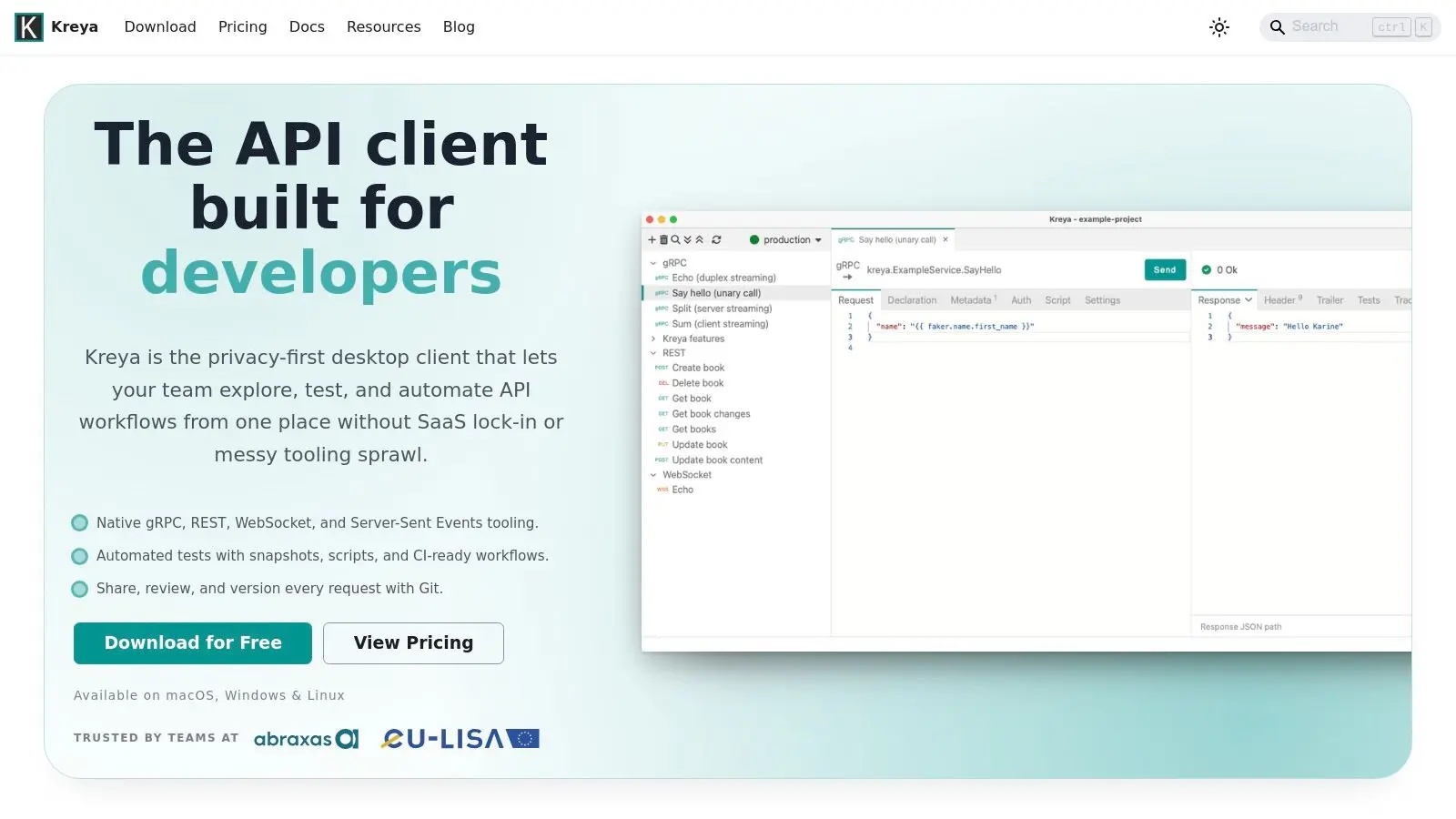
All project data is stored in Git-diffable files on your machine, with no cloud sync concerns. A dedicated CLI and Docker image enable seamless CI/CD integration. Kreya simplifies migration with importers for Postman, Insomnia, OpenAPI, and Protobuf files.
Key Features and Considerations
The free version offers a generous feature set for individual developers. Paid plans add snapshot testing and templating; enterprise terms are available for larger teams.
- Pros:
- Excellent protocol coverage, with first-class support for gRPC, REST, WebSockets, and SSE.
- Strong privacy and local-first approach with Git-friendly file storage.
- Powerful CLI and Docker image for easy automation and CI/CD integration.
- Clear documentation and an actively developed, responsive platform.
- Cons:
- Smaller ecosystem and community compared to Postman.
- Advanced testing and templating features require paid tiers.
Website: https://kreya.app
Top 10 Postman Alternatives: Side-by-Side Feature Comparison
| Item | Core features | UX & quality | Unique selling point | Target audience | Price / License |
|---|---|---|---|---|---|
| OpenAlternative List | Curated roundup of 10 GUI/CLI/mocking tools; filters and snapshots | Up‑to‑date list with GitHub stars/forks/last‑commit signals | Fast discovery + maintenance metrics for shortlisting | Developers, teams evaluating Postman replacements | Free to browse (OpenAlternative) |
| Insomnia | Cross‑platform REST/GraphQL/gRPC/WebSocket client; testing, mocking, Inso CLI | Mature, actively developed; strong collaboration & governance | Full‑featured client with native Git sync & CI tooling | Teams needing collaboration and broad protocol support | Free tier; paid for advanced/cloud features |
| Hoppscotch | Browser‑first client; REST/GraphQL; cloud + self‑host options; unlimited free workspaces | Lightweight, fast startup; actively maintained | Web‑native UX with clear self‑hosting path | Developers wanting quick web client & privacy options | Free cloud plan; paid org/enterprise tiers; self‑host free |
| Bruno | Offline‑first desktop + CLI + VS Code; plain‑text ".bru" files (Git‑native) | Local‑only by design; great for Git workflows | Git‑native plain‑text storage for versioning requests | Privacy‑focused devs and Git‑centric teams | Open‑source core; paid Pro/Ultimate subscriptions |
| Yaak | Local‑only storage with encrypted secrets; Git‑friendly plain‑text; plugins | Privacy‑first, fast UI; frequent updates | Built by Insomnia founder; strong local encryption & Git workflows | Privacy‑conscious developers and teams | Open‑source (MIT); free for personal use, $50/user/year commercial |
| Thunder Client | VS Code request composer, tests, environments, CLI for CI/CD | Seamless in‑editor experience; simple UI | Editor‑native lightweight API client | VS Code‑centric developers | Limited free tier; paid from $3/user/month |
| HTTPie | Expressive CLI; Desktop/Web apps with spaces/collections; offline | Beloved CLI UX; excellent for scripting and rapid exploration | Human‑friendly CLI + no forced sign‑in for desktop | Terminal/scripting‑focused developers | Open‑source core; commercial offerings for hosted features |
| RapidAPI | Native macOS UI; OpenAPI/Swagger import, docs, codegen, team sync | Polished native macOS experience | Native Mac UI with strong code‑generation & docs | Mac‑first teams and designers | Free for personal/professional (per site); integrated with RapidAPI |
| SoapUI | REST/SOAP/GraphQL testing; no‑code assertions; virtualization & load in ReadyAPI | Enterprise‑grade tooling and documentation | Full test automation, virtualization and reporting | QA teams and enterprises | SoapUI open‑source; ReadyAPI commercial (licensed) |
| Kreya | Desktop client with strong gRPC, REST, WebSocket support; scripting, CLI/Docker | Privacy‑first; strong protocol coverage (gRPC focus) | gRPC server reflection & automation focus | Backend engineers working with gRPC/modern APIs | Feature‑based pricing; enterprise via sales |
Frequently Asked Questions
What is the best free alternative to Postman?
It depends on your workflow. Hoppscotch offers unlimited workspaces, collections, and requests on its free cloud plan, all from the browser. Bruno's open-source core is free and covers essential API testing offline. Both avoid the paywalls and account requirements that push many developers away from Postman.
Which Postman alternative works best for teams?
Insomnia pairs native Git Sync with the Inso CLI for CI/CD automation, and paid plans add RBAC and centralized management. Privacy-conscious teams can self-host Hoppscotch, with SSO on enterprise plans. Git-centric teams often prefer Bruno, which stores collections as plain-text files in the repository.
Can I keep my API data completely off third-party clouds?
Yes. Bruno stores collections as plain-text .bru files on your local filesystem with no cloud sync by design. Yaak commits to local-only, encrypted storage with zero telemetry, and Kreya keeps all project data in Git-diffable local files. Self-hosting Hoppscotch offers similar control for browser workflows.
Final Thoughts
The API tooling landscape is richer than ever. While Postman dominated for years, evolving workflows, privacy demands, and the push toward open-source have paved the way for a new generation of tools. Finding alternatives to Postman isn't about a one-to-one replacement: it's about discovering a tool that fits your specific needs and environment.
The "best" API client is subjective. What works for a solo developer prototyping rapidly may fall short for an enterprise team requiring self-hosted collaboration and strict security controls. The one-size-fits-all era is over.
How to Choose
Consider these factors:
- Workflow Integration: Live in your IDE? Thunder Client eliminates context switching.
- Collaboration vs. Solo: Teams benefit from Insomnia (Git Sync) or self-hosted Hoppscotch. Solo developers thrive with Bruno's offline-first approach.
- Privacy: Need data off third-party clouds? Focus on Hoppscotch, Bruno, and Yaak.
- Protocol Support: Working with gRPC or SOAP? Kreya and SoapUI are purpose-built.
- Speed: Need something fast and lightweight? HTTPie's CLI or Hoppscotch's browser access deliver.
Next Steps
- Shortlist 2-3 candidates based on the comparison table.
- Run a pilot test on a small project. Import a collection, set up an environment, run requests, write a test.
- Evaluate the feel. Is it intuitive? Fast? Does it get out of your way? This often decides it.
The days of being locked into a single ecosystem are over. Open-source platforms make it easier than ever to find alternatives to Postman that respect your privacy, budget, and workflow. The tooling landscape will only keep evolving, empowering developers to build better, faster, and more securely.
These GUI/CLI/mocking tools offer powerful alternatives to Postman. If none fit your needs, explore OpenAlternative for more free and open source options.

 Capture – Capture screenshots, generate PDFs, scrape content, extract metadata, and automate browsers with one API.
 Windshift