Open Source Zoho Alternatives
A curated collection of the 2 best open source alternatives to Zoho.
The best open source alternative to Zoho is Odoo. If that doesn't suit you, we've compiled a ranked list of other open source Zoho alternatives to help you find a suitable replacement. Other interesting open source alternative to Zoho is ONLYOFFICE Docs.
Zoho alternatives are mainly CRM Systems but may also be ERP Systems or Document Editors. Browse these if you want a narrower list of alternatives or looking for a specific functionality of Zoho.

Written by Piotr Kulpinski


Integrated suite of business apps covering accounting, CRM, inventory, eCommerce, HR, and project management, available free as Community or paid Enterprise edition.
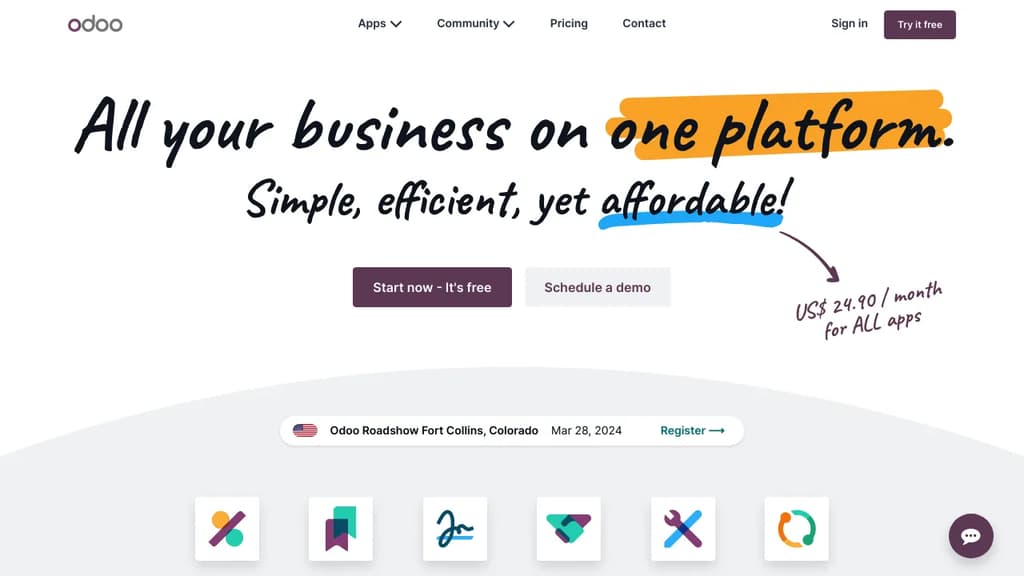
Odoo is a modular business platform that brings together over 40,000 apps covering nearly every operational need: accounting, CRM, inventory, eCommerce, HR, manufacturing, point of sale, and project management. It's built for companies that want a single system instead of a patchwork of disconnected tools.
The core appeal is integration. Every app shares the same data layer, so information entered in one module flows automatically into others. An order placed through eCommerce updates inventory, triggers accounting entries, and feeds into reporting without manual intervention. That kind of native connection is what separates Odoo from bolting together separate SaaS products.
Two editions are available:
- Community: fully open source, free to use, self-hostable, with access to the source code on GitHub
- Enterprise: adds extra apps, cloud hosting, and professional support at a flat per-user price with no feature upselling or usage caps
Key capabilities span the full ERP and operations spectrum:
- Finance: accounting, invoicing, expense tracking, and bank reconciliation
- Sales and CRM: pipeline management, quotes, subscriptions, and customer portals
- Supply chain: inventory, purchasing, warehousing, and manufacturing
- HR: recruitment, payroll, time tracking, and appraisals
- Marketing: email campaigns, social media, SMS, and events
- Websites: eCommerce, CMS, live chat, and appointment booking
Data ownership is a genuine differentiator. Odoo stores everything in PostgreSQL with no proprietary format, so you're never locked in. You can host on Odoo's infrastructure or run it on your own servers.
The platform also has AI features built across modules, handling tasks like document processing, data entry suggestions, and workflow automation. KPMG Belgium reported cutting accounting document processing time from two days to five hours after adopting it.
For teams comparing options, Odoo competes directly with tools like ERPNext on the open source side and serves as a practical Zoho alternative for businesses that want self-hosted control over a broad app suite.

Open-source online editor for documents, spreadsheets, presentations, and PDFs. Features real-time collaboration, AI integration, and accessibility tools.
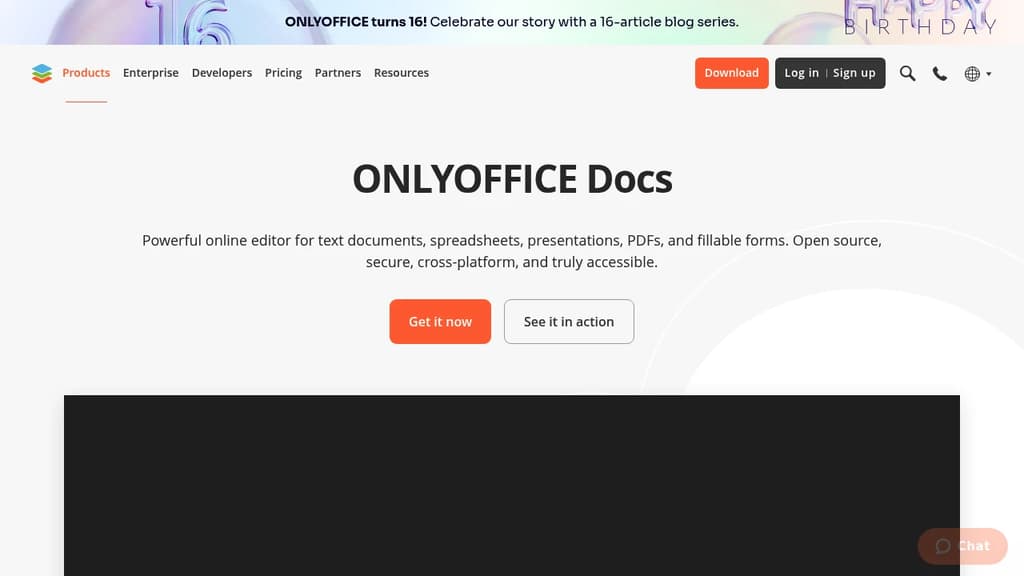
ONLYOFFICE Docs is a comprehensive online office suite that handles all your document editing needs in one powerful platform. Create and edit text documents, spreadsheets, presentations, PDFs, and fillable forms with professional-grade tools and features.
Key Features:
- Universal compatibility - Work with multiple document formats without switching tools
- Real-time collaboration - Share, co-edit, comment, and track changes with team members
- AI-powered assistance - Generate text and images, check grammar, translate languages, and get instant answers
- Accessibility focused - Designed for users with special needs, scalable up to 500% zoom
- Cross-platform support - Available on web, desktop (Windows, Linux, macOS), and mobile (iOS, Android)
Security & Privacy:
- Open source with code available on GitHub
- Three-layer encryption (at rest, in transit, end-to-end)
- Compliance with international security standards
- Support for local AI models
Flexible Deployment Options:
- Use within ONLYOFFICE DocSpace for team collaboration
- Integrate into existing platforms (Box, Moodle, Nextcloud, WordPress)
- Self-host or use cloud solutions
- Work offline with desktop applications
The platform includes ready-made templates to get started quickly and offers dark theme support for comfortable work in any environment. Whether you're working solo or with a team, ONLYOFFICE Docs provides the tools you need for professional document creation and collaboration.

People are looking for alternatives to...
View all alternatives
Claude Code

Spotify

CapCut

Claude

Notion

Lovable
 Sent – A unified API for sending messages across SMS, RCS, and apps like WhatsApp.
 Postiz