Open Source SurfSense Alternatives
A curated collection of the 2 best open source alternatives to SurfSense.
The best open source alternative to SurfSense is Open-Notebook. If that doesn't suit you, we've compiled a ranked list of other open source SurfSense alternatives to help you find a suitable replacement. Other interesting open source alternative to SurfSense is Khoj.
SurfSense alternatives are mainly AI Research Assistants but may also be Data Platforms for AI or Note Taking & Knowledge Management Tools. Browse these if you want a narrower list of alternatives or looking for a specific functionality of SurfSense.

Written by Piotr Kulpinski


Combines AI summarization, podcast generation, and multi-format content ingestion for researchers and students who want to keep their data private.
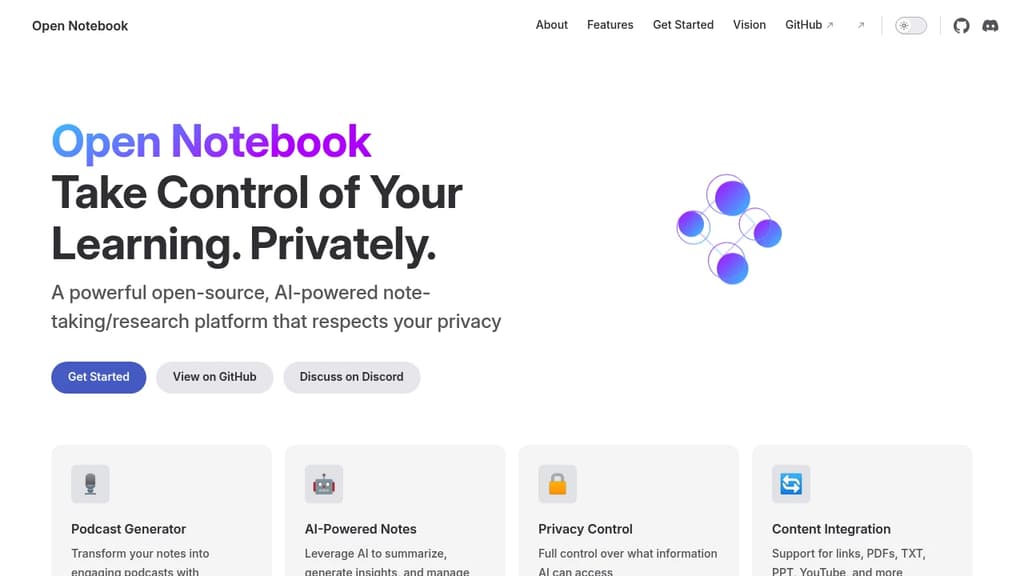
Open Notebook is an AI-assisted note-taking and research platform built for people who want genuine control over their data and their tools. Unlike cloud-first Obsidian alternatives or proprietary tools like NotebookLM, it lets you choose which AI models interact with your content and exactly what those models can see.
It's aimed at researchers, students, and self-directed learners who accumulate more material than they can process. If you have hundreds of saved links and PDFs you'll never get to, Open Notebook is designed to help you actually use that backlog.
Key capabilities:
- Podcast generator: Converts your notes into audio episodes with configurable voices, speakers, and structure. Useful for reviewing material while away from a screen.
- AI-powered notes: Summarizes content, surfaces insights, and helps you build on existing notes without replacing your own thinking.
- Privacy controls: You decide which information the AI can access. Nothing is exposed by default.
- Multi-format ingestion: Accepts links, PDFs, plain text, PowerPoint files, and YouTube videos, so you're not limited to a single content type.
- Model flexibility: You're not locked into one AI provider. Choose the models that fit your workflow and comfort level.
What sets it apart from tools like Logseq or Joplin is the combination of structured AI assistance with explicit privacy boundaries. Most AI note tools either expose everything to a third-party model or offer no AI at all. Open Notebook sits in between: AI-assisted, but on your terms.
It's released under the MIT License, making it fully self-hostable and auditable.

Self-hostable AI assistant that connects to your docs and the web, lets you build agents, schedule automations, and run research with verifiable citations.
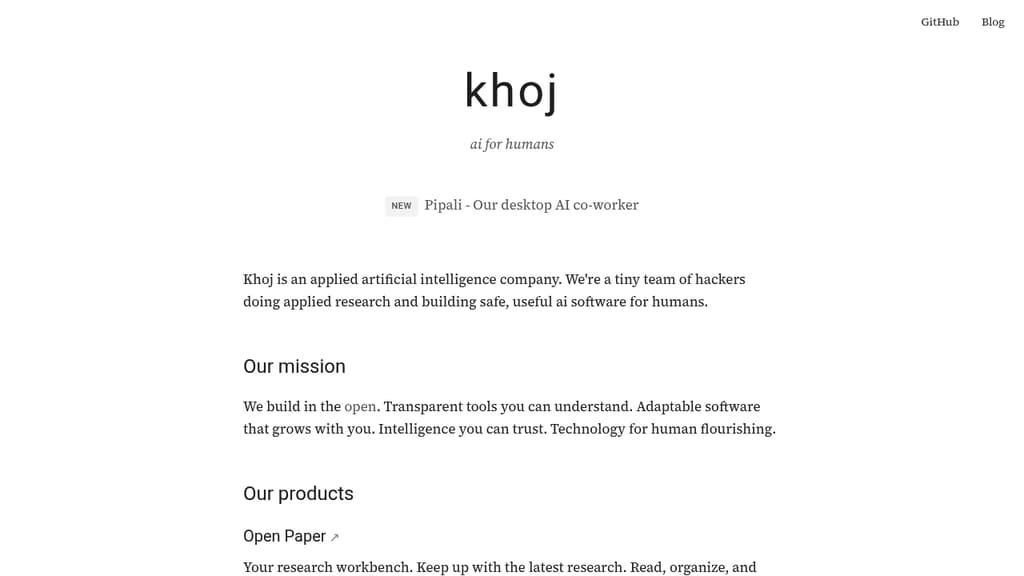
Khoj is a personal AI platform built for people who want a capable assistant they can actually trust. It connects to your documents and the web, turning any supported AI model into a research partner, automation engine, and second brain. The focus is transparency: citations are verifiable, behavior is inspectable, and you stay in control of what it accesses.
At its core, Khoj is designed around three distinct use cases:
- AI second brain: Ingest your own documents, then ask questions, get summaries, or run research across both your files and live web sources. Agents can be built on top to handle recurring tasks.
- Research workbench: Read and organize academic papers with citations you can check. Useful for anyone tracking a field or doing structured literature review.
- AI co-worker (beta): Assign multi-step tasks, track their progress, and receive polished outputs. This runs locally on your machine, keeping sensitive work off third-party servers.
Because it's open source and self-hostable, you're not locked into a single model or vendor. Swap the underlying model, run it on your own infrastructure, and keep your data private. That's a real distinction from closed alternatives like Humanloop or proprietary chat tools.
Khoj sits in similar territory to LobeChat and LLMChat, but leans harder into autonomous agents and scheduled automations rather than pure conversational UI. The scheduled automation feature means Khoj can run tasks on a cadence without you initiating each one manually.
It's a good fit for researchers, knowledge workers, and developers who want an AI assistant with genuine depth rather than a thin chat wrapper.

People are looking for alternatives to...
View all alternatives
Spotify

Claude Code

CapCut

Claude

Notion

Lovable
 Capture – Capture screenshots, generate PDFs, scrape content, extract metadata, and automate browsers with one API.
 CodeRabbit