Open Source Sim Alternatives
A curated collection of the 12 best open source alternatives to Sim.
The best open source alternative to Sim is n8n. If that doesn't suit you, we've compiled a ranked list of other open source Sim alternatives to help you find a suitable replacement. Other interesting open source alternatives to Sim are: AutoGPT, Paperclip, Langflow, and LobeHub.
Sim alternatives are mainly AI Agent Platforms but may also be Workflow Automation Tools or Low-Code/No-Code Platforms. Browse these if you want a narrower list of alternatives or looking for a specific functionality of Sim.

Written by Piotr Kulpinski


Visual workflow automation platform for building AI agents and business processes, with 500+ integrations, human approval steps, code when needed, and self-hosting.
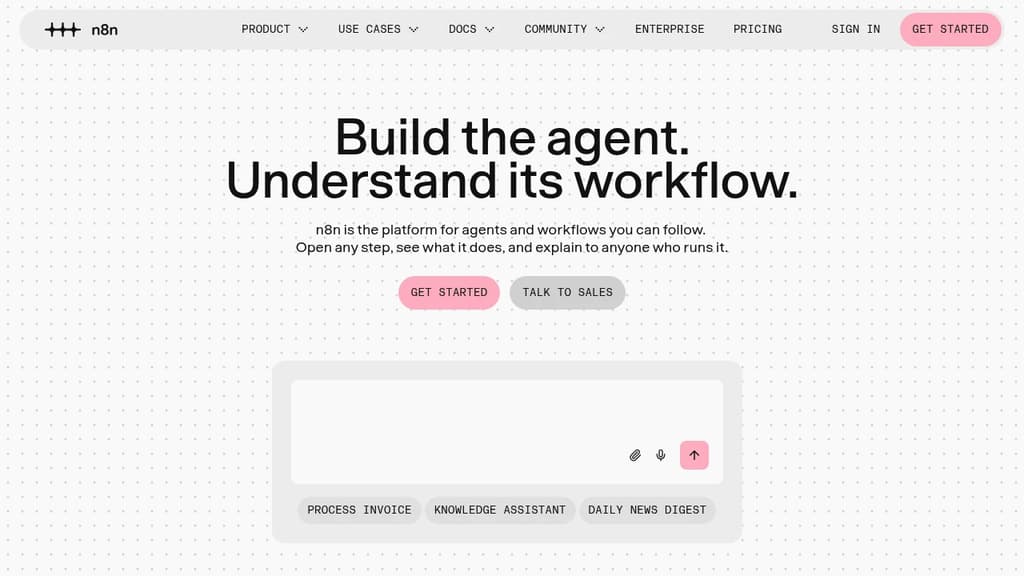
A workflow automation platform for technical teams that want AI agents and business processes in one place. You build in a visual editor, then drop into code whenever a step needs it. Every step is open to inspect, so the workflow itself serves as the documentation.
It suits developers, IT, security and ops teams who need automations other people can read, run and trust.
- 500+ native integrations: connect any API through HTTP, and any agent or coding assistant through MCP.
- Agent visibility: watch agents work live or open any past run inside the same workflow.
- Rules around AI: structured inputs and outputs, human-in-the-loop approvals, guardrails and evaluations.
- Easy recovery: spot an error at a glance and re-run only the step that broke. Replay past runs or mock data to skip waiting on external systems.
- Change tracking: version history shows who changed what, and when.
- Self-hosting: deploy on-prem or with Docker to keep data in your own environment, or use the hosted version. The source code is on GitHub.
For larger organizations, it adds SSO SAML, LDAP, RBAC permissions, encrypted secret stores, audit logs, log streaming to your SIEM, and Git-based version control with isolated environments and workflow diffs.
Examples from its users include onboarding new hires across Slack, Jira and Notion, triaging alerts with an AI agent, investigating security threats across several tools, and qualifying inbound leads. Huel reports saving 1,000 hours, and Vodafone uses it for security operations.

Platform for building, deploying, and running AI agents that automate repeatable digital work across research, outreach, content, and support without writing code.
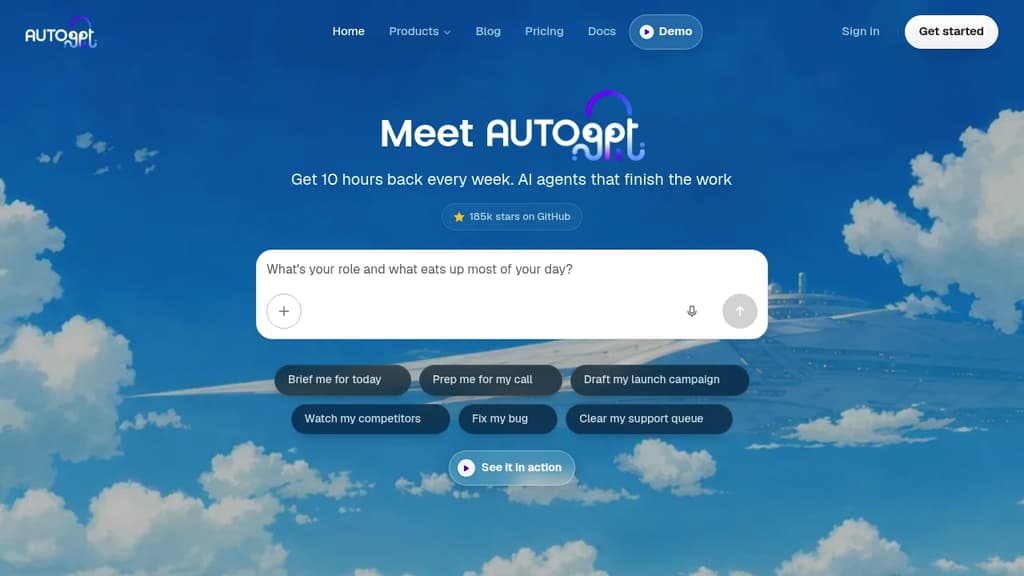
AutoGPT is an AI agent platform for people who want to hand off recurring work entirely, not just get help with a single task. You describe the outcome you want, and an agent plans and executes every step: pulling data, calling AI models, updating spreadsheets, sending messages, and looping back on a schedule. It's built for the kind of work that comes back every day or every week.
There are four ways to interact with the platform:
- AutoPilot lets you describe a job in plain English and builds the agent for you inside the conversation, no flowcharts or prompt engineering required.
- Visual Builder gives you a drag-and-drop canvas of blocks when you need exact control over branching, looping, and routing logic.
- Dashboard shows every agent's status, run history, and spend in one place, with alerts when an agent needs a decision from you.
- Marketplace offers ready-made agents from AutoGPT and the community, browsable without an account and deployable in one click.
On the integration side, the platform ships with dozens of AI models already connected (no API keys needed) and supports services like Gmail, Slack, Google Sheets, Notion, HubSpot, GitHub, and Airtable. Agents can handle chat, image generation, video, transcription, OCR, and more across 45+ platforms.
Common uses include morning briefings assembled from earnings and headlines, prospect research before sales calls, overnight campaign drafts, support ticket triage, and competitor monitoring that only pings you when something actually changes.
AutoGPT is fully open source. Self-hosting is free: you bring your own model API keys and infrastructure and get the same builder and agent runtime as the cloud. The hosted cloud removes the ops burden and covers model usage through a subscription. Teams often prototype in the cloud and move sensitive workloads on-prem later.
For teams that want a visual workflow automation approach rather than agent-based logic, tools like ByteChef or Automa take a different angle. If you're looking for an agent-first experience with a different focus, Eigent is worth comparing. AutoGPT's sweet spot is repeatable, multi-step work you can describe clearly enough to hand to a capable assistant.

Manages teams of AI agents across business functions with org charts, goal alignment, cost tracking, ticket tracing, and board-level governance controls.
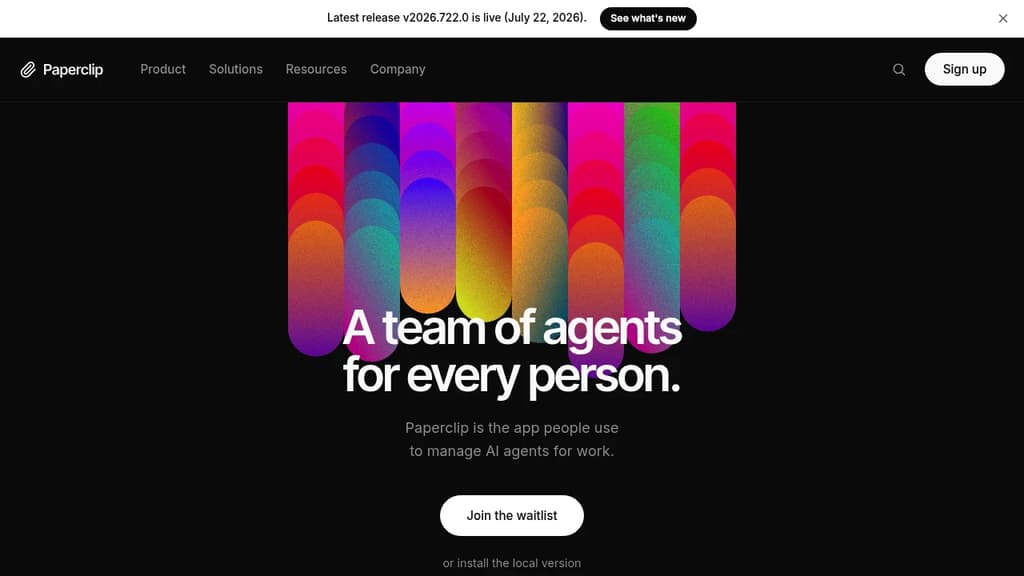
Paperclip treats your AI agents like employees, not tools. You act as the board of directors: you approve hires, review strategy, set budgets, and can pause or reassign any agent at any time. The mental model isn't "I'm prompting an AI" – it's "I'm running a company."
It's model-agnostic by design. Agents can be Claude, Codex, Gemini, OpenClaw, Cursor, or anything that can receive a heartbeat signal. Python scripts, shell commands, HTTP webhooks – if it can be triggered, it can be hired. You're not locked into any provider.
Key capabilities:
- Org charts – Agents are organized into roles (CEO, CTO, CMO, engineers) under a single company structure pointed at one goal.
- Goal alignment – Every task traces back to the company mission through a hierarchy: mission → project goal → agent goal → task. Agents know what they're doing and why, via a
SKILL.mdcontext file. - Heartbeats – Agents wake on a schedule, check their work queue, and act. Delegation flows up and down the org chart automatically.
- Budget controls – Each agent gets a monthly spend limit. At 80% you get a warning; at 100% the agent auto-pauses and blocks new tasks. Hard limits, enforced by the system.
- Ticket system – Every instruction and response is a structured ticket with full tracing: every tool call, API request, and decision point is logged in an immutable, append-only audit log.
- Governance – Agents can't hire other agents without board approval. The CEO can't execute a strategy you haven't reviewed. Autonomy is something you grant explicitly.
Paperclip is MIT-licensed and self-hosted. A single deployment can run multiple separate companies with full data isolation, useful for parallel ventures or templating org configs. It runs locally with an embedded database or connects to your own Postgres instance. No Paperclip account required.
For teams already using AI coding agents like Cline or similar tools, Paperclip sits above them – coordinating who has work checked out, maintaining sessions, tracking costs, and enforcing governance across the whole operation.

Build, deploy, and iterate on AI agents, RAG applications, and MCP servers using a drag-and-drop visual interface backed by Python.
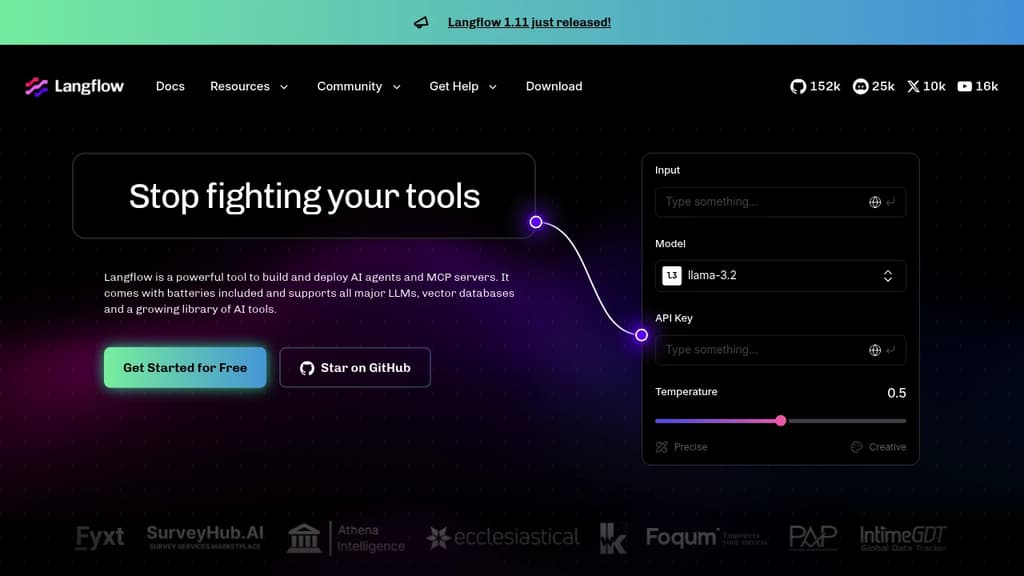
Langflow is a low-code platform for building AI agents and RAG applications visually. It targets developers and AI teams who want to move fast without writing boilerplate, while still having full access to the underlying Python when they need it. The visual canvas lets you wire together models, data sources, and tools by dragging components onto a flow, then deploy that flow as an API with minimal extra work.
The integration library is broad:
- LLMs: OpenAI, Anthropic, Mistral, Meta (Llama), Groq, NVIDIA, Amazon Bedrock, Ollama, HuggingFace, and more
- Vector stores: Pinecone, Milvus, Weaviate, Qdrant, Cassandra, Couchbase, Upstash, Vectara
- Data sources: Google Drive, Confluence, Notion, Gmail, GitHub, Slack, MongoDB, and dozens more
- Agent frameworks: LangChain, CrewAI, Composio
Flows are reusable and shareable. You can pick from a library of pre-built components, swap models mid-flow to compare outputs, and run single agents or coordinated fleets where each agent has access to your components as tools. Every flow exposes itself as an API endpoint, so connecting Langflow to an existing product is straightforward.
Python is always available under the hood. Any component can be customized with code, so the visual layer doesn't box you in. Teams that need observability can pair it with tools like Langfuse for tracing.
Deployment is flexible. Self-host it on your own infrastructure, or use the managed cloud option, which runs the same codebase as the open-source version. That parity matters: there's no feature gap to worry about when moving between environments.
Compared to alternatives like Flowise AI or Dify, Langflow leans into Python extensibility and a wide integration surface, making it a practical fit for teams building production-grade agents rather than quick demos.

Add AI agents to Slack, Discord or Telegram that pick up requests, hand coding to Claude Code or Codex, report back in thread, and learn from your corrections.
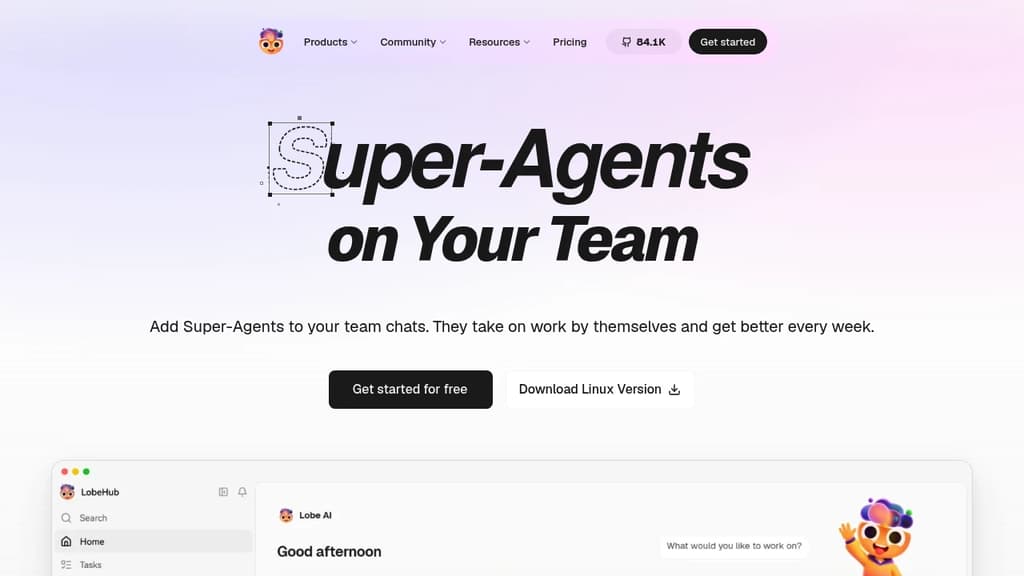
LobeHub is a collaborative agent platform where AI agents join your team chats and take on work. You add an agent to Slack, Discord or Telegram, and it reads the channel history, docs and code before it does anything. It's built for teams that want routine requests handled without someone assigning every task.
The agent can act on its own. With the "speak up on its own" setting on, it spots a feature request that several people have +1'd, creates a task, and starts work without being tagged.
- Coding handoff: it passes the build to Claude Code or Codex and tracks the task
- Acceptance checks: each delivery comes with screenshots or recordings, and you can send back any check that's off
- Pull requests: the PR merges only after you accept
- Thread replies: it tells the people who asked once the work is live
- Permissions: you decide what it can do, for example opening PRs freely while deploys need your OK
- Daily brief: a home page lists what finished, what's running, and what needs your decision
The agent also learns. A Self-evolving page shows each area it practices, the lessons you've taught it, and how often it gets things right. Mistakes become lessons, and a rule it keeps breaking is flagged so you can teach it again.
You can start with one agent and add more later, such as separate agents for design, releases and docs. Each teammate can have their own too. Agents remember team preferences, like sending pricing copy to a specific person for sign-off.

Open source platform for building AI agents, chatbots, and multi-agent systems using a drag-and-drop interface, with support for 100+ LLMs and RAG.
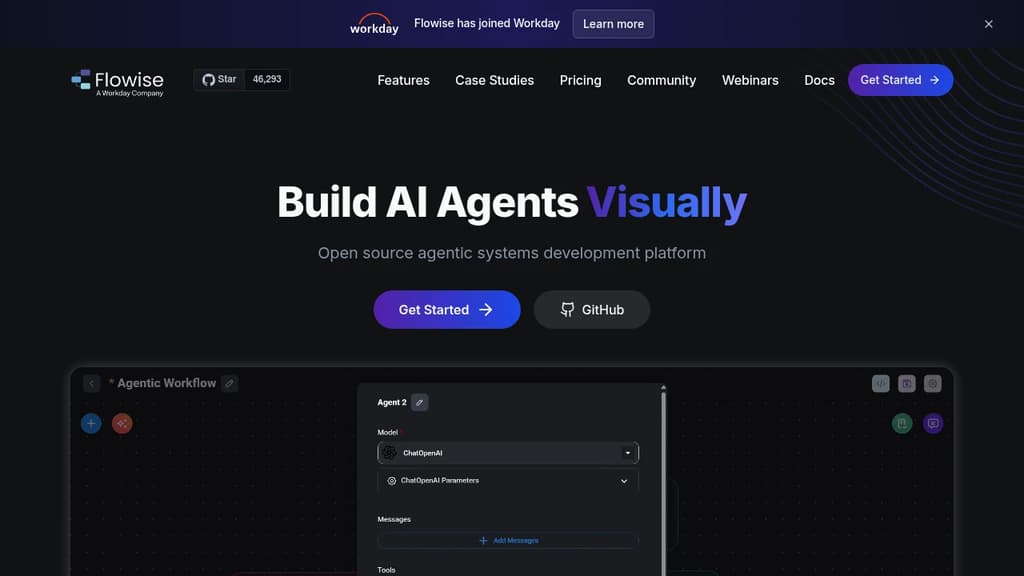
Flowise is an open source platform for building AI agents and LLM-powered applications through a visual, drag-and-drop interface. It targets developers and teams who want to prototype and ship agentic systems without writing orchestration logic from scratch. The core idea is modular: you connect building blocks together visually, then deploy the result as a production-ready API or embedded chat widget.
There are two main flow types. Agentflow handles multi-agent systems where work is distributed across coordinated agents, each with defined roles and tools. Chatflow covers single-agent setups and chatbots, including tool calling and retrieval-augmented generation (RAG) from external data sources. Both support Human in the Loop (HITL), letting a human review or approve agent actions before they proceed.
Flowise connects to over 100 LLMs, embedding models, and vector databases. Finished flows are accessible via REST API, a TypeScript or Python SDK, or an embeddable chat widget. That makes it practical to drop AI functionality into an existing product without rebuilding infrastructure around it. If you've used something like Langflow or Dify, the general approach will feel familiar, though the feature sets differ.
Observability is built in. Full execution traces are available for every run, and the platform integrates with Prometheus and OpenTelemetry for teams that need production monitoring. Horizontal scaling is supported through message queues and workers, and deployment works in both cloud and on-premises environments.
The self-hosted version is fully open source. Flowise also offers a managed cloud with a free tier (2 flows, 100 predictions/month) and paid plans starting at $35/month for individuals who want unlimited flows. The Pro plan adds workspaces, role-based access control, and priority support for larger teams.
Flowise has recently joined Workday, though the open source project continues to be developed and maintained.

Open-source integration platform for seamless workflow automation. Connect apps, automate tasks, and boost productivity effortlessly.
ActivePieces is a powerful, open-source integration platform that empowers users to automate their workflows without writing a single line of code. This versatile tool bridges the gap between various applications and services, enabling seamless connectivity and task automation.
Key benefits of ActivePieces include:
- No-Code Simplicity: Build complex workflows using an intuitive drag-and-drop interface, making automation accessible to users of all technical levels.
- Extensive App Integrations: Connect with popular services like Slack, Google Workspace, Trello, and many more to streamline your daily operations.
- Customizable Triggers: Set up automated actions based on specific events or schedules, ensuring your workflows respond dynamically to your needs.
- Open-Source Flexibility: Benefit from community-driven development, transparency, and the ability to self-host for complete control over your data.
- Time and Resource Savings: Eliminate repetitive tasks and reduce human error, allowing your team to focus on high-value activities.
- Scalable Solutions: Whether you're a small business or a large enterprise, ActivePieces adapts to your growing automation needs.
With ActivePieces, you can create powerful automations that sync data between apps, send notifications, update records, and much more. Its user-friendly interface and robust capabilities make it an ideal choice for businesses looking to optimize their processes and boost overall productivity.

Manages a team of AI agents across your company, with every agent, skill, memory, and connector stored as versioned files in a git repo you own and self-host.
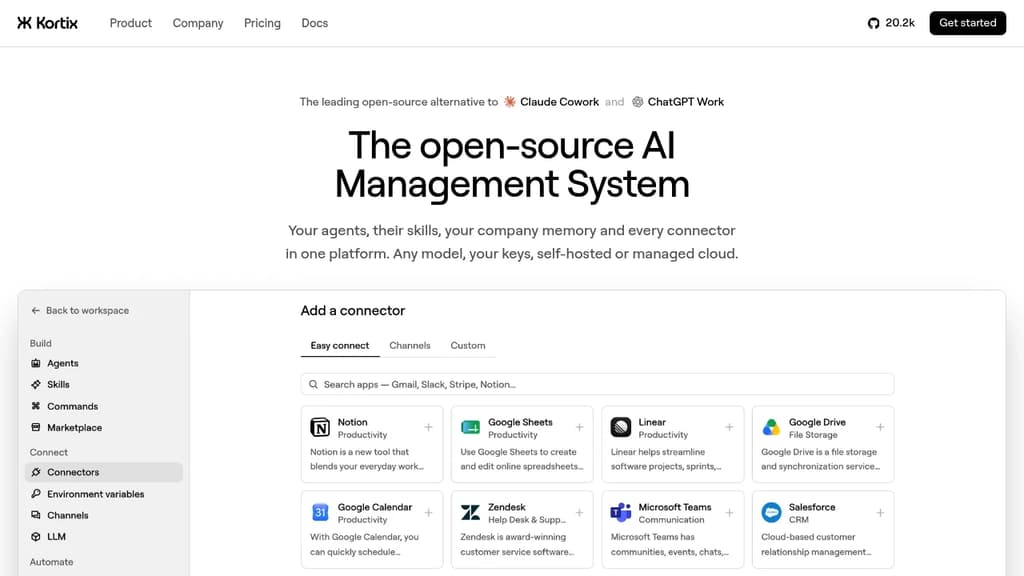
Kortix is a platform for running AI agents across an entire company, where the whole setup lives in a single git repo you own. Agents, skills, memory, connectors, triggers, and permissions are all plain files. You can grep the company, diff any change, and roll anything back. No settings locked in someone else's database.
It fits teams that want AI agents doing real, multi-step work across sales, engineering, finance, marketing, and ops, not just answering questions. Agents start from Slack, MS Teams, the web, a CLI, a cron schedule, or a signed webhook. Work lands back in the repo as a change request you read as a diff before it merges.
The platform is built in six layers that work together:
- Git repo as the source of truth.
kortix.yamldeclares the machine image, connectors, and triggers. Agents and skills are markdown files. Memory accumulates as files over time. - Connectors. 3,000+ app integrations plus MCP, OpenAPI, GraphQL, and raw HTTP. Credentials are brokered server-side and never reach the agent's machine. Each tool call can be set to allow, ask, or block, down to the specific arguments passed.
- Model-agnostic runtime. Pick any model per agent, per session, or per message. Bring your own API keys, use a ChatGPT subscription you already pay for, or point it at any OpenAI-compatible endpoint.
- Agent harness powered by OpenCode. Turns a model into an agent that plans, uses tools, and finishes multi-step runs. Permissions are set per tool in the agent file, so a
git pushcan be blocked until a human reviews the change request. - Isolated sandboxes. Each session boots its own Linux machine with the repo and tools already loaded. Thousands run in parallel with no crossover. Only commits survive.
- Unified control plane. Web, Slack, mobile, CLI, and API all start the same session type. Cron and webhooks start sessions with no human involved.
Practical examples from the source: an engineering agent reads error logs each morning, reproduces the top failure on its own machine, patches it, and opens a pull request. A finance agent reconciles the ledger, chases missing receipts, and closes the month with the variance explained. A data science agent queries the warehouse on a schedule and posts the chart to Slack before the team wakes up.
Kortix is self-hostable, VPC-deployable, or available as managed cloud. It sits in the AI coding agent orchestrators space but extends well beyond code, covering any business function that can be described as a repeatable job.

Powerful, self-hosted platform for building and running workflows, scripts, and apps with code-first approach and collaborative features.
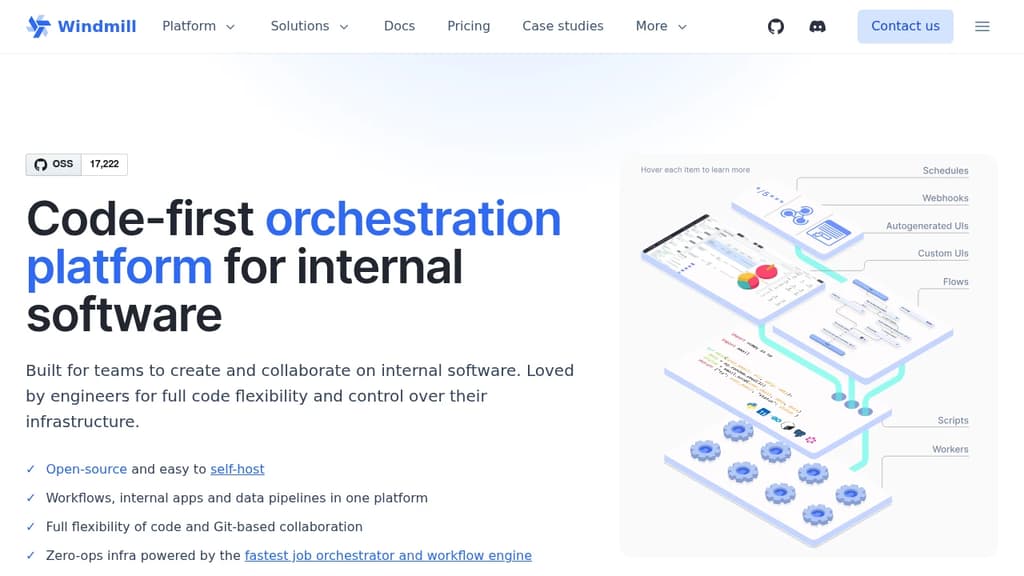
Windmill is a versatile, open-source workflow automation platform designed for developers who value flexibility and control. It offers a unique code-first approach, allowing you to create powerful workflows, scripts, and apps using your preferred programming languages.
Key benefits of Windmill include:
- Language Agnostic: Write in Python, Typescript, Go, Bash, or Deno, giving you the freedom to use the best tool for each task.
- Self-Hosted: Deploy Windmill on your own infrastructure, ensuring data privacy and compliance with your organization's security requirements.
- Collaborative Features: Work seamlessly with your team using built-in version control, approvals, and sharing capabilities.
- Resource Management: Easily manage credentials, environment variables, and resources across your workflows.
- Flexible Triggers: Schedule jobs, respond to webhooks, or integrate with external services to automate your processes.
- Visual Flow Editor: Combine scripts visually to create complex workflows, making it easy to understand and modify your automation.
- Extensible: Build custom apps and internal tools on top of your workflows, leveraging Windmill's powerful API and SDK.
Whether you're automating DevOps tasks, creating data pipelines, or building internal tools, Windmill provides the flexibility and power you need to streamline your development processes and boost productivity.

Self-hosted automation tool that connects your apps and services, enabling powerful integrations and efficient data flow across your ecosystem.
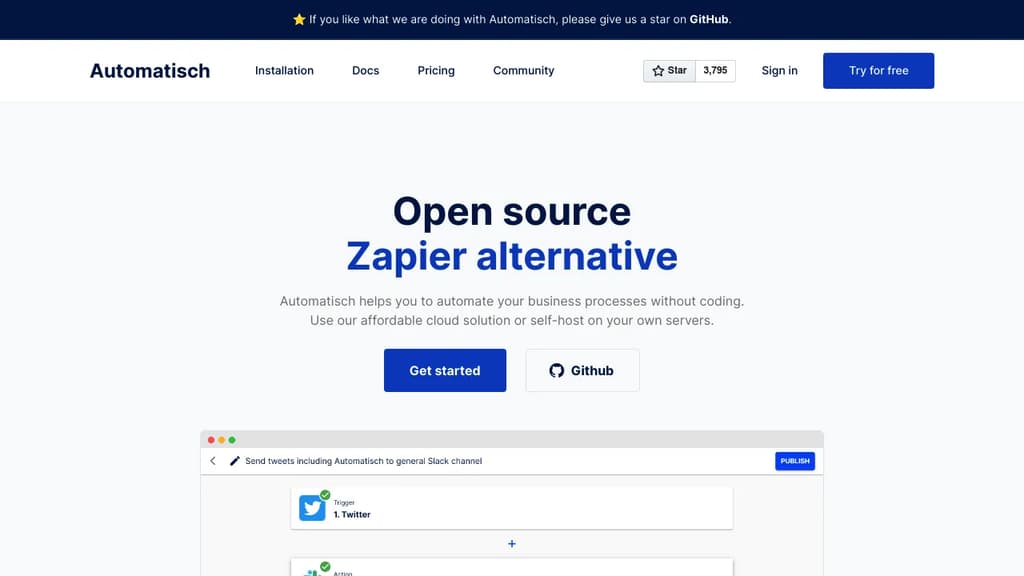
Automatisch is a robust, open-source integration platform that revolutionizes the way you connect and automate your digital tools. By providing a self-hosted solution, it puts you in control of your data and workflows, ensuring maximum privacy and customization.
Key benefits of Automatisch include:
- Seamless Integration: Connect hundreds of apps and services effortlessly, creating powerful automations that streamline your processes.
- Data Sovereignty: Host Automatisch on your own infrastructure, maintaining full control over your sensitive information and complying with data regulations.
- Extensibility: Leverage the open-source nature to add custom integrations and tailor the platform to your specific needs.
- User-Friendly Interface: Design complex workflows with an intuitive, drag-and-drop interface, making automation accessible to both technical and non-technical users.
- Cost-Effective: Eliminate subscription fees for multiple integration tools by using a single, self-hosted solution.
- Community-Driven: Benefit from continuous improvements and updates driven by a passionate community of developers and users.
Whether you're a small business owner, a developer, or an enterprise IT manager, Automatisch provides the flexibility and power to create efficient, automated workflows that save time and reduce errors across your organization.

Create intelligent automation workflows combining AI agents with your favorite apps and services. Connect, automate, and scale your operations without complex coding.
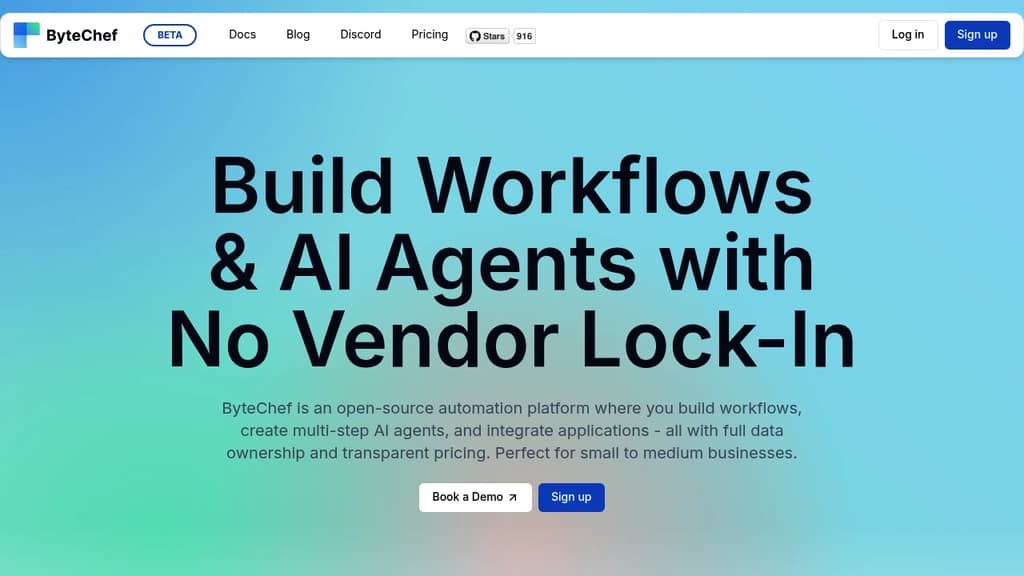
ByteChef is a versatile open-source automation platform that brings together AI capabilities and workflow automation in one powerful solution. The platform excels at creating sophisticated AI agents that can handle multi-step workflows while seamlessly integrating with popular SaaS applications and APIs.
Key features include:
- Support for multiple LLM providers including OpenAI, Groq, and self-hosted options
- Visual workflow builder with optional code customization
- Rich integration library with 20+ popular services like Slack, GitHub, and Salesforce
- Enterprise-grade security and performance capabilities
- Flexible deployment options (cloud or on-premise)
The platform bridges the gap between business teams and developers, offering both no-code visual tools and deep technical customization options. Whether you're building AI-powered chatbots, automating complex business processes, or creating custom integration workflows, ByteChef provides the flexibility and power to handle diverse automation needs.
Real users praise ByteChef for its ability to deliver enterprise-grade automation without complexity, enabling teams to connect applications in minutes and deploy AI-powered workflows in days instead of weeks. The open-source nature ensures continuous community-driven improvements while maintaining high security and compliance standards.

Create powerful AI agents using an intuitive node-based interface that connects multiple LLMs and data sources for automated documentation and development workflows.
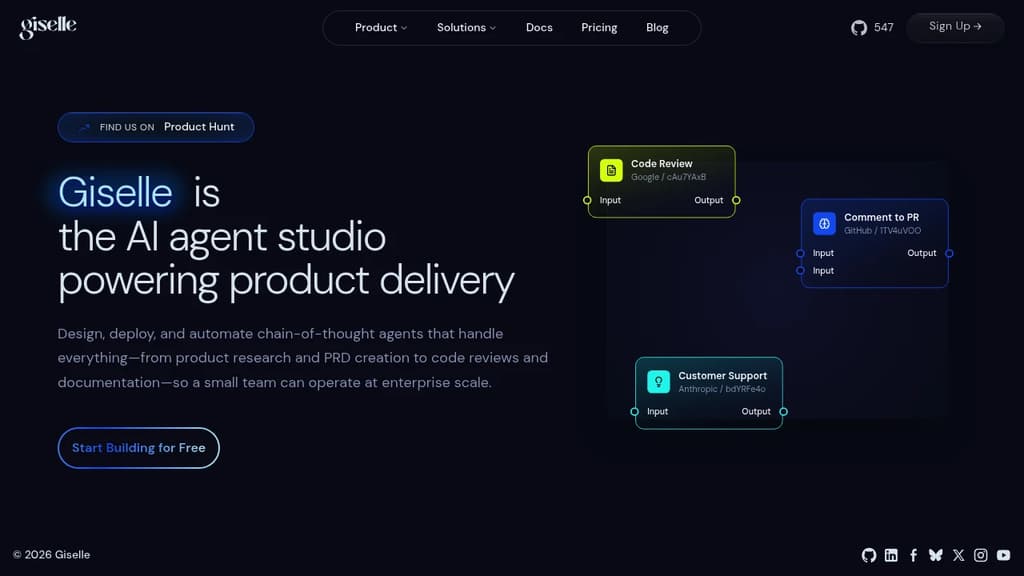
Giselle is a powerful AI agent builder that enables teams to create sophisticated automation workflows through a visual interface. The platform features a node-based editor that makes it easy to connect multiple LLMs and data sources, similar to game engine development environments.
Key capabilities include:
- Auto-evolving documentation that keeps your docs current
- Multi-agent workflow orchestration for complex tasks
- Native GitHub integration for code reviews and suggestions
- Visual development environment for building AI workflows
- Pre-built agent templates for common use cases
The platform is designed to help teams scale beyond size limitations by creating AI agents that can handle tasks like market research, pull request reviews, and documentation updates automatically. With Giselle, you can deploy custom AI agents in minutes without complex setup, making AI-powered automation accessible to every team member.

People are looking for alternatives to...
View all alternatives
Claude

Claude Code

CapCut

Notion

Wispr Flow

Grok Bot
 Postiz – The All-in-One agentic social media scheduling tool



 Highseat