Open Source Rollbar Alternatives
A curated collection of the 5 best open source alternatives to Rollbar.
The best open source alternative to Rollbar is Sentry. If that doesn't suit you, we've compiled a ranked list of other open source Rollbar alternatives to help you find a suitable replacement. Other interesting open source alternatives to Rollbar are: Highlight, Bugsink, Temps, and GlitchTip.
Rollbar alternatives are mainly Error Tracking Tools but may also be Performance Monitoring (APM) Tools or PaaS & Deployment Tools. Browse these if you want a narrower list of alternatives or looking for a specific functionality of Rollbar.

Written by Piotr Kulpinski


Detect, diagnose, and resolve software issues quickly with powerful error tracking, performance monitoring, and release management.
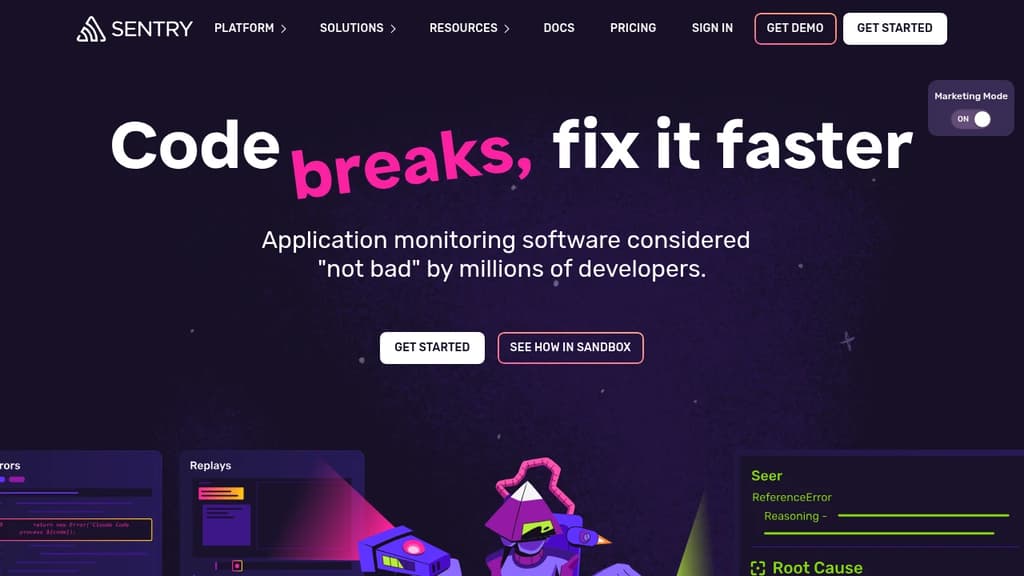
Sentry is a powerful developer-first application monitoring platform that helps teams identify, triage, and resolve software errors and performance issues in real-time. With its comprehensive suite of tools, Sentry enables developers to:
- Catch and diagnose errors instantly: Receive detailed error reports with stack traces, user context, and environment information to quickly pinpoint and fix issues.
- Monitor application performance: Track key metrics, identify bottlenecks, and optimize your code with performance monitoring and profiling tools.
- Streamline release management: Correlate errors with specific releases, track adoption rates, and manage version rollouts effectively.
- Integrate seamlessly: Connect Sentry with your existing workflow using integrations for popular development tools and platforms.
- Customize and scale: Tailor Sentry to your needs with flexible data management, custom alerting, and support for multiple programming languages and frameworks.
By providing real-time visibility into your application's health, Sentry helps teams reduce downtime, improve user experience, and ship better code faster. Whether you're working on web, mobile, or desktop applications, Sentry's robust features and intuitive interface make it an essential tool for modern software development and operations.

Comprehensive monitoring solution offering error tracking, session replay, and performance insights for seamless debugging and optimization.
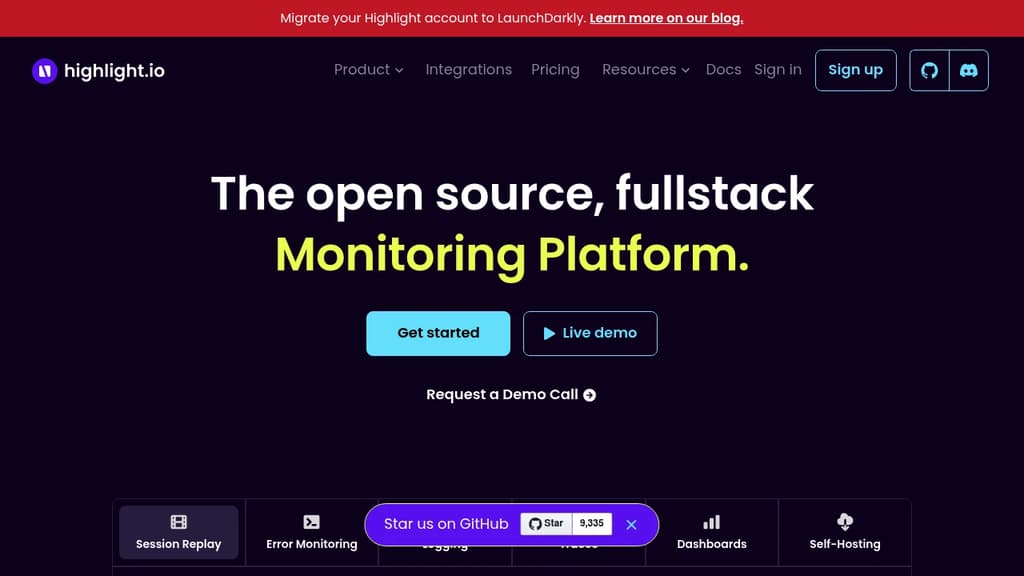
Highlight is a powerful observability platform designed to revolutionize how developers monitor and debug web applications. By combining error tracking, session replay, and performance monitoring in a single, intuitive interface, Highlight provides unparalleled insights into your application's behavior.
Key benefits of Highlight include:
- Error Tracking: Instantly capture and diagnose errors with detailed stack traces, error context, and affected user information.
- Session Replay: Visualize user interactions with pixel-perfect recreations of sessions, helping you understand and reproduce issues quickly.
- Performance Monitoring: Gain deep insights into your application's performance with metrics on load times, API calls, and resource usage.
- Real-time Alerts: Stay informed about critical issues with customizable alerts delivered via email, Slack, or other integrations.
- Easy Integration: Get started in minutes with simple SDK integration for popular frameworks and languages.
- Privacy-focused: Ensure data protection with automatic PII redaction and customizable data retention policies.
Highlight empowers development teams to identify, prioritize, and resolve issues faster, leading to improved application stability and enhanced user experiences. With its comprehensive feature set and user-friendly interface, Highlight is the go-to solution for modern web application observability.

Bugsink offers real-time error tracking with self-hosting capabilities, allowing easy installation and connection to any app using Sentry-compatible SDKs.
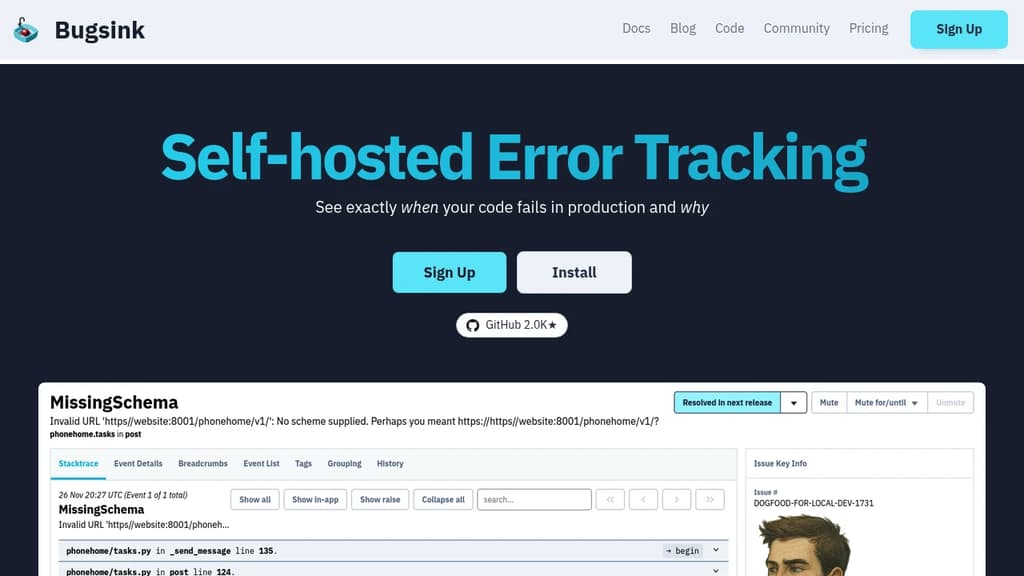
Bugsink is a powerful self-hosted error tracking solution designed for developers who want full control over their error monitoring infrastructure. With Bugsink, you can easily install the platform on your own servers and connect any application using Sentry-compatible SDKs.
Key features of Bugsink include:
- Self-hosted control: Install Bugsink on your own servers for complete data ownership and privacy.
- Real-time error tracking: Get instant notifications about errors in your applications as they occur.
- Sentry SDK compatibility: Seamlessly integrate with most popular programming languages using existing Sentry SDKs.
- Scalable performance: Handle millions of events daily without failure, ensuring reliability when you need it most.
- Comprehensive error details: Access all the information needed to triage and fix errors in one centralized location.
- Easy installation: Follow detailed instructions to get up and running quickly.
Bugsink empowers development teams to maintain high-quality applications by providing a robust, scalable, and self-controlled error tracking solution. Whether you're managing a small project or a large-scale application, Bugsink offers the tools you need to identify, analyze, and resolve issues efficiently.

Self-hosted platform for small dev teams combining deployments, error tracking, analytics, session replay, uptime monitoring, and managed databases in one dashboard.
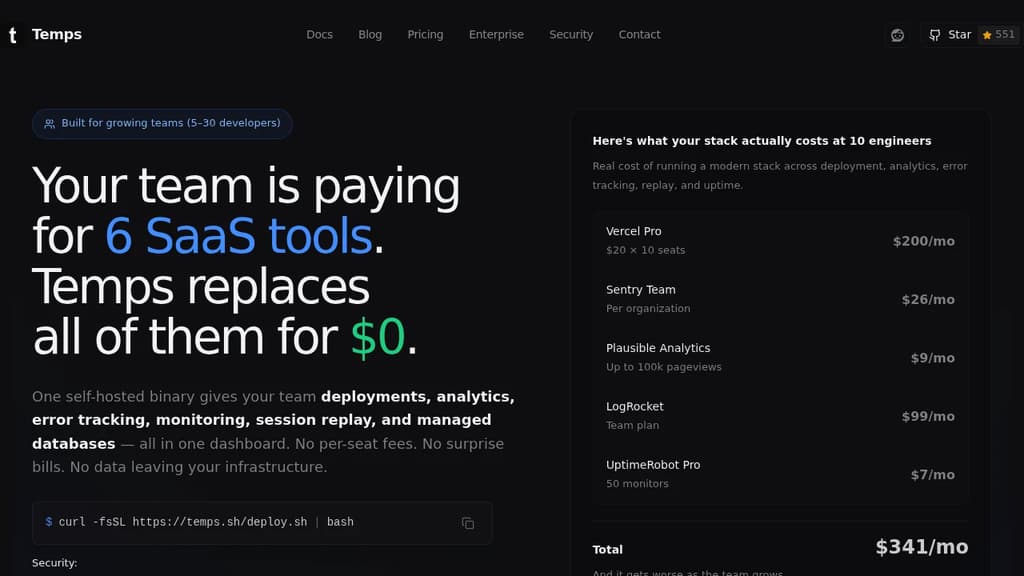
Temps is a single self-hosted binary that replaces the cluster of SaaS subscriptions most small dev teams carry: deployment hosting, error tracking, analytics, session replay, uptime monitoring, and managed databases. It runs on a VPS you already own and costs nothing beyond that server bill.
The pitch is straightforward. A 4-person team running Vercel Pro, Sentry, Plausible, LogRocket, and UptimeRobot pays around $221/month. Temps charges $0. No per-seat fees, no per-event pricing, no overages when traffic spikes.
It's built specifically for small teams of 2 to 10 developers. Everyone shares one dashboard with access to every feature. No more tracking down who holds the Datadog login or whether someone checked Sentry before filing a bug.
Key capabilities:
- Deployments: Git push from any branch triggers a build. Preview URLs for every pull request, zero-downtime rollouts, and automatic framework detection. No DevOps expertise needed.
- Error tracking: Full stack traces with source maps, Sentry-compatible so existing integrations keep working, and instant alerts to Slack or Discord.
- Session replay: Built on rrweb (17,000+ GitHub stars, also used by PostHog). No third-party scripts, no cookie banners, no data leaving your servers.
- Analytics: Privacy-friendly, first-party analytics with no external data sharing.
- Uptime monitoring: Alerts when something goes down, without a separate tool or login.
- Managed databases: PostgreSQL, Redis, MySQL, and MongoDB provisioned through the same dashboard. No AWS RDS setup, no egress fees.
Under the hood it's built on auditable, production-proven components: Cloudflare's Pingora proxy, OpenTelemetry for error tracking, TimescaleDB for analytics, and Nixpacks (Railway's buildpack system) for deployments. MIT licensed, 55+ Rust crates, fully auditable.
For teams already eyeing self-hosted alternatives to tools like HyperDX but stalled on migration risk, Temps offers a free 30-minute audit call that maps your current bill line by line to a Temps equivalent and sketches the migration path.

Self-hostable error tracking platform compatible with Sentry SDKs. Tracks exceptions, monitors performance, checks uptime, and collects logs without the Sentry price tag.
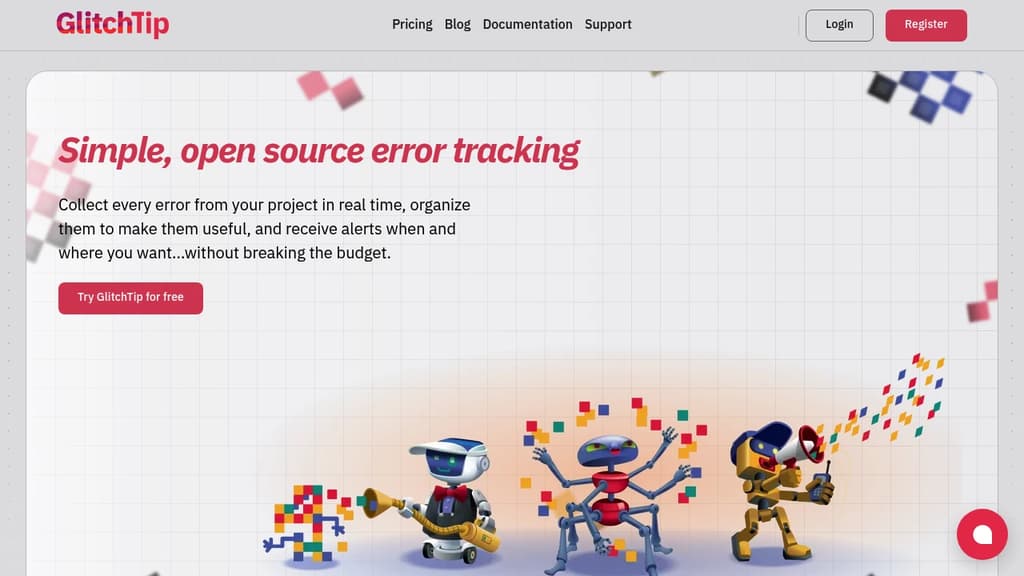
GlitchTip is an open source error tracking platform built for teams who want the functionality of Sentry without the cost or the vendor lock-in. It's compatible with Sentry's client SDKs, so you can point your existing instrumentation at GlitchTip without rewriting anything.
The focus is on simplicity. There's no dashboard-building ritual or metric-hunting before you can find what's wrong. You get organized errors, slow transaction data, and uptime status in one place, ready to act on.
What GlitchTip covers:
- Error tracking: Collects exceptions, log messages, and Content Security Policy violations from your app in real time. Triage and resolve issues from a single inbox.
- Performance monitoring: Surfaces your slowest web requests, database calls, and transactions without requiring manual dashboard setup.
- Uptime monitoring: Pings your site on a schedule and alerts you when it goes down. Also supports the reverse: send GlitchTip a heartbeat ping, and it alerts you if the ping stops arriving. Similar to what Healthchecks does for cron jobs.
- Logs: Search and filter application logs alongside errors and performance data, keeping context together during debugging.
Alerts go out via email or webhook, and you control when and how they fire.
You can self-host GlitchTip on your own infrastructure or use the hosted version at app.glitchtip.com. The hosted tier starts free for personal projects (up to 1,000 events per month) and scales to paid plans for larger teams. Self-hosting has no event caps imposed by the platform itself.
It's a practical fit for small teams and solo developers who find Bugsnag or Sentry too expensive, and for organizations that need to keep error data on their own servers for compliance or privacy reasons.

People are looking for alternatives to...
View all alternatives
Claude Code

Spotify

CapCut

Claude

Notion

Lovable
 InfluxDB – The purpose-built time series platform for high-velocity ingestion and real-time queries at scale.
 Stellar Hosted