Open Source Pluton Alternatives
A curated collection of the 3 best open source alternatives to Pluton.
The best open source alternative to Pluton is Portabase. If that doesn't suit you, we've compiled a ranked list of other open source Pluton alternatives to help you find a suitable replacement. Other interesting open source alternatives to Pluton are: Plakar and BlinkDisk.
Pluton alternatives are mainly Server Backup Solutions but may also be Desktop Backup Tools. Browse these if you want a narrower list of alternatives or looking for a specific functionality of Pluton.

Written by Piotr Kulpinski


Self-hosted database backup tool that automates scheduling, retention, and on-demand restores across 10+ databases with multi-backend storage support.
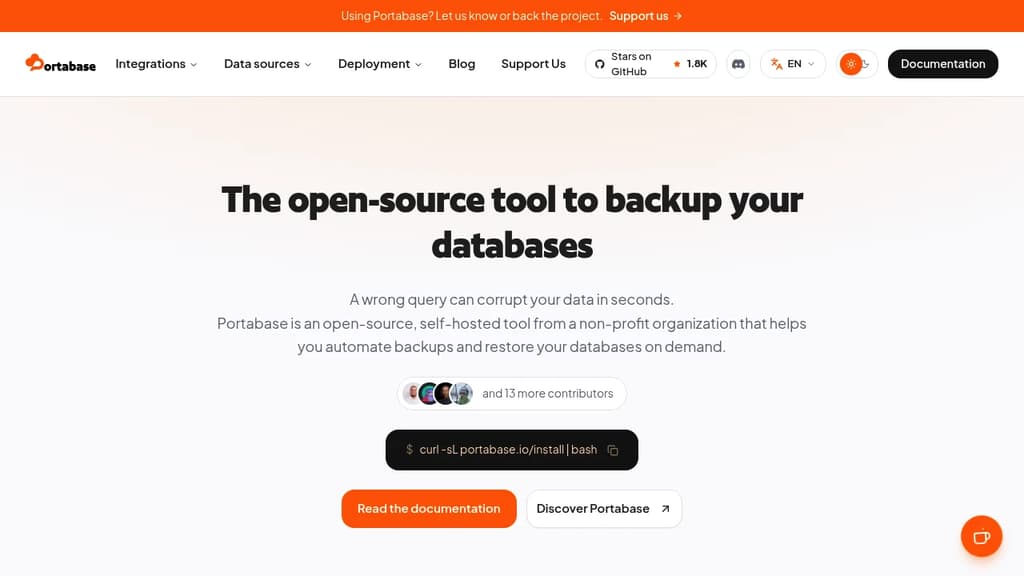
Portabase is a self-hosted backup and restore platform for teams that can't afford to lose their data. It's built and maintained by a non-profit organization, licensed under Apache 2.0, and designed for DevOps engineers and DBAs who want a modern alternative to hand-rolled backup scripts.
It supports 10 data sources, covering both relational and document-oriented databases. A lightweight agent runs on your infrastructure, and the dashboard connects to it without requiring any inbound ports to be opened. Your databases never need to be publicly exposed.
Key capabilities include:
- Flexible scheduling using fixed intervals or Cron syntax, configured directly from the UI
- Retention policies with GFS tiers (hourly, daily, weekly, monthly, yearly), keep-last-N, and keep-for-X-days rules defined per database
- Multi-backend storage with support for S3-compatible providers and other backends simultaneously, so you control exactly where each backup lives
- On-demand restores from any stored backup, without leaving the interface
- Notifications and alerts with configurable channels based on severity
- RBAC for organizing teams and controlling who can access what
- OIDC and OAuth2 authentication via external identity providers
- REST API and MCP server for integrating into existing workflows or connecting AI agents
- CLI that auto-updates and handles agent installs, configuration, and database management from the terminal
The secure-by-design architecture is worth noting: the dashboard never initiates contact with agents from the outside, which means you don't need to punch holes in your firewall or expose internal services.
Portabase fits naturally alongside tools like Bytebase for teams managing database schema changes, or next to a backend platform like Supabase where data integrity is critical. It deploys on Docker, Podman, or Kubernetes.

Backup solution with CLI, API and UI interfaces. Clean defaults, easy deployment. Encrypted, queryable backups with deduplication and compression.
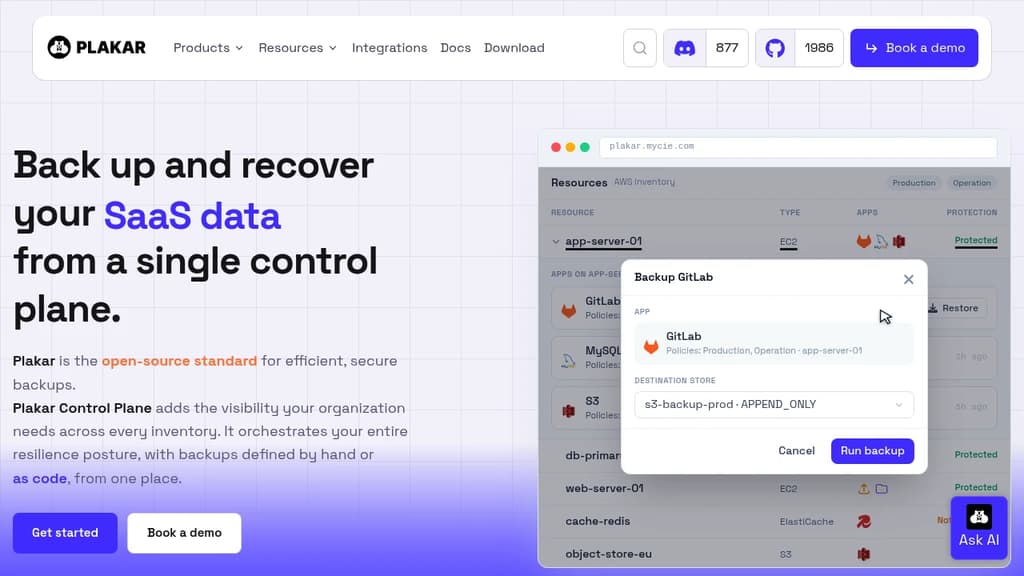
Backup for lazy smart engineers - Plakar delivers encrypted, queryable backups designed for engineers who value their time and data. With CLI, API and UI interfaces, clean defaults, and easy deployment, you can create your first backup in seconds.
Key Features:
- Quick Setup: Install and run with no setup hassle or obscure commands
- Multiple Interfaces: CLI, API, and embedded web interface for easy backup management
- Advanced Technology: End-to-end encryption with unmatched deduplication and compression algorithms
- Searchable Backups: Browse your backups without restoring them first
- Massive Scale Support: Handle exabytes of data with minimal RAM usage
- Multi-Source Storage: Unified backups from cloud to on-prem, databases to SaaS and object storage
Built on Kloset Technology: Each backup is encapsulated into a self-contained, immutable, structured data asset - like containers for your data. Kloset packages data with context, structure, metadata, and integrity, ensuring your backups remain accessible for decades.
Proven Results: Teams report transforming their backup strategy from hours to minutes at 30% of previous costs with more restore points. Cryptography audit passed, trusted by critical infrastructure teams worldwide.

Desktop backup app for Windows, macOS and Linux. Pick folders, encrypt files on your device, and restore older versions from local, NAS or cloud storage.
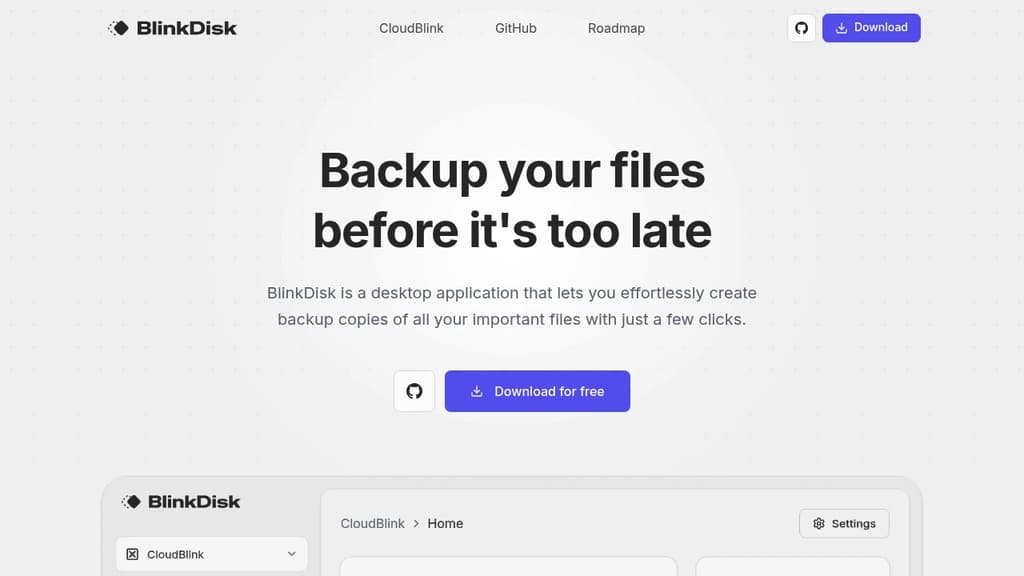
BlinkDisk is a desktop app that backs up your important folders in a few clicks. It's built for people who aren't technical but still want real protection against deleted files, dead drives and ransomware.
Unlike cloud sync, which only keeps the latest version of a file, BlinkDisk keeps real backups. If you delete or overwrite something, you can restore an older copy. It's a good fit if you're looking for a desktop backup tool, or a free option next to Carbonite or Acronis True Image.
- Simple setup: choose folders, run the first backup, and it continues in the background.
- End-to-end encryption: files are encrypted with your password before they leave your device, so not even BlinkDisk can read them.
- Deduplication: identical files are stored once, which saves space and shortens uploads.
- Flexible storage: local drives, USB sticks, external disks, NAS, AWS S3, Google Cloud, Azure Blob, SFTP, WebDAV, any S3-compatible service, or 70+ providers through Rclone.
- CloudBlink: an optional managed cloud storage service if you'd rather not run your own.
- Cross-platform: runs on Windows 10 and 11, macOS Big Sur and newer, and Linux (AppImage, deb, rpm).
If a computer crashes or gets stolen, install BlinkDisk on a new machine, connect your storage, and your files come back.
The source code is public, so you can check what runs on your computer. The app is free to use, with no locked features.

People are looking for alternatives to...
View all alternatives
Claude

Claude Code

CapCut

Notion
Wispr Flow

Grok Bot
 Stellar Hosted – Managed Open Source software hosting in the EU: secure, compliant, fast.

 Docmost