Open Source Plasmic Alternatives
A curated collection of the 7 best open source alternatives to Plasmic.
The best open source alternative to Plasmic is Onlook. If that doesn't suit you, we've compiled a ranked list of other open source Plasmic alternatives to help you find a suitable replacement. Other interesting open source alternatives to Plasmic are: WebStudio, Builder, Frappe Builder, and Silex.
Plasmic alternatives are mainly Website Builders but may also be Low-Code/No-Code Platforms or Frontend Development Tools. Browse these if you want a narrower list of alternatives or looking for a specific functionality of Plasmic.

Written by Piotr Kulpinski


Onlook is an open-source desktop app that allows you to visually edit React applications and automatically write changes back to your code in real-time.
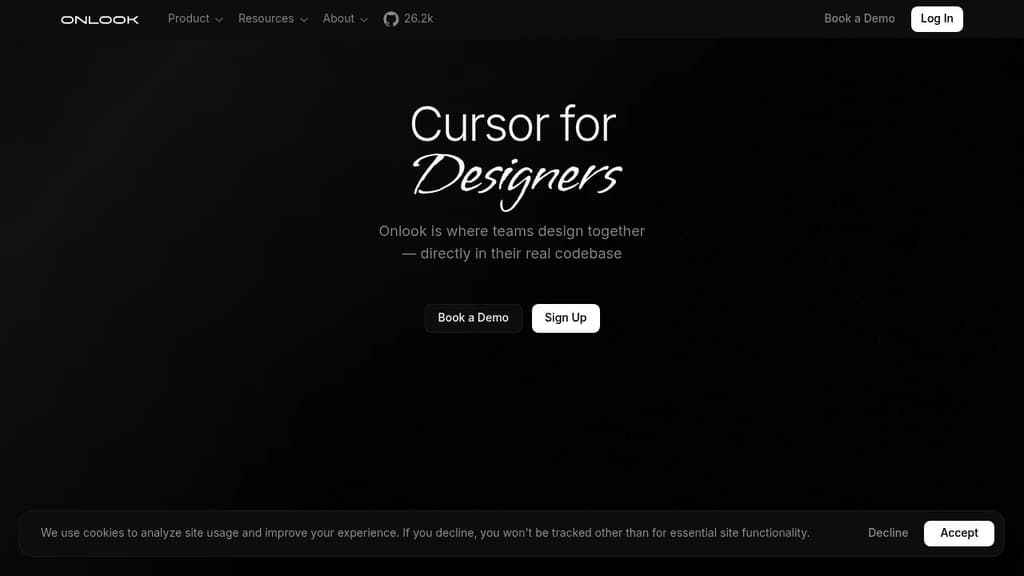
Onlook brings the power of visual editing to React development, similar to how Webflow works for web design. This innovative tool allows developers to:
- Visually edit React applications in real-time
- Automatically generate and update code based on visual changes
- Work with existing React projects using Tailwind CSS
- Maintain full ownership and control of your code
Key features:
- Visual Editing: Adjust layouts, modify colors, edit text, and more without writing code.
- Real-time Code Updates: Changes made in the visual editor are instantly reflected in your React code.
- Design System Integration: Use your existing design system and components within Onlook.
- Local-first Approach: All code stays on your device, ensuring security and privacy.
- Version Control Friendly: Maintains your existing version control workflow.
- Easy Setup: Link Onlook to your React project with a single command.
Onlook is perfect for developers who want to streamline their workflow, designers who wish to contribute directly to React projects, and teams looking to bridge the gap between design and development.
Get started with Onlook today and experience a new way of building React applications that combines the best of visual design and coding.

Powerful no-code platform for building responsive websites. Combines visual editing with full HTML/CSS customization.
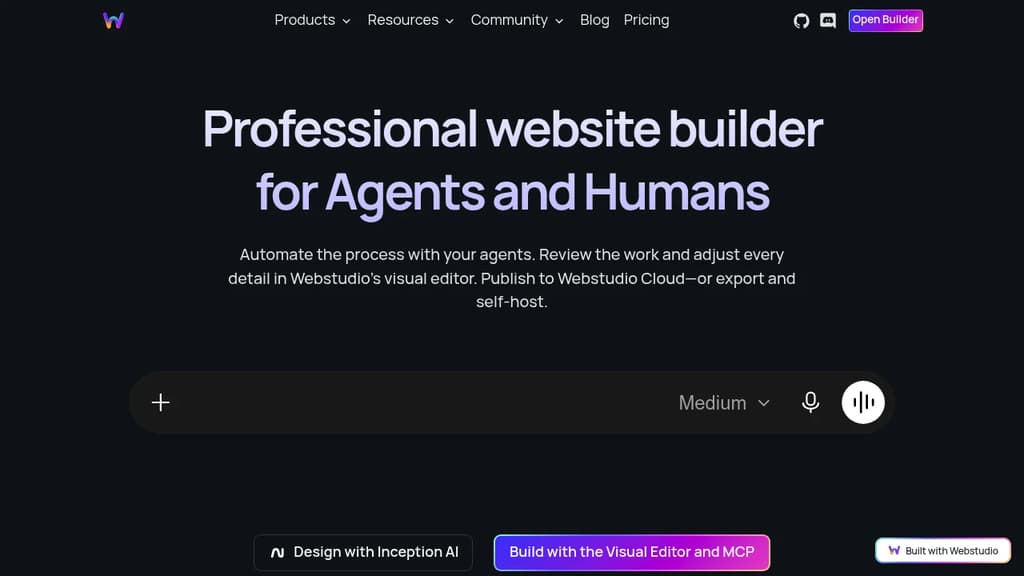
WebStudio revolutionizes web development by bridging the gap between visual design and code-level control. This innovative platform empowers both designers and developers to create stunning, responsive websites without compromising on flexibility or performance.
Key benefits of WebStudio include:
- Intuitive Visual Editor: Drag-and-drop interface for rapid prototyping and design.
- Code-Level Control: Seamlessly switch between visual editing and direct HTML/CSS manipulation.
- Responsive Design: Built-in tools for creating mobile-friendly layouts.
- Component Library: Extensive collection of pre-built, customizable components.
- Real-time Collaboration: Work together with team members in real-time.
- Version Control: Built-in versioning system for easy tracking and rollbacks.
- Export Options: Generate clean, optimized code for various hosting platforms.
- Performance Optimization: Automated tools for improving website speed and efficiency.
WebStudio is perfect for freelancers, agencies, and in-house teams looking to streamline their web development process. Whether you're building a simple landing page or a complex web application, WebStudio provides the tools and flexibility to bring your vision to life efficiently and professionally.

Drag-and-drop interface for creating and optimizing digital experiences, with headless CMS and powerful integrations.
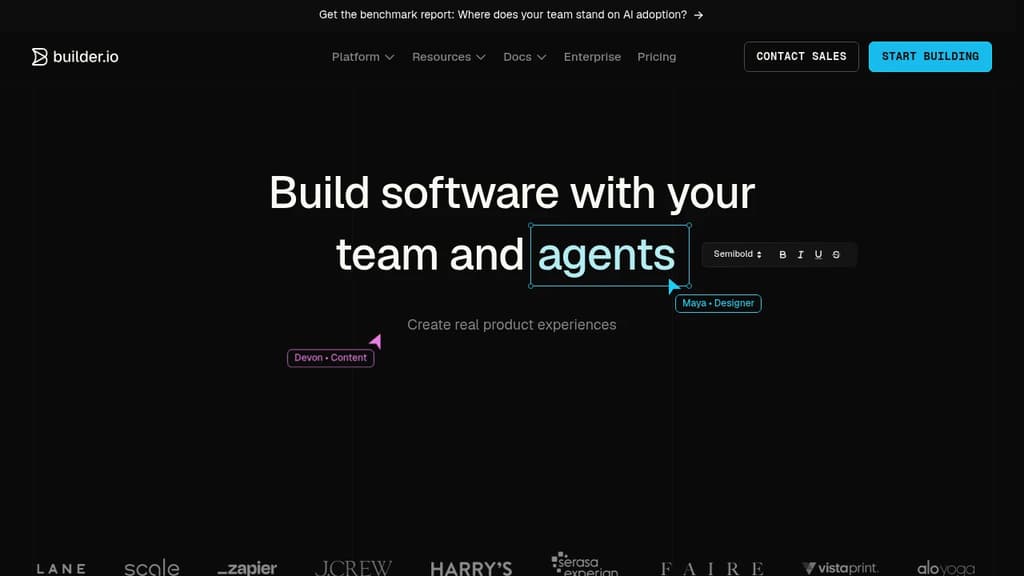
Builder is a revolutionary visual development platform that empowers teams to create, optimize, and deliver exceptional digital experiences without the need for extensive coding knowledge.
Key benefits of Builder include:
- Visual Editing: Intuitive drag-and-drop interface for effortless content creation and layout design.
- Headless CMS: Flexible content management system that separates content from presentation, enabling omnichannel delivery.
- A/B Testing and Optimization: Built-in tools for experimenting with different designs and content variations to maximize engagement.
- Developer-Friendly: Seamless integration with popular frameworks and technologies, allowing developers to extend functionality.
- Performance-Focused: Optimized output for fast-loading, responsive experiences across all devices.
- Collaborative Workflow: Team-oriented features for smooth collaboration between designers, developers, and content creators.
- AI-Powered Insights: Leverage artificial intelligence to gain valuable insights and improve user experiences.
Builder's versatile platform caters to businesses of all sizes, from startups to enterprises, enabling them to create stunning websites, landing pages, e-commerce stores, and more. By bridging the gap between design and development, Builder accelerates the creation process and helps teams deliver exceptional digital experiences that drive results.

Frappe Builder is an open-source, low-code website builder that enables users to create beautiful, responsive websites with an intuitive visual interface.
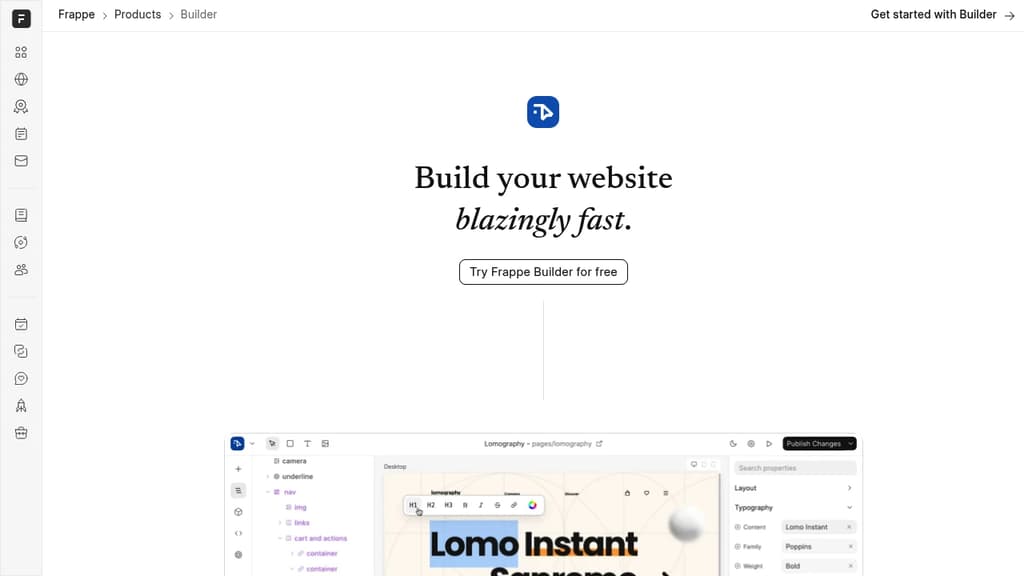
Frappe Builder is an innovative open-source website builder designed for simplicity, speed, and flexibility. It empowers users to craft beautiful websites effortlessly using an intuitive visual interface.
Key features of Frappe Builder include:
- Low-code approach: Create stunning websites without extensive coding knowledge
- Intuitive visual builder: Drag-and-drop interface for easy design and layout
- Responsive designs: Automatically optimized for various screen sizes and devices
- Component system: Reusable and customizable components for consistent design
- Dynamic content: Generate blocks from backend data for versatile page creation
- Performance-focused: Lightweight pages with minimal dependencies for fast loading
- One-click publishing: Streamlined process from design to live website
Frappe Builder bridges the gap between design and publishing, offering a seamless experience for both designers seeking ease of use and developers requiring customization. Whether you're creating a simple landing page or a complex website, Frappe Builder provides the tools to bring your vision to life quickly and efficiently.
Built on the Frappe Framework, this tool combines the power of a full-stack low-code framework with an accessible website creation process. It's ideal for businesses, developers, and individuals looking to establish a professional web presence without the complexity of traditional web development.

An online tool for visually creating static sites with dynamic data. With the free/libre spirit of internet, together.
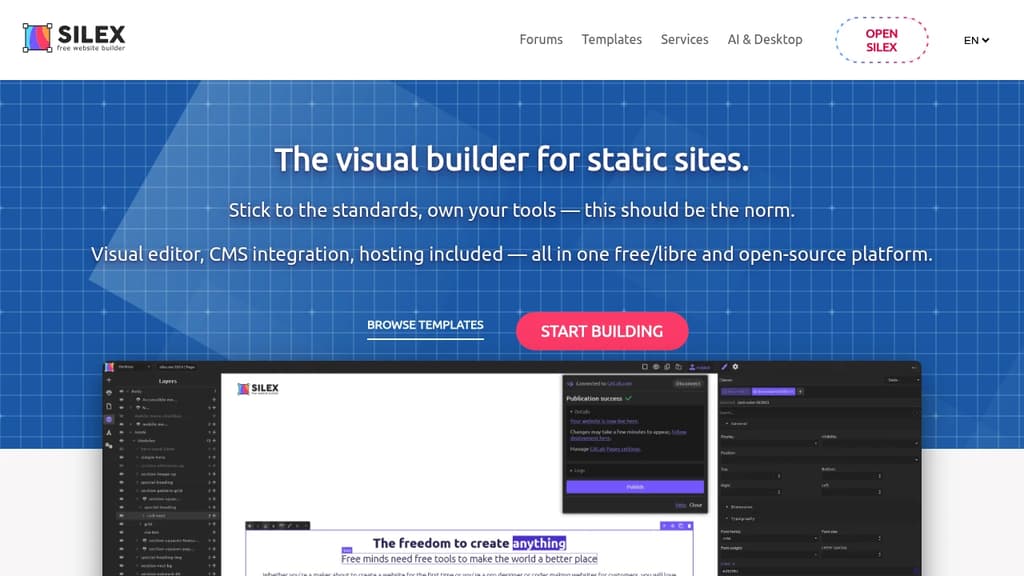
Silex is a powerful open-source website builder that enables designers and no-code developers to create stunning responsive websites visually, without writing code.
Key features:
- Visual drag-and-drop editor for designing websites intuitively
- Responsive design capabilities to ensure sites look great on all devices
- Integration with headless CMS tools for dynamic content
- Free and open-source with no vendor lock-in
- Hosting flexibility - publish to any web host
- Developer-friendly with access to HTML/CSS, custom build pipelines, generates 11ty static sites
Silex stands out by combining the ease of no-code tools with the flexibility and control of open-source software. Designers can create custom, professional-quality websites efficiently, while developers can extend functionality as needed.
The platform embraces modern web standards and static site generation for fast, SEO-friendly websites. With its focus on freedom and customization, Silex is an excellent choice for agencies, freelancers and businesses who want full control over their web projects without sacrificing ease of use.

Vvveb is a feature-rich open source CMS for building websites, blogs, and ecommerce stores with an intuitive drag-and-drop interface.
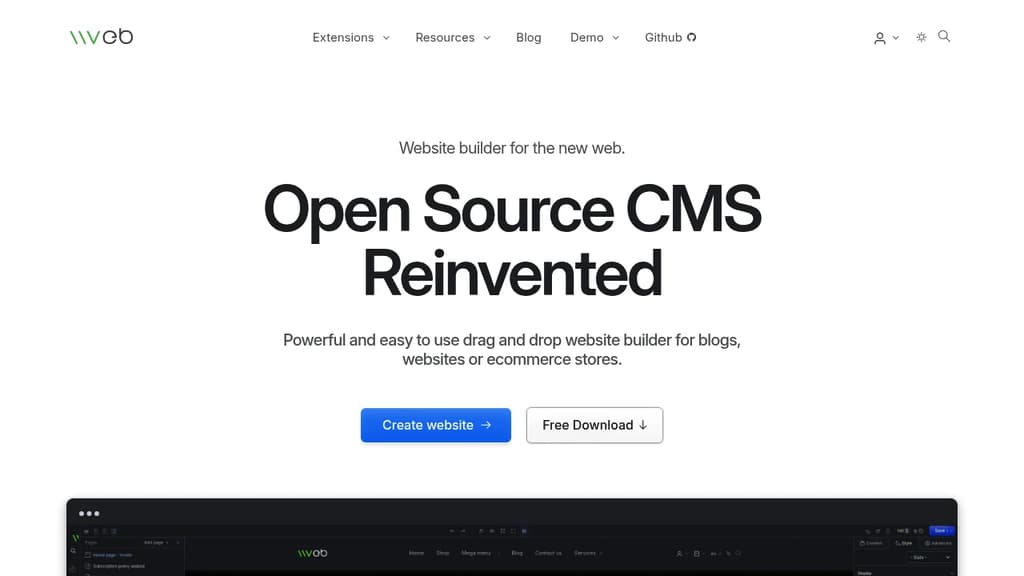
Vvveb is an innovative open source content management system (CMS) that reimagines website creation with its powerful drag-and-drop builder. Key features include:
-
Intuitive Page Builder: Create and customize pages easily with a true WYSIWYG editor. What you see in the editor is exactly how your page will look.
-
Ecommerce Capabilities: Full-featured ecommerce platform with advanced functionality, multiple payment methods, and multi-currency support.
-
Multi-site Management: Run multiple websites or subdomains from a single installation, perfect for managing various web properties.
-
Enhanced Security: Custom admin login URLs, protection against SQL injections, and built-in integrity checks ensure your site stays secure.
-
SEO Optimization: Achieves perfect Lighthouse scores with automatic sitemaps, robots.txt configuration, and Open Graph meta tags.
-
High Performance: Low footprint design runs smoothly even on shared hosting, with advanced caching for static-like page serving speeds.
-
Localization Support: Publish content in multiple languages and use the interface in your preferred language.
-
Flexible Theming: Uses plain HTML for templating, allowing easy conversion of any HTML template into a Vvveb theme.
-
Easy Installation: One-click setup process with support for MySQL, SQLite, and PostgreSQL databases.
-
Demo Import: Built-in functionality to import theme demos, providing initial content and configuration for quick starts.
Vvveb combines the simplicity of drag-and-drop builders with the power and flexibility of traditional CMS platforms, making it an excellent choice for developers and non-technical users alike.

Visual web development engine combining design and development tools. Build immersive, interactive web experiences with component-based framework, real-time collaboration, and powerful visual editor.
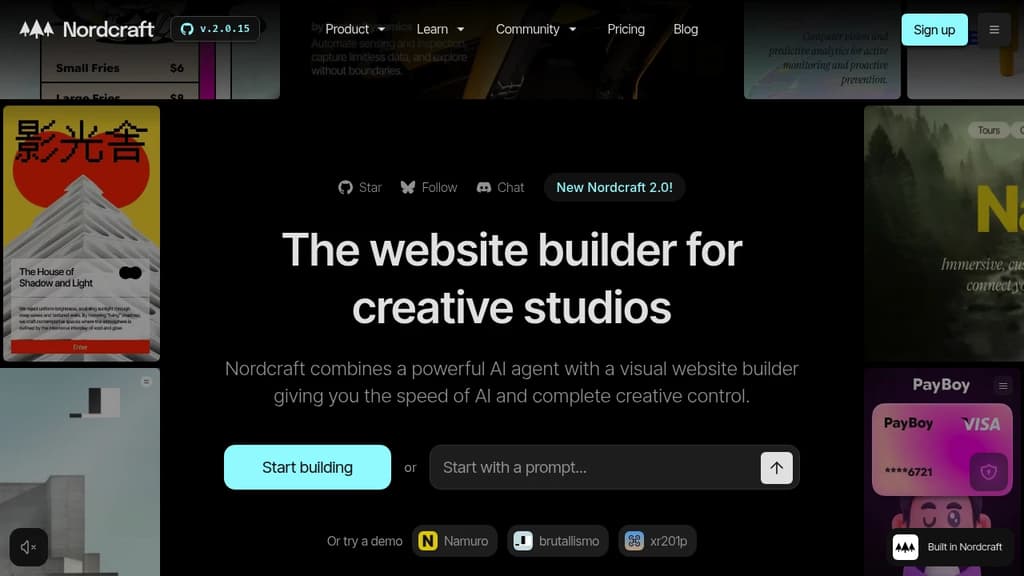
The world's first Web Development Engine - Nordcraft brings game development quality tooling to web development. Just as game studios rely on Unreal Engine to create AAA games, web teams can now use Nordcraft to build exceptional web applications.
Visual tools meet powerful framework - Built on web standards with a component-based architecture familiar to React, Vue, and Svelte developers. Features a lightweight 24kb runtime, server-side rendering, and a fast reactive core based on signals.
End the assembly line workflow - Skip the traditional Figma-to-Jira-to-code handoffs. Designers and developers collaborate directly in one tool, building with live data and seeing changes in real-time.
Complete development suite includes:
- Visual editor and scripting tools
- API connections and database integration
- Cloudflare hosting with 285 global edge locations
- Built-in version control and branching
- Component libraries and design systems
- AI assistant for development support
- SEO optimization and web components export
Open source and self-hostable - Released under Apache License 2.0, giving you full control over deployment and customization. Enterprise support available with onboarding workshops and dedicated channels.

People are looking for alternatives to...
View all alternatives
Spotify

Claude Code

Claude

CapCut

Notion

Lovable
 Windshift – The self-hosted platform that replaces Jira.

 CodeRabbit