Open Source NordLocker Alternatives
A curated collection of the 1 best open source alternatives to NordLocker.
The best open source alternative to NordLocker is Cryptomator. If that doesn't suit you, we've compiled a ranked list of other open source NordLocker alternatives to help you find a suitable replacement.
NordLocker alternatives are mainly Encrypted Storage Tools. Browse these if you want a narrower list of alternatives or looking for a specific functionality of NordLocker.

Written by Piotr Kulpinski


Encrypts files and filenames locally before they reach Dropbox, Google Drive, OneDrive, or any other cloud, so only you hold the key.
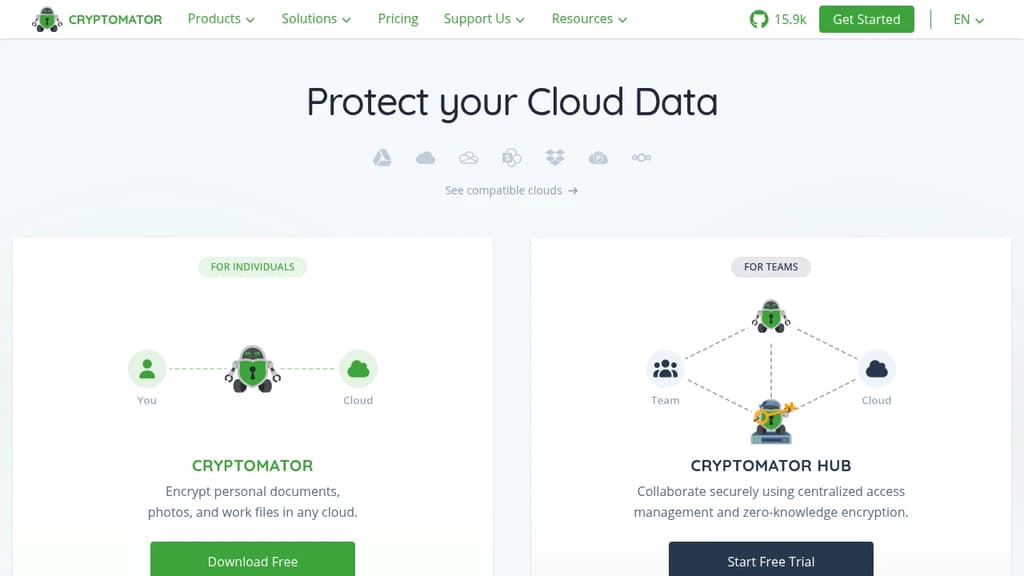
Cryptomator sits between your files and your cloud storage, encrypting everything locally before it ever leaves your device. Most cloud providers either encrypt only during transit or hold the decryption keys themselves, which means they (and anyone who compels them) can read your data. Cryptomator removes that dependency entirely.
Setup is intentionally minimal. You create a vault, assign a password, and Cryptomator mounts it as a virtual drive on your system. Anything you drag into that drive is encrypted automatically. No key management ceremony, no account registration, no configuration files to maintain.
How it protects your data:
- AES-256 encryption covers both file contents and filenames, so even the shape of your data stays hidden
- Client-side only means the cloud provider never sees plaintext, and neither does anyone who gains access to your cloud account
- Cross-platform support across Windows, macOS, Linux, iOS, and Android, so your vaults travel with you
- Zero-knowledge by design means Cryptomator itself has no access to your keys or your files
The desktop version is free. Mobile apps carry a small one-time fee. The code is fully open source and has been independently audited by security researchers, with automated testing and public code coverage metrics.
For teams, Cryptomator Hub adds centralized access management. Members unlock shared vaults with their own accounts rather than a shared password, and it integrates with existing identity providers. This makes it practical for businesses that need GDPR-compliant cloud collaboration without routing files through a third-party service.
If you're looking at alternatives to Boxcryptor or Tresorit, Cryptomator covers the core use case (cloud encryption you control) at no cost for desktop users. For self-hosted encrypted storage, tools like Peergos or Hoodik take a different approach worth comparing.

People are looking for alternatives to...
View all alternatives
Spotify

Claude

Claude Code

CapCut

Notion

Lovable
 Postiz – The All-in-One agentic social media scheduling tool
 InfluxDB