Open Source Gumloop Alternatives
A curated collection of the 4 best open source alternatives to Gumloop.
The best open source alternative to Gumloop is Dify. If that doesn't suit you, we've compiled a ranked list of other open source Gumloop alternatives to help you find a suitable replacement. Other interesting open source alternatives to Gumloop are: Langflow, Flowise AI, and Sim.
Gumloop alternatives are mainly AI Agent Platforms but may also be Low-Code/No-Code Platforms or LLM Application Frameworks. Browse these if you want a narrower list of alternatives or looking for a specific functionality of Gumloop.

Written by Piotr Kulpinski


Visual platform for building agentic workflows, RAG pipelines, and LLM-powered apps. Supports hundreds of models, MCP integration, and self-hosted deployment.
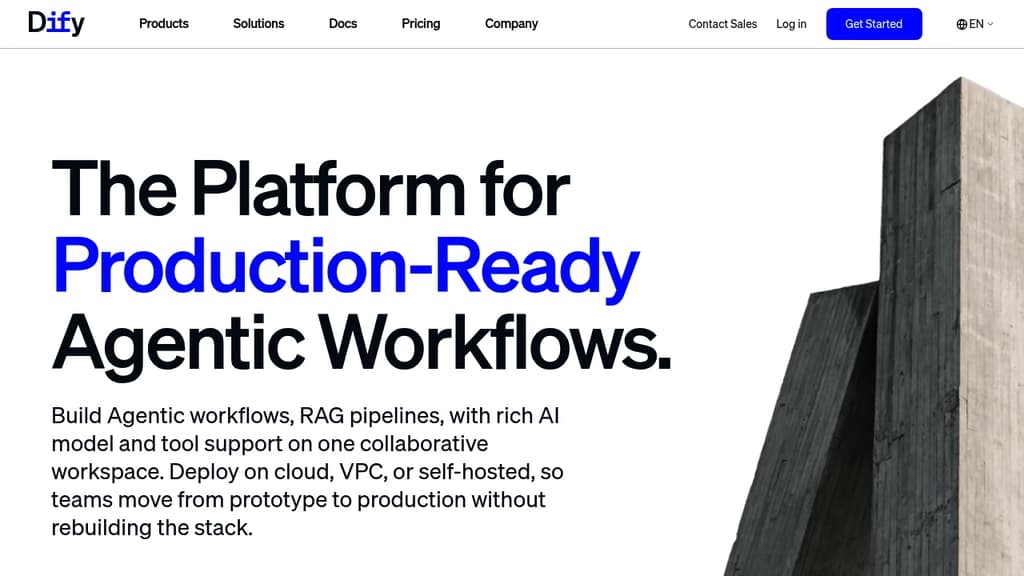
Dify is an open source platform for building production-ready AI applications without writing boilerplate infrastructure. It targets developers and teams who want to move from idea to deployed app quickly, using a visual workflow builder rather than assembling everything from scratch.
The core of Dify is its agentic workflow builder: a drag-and-drop canvas where you connect LLM calls, tools, conditional logic, and data sources into multi-step pipelines. These aren't toy demos. The platform is designed to handle real production traffic, with enterprise-grade security and scalability built in from the start.
Key capabilities include:
- RAG pipelines: ingest documents, connect knowledge bases, and make your data queryable by any LLM with minimal setup
- Multi-model support: connect to hundreds of global LLMs, including OpenAI, Anthropic, and locally-hosted models via Ollama or OpenAI-compatible APIs
- MCP integration: native support for the Model Context Protocol, both consuming external MCP servers and publishing your own app as an MCP server
- Plugin marketplace: extend functionality with community plugins without touching source code
- Observability: built-in monitoring so you can iterate based on real usage data
Teams can self-host the entire platform, which matters for organizations with strict data residency or compliance requirements. The no-code interface makes it accessible to non-engineers, while the underlying API and plugin system give developers room to build complex, custom logic.
Dify is used across industries from biomedicine to automotive. Ricoh built internal tooling on it; Volvo Cars uses it for rapid AI validation. Over a million applications run on Dify deployments worldwide.

Build, deploy, and iterate on AI agents, RAG applications, and MCP servers using a drag-and-drop visual interface backed by Python.
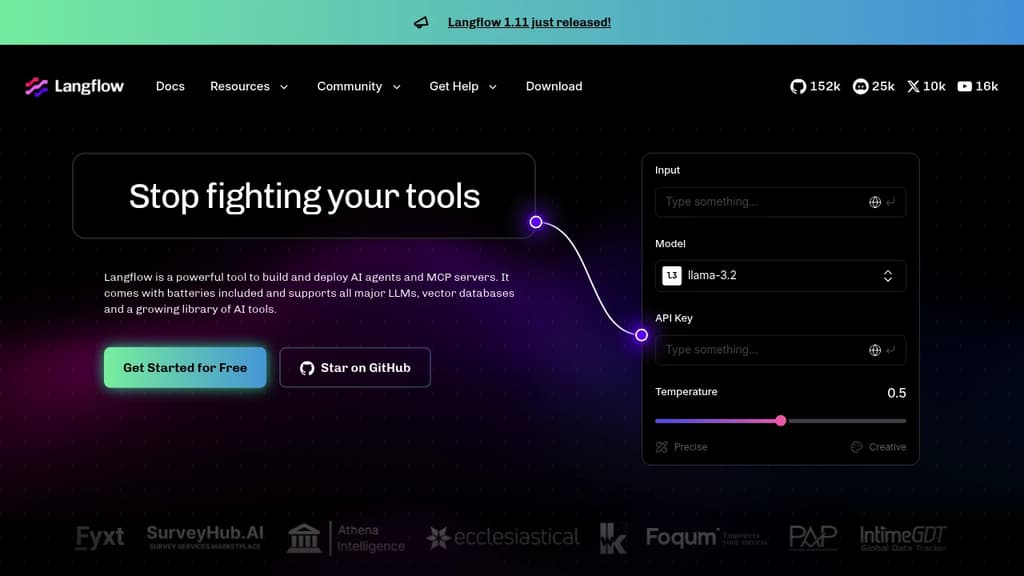
Langflow is a low-code platform for building AI agents and RAG applications visually. It targets developers and AI teams who want to move fast without writing boilerplate, while still having full access to the underlying Python when they need it. The visual canvas lets you wire together models, data sources, and tools by dragging components onto a flow, then deploy that flow as an API with minimal extra work.
The integration library is broad:
- LLMs: OpenAI, Anthropic, Mistral, Meta (Llama), Groq, NVIDIA, Amazon Bedrock, Ollama, HuggingFace, and more
- Vector stores: Pinecone, Milvus, Weaviate, Qdrant, Cassandra, Couchbase, Upstash, Vectara
- Data sources: Google Drive, Confluence, Notion, Gmail, GitHub, Slack, MongoDB, and dozens more
- Agent frameworks: LangChain, CrewAI, Composio
Flows are reusable and shareable. You can pick from a library of pre-built components, swap models mid-flow to compare outputs, and run single agents or coordinated fleets where each agent has access to your components as tools. Every flow exposes itself as an API endpoint, so connecting Langflow to an existing product is straightforward.
Python is always available under the hood. Any component can be customized with code, so the visual layer doesn't box you in. Teams that need observability can pair it with tools like Langfuse for tracing.
Deployment is flexible. Self-host it on your own infrastructure, or use the managed cloud option, which runs the same codebase as the open-source version. That parity matters: there's no feature gap to worry about when moving between environments.
Compared to alternatives like Flowise AI or Dify, Langflow leans into Python extensibility and a wide integration surface, making it a practical fit for teams building production-grade agents rather than quick demos.

Open source platform for building AI agents, chatbots, and multi-agent systems using a drag-and-drop interface, with support for 100+ LLMs and RAG.
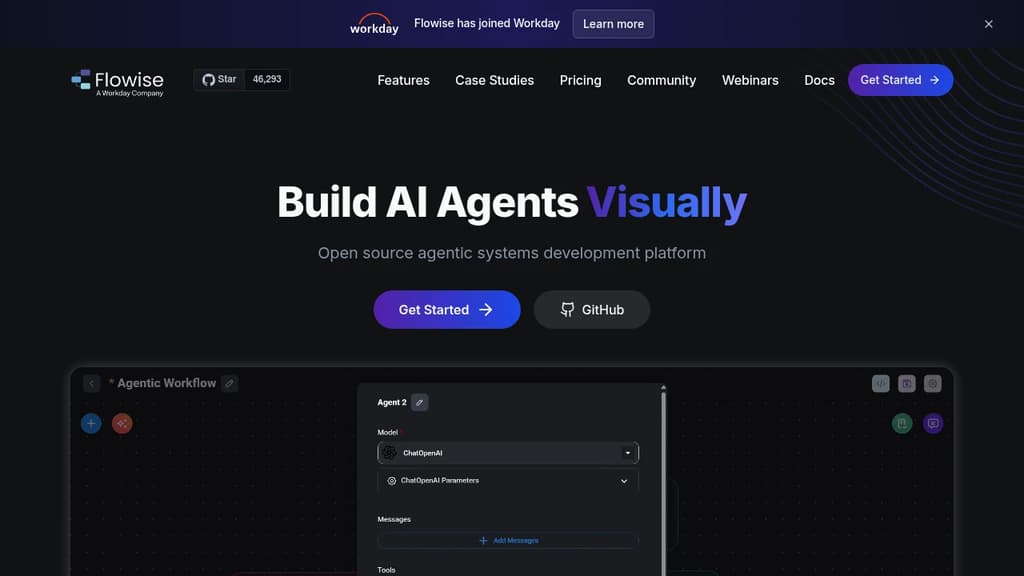
Flowise is an open source platform for building AI agents and LLM-powered applications through a visual, drag-and-drop interface. It targets developers and teams who want to prototype and ship agentic systems without writing orchestration logic from scratch. The core idea is modular: you connect building blocks together visually, then deploy the result as a production-ready API or embedded chat widget.
There are two main flow types. Agentflow handles multi-agent systems where work is distributed across coordinated agents, each with defined roles and tools. Chatflow covers single-agent setups and chatbots, including tool calling and retrieval-augmented generation (RAG) from external data sources. Both support Human in the Loop (HITL), letting a human review or approve agent actions before they proceed.
Flowise connects to over 100 LLMs, embedding models, and vector databases. Finished flows are accessible via REST API, a TypeScript or Python SDK, or an embeddable chat widget. That makes it practical to drop AI functionality into an existing product without rebuilding infrastructure around it. If you've used something like Langflow or Dify, the general approach will feel familiar, though the feature sets differ.
Observability is built in. Full execution traces are available for every run, and the platform integrates with Prometheus and OpenTelemetry for teams that need production monitoring. Horizontal scaling is supported through message queues and workers, and deployment works in both cloud and on-premises environments.
The self-hosted version is fully open source. Flowise also offers a managed cloud with a free tier (2 flows, 100 predictions/month) and paid plans starting at $35/month for individuals who want unlimited flows. The Pro plan adds workspaces, role-based access control, and priority support for larger teams.
Flowise has recently joined Workday, though the open source project continues to be developed and maintained.

AI workspace for building agents by chat, visual canvas, or code, with 280+ integrations, every major LLM, spend limits, permission groups, and self-hosting.
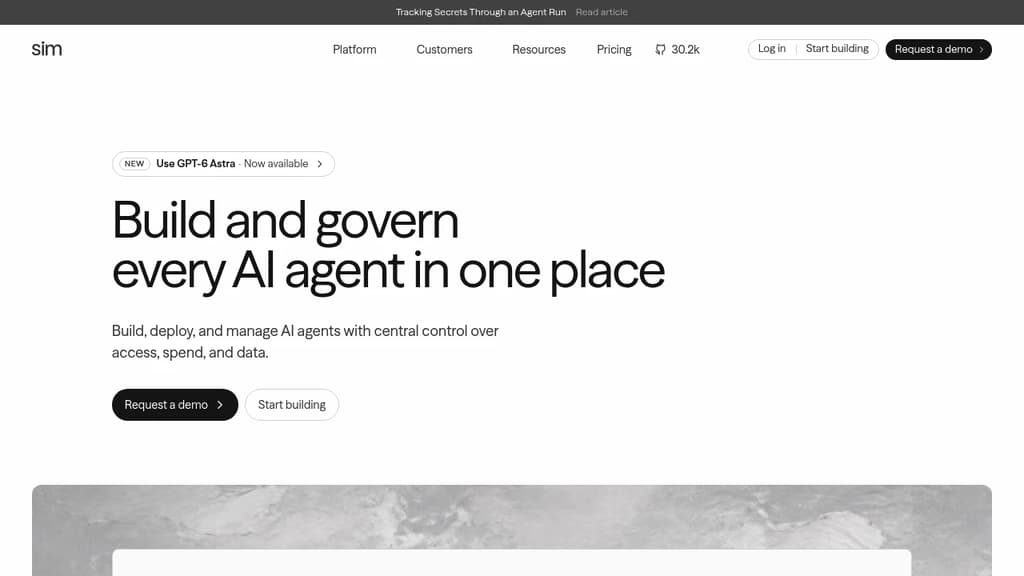
Sim is an AI workspace where teams build, deploy, and manage agents for their organization. It's aimed at companies that want many people creating agents while keeping central control over access, spend, and data. It fits among AI agent platforms and workflow automation tools, and works as an alternative to Microsoft Copilot Studio, Lindy, Zapier or n8n.
There are three ways to build. Describe an agent in Chat and Sim builds it. Use the visual workflow builder, which shows every step. Or write it with code through the API and CLI. Non-technical teams can review and adjust agents without code, and engineers can extend them with custom functions.
- Integrations and models: 280+ integrations with 5,800+ actions and 530+ triggers, plus every major LLM. Local models run through Ollama, vLLM, or LiteLLM.
- Knowledge: agents can work with uploaded files, knowledge bases, and structured tables.
- Deployment: publish an agent as a chat, an API endpoint, or an MCP server. Agents can also run on a schedule or start from event triggers in connected apps.
- Chat access: keep a deployed chat public, or limit it to SSO, specific emails, or a password.
- Monitoring: every run is traced in Logs, with success rate, median run time, and cost.
- Governance: permission groups control which models, integrations, and tools each team can use. Organization and per-member spend limits, audit logs, SSO and SCIM, and configurable data retention are included.
Sim is open source under the Apache 2.0 license. Self-host it with Docker or Kubernetes (npx sim-setup walks through the setup), or use the hosted workspace at sim.ai. A macOS desktop app can connect to either. Enterprise features such as SSO and permission groups are part of the Enterprise plan on Sim Cloud, and self-hosted deployments switch them on through environment variables. Sim has completed a SOC 2 Type II audit covering the Security criterion.

People are looking for alternatives to...
View all alternatives
Claude

Claude Code

CapCut

Notion

Wispr Flow

Grok Bot
 InfluxDB – The purpose-built time series platform for high-velocity ingestion and real-time queries at scale.

 Windshift