Open Source Graphite Alternatives
A curated collection of the 2 best open source alternatives to Graphite.
The best open source alternative to Graphite is Penpot. If that doesn't suit you, we've compiled a ranked list of other open source Graphite alternatives to help you find a suitable replacement. Other interesting open source alternative to Graphite is Inkscape.
Graphite alternatives are mainly UI/UX Design Tools but may also be Online Design Tools or Vector Graphics & Illustration Tools. Browse these if you want a narrower list of alternatives or looking for a specific functionality of Graphite.

Written by Piotr Kulpinski

Design, prototype, and hand off to developers in one platform. Supports design systems, tokens, flexible layouts, and AI workflows with real CSS/HTML output.
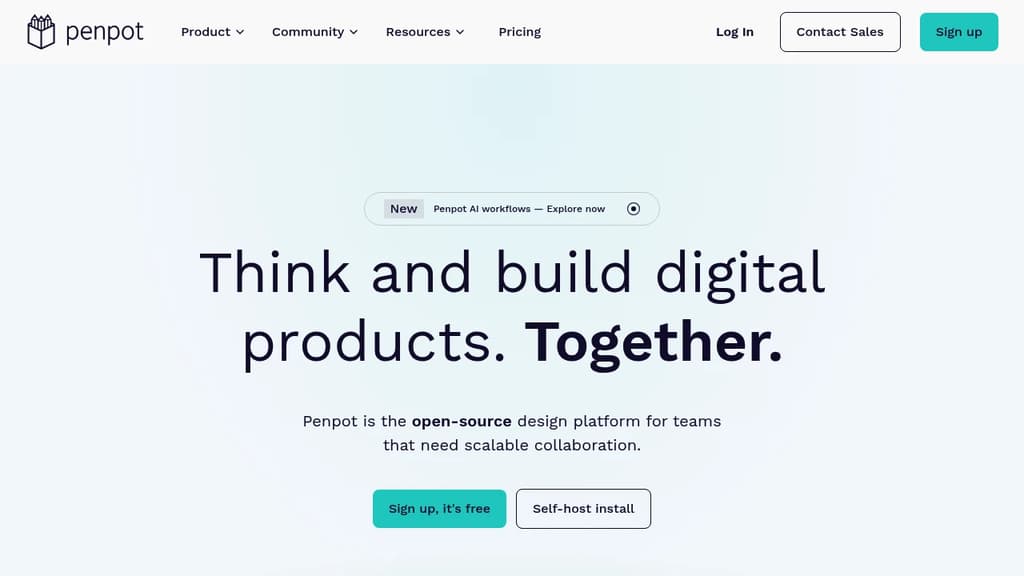
Penpot is a browser-based design and prototyping platform built for teams working on digital products. It covers the full design process, from early wireframes through polished UI, interactive prototypes, and developer handoff, without requiring separate tools for each stage. It's self-hostable, so teams with strict data requirements can run it on their own infrastructure.
The core workflow connects designers and developers more directly than most tools. Instead of exporting assets and writing specs separately, Penpot generates 1:1 CSS, HTML, SVG, and JSON directly from the design. What you see in the canvas is what developers get in code, which cuts down on the back-and-forth that usually happens during implementation.
Key capabilities include:
- Design Systems with reusable components and design tokens, giving teams a shared source of truth that stays in sync across projects
- Flexible layouts using grid and auto-layout tools suited for responsive UI design
- Prototyping with interactive flows built directly on the canvas, no separate prototyping mode required
- AI workflows with multi-directional agentic support, letting teams connect any LLM or agent into their design process
- Code inspect that surfaces accurate CSS and HTML values without manual annotation
Penpot is a practical alternative to Sketch or Adobe XD for teams that want full control over their tooling. Because it's open source and web-native, there's no per-seat licensing tied to a vendor's pricing decisions, and it works across operating systems without a desktop install.
It suits product teams where designers and engineers work closely together, particularly those building design systems at scale or looking to bring AI tooling into their existing design process.

Cross-platform vector graphics editor with flexible drawing tools, Bezier curves, powerful text handling, and broad file format support for illustrators and designers.
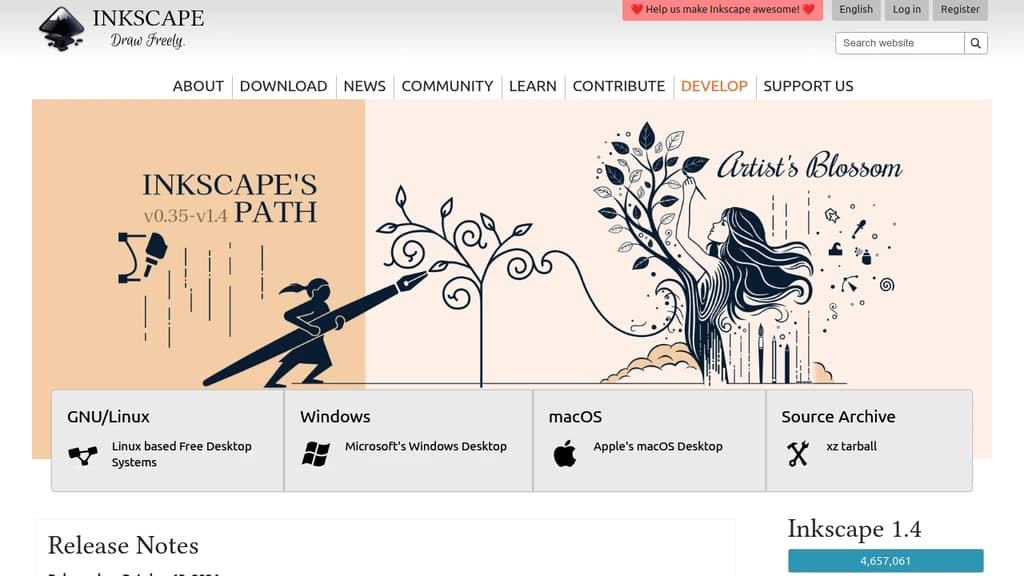
Inkscape is a full-featured vector graphics editor that runs on Linux, macOS, and Windows. It's built for anyone who works with scalable graphics: illustrators, UI designers, print designers, hobbyists creating logos, or developers who need clean SVG assets.
The core of Inkscape is its drawing toolset. You get precise control over paths with Bezier and Spiro curves, a node editor for fine-tuning shapes, and tools for rectangles, ellipses, stars, and freehand drawing. The text tool handles both simple labels and complex typographic layouts, with support for flowed text and text on a path.
Key capabilities include:
- SVG-native format: the file format is open and web-ready by default, not a proprietary container
- Broad import/export: works with PDF, EPS, PNG, DXF, and more, making it practical in mixed-tool workflows
- Path operations: boolean ops (union, difference, intersection), path effects, and live path effects for non-destructive edits
- Extensions: a built-in extension system lets you add functionality or automate repetitive tasks
- Object and layer management: groups, layers, alignment tools, and an XML editor for direct SVG manipulation
Inkscape is often compared to Adobe Illustrator. It doesn't match every niche Illustrator feature, but it covers the full workflow for most vector work without a subscription. For 2D illustration specifically, it's a serious tool. If you're also working on raster editing or video production, you'd pair it with other software. For a more experimental, node-based approach to vector work, Graphite is worth a look.
Being fully open source means no telemetry, no cloud lock-in, and no paywalled features. The file format is standard SVG, so your work stays portable regardless of what software you use later.

People are looking for alternatives to...
View all alternatives
Spotify

Claude Code

CapCut

Claude

Notion

Lovable
 Docmost – Open-source wiki software with real-time collaboration, diagrams, AI, SSO, RBAC permissions and more.
 Sent
Sent