Open Source GPT4All Alternatives
A curated collection of the 4 best open source alternatives to GPT4All.
The best open source alternative to GPT4All is Ollama. If that doesn't suit you, we've compiled a ranked list of other open source GPT4All alternatives to help you find a suitable replacement. Other interesting open source alternatives to GPT4All are: llama.cpp, LocalAI, and Jan.
GPT4All alternatives are mainly Local Model Runners but may also be AI Personal Assistants or AI Chat Interfaces. Browse these if you want a narrower list of alternatives or looking for a specific functionality of GPT4All.

Written by Piotr Kulpinski


Runs open-source language models locally with a simple setup, plus optional cloud access for larger models when local hardware isn't enough.
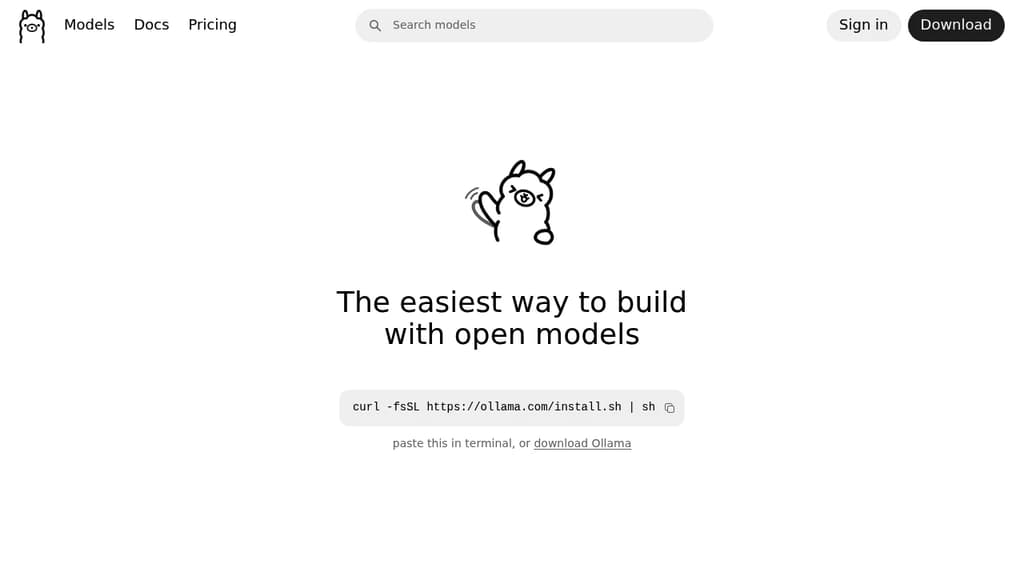
Ollama lets you run large language models directly on your own hardware, without sending data to third-party APIs. It's built for developers, researchers, and anyone who wants the capabilities of modern AI models without giving up control over their data.
The core idea is local-first. Models run entirely on your machine, which means no usage fees per token, no data leaving your network, and full offline capability for sensitive or mission-critical work. When local hardware isn't enough, an optional cloud tier gives access to larger models running on datacenter-grade hardware.
Key capabilities:
- Local model execution runs models on your own CPU or GPU, keeping all data on-device
- Cloud scaling lets you access larger, faster models when local resources hit their limits, with servers in the US, Europe, and Singapore
- App and agent support connects with tools like Open WebUI and coding assistants, so you can build workflows around open models
- Parallel requests are supported in cloud mode, useful when running multiple agents or serving several users at once
- Web access is available for cloud models, giving them real-time information retrieval
- Data privacy guarantees mean your inputs are never used for training, on either local or cloud runs
Ollama fits naturally into setups where you want a local AI assistant or a self-hosted backend for agent-based tools. The free tier covers cloud model access at a basic level, with paid plans unlocking higher concurrency and usage limits for heavier workloads.

C/C++ inference engine for large language models, supporting quantization, multi-GPU, Apple Silicon, and an OpenAI-compatible server across a wide range of hardware.
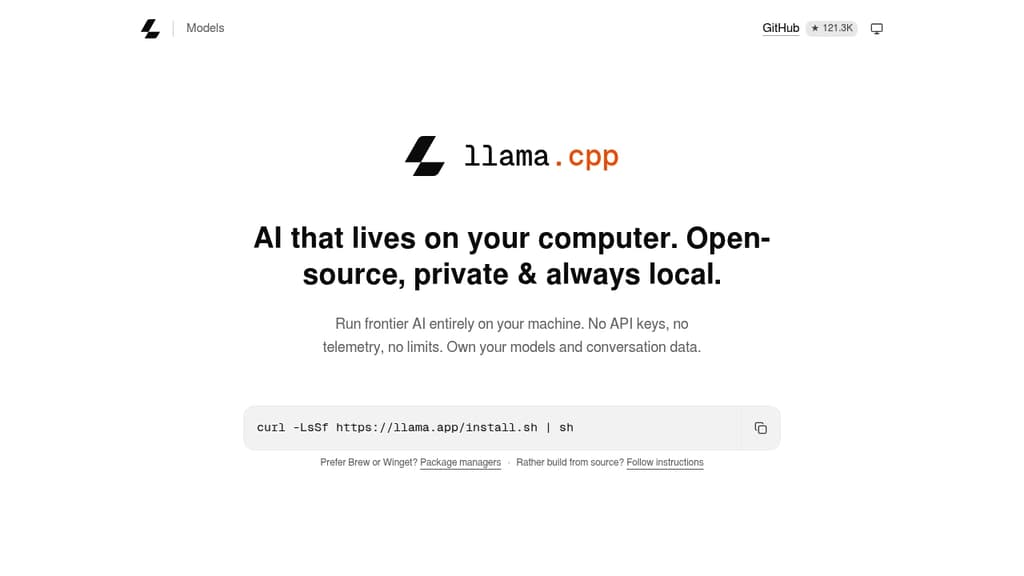
llama.cpp is a C/C++ inference engine for running large language models locally or in the cloud, with no external dependencies. It targets developers, researchers, and anyone who wants to run open-weight models on their own hardware without relying on cloud APIs.
The project's defining strength is hardware breadth. It runs on Apple Silicon via Metal and ARM NEON, NVIDIA GPUs via custom CUDA kernels, AMD GPUs via HIP, Intel hardware via SYCL, and a long list of other backends including Vulkan, Ascend NPU, and Snapdragon. CPU-only inference works too, and a hybrid CPU+GPU mode lets you run models larger than your available VRAM by splitting the load.
Quantization is a core feature. Models can be stored and run at 1.5-bit through 8-bit integer precision, dramatically reducing memory requirements while keeping inference fast. The GGUF format is the standard file format for these quantized models, and Hugging Face hosts a large library of compatible weights.
Key capabilities include:
- OpenAI-compatible HTTP server (
llama-server) with multi-user parallel decoding, speculative decoding, embedding endpoints, and reranking support - Grammar-constrained output for structured generation, including JSON, via custom GBNF grammars
- Multimodal support for vision-language models alongside dozens of text-only architectures including LLaMA 3, Mistral, Qwen, Gemma, Phi, DeepSeek, and many more
- Hugging Face integration for downloading models directly by name, with models stored in the standard HF cache so they're shareable with other tools
- Benchmarking and perplexity tools for evaluating model performance and quality
- Bindings for Python, Go, Rust, Node.js, Java, Swift, C#, and more than a dozen other languages
The server's OpenAI-compatible API makes it a drop-in backend for tools like AnythingLLM or observability platforms like Langfuse. A precompiled XCFramework is available for iOS, macOS, tvOS, and visionOS Swift projects.
llama.cpp is the reference implementation for GGUF and the ggml tensor library, making it the upstream project that much of the local LLM ecosystem builds on.

Run LLMs, speech, image generation, and autonomous agents on your own hardware with an OpenAI-compatible API and 60+ swappable backends.
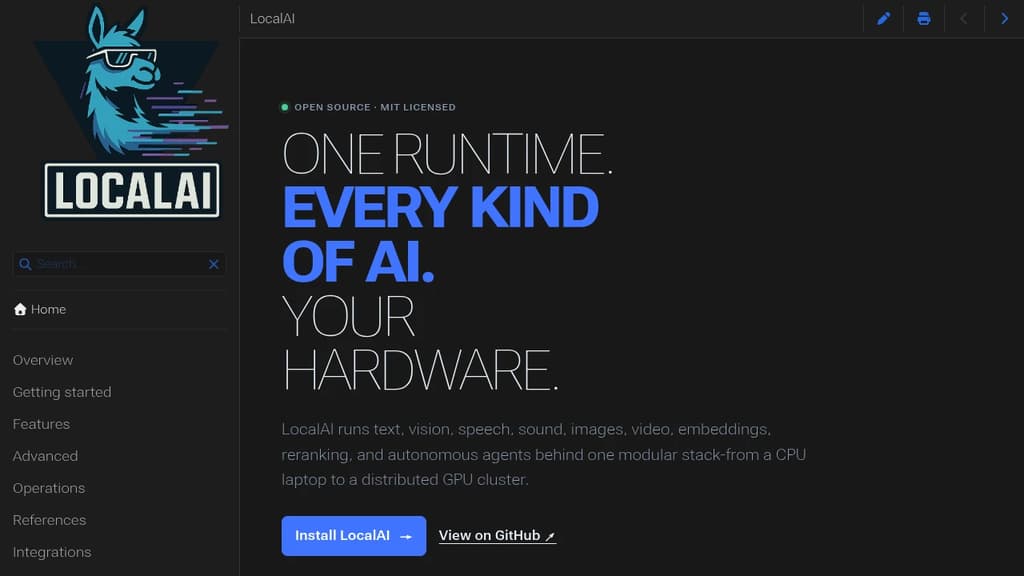
LocalAI is a self-hosted runtime that lets you run virtually any AI workload on hardware you control. Text generation, vision, speech recognition, text-to-speech, image and video generation, embeddings, reranking, and autonomous agents all run behind a single OpenAI-compatible API. If you're already using OpenAI or Anthropic APIs, switching the endpoint is often all it takes.
The core design is deliberately lean. Backends aren't bundled upfront. They're pulled on demand when a model needs them, each one wrapping a best-in-class engine like llama.cpp, vLLM, SGLang, MLX, or whisper.cpp as an isolated service. You can install, update, or remove individual backends without touching the rest of the stack. Hardware mixing is first-class: NVIDIA, AMD, Intel, Apple Silicon, Vulkan, and Jetson all work, and you can route across them in a single cluster.
For cases where existing engines are too heavy or too closed, the LocalAI team builds its own:
- parakeet.cpp for streaming multilingual speech recognition
- vibevoice.cpp for long-form TTS and ASR
- voice-detect.cpp for speaker recognition and anti-spoofing
- face-detect.cpp for vision-based identity analysis
- privacy-filter.cpp for native PII detection and redaction
- apex-quant for MoE-aware GGUF quantization
It scales from a CPU-only laptop to a distributed GPU cluster without changing how you interact with it. A single workstation setup can grow into a team server with API keys, roles, quotas, and usage tracking, then further into a multi-worker cluster with model routing and device-spanning inference. Local model runners rarely cover this range in one package.
Agents are built in, not bolted on. You can create agents with MCP tools, memory, RAG, and citations directly from the UI or API. Realtime voice experiences are supported through WebRTC with interruptible STT, LLM output, and TTS pipelines, similar to what LiveKit handles for general media but focused on AI interaction. Privacy controls go beyond keeping data local: PII analysis, redaction middleware, and audit logging are available at the infrastructure level.
The API surface is compatible with OpenAI, Anthropic, Ollama, and ElevenLabs conventions, so existing tooling like LibreChat or Open WebUI connects without custom adapters.

Jan runs open-source AI models on your own hardware or connects to cloud providers like OpenAI, Anthropic, and Google, keeping your conversations off third-party servers.
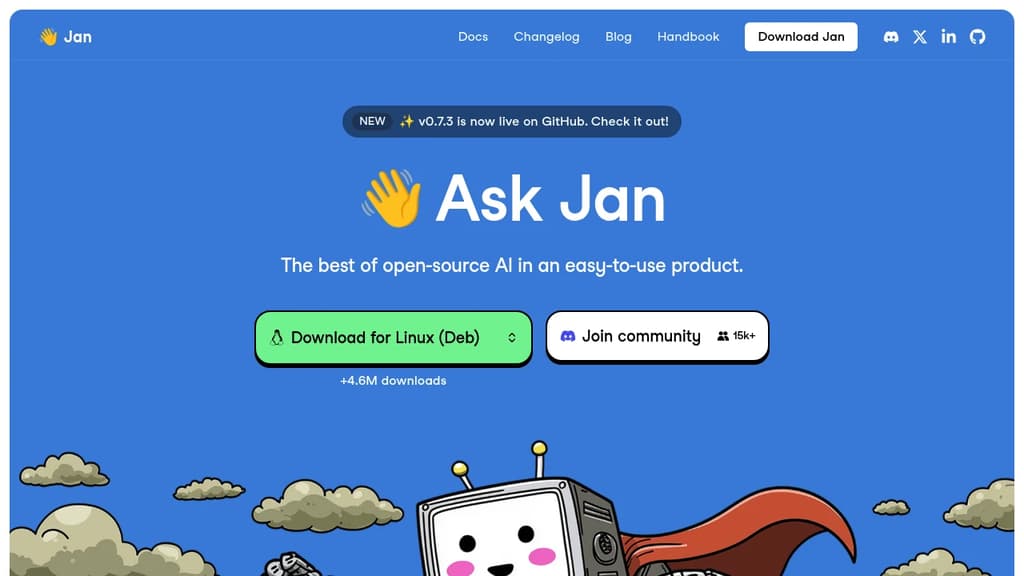
Jan is a desktop AI chat app built for people who want the capabilities of ChatGPT without handing their conversations to a cloud service. It runs entirely on your own machine using open-source models, or you can connect it to hosted providers when you need more power. Either way, you stay in control.
The model selection is broad. Out of the box, Jan supports:
- Local models like Llama, Mistral, Qwen, Gemma, and DeepSeek, downloaded and run on your hardware
- Cloud providers including OpenAI, Anthropic (Claude), Google (Gemini), and others, connected via API key
- Switching between them without leaving the app, so you're not locked into one backend
This flexibility is what separates Jan from simpler local-model runners. You get offline capability when you want privacy, and cloud fallback when a task demands it.
Jan is built in public and has crossed 5.7 million downloads, which puts it among the more widely adopted self-hosted AI interfaces alongside tools like Open WebUI and LibreChat. The codebase is open, community-driven, and free.
The interface is clean and focused on conversation. A memory feature is in development that will carry context and preferences across sessions, so you won't need to re-explain your setup or working style each time you start a new chat.
It's a practical fit for developers, designers, researchers, or anyone who handles sensitive work and doesn't want that data leaving their machine. Local inference does require reasonable hardware, but Jan handles model management inside the app, so you don't need to touch a terminal to get started.

People are looking for alternatives to...
View all alternatives
Spotify

Claude Code

Claude

CapCut

Notion

Lovable
 Sent – Messaging Infrastructure for Developers. One API for SMS, WhatsApp, and RCS across 190+ countries.
 Stellar Hosted