Open Source GitHub Desktop Alternatives
A curated collection of the 2 best open source alternatives to GitHub Desktop.
The best open source alternative to GitHub Desktop is GitButler. If that doesn't suit you, we've compiled a ranked list of other open source GitHub Desktop alternatives to help you find a suitable replacement. Other interesting open source alternative to GitHub Desktop is GitComet.
GitHub Desktop alternatives are mainly Git Clients. Browse these if you want a narrower list of alternatives or looking for a specific functionality of GitHub Desktop.

Written by Piotr Kulpinski


GitButler is a powerful Git client that enables seamless work on multiple branches concurrently, enhancing your existing workflow.
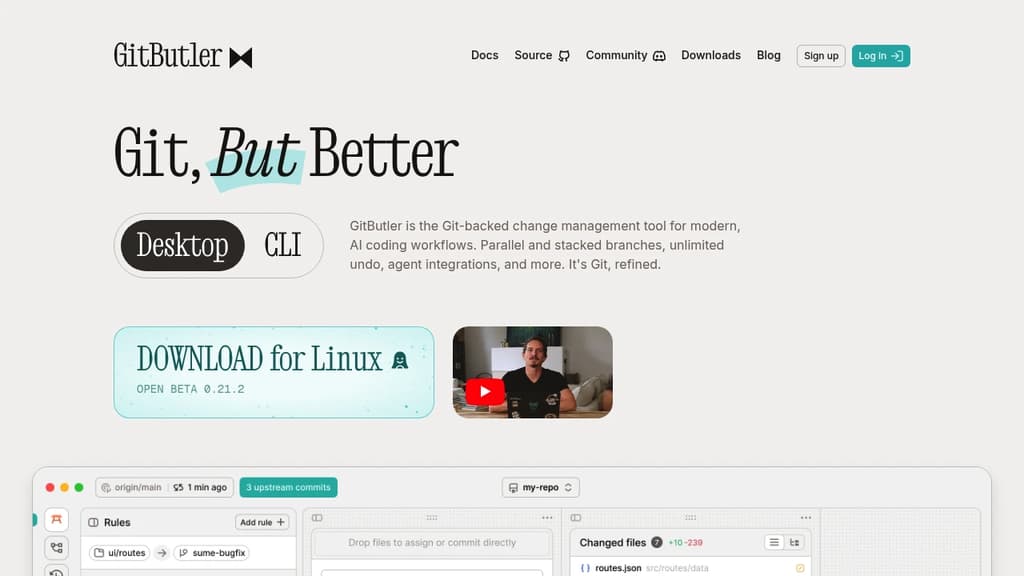
GitButler is an innovative Git client that transforms the way developers manage their version control workflow. With its unique approach to branching, GitButler allows you to work on multiple features or bug fixes simultaneously without the need to constantly switch between branches.
Key features of GitButler include:
- Virtual Branches: Work on several branches at once, fixing bugs while developing new features without the hassle of branch switching.
- Intuitive Branch Management: Easily undo, squash, and amend your work through a simple drag-and-drop interface, eliminating the need for complex rebasing commands.
- Quick Commits: Generate commit messages with a single click, streamlining your workflow and saving valuable time.
- Cross-Platform Compatibility: Available for macOS, Linux, and Windows, ensuring a consistent experience across different operating systems.
GitButler's user-friendly interface and powerful features have garnered praise from developers worldwide. Its ability to simplify complex Git operations makes it an invaluable tool for both individual developers and teams looking to enhance their productivity and code management practices.
Whether you're working on large-scale projects or small personal repositories, GitButler adapts to your needs, providing a more efficient and less stressful Git experience. By reducing the cognitive load associated with branch management, GitButler allows you to focus more on writing code and less on navigating your version control system.
Try GitButler today and experience a new level of Git workflow efficiency!

Open source Git GUI for Linux, macOS, and Windows, built in Rust for speed on large repositories with full diff, merge, and history tooling.
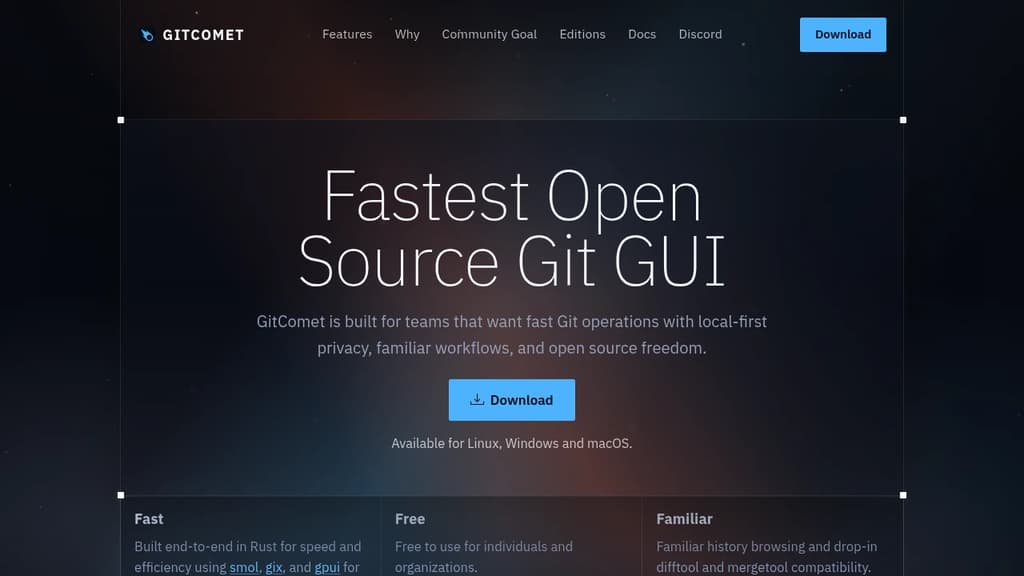
GitComet is a Git client built entirely in Rust, targeting developers who work with large codebases and need a GUI that stays responsive under real-world conditions. It runs on Linux, macOS, and Windows with a local-first approach: your repository data stays on your machine.
The project started from frustration with existing tools on massive repositories like Chromium. Most GUI clients slow to a crawl or crash when browsing deep history or large diffs. GitComet opens the Chromium repo in about one second on Linux, compared to 18-25 seconds for tools like GitKraken or SmartGit in the same benchmark.
The core open source edition covers a full desktop Git workflow:
- Staging and commits with inline and side-by-side diff views
- 2-way and 3-way merge tools as a drop-in replacement for your existing mergetool config
- Worktrees and branching with full history browsing
- Multi-repository browsing across projects
- Remote operations including pull, push, and fetch
The familiar workflow angle matters. GitComet doesn't try to reinvent Git concepts or hide them behind abstractions. If you're used to standard Git terminology and tooling, the transition is straightforward.
A paid Professional edition is planned for teams wanting GitHub and Azure DevOps integrations, code coverage workflows, and CLI integrations. The open source edition is free for personal and commercial use with no restrictions.
Built on smol, gix, and gpui, the app is genuinely fast rather than just claiming to be. For developers who spend serious time in commit history and diff review, that difference is noticeable.

People are looking for alternatives to...
View all alternatives
Spotify

Claude Code

CapCut

Claude

Notion

Lovable
 Docmost – Open-source wiki software with real-time collaboration, diagrams, AI, SSO, RBAC permissions and more.
 Stellar Hosted