Open Source FocuSee Alternatives
A curated collection of the 2 best open source alternatives to FocuSee.
The best open source alternative to FocuSee is Cap. If that doesn't suit you, we've compiled a ranked list of other open source FocuSee alternatives to help you find a suitable replacement. Other interesting open source alternative to FocuSee is BlitzRecorder.
FocuSee alternatives are mainly Screen Recording Tools. Browse these if you want a narrower list of alternatives or looking for a specific functionality of FocuSee.

Written by Piotr Kulpinski


Record your screen in Instant, Studio, or Screenshot mode, then share via a link with auto-generated transcripts, chapters, and summaries.
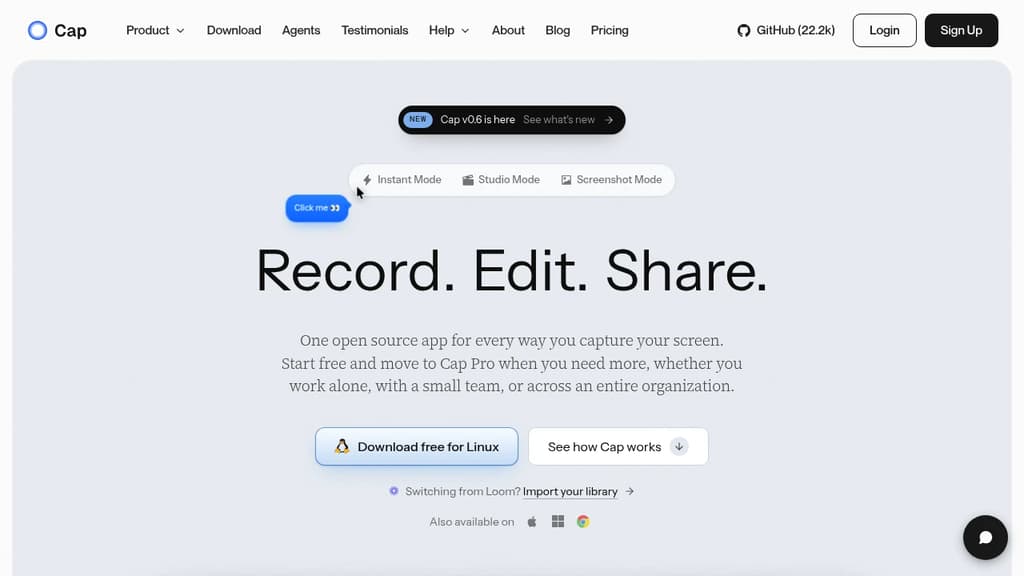
Cap is a cross-platform screen recorder built for people who share work asynchronously. It runs natively on macOS, Windows, and Linux, and covers three distinct workflows in one app: quick-share recordings, polished edited videos, and beautified screenshots.
Instant Mode is the fastest path from recording to sharing. Cap streams the video to the cloud as you record, so the moment you stop, a shareable link is already on your clipboard. Every Instant recording gets an auto-generated title, summary, clickable chapters, and a full transcript. Viewers watch in the browser with no account required.
Studio Mode records locally at 4K/60fps with separate tracks for screen, camera, and microphone. A built-in editor opens when you stop, where you can:
- Blur or pixelate passwords, emails, or faces before anyone sees the video
- Switch scenes between camera-only, split screen, and floating layouts
- Auto-zoom based on recorded clicks, or draw your own zoom regions up to 4.5x
- Generate captions locally in 19 languages, then style and burn them in
- Add animated text as stackable tracks with fade, slide, pop, or typewriter effects
- Apply color grades like Cinematic, Noir, or Vintage, then fine-tune exposure and contrast
- Trim, split, and reorder clips, adjust speed up to 8x, and add background music
Screenshot Mode grabs any window or area with a hotkey, drops it on a styled background with padding and shadow, and lets you annotate before copying straight to your clipboard.
Storage is flexible. You can use Cap Cloud, point recordings at your own S3-compatible bucket or Google Drive, or self-host the entire platform. Recordings are plain video files with no lock-in. Cap Cloud is SOC 2 Type II, ISO 27001, and HIPAA compliant.
For teams switching from Loom, Cap includes a built-in importer that re-hosts existing videos with transcripts and chapters intact. Cap also ships a CLI and a local MCP server so AI coding agents like Claude Code or Cursor can record, upload, and read back transcripts programmatically.
Compared to simpler tools like Kap or browser-based recorders like Screenity, Cap sits closer to a full async-video platform, with editing, AI metadata, team workspaces, and custom storage all included. The free tier covers personal use with local recording and a limited number of cloud links; Cap Pro adds unlimited cloud storage, AI features, and team collaboration.

Mac app that records your screen and camera together, auto-detects pauses for one-click cutting, and exports in 4K with no watermark or account required.
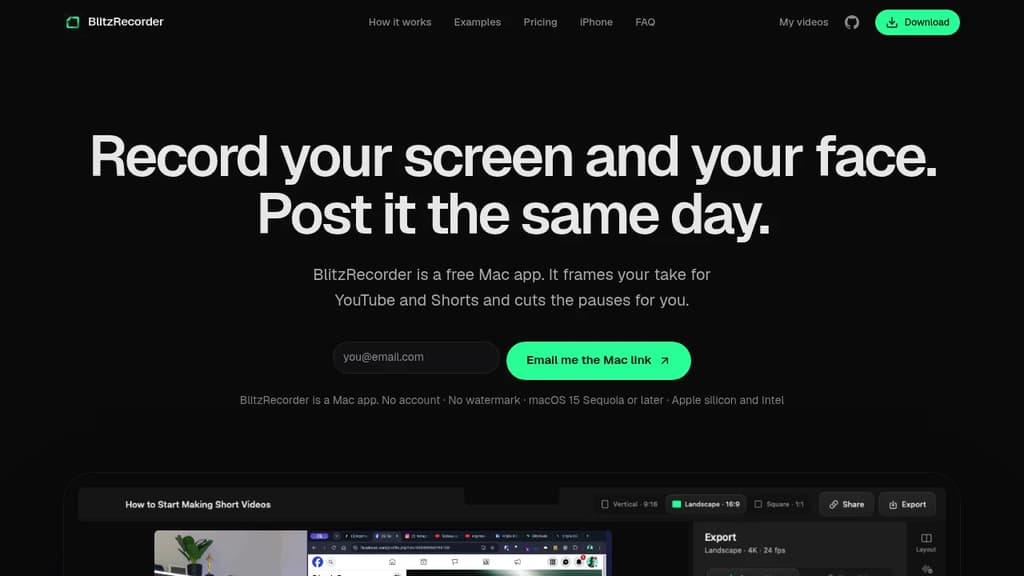
BlitzRecorder is a free, Screen Studio alternative for Mac that records your screen and camera in a single take. It's built for people who want to publish tutorials, talking-head videos, or product demos without learning a full editing workflow. No account, no watermark, no timeline expertise required.
The core idea is simple: pick a layout before you hit record, capture everything in one take, then cut the dead air with a single click. BlitzRecorder scans your recording for pauses automatically and lets you remove all of them at once. After that, export in 4K and you're done.
Key capabilities:
- Layout presets for YouTube (landscape), Shorts (vertical), and square, all from the same recording
- Camera overlay frames your face alongside your screen, set up before you start
- One-click pause removal finds every silence in your take and cuts them in bulk
- 4K export with no watermark, even on the free tier
- Local storage by default; recordings stay on your Mac unless you share a link
- Optional link sharing via hosted storage at €9/month for 50 GB, or through your own Cloudflare account at no cost
Compared to tools like Kap or Screenity, BlitzRecorder is focused specifically on finished, postable video rather than raw capture. It skips the multi-track editing complexity of something like OBS Studio or Shotcut and keeps the whole process inside one app.
It runs on macOS 15 Sequoia or later, supports both Apple silicon and Intel, and updates itself. The full app, including every recording and editing feature, is free and open source on GitHub.

People are looking for alternatives to...
View all alternatives
Spotify

Claude

Claude Code

CapCut

Lovable

Amazon Prime
 Postiz – The All-in-One agentic social media scheduling tool

 Windshift