Open Source Fizzy Alternatives
A curated collection of the 5 best open source alternatives to Fizzy.
The best open source alternative to Fizzy is Plane. If that doesn't suit you, we've compiled a ranked list of other open source Fizzy alternatives to help you find a suitable replacement. Other interesting open source alternatives to Fizzy are: OpenProject, Planka, Kanri, and Taiga.
Fizzy alternatives are mainly Agile Project Management Tools but may also be Project Management Suites or Task Management Tools. Browse these if you want a narrower list of alternatives or looking for a specific functionality of Fizzy.

Written by Piotr Kulpinski


Open source project management platform combining issues, wikis, and AI agents in one workspace. Available on cloud, self-hosted, and air-gapped deployments.

Plane is an open source project management platform that combines issue tracking, documentation, and AI-powered workflows into a single workspace. It's built for software teams that want the flexibility of self-hosting without giving up the polish of tools like Jira or Linear. Projects, wikis, cycles, and dashboards all live in one place, and the AI layer is woven throughout rather than bolted on afterward.
The AI side is genuinely central to how Plane works. Plane AI reads across your entire workspace, including projects, cycles, docs, and threads, so you can ask it about blockers, cycle status, or recent doc changes and get answers grounded in your actual data. Built-in agents can triage incoming requests, assign owners, and post updates automatically. There's also a Slack integration that lets you describe work in a channel and have Plane create, assign, and track it without switching tools.
For teams managing work across different roles, Plane offers board, spreadsheet, list, and Gantt views. Cycles handle time-boxed sprints with burndown charts and velocity tracking built in. Initiatives and epics let you roll team-level work up to org-level goals. Dashboards populate automatically from live data, so there's no manual reporting.
Self-hosting is a first-class option. Plane supports Docker and Kubernetes deployments and includes a God Mode admin panel for configuring SSO, SAML, LDAP, SMTP, and workspace security. Air-gapped environments are explicitly supported, which is rare among modern project management tools. If you're comparing open source alternatives, that air-gap support is a meaningful differentiator.
For teams migrating from Jira, ClickUp, Asana, or Monday, Plane offers full data migration including issues, attachments, comments, and automations. The open API, webhooks, OAuth apps, and a native MCP server make it extensible for teams that want to build custom integrations or AI agents on top of the platform. Projects-as-Code via YAML definitions lets engineering-oriented teams version and deploy project configuration from Git.

Full-featured project management platform with Gantt charts, agile boards, time tracking, and team collaboration. Self-host or use managed cloud hosting.
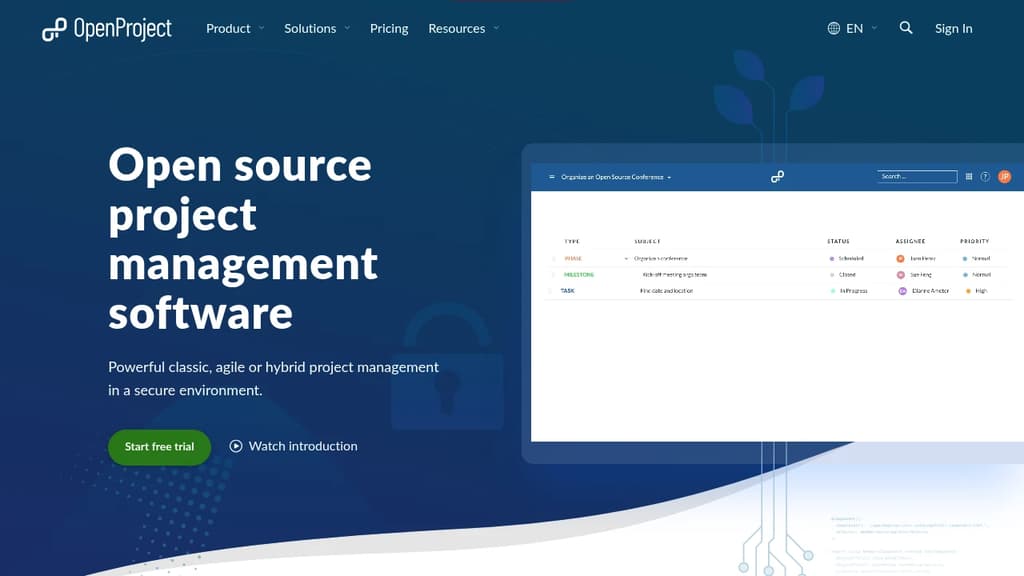
OpenProject is a project management suite built for teams that want full control over their data. It supports classic, agile, and hybrid approaches in a single platform, so you're not forced into one methodology. Organizations with strict data requirements, including government agencies, universities, and NGOs, make up a large share of its user base.
The core feature set covers a lot of ground:
- Gantt charts for visual project planning and scheduling, with dependencies and milestones
- Agile boards supporting Scrum and Kanban workflows, with backlog management and sprint planning
- Team Planner for assigning tasks across a weekly or bi-weekly calendar view
- Time and cost tracking with reporting built in
- Work packages as the central unit for tasks, bugs, features, and more, each with custom fields, watchers, and history
- Meeting management and wiki-style documentation inside each project
Data sovereignty is a genuine differentiator here. You can install it on your own infrastructure and keep everything behind your firewall. The Enterprise on-premises edition adds security features like two-factor authentication, LDAP group sync, and custom branding. For teams that don't want to manage servers, an EU-hosted cloud option is available.
OpenProject is licensed under GNU GPL v3, and development happens publicly. The free Community edition is fully functional and has no time limit. It's a credible Jira alternative for teams leaving Atlassian's self-hosted products, with a migration tool specifically for that transition.
Compared to lighter tools like Kaneo or Operately, OpenProject is heavier and more structured. That's the point. It's built for organizations running multiple concurrent projects that need audit trails, role-based permissions, and reporting across portfolios.
Self-hosted Kanban board for agile teams. Unlimited boards, real-time sync, GDPR-compliant, and available as a free Community Edition or paid Pro.
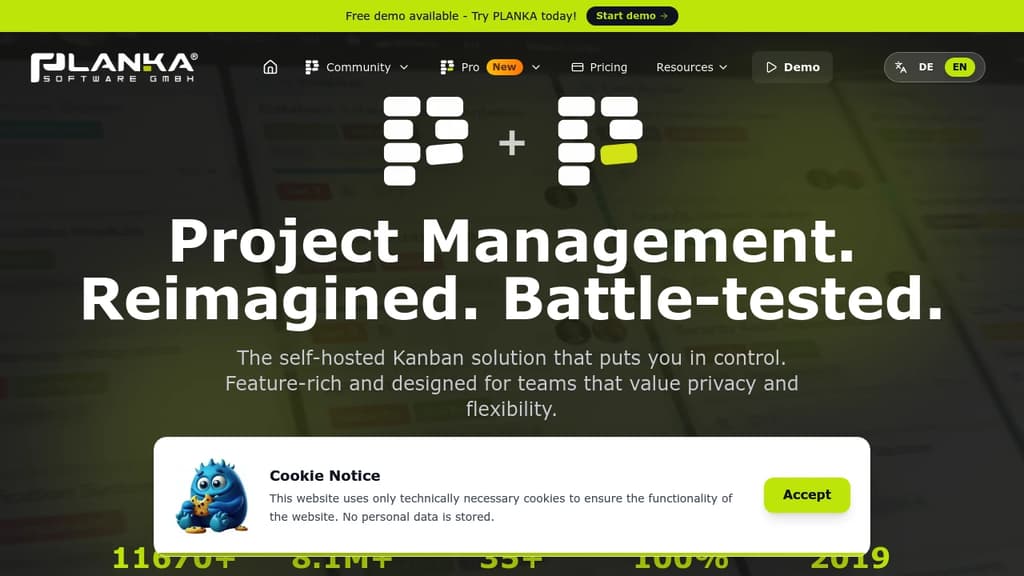
PLANKA is a self-hosted Kanban board built for teams that want full control over their project data without paying per seat or depending on a third-party cloud. It's a direct alternative to tools like Trello, designed to run on your own infrastructure while still feeling polished and modern.
The free Community Edition covers the core use case well:
- Unlimited boards and cards with no artificial limits tied to pricing tiers
- Real-time synchronization so every team member sees updates instantly without refreshing
- 35+ languages supported, making it practical for international teams
- Docker-based deployment with a large base of pulls (8M+) showing it's widely used in production
- GDPR compliance baked in, since you own and host the data yourself
For teams that need more, the Pro Edition adds higher scalability, additional professional features, and priority support. Both editions are available as self-hosted installs or through PLANKA's managed cloud hosting if you'd rather skip the infrastructure work.
Compared to other self-hosted options like Wekan or Focalboard, PLANKA puts a stronger emphasis on visual design and ease of use. It doesn't try to be a full project suite with Gantt charts and resource planning. It stays focused on the Kanban workflow, which keeps the interface clean and the learning curve low.
It's been in active development since 2019 and is backed by a growing community that contributes translations, bug reports, and feature ideas. The codebase is transparent and the project has accumulated over 11,000 GitHub stars, a sign that it's earned trust beyond just being a novelty self-host project.
Teams already using tools like Plane or Kaneo for heavier project management might find PLANKA a better fit when the priority is simplicity and speed over feature depth.

Kanri is a free, open-source personal Kanban app that works offline, offering a modern and simple experience while respecting your privacy.
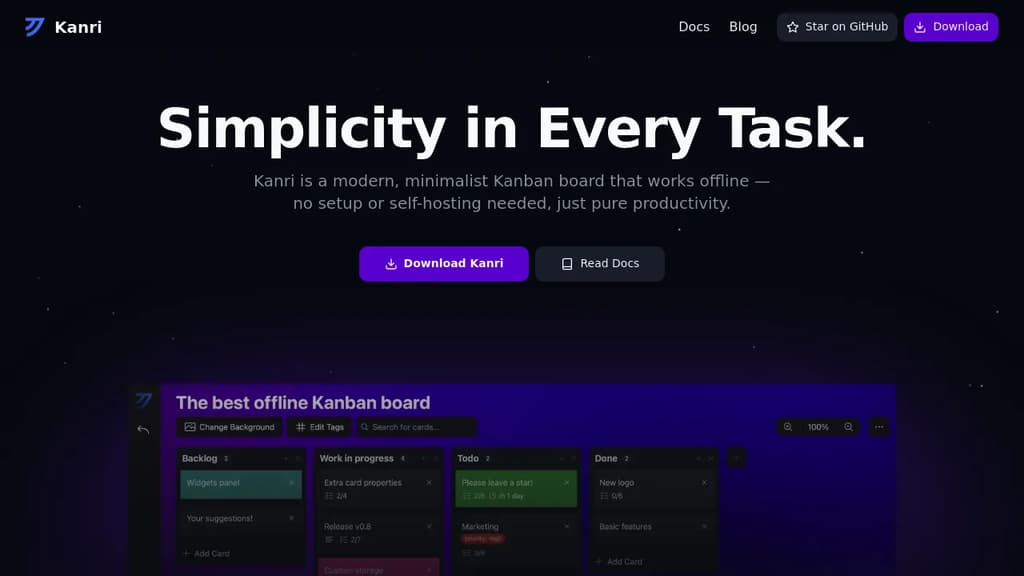
Kanri is a powerful, minimalist Kanban board application designed for personal productivity. Here's why it stands out:
Fully Offline: Work seamlessly without an internet connection. All your data is stored locally, ensuring privacy and constant accessibility.
Rich Features:
- Customizable Boards: Create unlimited boards, columns, and cards to organize your tasks efficiently.
- Rich Text Support: Add detailed descriptions using Markdown-like formatting.
- Themes: Personalize your workspace with customizable themes and backgrounds, including dark mode and Catppuccin theme.
- Keyboard Shortcuts: Navigate quickly for maximum productivity.
- Data Export: Easily back up or transfer your Kanban boards.
Modern Technology: Built with Nuxt, Tauri, and TypeScript for a smooth and efficient user experience.
Kanban System:
- Boards: Visually organize projects and track progress at a glance.
- Columns: Represent workflow stages, enabling easy task movement.
- Cards: Represent individual tasks with detailed information.
Open Source and Free: Kanri respects your privacy and is completely free to use.
Get started with Kanri today and experience a simpler, more organized approach to personal task management. Download now and streamline your workflow!

Self-hostable agile project management tool with Kanban and Scrum boards, sprint planning, issue tracking, and reporting for teams of any size.
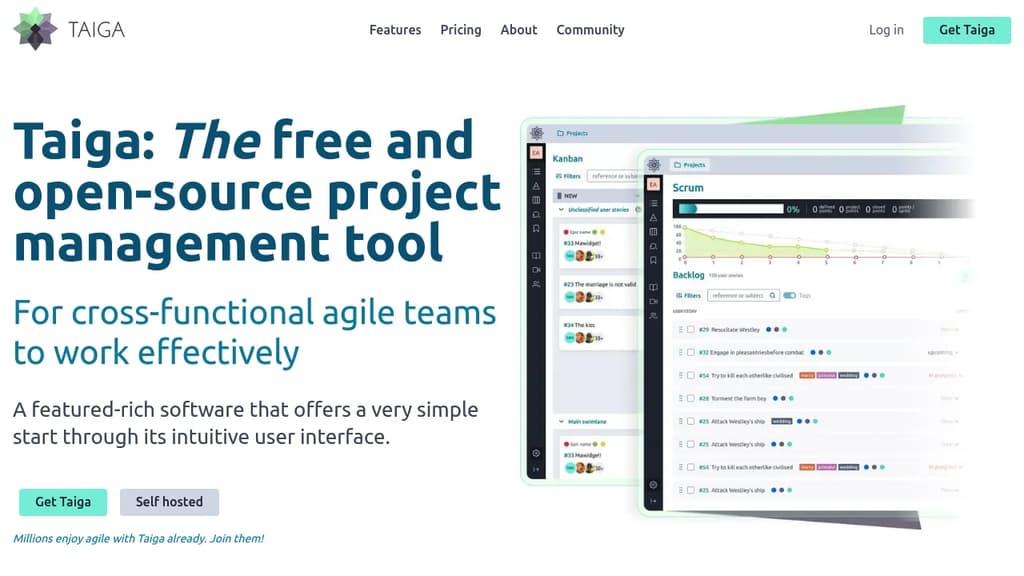
Taiga is an open-source agile project management platform built for cross-functional teams that want structure without complexity. It supports both Kanban and Scrum workflows, and you can switch between them on the same project without losing your work. Teams that don't need training to get started will feel at home immediately.
The Kanban board covers the basics well: WIP limits, swim lanes, custom workflows, EPICS, sub-tasks, and archive functions. Scrum support goes deeper, with full backlog and sprint planning, per-role estimation, a built-in estimation tool called Taiga Seed, burn-down charts at both the project and sprint level, and a sprint task board with swim lanes per user story.
Beyond boards, Taiga includes:
- Issue tracking with customizable types, priorities, and severities, plus the ability to promote an issue directly to a user story
- Dashboards and reporting including a team health function, full project timeline for auditability, and custom real-time CSV reports
- Wiki built into the project for shared documentation
- Custom roles and permissions so you can control what each team member sees and does
- Integrations via Zapier and a project import/export function for migration
For teams comparing it to Jira or Trello, Taiga sits in a middle ground: more capable than a simple board tool, but far less configuration-heavy than enterprise alternatives like OpenProject.
Self-hosting gives full control over your data, and the codebase is translated into more than 20 languages. The cloud-hosted version is available for teams that prefer not to manage infrastructure. Both paths use the same feature set.

People are looking for alternatives to...
View all alternatives
Spotify

Claude Code

CapCut

Claude

Notion

Lovable
 Sent – Messaging Infrastructure for Developers. One API for SMS, WhatsApp, and RCS across 190+ countries.
 Sent
Sent