Open Source Ente Alternatives
A curated collection of the 4 best open source alternatives to Ente.
The best open source alternative to Ente is Immich. If that doesn't suit you, we've compiled a ranked list of other open source Ente alternatives to help you find a suitable replacement. Other interesting open source alternatives to Ente are: Puter, Lychee, and Piwigo.
Ente alternatives are mainly Photo & Video Management Tools but may also be Image Hosting Platforms or Cloud File Sync & Share Tools. Browse these if you want a narrower list of alternatives or looking for a specific functionality of Ente.

Written by Piotr Kulpinski


Back up, organize, search, and browse your personal photo and video library on your own server, with no third-party cloud access.
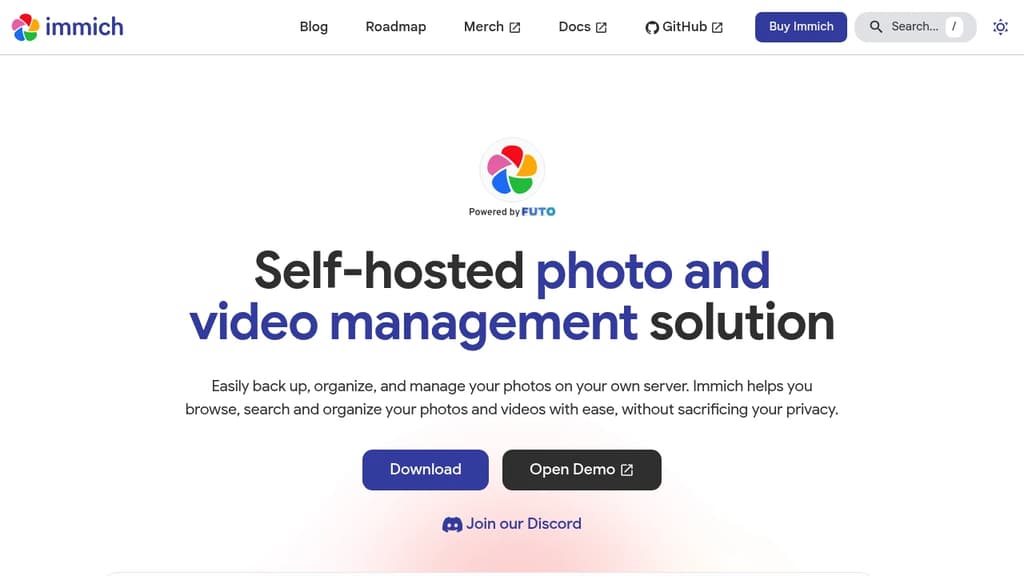
Immich is a self-hosted alternative to Google Photos or iCloud, built for people who want full control over their media without handing it to a cloud provider. It runs on your own hardware and gives you a polished, app-like experience for managing a personal or family photo library.
The mobile apps (iOS and Android) handle automatic background backup, so your photos and videos land on your server the moment they're taken. From there, you get a familiar timeline view, album organization, and fast search powered by machine learning.
Key capabilities include:
- Face recognition that groups photos by person, so you can browse by who's in the shot
- Smart search using natural language and visual similarity, not just filenames or dates
- Map view that plots geotagged photos on a world map
- Shared albums for collaborating with family or friends on the same server
- Partner sharing to give another user access to your library without merging accounts
- Video support alongside photos, making it a full photo and video management solution
- RAW file support for photographers who shoot in formats like CR2, NEF, or ARW
- Duplicate detection to clean up redundant files over time
Compared to tools like Lychee or Piwigo, Immich leans harder into the automatic backup and AI-assisted browsing experience rather than manual curation or public gallery features. It's closer in feel to Ente, though Immich is fully self-hosted with no managed cloud tier.
The web interface is fast and responsive. The admin panel covers user management, storage configuration, and library monitoring. Because everything stays on your server, there's no subscription, no storage cap, and no third party with access to your personal photos.

Puter is a cloud-based desktop OS you run in the browser, with built-in apps, file storage, and support for hosting web apps and sites.
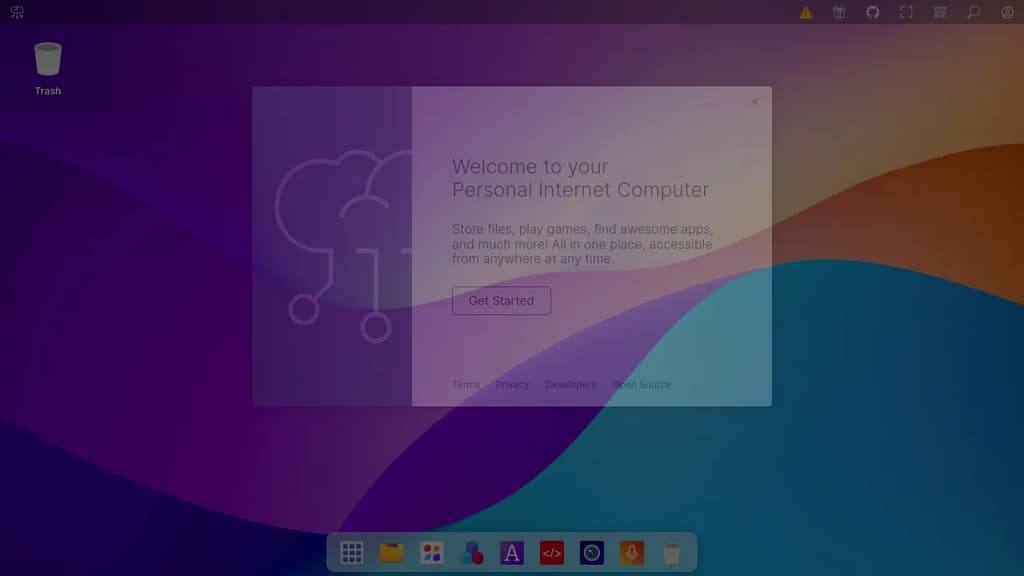
Puter is a browser-based desktop operating system that gives you a full personal computing environment without installing anything. It's built for people who want their files, apps, and tools accessible from any device through a web browser, with everything stored in the cloud.
The experience mirrors a traditional desktop: you get a windowed interface, a file manager, and a suite of built-in applications for common tasks. It's designed to work as a daily driver for productivity, creativity, and general use, all from a single URL.
Key capabilities include:
- Cloud file storage that's accessible from any browser session, with your files persisting across devices
- Built-in apps covering writing, editing, and other everyday tasks without needing third-party installs
- App hosting so developers can deploy and serve web applications directly within the Puter environment
- Authentication options including Google, Microsoft, and Apple sign-in alongside standard email/password login
- Two-factor authentication with recovery code support for account security
What sets Puter apart from simple cloud storage tools is the full desktop metaphor. It's not just a file sync service or a document editor; it's a complete environment where multiple apps run in parallel windows, much like a local OS.
Being open source means you can self-host the entire platform, which matters for teams or individuals who want control over their data rather than relying on a third-party cloud. The codebase is available for inspection, modification, and private deployment.

Free photo management tool that runs on your server. Upload, organize, and share photos with beautiful interface, EXIF support, and complete privacy control.
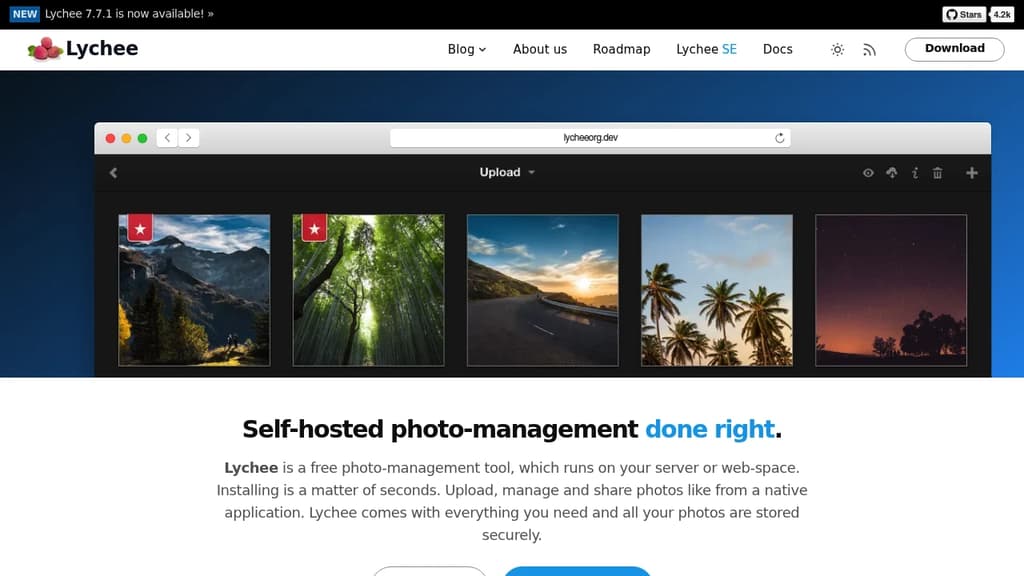
Take complete control of your photo collection with this self-hosted solution that puts privacy and functionality first. Unlike cloud-based alternatives, your photos remain on your own server with no storage limits, compression, or data loss.
Key features that photographers love:
- Intuitive web interface that works like a native application
- Full EXIF and IPTC metadata support for professional workflows
- Flexible sharing options with public albums and password protection
- Multiple import sources including local computer, server, URL, and Dropbox
- Advanced organization tools with tagging, batch selection, and search
- Full-screen viewing mode with keyboard navigation
Built for privacy and security - your server, your data, your rules. Never depend on third-party services that could disappear or change their terms. The open-source nature means complete transparency and community-driven improvements.
Easy deployment with Docker support makes installation a matter of seconds. Whether you're a professional photographer managing thousands of images or someone who values photo privacy, this solution provides enterprise-level features without the enterprise complexity.

Open source photo management software for organizing, sharing and managing large photo libraries. Perfect for teams, organizations and individuals.
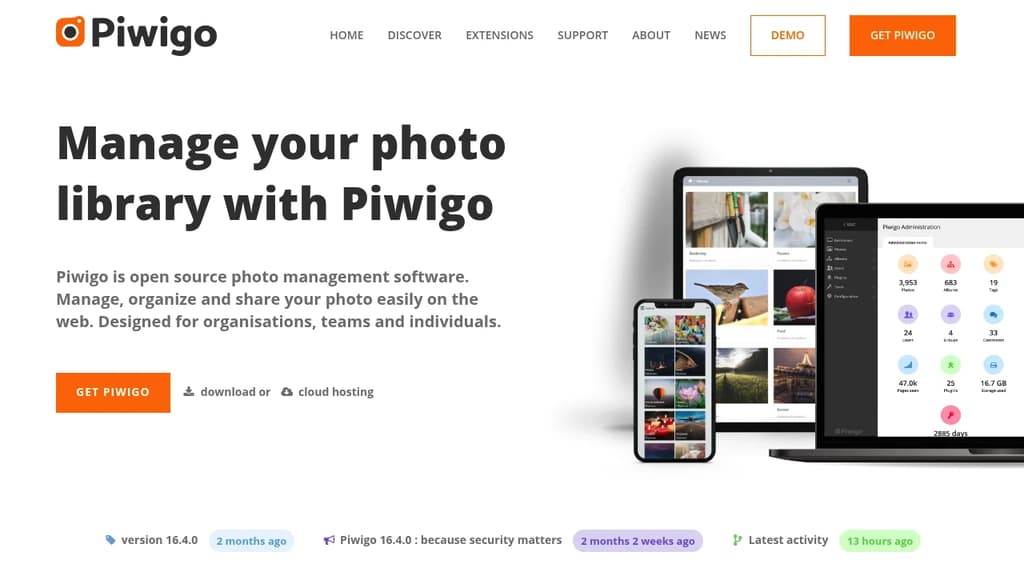
Piwigo is a powerful open source photo management solution that excels at handling large photo collections. Whether you're managing thousands or hundreds of thousands of images, Piwigo provides the tools you need to organize, classify and share your digital media effectively.
Key benefits include:
- High volume capability - Designed to handle massive photo libraries with ease
- 23+ years of proven reliability - Continuously evolving since 2002
- Complete customization - Open source architecture with extensive plugin and theme support
- Professional features - Advanced metadata management, search capabilities, and access rights control
- Flexible deployment - Choose between self-hosted installation or cloud hosting options
Perfect for organizations, teams and individuals who need robust photo management capabilities. The platform offers seamless integration with professional workflows, including Lightroom compatibility, and provides both web-based management and mobile applications for on-the-go access.
Trusted by universities, government agencies, photographers, and businesses worldwide, Piwigo delivers enterprise-grade photo management without the enterprise price tag.

People are looking for alternatives to...
View all alternatives
Spotify

Claude Code

CapCut

Claude

Notion

Lovable
 Bright Data – Web data for AI agents and apps. Built-in unblocking, proxies, and ready-made APIs.
 c15t
c15t