Open Source Dragon Alternatives
A curated collection of the 3 best open source alternatives to Dragon.
The best open source alternative to Dragon is Handy. If that doesn't suit you, we've compiled a ranked list of other open source Dragon alternatives to help you find a suitable replacement. Other interesting open source alternatives to Dragon are: OpenWispr and VoiceTypr.
Dragon alternatives are mainly Voice Dictation Tools. Browse these if you want a narrower list of alternatives or looking for a specific functionality of Dragon.

Written by Piotr Kulpinski


Cross-platform desktop app that transcribes your voice into any text field using a keyboard shortcut, with all processing done locally on your machine.
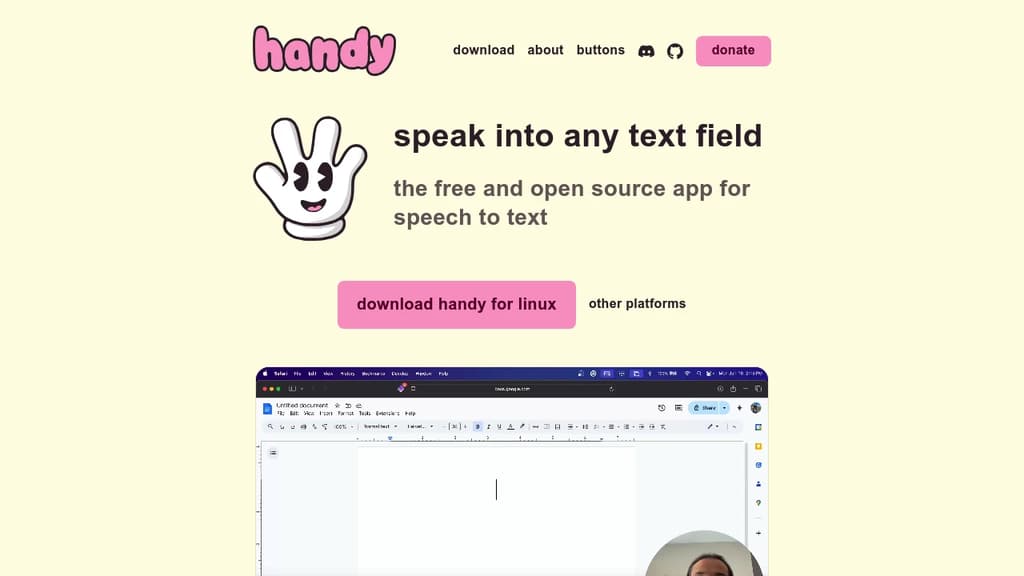
Handy is a desktop speech-to-text tool that works with any text field on your computer. Press a keyboard shortcut, speak, release, and your words appear wherever your cursor is. No cloud. No subscription. No copy-paste step.
It's built for people who want voice input without giving up privacy. Unlike browser extensions or cloud-based dictation tools such as VoiceTypr or VoiceInk, Handy processes everything locally. Your audio never leaves your machine.
The feature set is deliberately minimal:
- Push-to-talk mode holds transcription active while the key combo is pressed, releasing it triggers the paste
- Toggle mode starts transcription on first keypress, stops and pastes on the second
- Custom keybinding lets you remap the shortcut to whatever fits your workflow
- Any text field works as a target, whether it's a browser input, a document editor, or a terminal
Setup is light. A small icon appears in your system tray or menu bar when transcription is active, so you always know when it's listening.
The tool is cross-platform, running on macOS, Windows, and Linux. It does one job well. There's no dashboard, no account, and no settings beyond what you actually need to change.
For anyone who types a lot and wants a faster, hands-free alternative for drafting messages, filling forms, or writing notes, Handy covers that use case without adding complexity.

Dictation app powered by OpenAI Whisper and NVIDIA Parakeet. Runs locally on macOS, Windows, and Linux with zero data retention and 100+ language support.
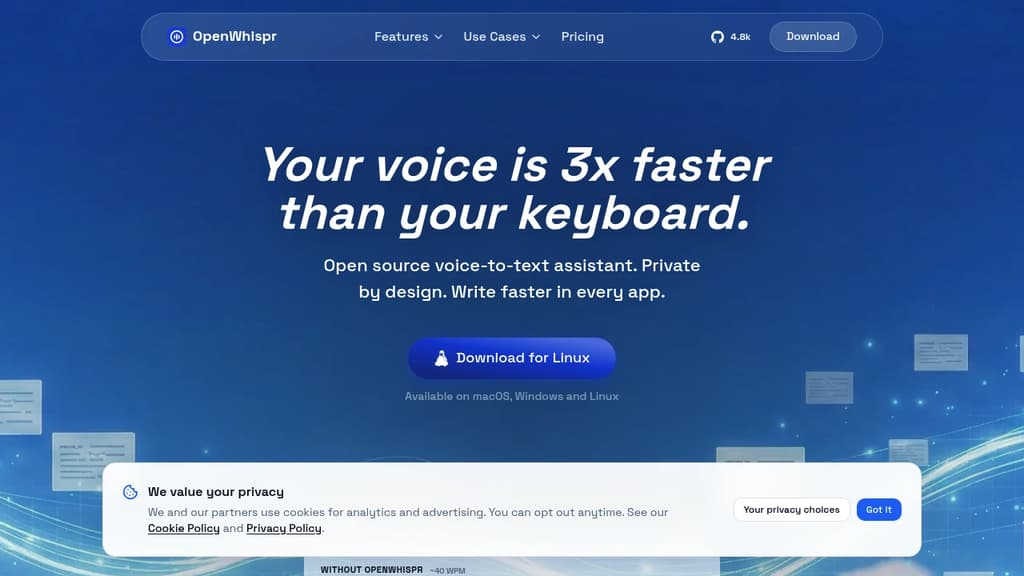
OpenWhispr is a voice dictation tool that transcribes speech directly into any app on your computer. It runs on macOS, Windows, and Linux, and works entirely offline using local AI models. For anyone who types a lot, whether drafting emails, chatting in Slack, or writing code in Cursor, it's a faster alternative to the keyboard.
The core pitch is speed and privacy together. Speaking is roughly three times faster than typing, and OpenWhispr doesn't trade your data for that speed. Audio processed locally never leaves your device. Even when using cloud processing, audio isn't stored or logged after transcription.
Key capabilities:
- Local AI models – choose from several Whisper model sizes (Tiny to Turbo) or NVIDIA Parakeet, trading speed for accuracy. No internet needed.
- AI cleanup – voice commands like "clean this up" or "draft an email to Mike" apply light editing or rewriting to your raw dictation.
- Custom dictionary – add names, jargon, and technical terms (medical, legal, domain-specific) that auto-learn from your corrections.
- 100+ languages – auto-detects language and handles mid-conversation switching.
- Universal text injection – works in any app that accepts text input, including VoiceInk-style targets like Gmail, Claude, Cursor, and iMessage.
- Meeting transcription – records and transcribes meetings with structured notes, decisions, and action items.
- MCP integration – available on Pro plans for connecting dictation into more complex workflows.
You can bring your own OpenAI API keys for unlimited cloud transcription at no extra cost beyond what OpenAI charges. The free tier includes 2,000 words per week and five hours of meeting recordings per month. Paid plans add unlimited transcription, device sync, and an agent mode for chatting over your recorded data.
For teams comparing it to tools like Superwhisper, the main differentiator is the combination of fully local processing, an auditable open-source codebase, and cross-platform support. The code is public on GitHub, so the privacy claims are verifiable rather than just policy language.
Dictate into any app on Mac or Windows using on-device AI models. One-time purchase, 99+ languages, no subscription required.
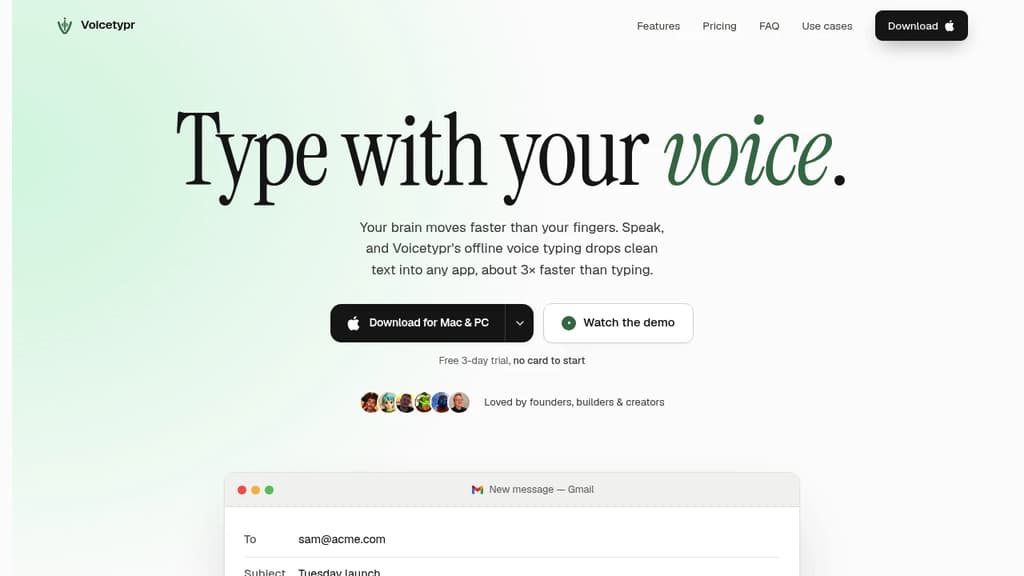
Voicetypr is a voice dictation tool for macOS and Windows that transcribes your speech directly into whatever app your cursor is in. Hold a hotkey, talk, and the text appears. No per-app setup, no copy-pasting.
Transcription runs locally by default using on-device Whisper and Parakeet models. Your audio never leaves your machine unless you choose a cloud engine. That matters for anyone handling sensitive work or who just doesn't want their voice data on someone else's server.
Key capabilities:
- Global hotkey drops text wherever your cursor sits, across Gmail, Slack, Notion, Cursor, Word, and anywhere else you type
- 99+ languages with automatic detection, no manual switching
- Push-to-talk or toggle mode depending on how you prefer to work
- AI text cleanup using your own OpenAI, Anthropic, or Gemini key. It only ever sends the final text, never audio
- Cloud fallback via Groq, Deepgram, or OpenAI for lighter machines that can't run local models comfortably
- Network transcription lets a more powerful desktop handle transcription for a lighter laptop over your own Wi-Fi
- CLI and Agent API for scripting and piping audio through AI workflows
- Audio and video file transcription with searchable local history
- Six formatting modes and per-app rules for consistent output
The pricing model is a deliberate break from tools like Superwhisper or AudioPen that charge monthly. Voicetypr is a one-time purchase covering two devices, with lifetime updates on the version you own.
It's aimed at founders, developers, and writers who type heavily all day. Speaking runs around 130 words per minute versus roughly 40 for typing, so the gap is real for anyone producing large volumes of text. Custom vocabulary support helps with technical terms or names that generic models tend to mangle.

People are looking for alternatives to...
View all alternatives
Spotify

Claude Code

Claude

CapCut

Notion

Lovable
 Sent – Messaging Infrastructure for Developers. One API for SMS, WhatsApp, and RCS across 190+ countries.
 Stellar Hosted