Open Source Dia Browser Alternatives
A curated collection of the 9 best open source alternatives to Dia Browser.
The best open source alternative to Dia Browser is Ladybird. If that doesn't suit you, we've compiled a ranked list of other open source Dia Browser alternatives to help you find a suitable replacement. Other interesting open source alternatives to Dia Browser are: Zen Browser, Helium, Brave, and Waterfox.
Dia Browser alternatives are mainly Web Browsers but may also be Browser Automation for AI Tools. Browse these if you want a narrower list of alternatives or looking for a specific functionality of Dia Browser.

Written by Piotr Kulpinski


Open source web browser with its own engine, built from scratch without Blink, WebKit, or Gecko. Non-profit backed, no search deals, no user monetization.
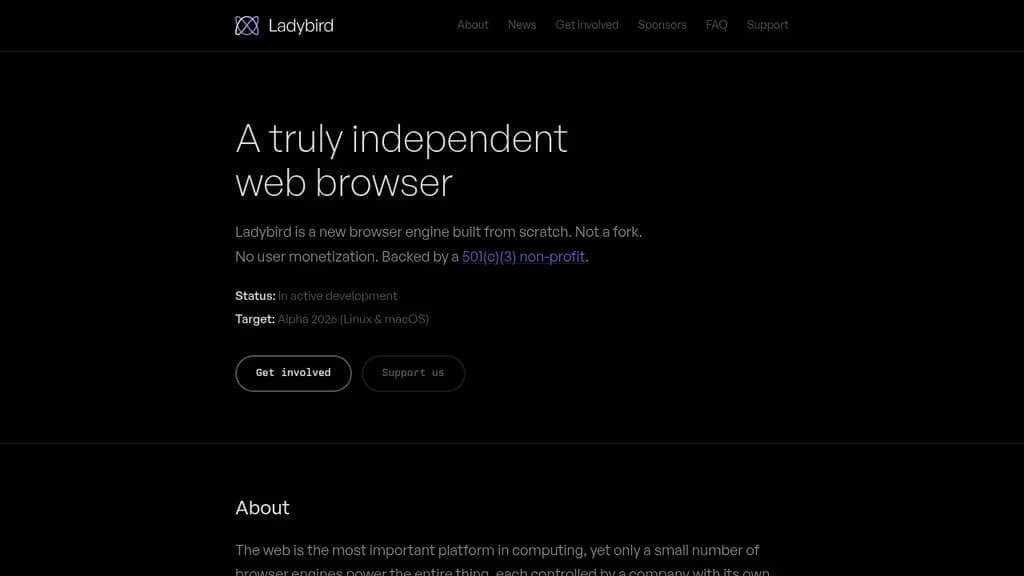
Ladybird is a new web browser built on a completely original engine. It shares no code with Blink, WebKit, Gecko, or any other existing browser engine. The project is backed by a non-profit, funded entirely through donations and sponsorships, with no search deals, no data collection, and no advertising arrangements.
The browser is in active development. A first Alpha release is targeting Linux and macOS in 2026, aimed at developers and early adopters. Windows and mobile support are not current priorities.
Eight full-time engineers are working on the project alongside a community of volunteer contributors. Recent monthly updates have included an inline PDF viewer, browsing history, HTTP caching, media streaming, CSS anchor positioning, off-thread JavaScript compilation, and a new regex engine. The project is also incrementally adopting Rust as a successor to C++, using it to replace subsystems over time.
What sets Ladybird apart is structural. Every major browser engine today is controlled by a company with commercial interests tied to the web. Unlike Brave or other browsers built on existing engines, Ladybird's non-profit model means no entity can purchase board seats or other forms of influence. Sponsorships are unrestricted donations. The project's stated focus is narrow: build a browser, nothing else.
For anyone concerned about the consolidation of browser engines, Ladybird is the only active effort to build a genuinely new one from scratch. It's open source, and contributions are welcome across all areas of the engine.

A Firefox-based browser offering enhanced privacy, split views, and extensive customization options for a personalized browsing experience.
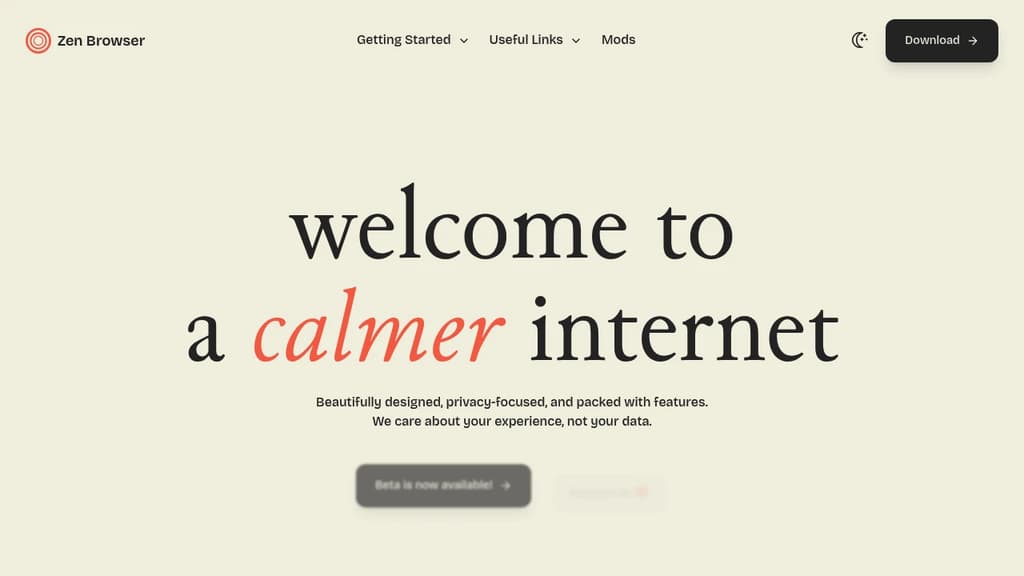
Zen Browser is a privacy-centric, highly customizable web browser built on Firefox's foundation. It offers a unique blend of security, functionality, and personalization:
Enhanced Privacy: Based on Firefox, Zen Browser prioritizes user privacy with advanced tracking protection and minimal data collection. Users can browse with confidence, knowing their online activity is secure.
Powerful Customization: With Zen Mods, users can tailor their browsing experience to reflect their unique style and preferences. Choose from a wide array of themes, colors, and layouts to make Zen truly your own.
Innovative Features:
- Split Views: Multitask efficiently by dividing your browser window into multiple panes.
- Vertical Tabs: Improve tab management with a sidebar for better organization.
- Workspaces: Separate your browsing contexts for work, personal use, and more.
- Compact Mode: Maximize screen real estate by hiding the title bar and tabs.
Community-Driven Development: As an open-source project, Zen Browser thrives on community contributions, ensuring continuous improvement and innovation.
Always Up-to-Date: Built on Firefox, Zen Browser stays current with the latest features, security patches, and performance improvements.
Whether you're a privacy enthusiast, a power user seeking extensive customization, or someone looking for a fresh browsing experience, Zen Browser offers a thoughtfully designed platform that adapts to your needs while keeping your online activities private and secure.

Chromium-based desktop browser with default ad and tracker blocking, no analytics, native !bangs, split view, and full MV2 extension support.
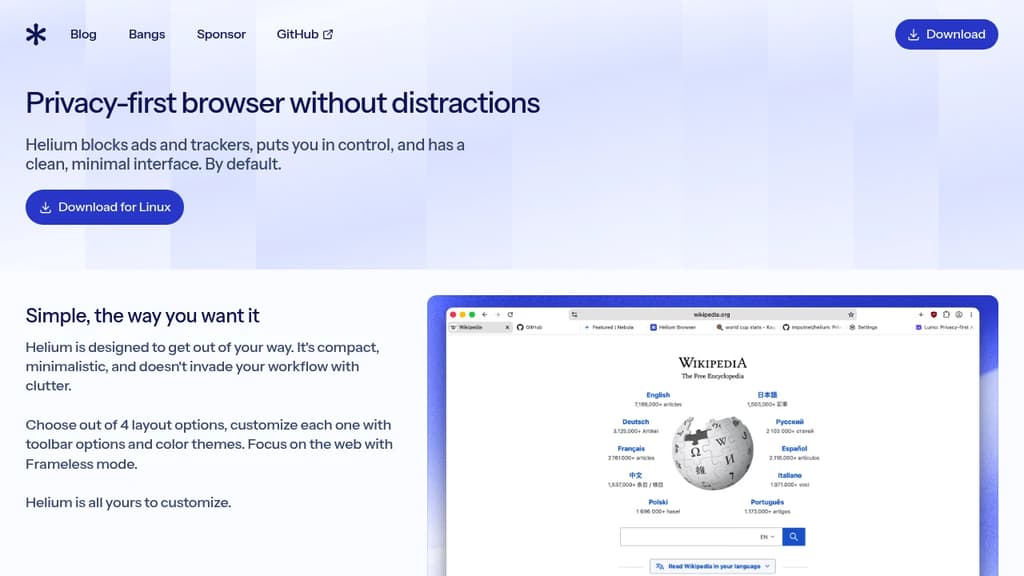
Helium is a desktop web browser built around one premise: your browsing should be private by default, not by configuration. It's aimed at people tired of browsers that ship with adware, nag screens, and hidden telemetry, as well as developers who want a clean Chromium base that doesn't interfere with web standards.
Privacy isn't a toggle buried in settings. Helium blocks ads, trackers, phishing sites, and third-party cookies out of the box using community filters and uBlock Origin. Fingerprinting protection is on by default. The browser itself contains no analytics and makes zero network requests on first launch without your explicit consent. There are no exceptions carved out for paying advertisers, which sets it apart from browsers like Brave that have faced criticism for whitelisting certain ad networks.
Key capabilities include:
- !bangs built directly into the browser, working offline with over 10,000 shortcuts to jump straight to Wikipedia, GitHub, Wolfram Alpha, and more
- Split view for opening two pages side by side without extensions
- Full MV2 extension support, including all Chrome Web Store extensions, with anonymized requests so Google can't track your installs
- No built-in password manager or cloud sync, by design, keeping your credentials and history off third-party servers
- HTTPS enforcement on all sites with visible warnings when a site doesn't support it
The interface is compact and minimal. There's no toolbar clutter, no unprompted update tabs, no popups about features you didn't ask about. It's based on Chromium, so page compatibility is identical to Chrome, and DevTools are intact for developers.
All source code is open, including the online services Helium runs. You can self-host those services and point your browser at your own instance. Compared to privacy-focused alternatives like Zen Browser or Midori, Helium leans hard into being a drop-in Chrome replacement rather than a Firefox fork, which matters if your workflow depends on Chromium-specific behavior or extensions.

A secure web browser that blocks ads and trackers, protects privacy, and loads pages faster while saving data and battery life.
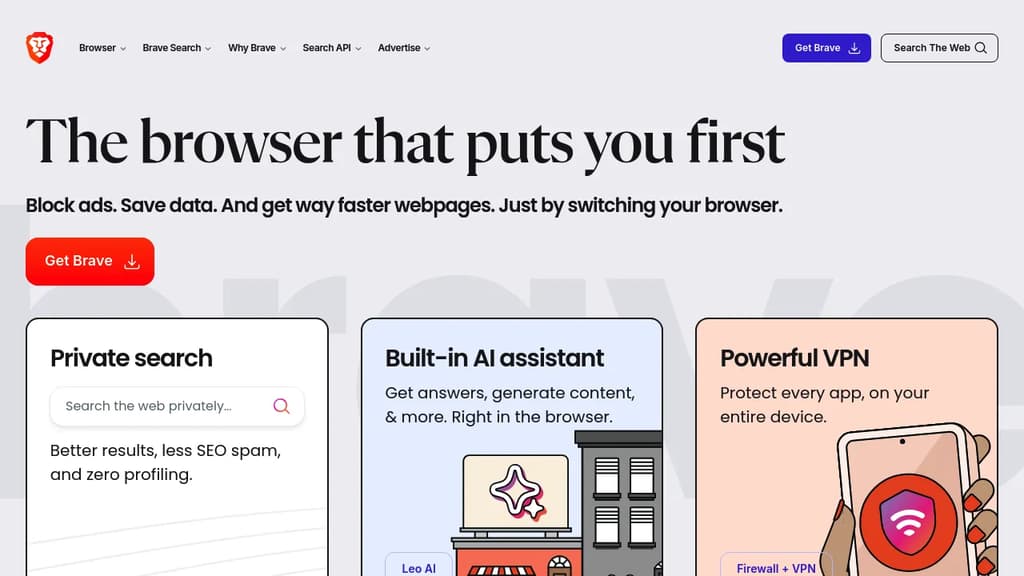
Brave is a revolutionary web browser designed to provide a faster, more private, and secure browsing experience. Built on the open-source Chromium project, Brave offers several key benefits:
Enhanced Privacy Protection: Brave blocks third-party ads, trackers, and fingerprinting by default. It also upgrades connections to HTTPS whenever possible, ensuring your browsing data remains secure.
Faster Browsing: By eliminating resource-heavy ads and trackers, Brave loads web pages 3-6 times faster than other browsers. This not only saves time but also reduces data usage and extends battery life on mobile devices.
Built-in Ad Blocker: Brave's powerful ad-blocking capabilities mean you can browse without intrusive advertisements, creating a cleaner and more enjoyable web experience.
Customizable Security: With customizable shields, users can fine-tune their privacy and security settings for each website they visit.
Brave Rewards: An optional feature that allows users to earn Basic Attention Tokens (BAT) for viewing privacy-respecting ads, which can be used to support content creators.
Sync Across Devices: Brave offers seamless syncing of bookmarks, settings, and browsing history across multiple devices.
Compatible with Chrome Extensions: Users can enhance their browsing experience with most Chrome extensions, making the transition to Brave smooth and familiar.
With its focus on user privacy, speed, and security, Brave is an excellent choice for those looking to take control of their online experience and protect their digital footprint.

Firefox-based browser with built-in ad blocking, oblivious DNS, zero telemetry, tree-style tabs, and no AI features sending your data anywhere.
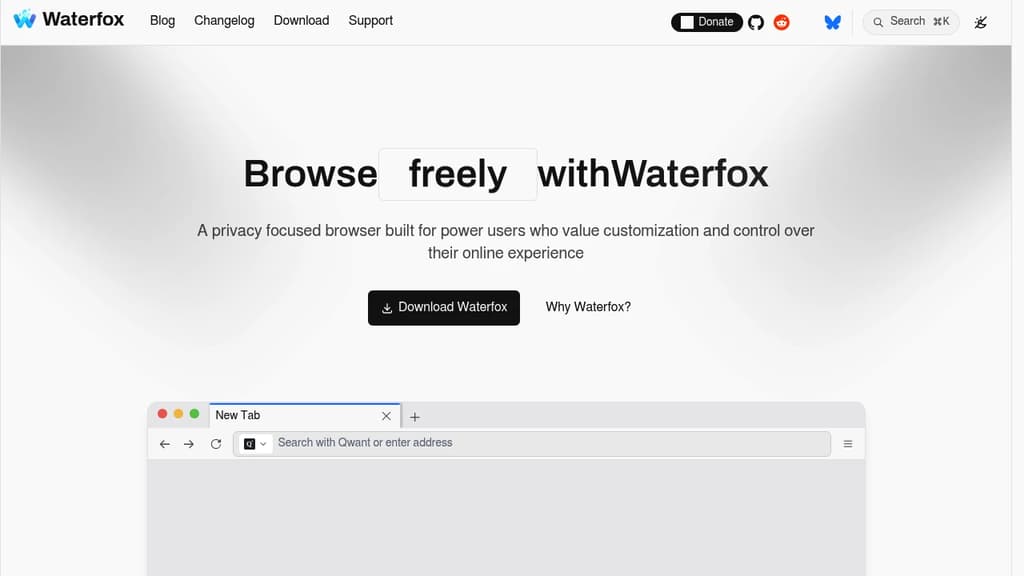
Waterfox is a privacy-focused browser aimed at power users who want deep control without assembling a stack of extensions. It's built on Firefox's engine but strips out telemetry, remote experiments, and anything that phones home, then adds features that most browsers reserve for add-ons.
The ad blocker is native, not bolted on. It uses a Rust-based engine with full uBlock Origin filter list support, including scriptlets and custom styles. No extension required, no compatibility drift after updates.
What ships out of the box:
- Oblivious DNS hides both what you're asking and who is asking, combining encrypted DNS with the anonymity layer that standard DoH doesn't provide.
- Zero telemetry means no analytics, no A/B experiments, no personalization pings. The code you install is the code that runs.
- Tree-style vertical tabs build parent-child hierarchies automatically as you open links, with keyboard shortcuts to promote, demote, collapse, or close entire branches. No add-on required.
- Private containers let you isolate a single tab's session without switching your whole window to incognito mode.
- On-device translation is the only machine learning present. No LLM sidebars, no summarizers, nothing sending page content to a remote model.
Where Brave leans into its own ecosystem and Firefox still ships telemetry by default, Waterfox's position is simpler: collect nothing, ship useful features natively, and leave the chatbots out entirely. The tree tab implementation is particularly well-considered for researchers and heavy multitaskers. Sessions with dozens of tabs stay navigable because the hierarchy is automatic, not something you have to maintain manually.
It's available on desktop and Android, with full extension support on both platforms.

A Firefox-based browser that strips telemetry, blocks trackers, disables DRM, and ships with a content blocker out of the box.
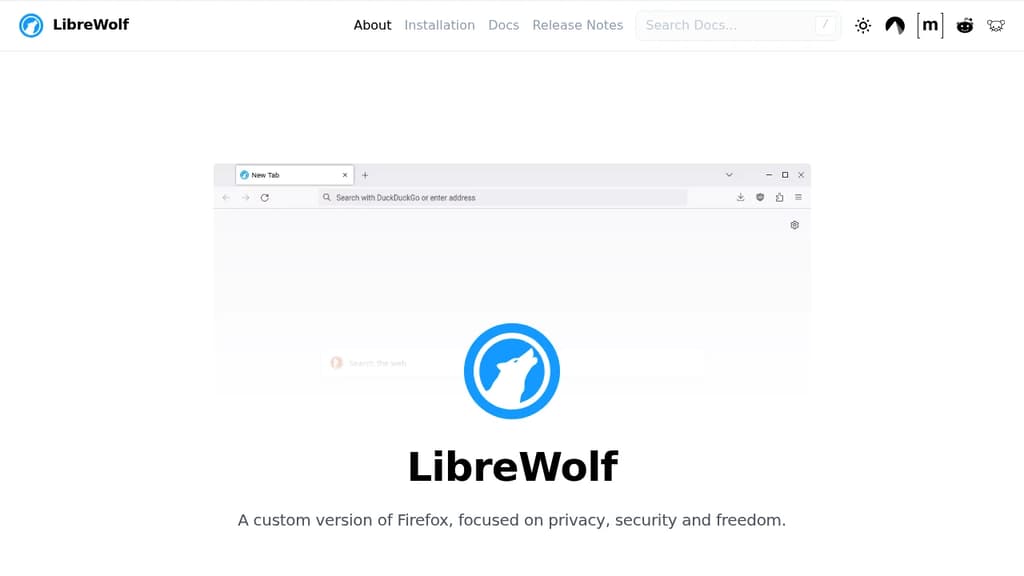
LibreWolf is an independent fork of Firefox built for people who want a browser that doesn't phone home. It strips out Mozilla's telemetry, experiments, and data collection entirely, then layers on privacy and security-focused settings and patches that Firefox doesn't ship by default.
The core idea is simple: take Firefox's engine and ecosystem, remove everything that works against the user, and harden what's left. That means no adware, no sponsored content, no DRM, and no background experiments running without your knowledge.
Key capabilities include:
- Built-in content blocking via uBlock Origin, included by default so you're protected from the first launch
- Fingerprinting resistance through hardened settings designed to make your browser harder to identify across sites
- Privacy-conscious search with providers selected for their data practices, not their ad revenue
- DRM disabled out of the box, respecting user freedom over content restrictions
- Telemetry-free with all Mozilla data collection and crash reporting removed
- Stays current by building from the latest stable Firefox source, so you get security patches without delay
LibreWolf is community-driven and independent. It's not affiliated with Mozilla, and its development happens openly. If you want something closer to stock Firefox with a privacy twist, Waterfox or Zen Browser are worth comparing. LibreWolf takes a more aggressive stance, prioritizing hardening over compatibility.
Because it's built on Firefox's engine, most extensions work as expected, and the interface will feel familiar to anyone already using Firefox.

A modern browser combining minimalist design with smart features like profiles, spaces, and command palette. Full Chrome extension support and privacy-focused browsing.
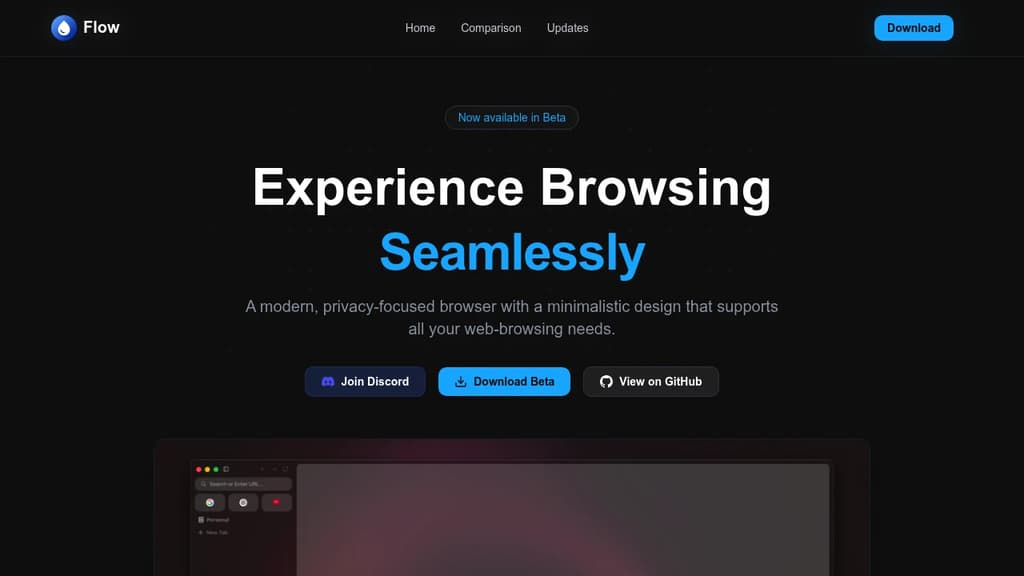
Flow Browser delivers a fresh take on web browsing with its clean, minimalist interface and powerful organization tools. The browser stands out with innovative features like multiple spaces for tab organization, a versatile command palette for quick actions, and full Chrome extension compatibility.
Privacy and security are core priorities, with built-in protections and careful handling of external applications. The browser offers smart workspace management through multiple profiles and spaces, letting users separate different aspects of their digital life. The intuitive sidebar provides quick access to essential tools, while the simple onboarding process gets users started quickly.
Notable features include:
- Smart profile management for different browsing contexts
- Spaces feature for organized tab grouping
- Command palette for efficient navigation
- Offline games for entertainment during downtime
- Full Chrome extension support
- Privacy-focused design with security prompts
The development roadmap promises exciting additions like native ad blocking, tab management improvements, and Widevine support for streaming services. Flow Browser combines modern functionality with thoughtful design to create a seamless browsing experience that adapts to your workflow.

Privacy-focused AI browser with intelligent agents for research, analysis, and workflow automation. Features unified memory, compliance guardrails, and seamless integrations.
Browser Operator is an open-source, privacy-friendly AI browser that revolutionizes how professionals work on the web. Unlike traditional browsers, it integrates intelligent AI agents directly into your browsing experience, creating a powerful command center for research, analysis, and automation.
The platform features three core AI agents: Search Agent for finding citable sources across the web, Deep Wide Research for synthesizing content and providing insights, and Workflow Agent for automating repetitive tasks. These agents work seamlessly with your existing tools through MCP integrations, connecting Jira, Confluence, GitHub, Slack, G-Suite, and more.
Key capabilities include:
- Unified Memory System with context graphs that remember what matters across all enterprise tools
- Compliance Guardrails Engine with policy DSL, explain-before-act UX, and line-level audit logs
- Trusted Agent Runtime featuring deterministic scheduling, resource quotas, and multi-agent workflows
- Universal LLM Support for both local and cloud-based models
- Browser-native Integration where AI agents see and interact with your actual workspace
The platform addresses real professional needs: recruiters can source specialized talent across multiple platforms, VC analysts can build targeted startup lists, compliance officers can track regulatory changes, and operations managers can automate inventory notifications. With transparent guardrails and complete audit trails, Browser Operator turns regulatory compliance into a competitive advantage while maintaining the highest privacy standards.

Midori Browser is a lightweight, fast, and secure browser that protects users' privacy, available for Windows, Linux, and Android.
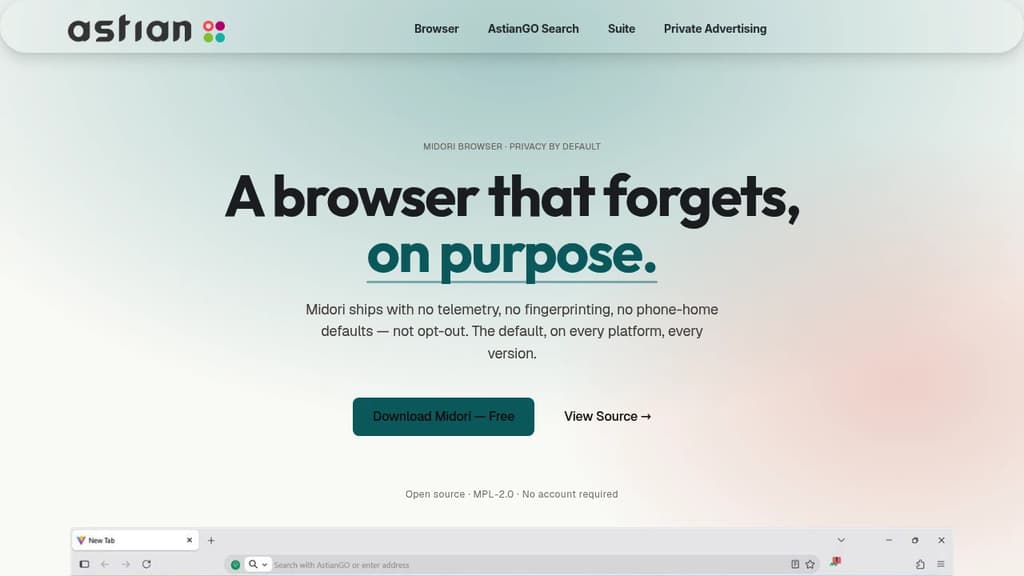
Midori Browser is a powerful, lightweight web browser designed with privacy and security at its core. It offers a fast and efficient browsing experience while prioritizing user data protection.
Key features:
- Privacy-focused: Enhances user privacy with DNS navigation, default HTTPS browsing, and tracker blocking.
- No telemetry: Unlike many browsers, Midori doesn't collect any user data or include unnecessary add-ons.
- Cross-platform: Available for Windows, Linux, and Android, with iOS and macOS versions coming soon.
- Workspaces: Efficiently organize tabs and windows with customizable labels and categories.
- Customizable design: Choose from default, light, and dark modes, with additional customization options.
- Open-source: Transparent and community-driven development under MPL, GPL, and AGPL licenses.
- VPN integration: Upcoming Midori VPN will offer both free and subscription plans for enhanced security.
Midori Browser combines speed, security, and user-friendly features to provide a modern browsing experience that respects your privacy. Whether you're a casual user or a privacy-conscious professional, Midori offers the tools you need for safe and efficient web navigation.

People are looking for alternatives to...
View all alternatives
Spotify

Claude Code

CapCut

Claude

Notion

Lovable
 Sent – A unified API for sending messages across SMS, RCS, and apps like WhatsApp.

 Stellar Hosted