Open Source CryptPad Alternatives
A curated collection of the 3 best open source alternatives to CryptPad.
The best open source alternative to CryptPad is ONLYOFFICE Docs. If that doesn't suit you, we've compiled a ranked list of other open source CryptPad alternatives to help you find a suitable replacement. Other interesting open source alternatives to CryptPad are: LibreOffice and Collabora Online.
CryptPad alternatives are mainly Document Editors. Browse these if you want a narrower list of alternatives or looking for a specific functionality of CryptPad.

Written by Piotr Kulpinski


Open-source online editor for documents, spreadsheets, presentations, and PDFs. Features real-time collaboration, AI integration, and accessibility tools.
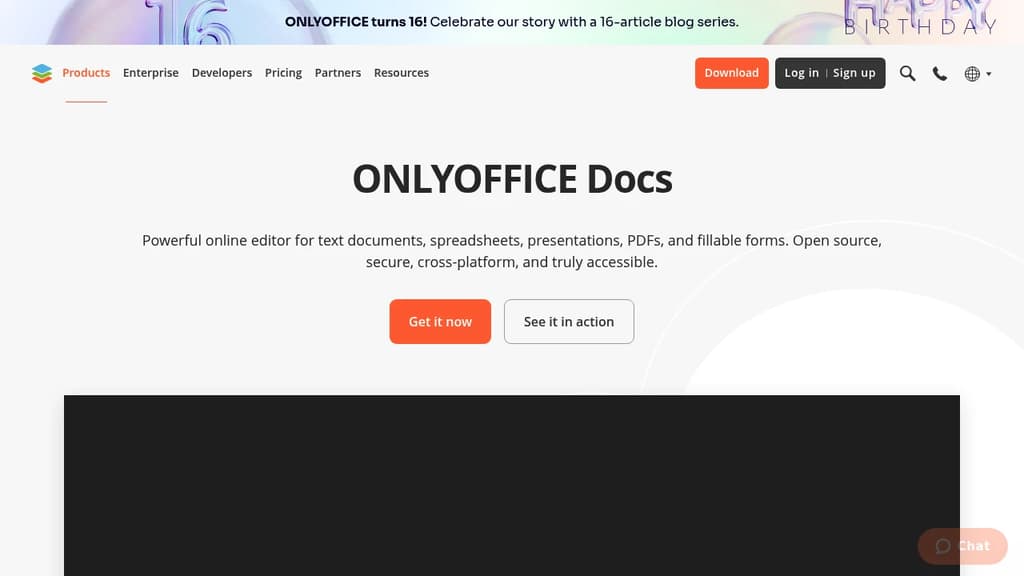
ONLYOFFICE Docs is a comprehensive online office suite that handles all your document editing needs in one powerful platform. Create and edit text documents, spreadsheets, presentations, PDFs, and fillable forms with professional-grade tools and features.
Key Features:
- Universal compatibility - Work with multiple document formats without switching tools
- Real-time collaboration - Share, co-edit, comment, and track changes with team members
- AI-powered assistance - Generate text and images, check grammar, translate languages, and get instant answers
- Accessibility focused - Designed for users with special needs, scalable up to 500% zoom
- Cross-platform support - Available on web, desktop (Windows, Linux, macOS), and mobile (iOS, Android)
Security & Privacy:
- Open source with code available on GitHub
- Three-layer encryption (at rest, in transit, end-to-end)
- Compliance with international security standards
- Support for local AI models
Flexible Deployment Options:
- Use within ONLYOFFICE DocSpace for team collaboration
- Integrate into existing platforms (Box, Moodle, Nextcloud, WordPress)
- Self-host or use cloud solutions
- Work offline with desktop applications
The platform includes ready-made templates to get started quickly and offers dark theme support for comfortable work in any environment. Whether you're working solo or with a team, ONLYOFFICE Docs provides the tools you need for professional document creation and collaboration.
Complete free office suite compatible with Microsoft formats (.doc, .docx, .xls, .xlsx, .ppt, .pptx). Open source alternative with regular updates.
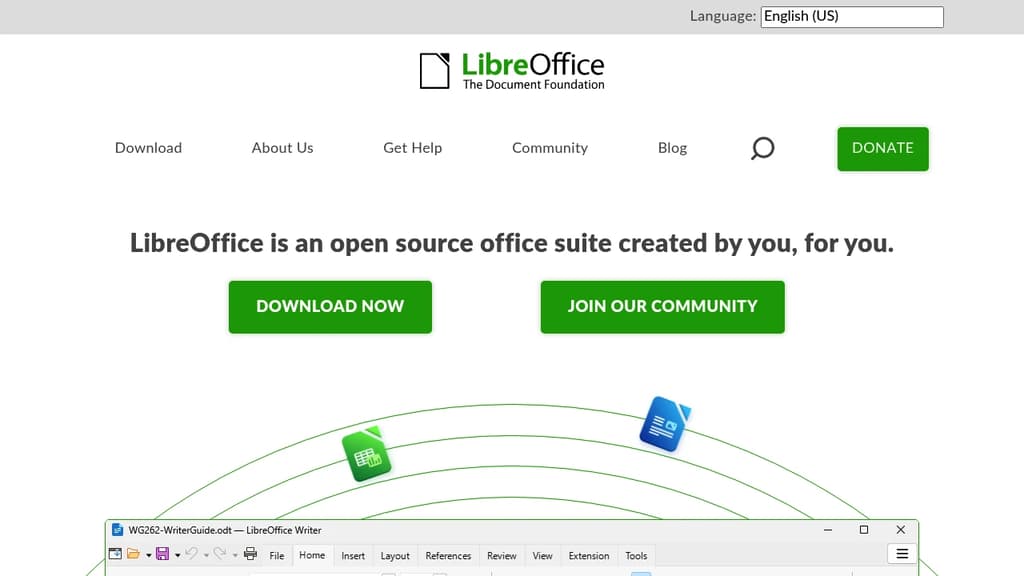
A complete office suite that provides all the essential tools for document creation, spreadsheet management, and presentation design. Built as the successor to OpenOffice, this solution offers full compatibility with Microsoft Office formats including .doc, .docx, .xls, .xlsx, .ppt, and .pptx files.
Key advantages:
- 100% free and open source - no licensing fees or subscriptions required
- Cross-platform support - works on Windows, macOS, and Linux
- Regular updates with new features and improvements
- Community-driven development backed by The Document Foundation
- Privacy-focused - no data collection or cloud dependency required
The suite includes multiple applications for different document types:
- Writer for text documents and reports
- Calc for spreadsheets and data analysis
- Impress for presentations and slideshows
- Draw for graphics and diagrams
- Base for database management
- Math for mathematical formulas
Perfect for businesses, students, and individuals seeking a reliable Microsoft Office alternative without the cost. The active community ensures continuous development and support, making it a sustainable long-term solution for all office productivity needs.

Powerful online document editor with Microsoft Office compatibility. Integrate into your infrastructure or use trusted hosting partners for secure team collaboration.
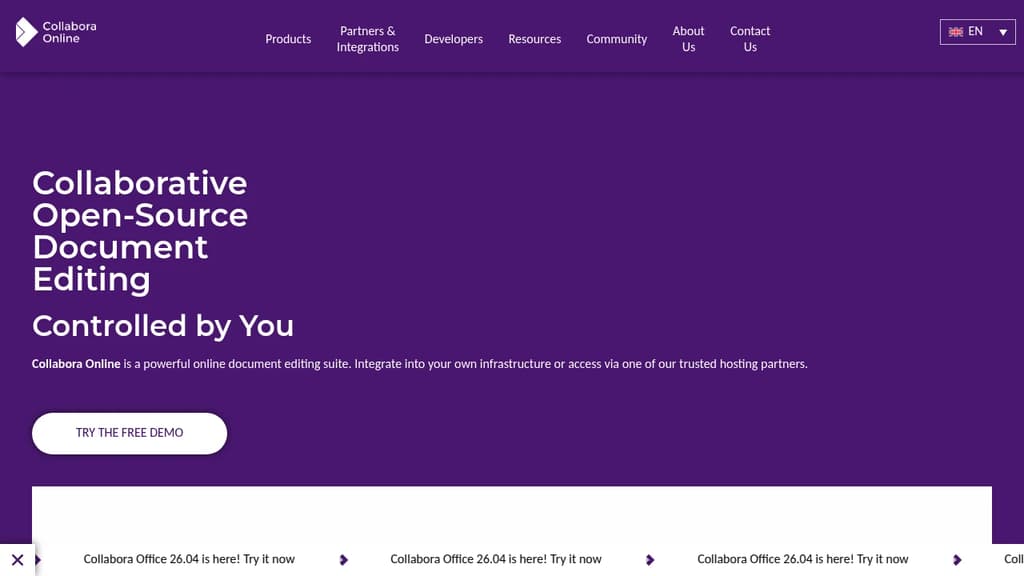
Collabora Online is a comprehensive open-source document editing suite that enables secure collaborative editing of text documents, spreadsheets, presentations, and drawings. Built for organizations that prioritize data control and privacy, it offers seamless integration with existing infrastructure while maintaining full compatibility with Microsoft Office formats.
Key features include:
- Secure team collaboration - Edit documents simultaneously with real-time collaboration features
- Universal compatibility - Works with trillions of existing documents including Microsoft Office, OpenDocument, and other formats
- Flexible deployment - Self-host on your infrastructure or use trusted hosting partners
- Cross-platform access - Available online, desktop, and mobile for productivity anywhere
- Easy integration - Simple APIs for embedding into existing applications and workflows
- GDPR compliant - Enterprise-grade security and privacy controls
Perfect for diverse use cases:
- Enterprise file sync and share platforms
- Learning management systems for educational collaboration
- Business productivity and project management tools
- SaaS applications requiring document handling capabilities
With over 230+ global partners and millions of users, Collabora Online provides a reliable alternative to proprietary office suites while giving organizations complete control over their document editing environment.

People are looking for alternatives to...
View all alternatives
Spotify

Claude Code

CapCut

Claude

Notion

Lovable
 Docmost – Open-source wiki software with real-time collaboration, diagrams, AI, SSO, RBAC permissions and more.
 Sent
Sent