Open Source Colanode Alternatives
A curated collection of the 4 best open source alternatives to Colanode.
The best open source alternative to Colanode is Rocket.Chat. If that doesn't suit you, we've compiled a ranked list of other open source Colanode alternatives to help you find a suitable replacement. Other interesting open source alternatives to Colanode are: Mattermost, Huly, and Docs.
Colanode alternatives are mainly Collaborative Workspaces but may also be Team Chat & Messaging Tools or Video Conferencing & Virtual Office Tools. Browse these if you want a narrower list of alternatives or looking for a specific functionality of Colanode.

Written by Piotr Kulpinski


Open source communication platform combining messaging, voice, video, and AI for organizations that need full data control, air-gapped deployments, and zero-trust security.
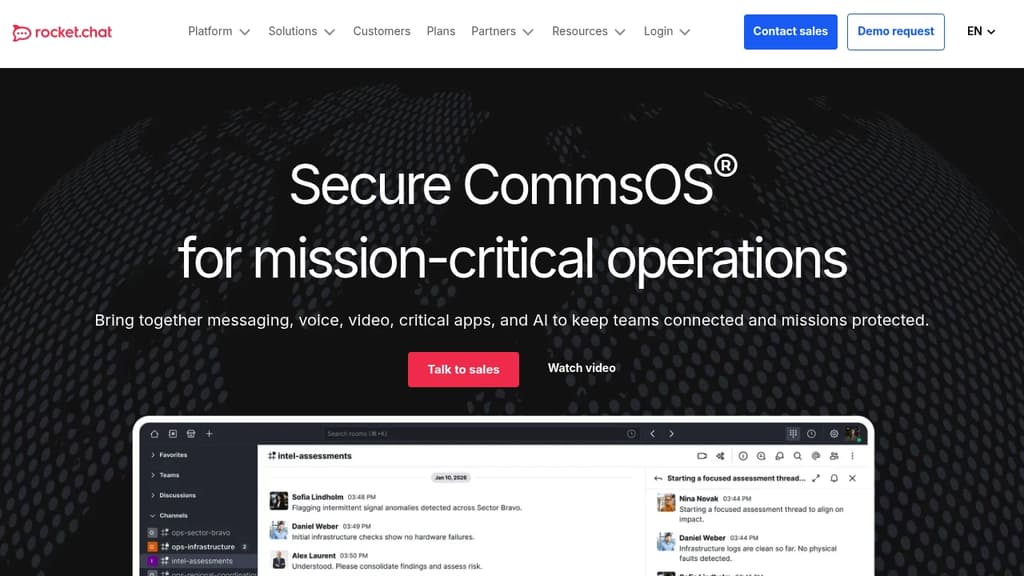
Rocket.Chat is an open source communication platform built for organizations that can't hand their data to a third-party cloud. It brings together real-time messaging, voice and video calls, screen sharing, and AI-assisted workflows into a single environment you host and control entirely.
Security is central to the design. It supports on-premises, air-gapped, and secure cloud deployments, and has been used on classified U.S. government networks including NIPRNet, SIPRNet, and JWICS. It holds DoD Authorization to Operate (ATO) up to Impact Level 6. It's also ISO 27001 certified and SOC 2 Type II compliant, and ships through the DoD's Iron Bank hardened container registry and the AWS Intelligence Community Marketplace. Few commercial team chat tools come close to that clearance level.
Beyond defense and intelligence, it fits any organization where data sovereignty matters: government agencies, critical infrastructure operators, financial institutions, and enterprises subject to strict regulatory requirements. The Swedish Electrical Safety Board and EU agency eu-LISA both use it for secure internal and cross-organizational collaboration.
Core capabilities include end-to-end encrypted conversations (enabled per room), granular access controls, fine-grained data retention policies, and comprehensive audit logs. Federated communication lets teams coordinate across organizational or jurisdictional boundaries without routing data through external services.
The architecture is extensible, MIT-licensed, and backed by more than 1,000 contributors. Teams can install pre-built apps or build custom integrations to fit specific workflows, without being locked into a vendor's roadmap. If you want something lighter, Mattermost is a comparable self-hosted option worth considering. The built-in AI features handle routine tasks and surface relevant information during active conversations — for teams that want a standalone AI layer instead, LLMChat takes a different approach.

Mattermost provides a flexible, open-source platform for secure team collaboration, designed for organizations with strict security and privacy requirements.

Mattermost is an open-source collaboration platform built for organizations that require high levels of privacy, security and control over their communications. Some key features and benefits include:
- Flexible deployment options: Can be self-hosted on-premises, in private clouds, or air-gapped environments
- Advanced security and compliance: Built-in access controls, audit logging, and data retention policies
- Customizable and extensible: Open APIs and integrations to connect with existing tools and workflows
- Channels for team communication: Secure messaging, file sharing, voice/video calls
- Playbooks for process management: Checklist-based workflows to standardize repeatable processes
- AI-powered features: Ability to integrate AI capabilities while maintaining full data control
- Mobile and desktop apps: Access from any device with native mobile apps
Mattermost is designed for industries like defense, government, financial services, and critical infrastructure that have stringent requirements around data sovereignty and security. It provides a self-hosted alternative to cloud-based tools, giving organizations complete control over their collaboration environment.
The platform aims to improve team productivity and accelerate mission-critical work by providing a centralized hub for communication, process management, and integrations. With its focus on security and flexibility, Mattermost enables organizations to collaborate effectively even in highly regulated or air-gapped environments.

Combines project management, team chat, virtual office, and collaborative docs into a single platform. A self-hostable alternative to Linear, Jira, Slack, and Notion.

Huly brings together the tools that most teams spread across four or five separate apps. Project management, real-time chat, collaborative documents, and a virtual office all live in one workspace. It's built for product and engineering teams who are tired of context-switching between a task tracker, a Slack alternative, and a Notion alternative.
The project management side covers what you'd expect from a modern tracker:
- Team Planner consolidates individual tasks into a shared calendar so you can see workload across the whole team at a glance.
- Time-blocking lets you turn tasks into structured time slots in your personal planner.
- GitHub sync works both ways. Huly connects to GitHub Issues and GitHub Projects, syncing changes instantly, supporting multiple repositories, and migrating milestones between them.
- Advanced filtering makes it practical to search and slice project data across large backlogs.
The virtual office is a built-in audio and video conferencing environment. Teams can create custom rooms for departments or recurring meetings, and invite guests without sending them to a separate tool. No third-party conferencing app required.
Documents in Huly support rich text, images, attachments, and code blocks. Live real-time collaboration means multiple people can edit simultaneously. You can tag teammates, link directly to issues, and assign action items from within a document, which keeps planning and execution connected. Version history tracks every edit.
The collaborative workspace also includes a unified inbox and instant notifications, so updates from tasks, documents, and chats surface in one place rather than scattered across tools.
Huly is self-hostable, which matters for teams with data residency requirements or those who simply want control over their infrastructure.

Transform document collaboration with real-time editing, version control, and secure sharing features that enhance team productivity and communication.
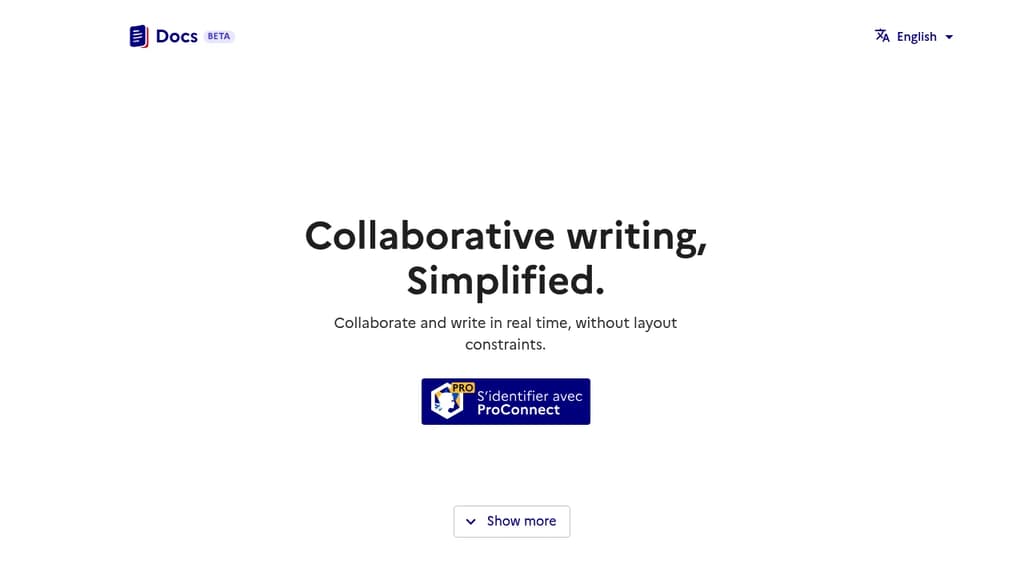
A powerful document collaboration platform that brings teams together for seamless content creation and editing. Real-time collaboration allows multiple users to work simultaneously on documents, with changes reflected instantly across all users.
The platform offers robust version control to track changes and maintain document history, making it easy to review edits and revert to previous versions when needed. Smart commenting and annotation features enable contextual discussions right within documents.
Key features include:
- Intuitive rich text editing with formatting tools
- Secure document sharing with customizable permissions
- Automatic saving and backup
- Cross-platform compatibility for access anywhere
- Integration with popular productivity tools
- Offline mode for uninterrupted work
Whether you're writing business proposals, technical documentation, or creative content, Docs provides the tools needed for efficient document management and team collaboration.

People are looking for alternatives to...
View all alternatives
Spotify

Claude Code

CapCut

Claude

Notion

Lovable
 Sent – Messaging Infrastructure for Developers. One API for SMS, WhatsApp, and RCS across 190+ countries.
 Stellar Hosted