Open Source CCleaner Alternatives
A curated collection of the 3 best open source alternatives to CCleaner.
The best open source alternative to CCleaner is Mole. If that doesn't suit you, we've compiled a ranked list of other open source CCleaner alternatives to help you find a suitable replacement. Other interesting open source alternatives to CCleaner are: Pearcleaner and BleachBit.
CCleaner alternatives are mainly System Cleanup & Optimization. Browse these if you want a narrower list of alternatives or looking for a specific functionality of CCleaner.

Written by Piotr Kulpinski


Native macOS app that cleans caches, uninstalls apps with leftovers, maps disk usage, and shows live system metrics. One-time purchase, lifetime updates.
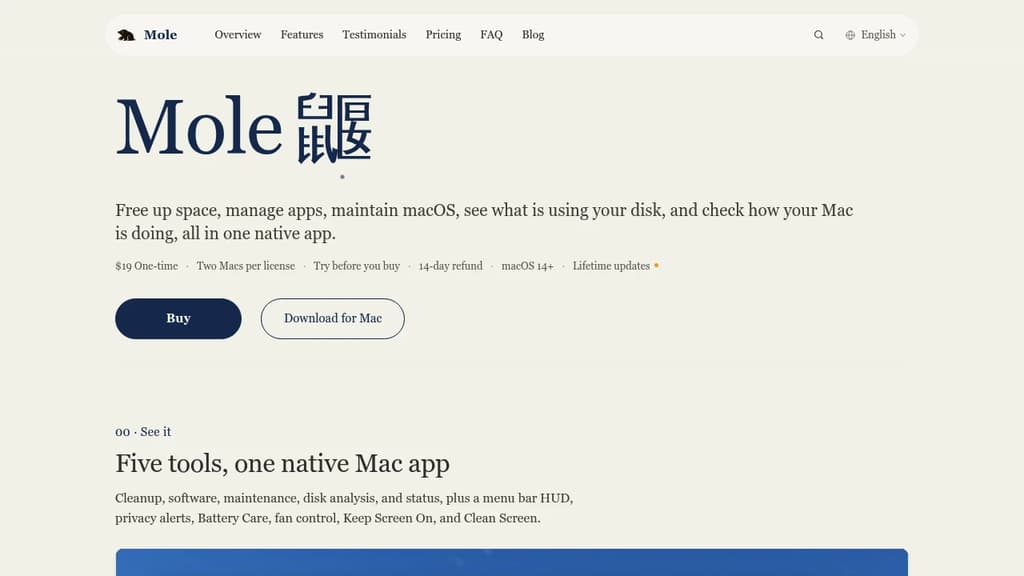
Mole is a native Mac app that replaces a stack of separate utilities. It handles cache cleanup, app uninstallation, disk analysis, system optimization, and live status monitoring, all without a subscription. One $19 purchase covers two Macs and includes free updates for life.
The app is organized around five distinct tools, each focused on a single job:
- Clean scans ten categories of caches, covering developer tools, AI apps, design software, cloud drives, and browser leftovers. Every file is listed before anything is removed, and you can send items to Trash instead of deleting them outright. Nothing leaves your Mac.
- Software checks for updates across Sparkle, the App Store, Homebrew, and other sources. When you uninstall an app, it surfaces related leftovers and login items on the same screen so you can review what gets removed.
- Optimize runs maintenance tasks on Quick Look, metadata, and common macOS services. Admin tasks share a single authorization prompt instead of asking repeatedly.
- Analyze shows a whole-disk treemap so the largest files and folders are immediately visible. You can drill into folders, open items in Finder, or move them to Trash directly, with a confirmation step before anything moves.
- Status displays live CPU, memory, GPU, disk, network, temperature, fan, and battery metrics. It covers your Mac, a paired iPhone or iPad, and Bluetooth accessories. A customizable menu bar HUD keeps chosen metrics visible at a glance.
Mole also includes fan control, a Keep Screen On toggle, Battery Care, and privacy alerts. It's a practical alternative to running CleanMyMac, DaisyDisk, and iStat Menus separately. A free, open-source CLI exists for terminal workflows. The Mac app requires macOS 14 or later and Full Disk Access to reach protected Library folders, though it still functions with reduced scope without those permissions.

Mac app uninstaller that finds and removes associated files, orphaned leftovers, and development artifacts across macOS 13 and later.
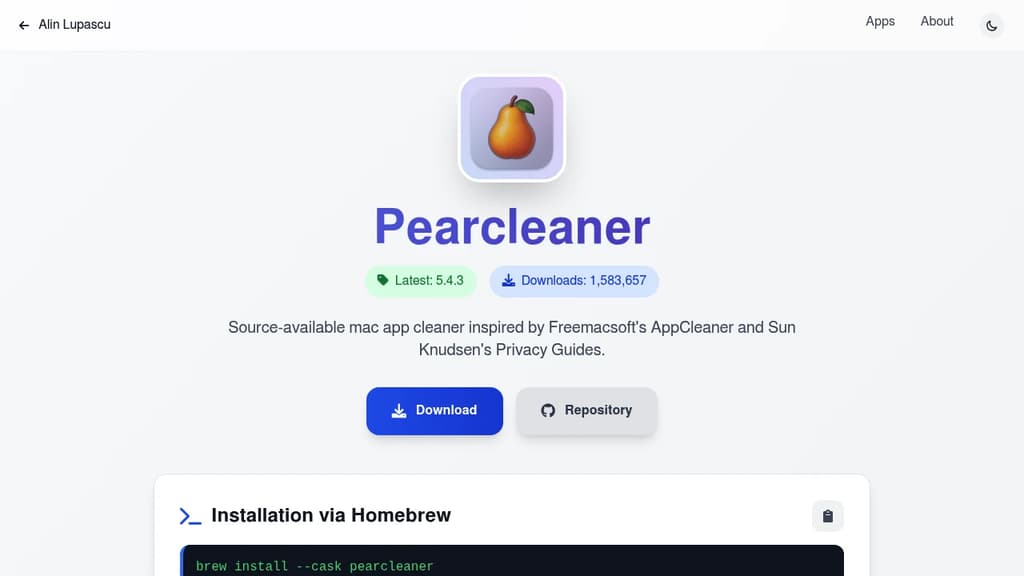
Pearcleaner is a Mac desktop app that handles what the default drag-to-Trash uninstall misses. When you delete an app on macOS, support files, caches, preferences, and other associated data often stay behind scattered across your system. Pearcleaner finds and removes all of it.
It supports drag-and-drop uninstalling, a Finder extension for right-click removal, CLI support, and deep link automation. You can view installed apps in list or grid mode, with badges identifying web and iOS apps.
Key capabilities:
- Orphaned file search scans for leftover files from apps already removed
- Sentinel Monitor watches the Trash and automatically cleans up associated files when an app is moved there, using roughly 2MB of RAM
- Homebrew Manager lets you manage cask and formula installs directly
- App Lipo strips unneeded CPU architectures from universal binaries without needing Xcode tools installed
- PKG Manager handles package-based installs
- Development Environment Manager targets dev tool leftovers specifically
- Language pruning removes unused app translations, keeping only your preferred languages
- File Search and export tools let you inspect or back up app bundles and file lists
- Apps Updater checks for and applies updates across your installed apps
- Basic Steam game support is included
Customization covers theme colors, adjustable search sensitivity, and include/exclude rules for which directories get scanned. Full Disk Access permission is required to search system locations, and a privileged helper handles actions on protected folders.
Pearcleaner runs on macOS Ventura (13.x) through Sequoia (15.x) and is licensed under Apache 2.0 with a fair-code restriction that prohibits monetization of the app or any modified version.

BleachBit frees disk space & protects privacy by deleting cache, cookies, history & temp files from Firefox, Chrome & more. Open source for Linux/Windows.
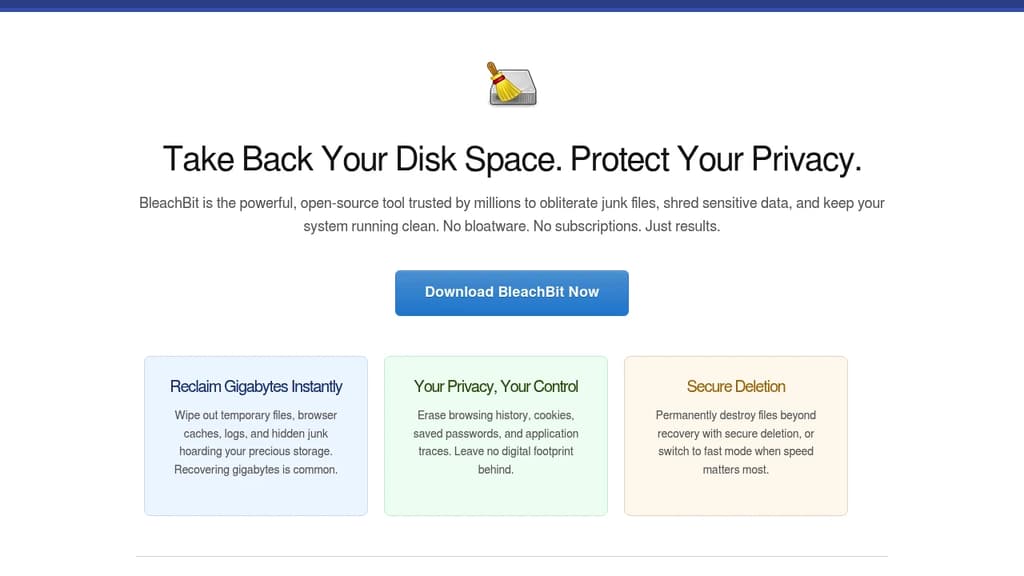
BleachBit is a powerful system cleaner designed for both Linux and Windows platforms. It helps you free up disk space quickly and efficiently while ensuring your privacy is safeguarded. With BleachBit, you can clear cache, delete cookies, erase Internet history, shred temporary files, delete logs, and eliminate other junk files you weren't even aware of.
BleachBit supports thousands of applications, including popular ones like: Firefox, Adobe Flash, Google Chrome, Opera and more. Beyond simple file deletion, BleachBit offers advanced features to ensure thorough cleaning and data protection.
Key Features:
- Cache Cleaning: Frees up space by removing unnecessary cache files
- Cookie Deletion: Erases cookies to protect your privacy and free up storage
- History Clearing: Deletes your Internet browsing history to maintain privacy
- File Shredding: Permanently deletes files to prevent recovery
- Log Deletion: Removes system and application logs to free up space
- Junk File Removal: Identifies and deletes unneeded files you might not know about
- Application Support: Cleans thousands of applications, including Firefox, Adobe Flash, Google Chrome, and Opera
- Free Space Wiping: Hides traces of files deleted by other applications
- Firefox Vacuuming: Optimizes Firefox to make it run faster
BleachBit is not just free but also open-source, allowing users to contribute and improve it continually. Its comprehensive features make it a valuable tool for anyone looking to maintain a clean and efficient system while protecting their privacy.

People are looking for alternatives to...
View all alternatives
Spotify

Claude Code

CapCut

Claude

Notion

Lovable
 Openlane – Open-source, developer-first platform for automated compliance, risk management, and built-in Trust Center.
 Stellar Hosted