Open Source Budibase Alternatives
A curated collection of the 7 best open source alternatives to Budibase.
The best open source alternative to Budibase is NocoDB. If that doesn't suit you, we've compiled a ranked list of other open source Budibase alternatives to help you find a suitable replacement. Other interesting open source alternatives to Budibase are: ToolJet, AppSmith, NocoBase, and Mathesar.
Budibase alternatives are mainly Low-Code/No-Code Platforms but may also be Database Tools & GUIs or PaaS & Deployment Tools. Browse these if you want a narrower list of alternatives or looking for a specific functionality of Budibase.

Written by Piotr Kulpinski


Convert any database into a no-code platform with spreadsheet interface. Connect PostgreSQL/MySQL or use hosted database. Scale to millions of rows effortlessly.
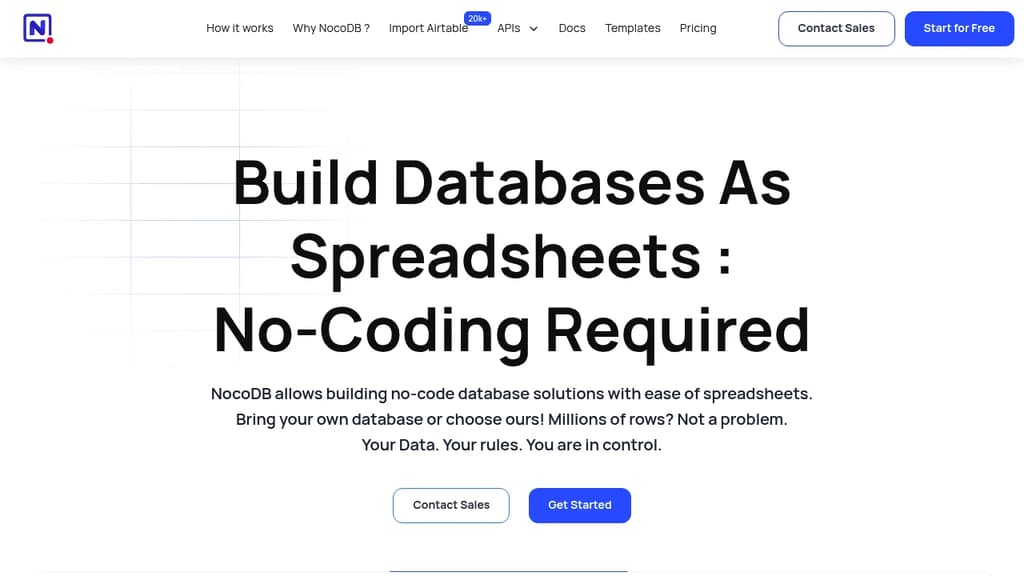
Transform any database into a powerful no-code platform with the simplicity of spreadsheets. Whether you bring your own PostgreSQL/MySQL database or use the hosted solution, NocoDB makes database management accessible to everyone.
Key features include:
- Multiple data views: Grid, Kanban, Gallery, and Form views to visualize data your way
- Massive scalability: Handle millions of rows without performance issues
- Rich integrations: Connect external databases, import from Airtable/CSV/Excel
- Team collaboration: Share projects, invite team members, and work together seamlessly
- API-first approach: Full REST API access with webhooks for custom automations
- Visual schema management: ERD diagrams for easy database structure visualization
Perfect for diverse use cases including CRM, project management, operations, and inventory management. The platform serves organizations of all sizes - from startups to enterprises - with complete data ownership and no artificial limitations.
Built on open-source foundation with a thriving community of 20k+ APIs and trusted by 23,000+ organizations. Access your data through intuitive interfaces while maintaining full control over your information.

Open-source low-code platform for creating custom internal tools, dashboards, and admin panels with a drag-and-drop interface
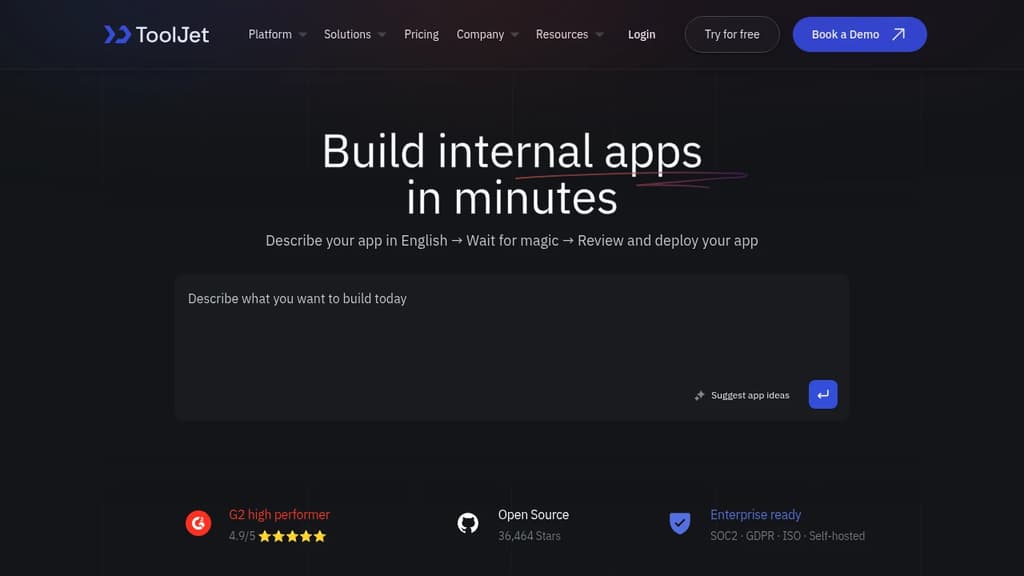
ToolJet is a powerful open-source low-code platform designed to revolutionize the way businesses create internal tools. With its intuitive drag-and-drop interface, ToolJet enables teams to rapidly build custom applications, dashboards, and admin panels without extensive coding knowledge.
Key benefits of ToolJet include:
- Rapid Development: Create functional applications in minutes, not months, accelerating your project timelines.
- Customization: Tailor your tools to fit your exact needs with a wide range of pre-built components and integrations.
- Data Integration: Connect to various data sources, including databases, APIs, and cloud services, to create data-driven applications.
- Collaboration: Foster teamwork with built-in version control and the ability to share and iterate on projects.
- Cost-Effective: Reduce development costs and reliance on external vendors by empowering your team to create internal tools.
- Scalability: Build applications that can grow with your business, from simple forms to complex multi-page tools.
- Security: Ensure data protection with role-based access control and the option for self-hosting.
ToolJet's versatility makes it ideal for startups, SMEs, and enterprises alike, enabling teams across various departments to create the tools they need to optimize their workflows and boost productivity.

Low-code platform for creating powerful internal tools and dashboards with drag-and-drop ease, robust integrations, and customizable workflows.
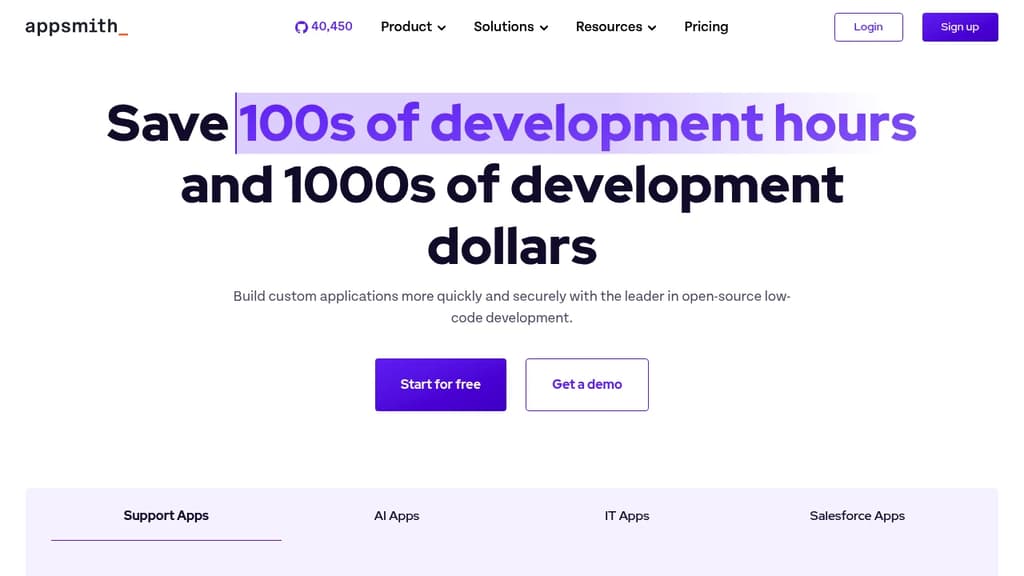
AppSmith is a revolutionary low-code platform that empowers teams to build custom internal tools and dashboards with unprecedented speed and flexibility. Whether you're a developer, product manager, or business analyst, AppSmith provides the tools you need to create powerful applications without extensive coding knowledge.
Key benefits of AppSmith include:
- Rapid Development: Drag-and-drop interface for quick UI creation, coupled with pre-built widgets and templates to accelerate your workflow.
- Powerful Integrations: Connect seamlessly with databases, APIs, and third-party services to create data-driven applications.
- Customizable Workflows: Build complex business logic and automate processes with a visual JavaScript editor and built-in query builders.
- Collaboration Features: Work together efficiently with version control, sharing capabilities, and role-based access control.
- Security and Compliance: Enterprise-grade security measures, including end-to-end encryption and compliance with industry standards.
- Flexible Deployment: Choose between cloud-hosted or self-hosted options to meet your organization's specific needs.
With AppSmith, you can transform your ideas into fully functional applications in hours instead of weeks. Its intuitive interface and robust feature set make it an ideal solution for businesses of all sizes looking to streamline operations, improve productivity, and drive innovation.

Open-source no-code platform for creating tailored business applications quickly, with full customization and easy deployment options.
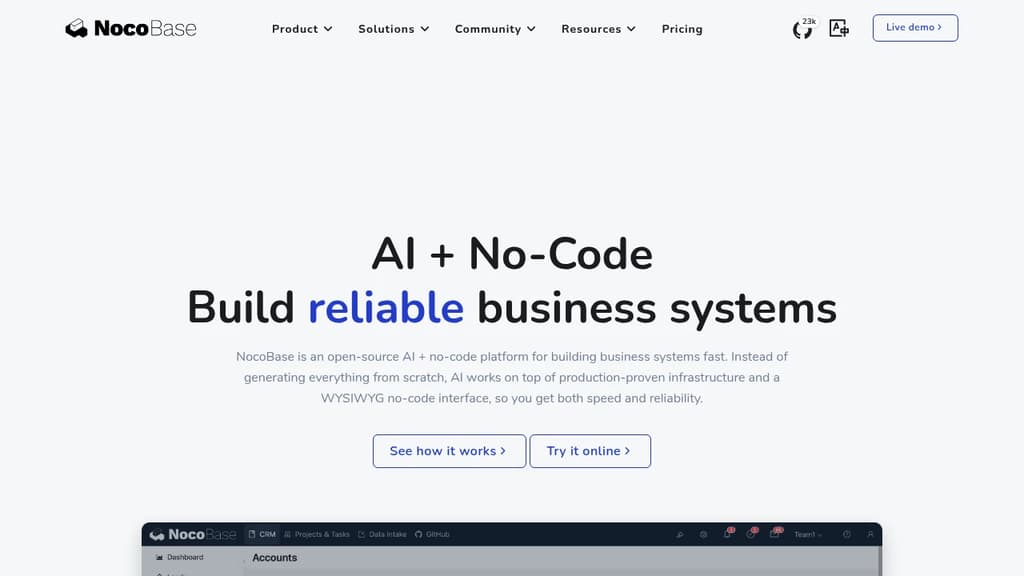
NocoBase is a powerful open-source no-code platform that revolutionizes the way businesses create and deploy custom applications. With its intuitive interface and flexible architecture, NocoBase enables users to build sophisticated, tailored solutions without writing a single line of code.
Key benefits of NocoBase include:
- Rapid Development: Create fully functional applications in hours or days, not weeks or months.
- Ultimate Flexibility: Customize every aspect of your app, from data models to user interfaces and workflows.
- Scalability: Start small and grow your application as your business needs evolve.
- Open-Source Advantage: Benefit from a transparent, community-driven development process and avoid vendor lock-in.
- Self-Hosted or Cloud: Choose between self-hosted deployment for maximum control or cloud-hosted for convenience.
- Extensibility: Leverage a plugin system to add new features and integrate with external services easily.
- Multi-language Support: Build applications that cater to a global audience with built-in internationalization.
- Role-Based Access Control: Ensure data security and privacy with granular permission settings.
NocoBase combines the speed of no-code development with the power of professional software engineering, making it an ideal solution for businesses of all sizes looking to digitize their operations efficiently.

A self-hosted tool that provides an intuitive, spreadsheet-style interface for viewing, editing, and querying PostgreSQL databases without technical expertise.
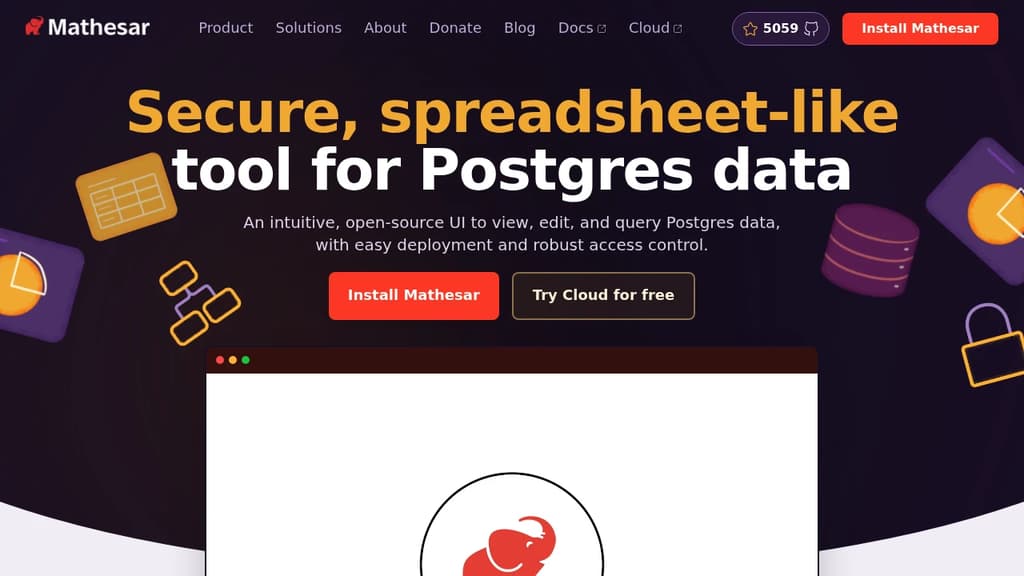
Mathesar transforms PostgreSQL databases into user-friendly workspaces with a familiar spreadsheet interface. The tool stands out with several key features:
- Direct PostgreSQL Integration: Works natively with Postgres permissions, schemas, and tables without additional abstractions
- Enterprise-Ready Security: Self-hosted solution with robust access control using native Postgres permissions
- No Technical Skills Required: Business users can view, edit, and query data through an intuitive interface
- Scalable Performance: Handles databases of any size or complexity, scaling alongside PostgreSQL
- Quick Setup: Installation takes minutes with minimal configuration needed
- 100% Open Source: Maintained by a nonprofit organization, eliminating vendor lock-in concerns
Perfect for teams needing to manage assets, track inventory, create CRUD interfaces, or build data dashboards while maintaining complete control over their data infrastructure.

A low-code platform for creating robust backends, complete with a spreadsheet UI for easy data management and custom functions.
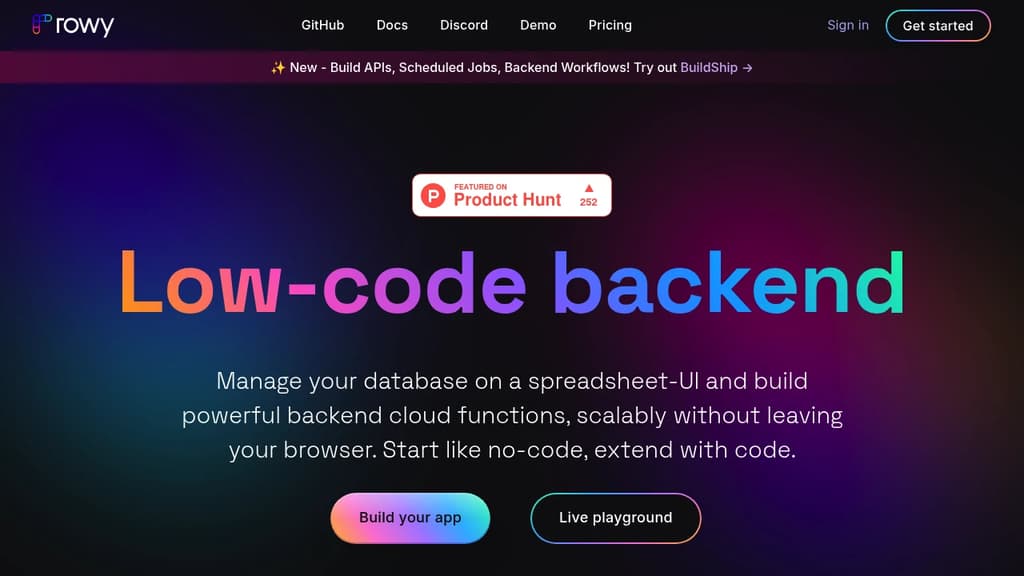
Rowy revolutionizes backend development by combining the simplicity of spreadsheets with the power of serverless architecture. This innovative platform allows developers and non-developers alike to create, manage, and scale their applications effortlessly.
Key benefits of Rowy include:
- Intuitive Spreadsheet Interface: Manage your data with a familiar, spreadsheet-like UI that's easy to use and requires no special training.
- Powerful Serverless Backend: Leverage the scalability and efficiency of serverless architecture without the complexity of setting it up yourself.
- Custom Functions: Write and deploy cloud functions directly from the browser, enabling complex operations and integrations.
- Real-time Collaboration: Work together with your team in real-time, making data management and backend development a truly collaborative process.
- Flexible Data Types: Support for various data types, including rich text, images, and files, allowing for versatile data structures.
- Automatic API Generation: APIs are automatically created for your data, saving time and simplifying frontend integration.
- Seamless Integrations: Connect easily with popular services and APIs to extend your application's capabilities.
- Version Control: Built-in version control ensures you can track changes and revert when necessary.
Rowy empowers developers to focus on building great products rather than wrestling with backend infrastructure. Whether you're prototyping a new idea or scaling an existing application, Rowy provides the tools you need to succeed quickly and efficiently.

Full-stack open source platform combining no-code and low-code studios to build, deploy, and integrate web, mobile, and desktop business applications.
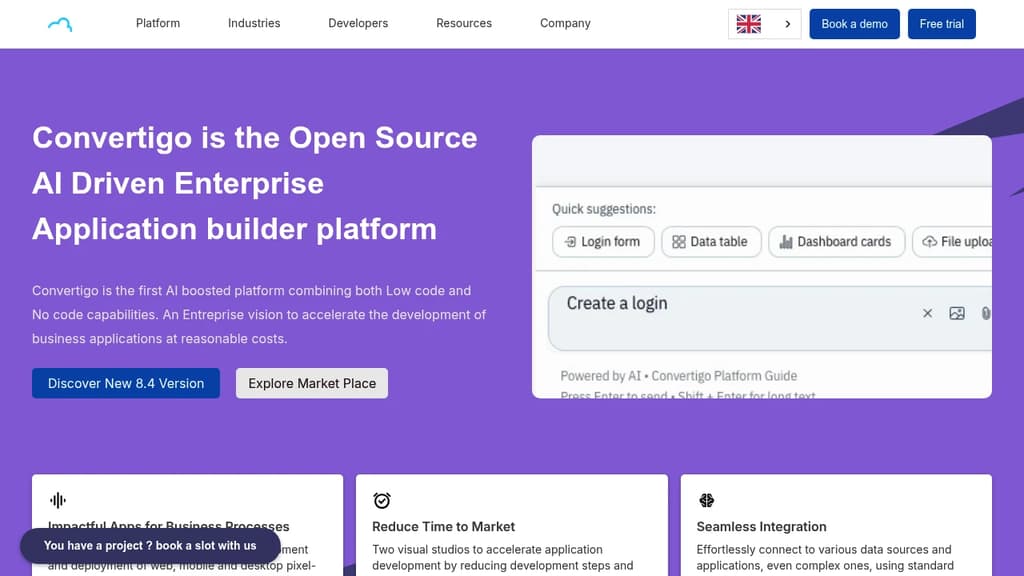
Convertigo is a full-stack low-code/no-code platform built for enterprises that want to ship business applications without vendor lock-in. It runs on your own infrastructure or on a managed cloud, and its open source core means you're never tied to a single provider's pricing or roadmap.
The platform ships two distinct studios aimed at different audiences. Business teams use the no-code studio to build form-based applications connected to secured data sources, without writing a line of code. IT and developer teams use the low-code studio to build more complex, strategic applications, define data sources, and expose controlled actions (like querying SAP or sending emails) that business users can then wire into their own apps. This split is intentional: it kills shadow IT by keeping IT in control of where data lives and who touches it, while still letting non-technical staff move fast.
Key capabilities include:
- Over 300 connectors covering REST, SOAP, SQL, OData, SAP BAPI, LDAP, OAuth, and OpenID
- Full Sync® offline mode that lets apps work without connectivity and syncs automatically when a connection returns
- AI-assisted development using models like ChatGPT and Mistral to generate prototypes and assist with coding tasks
- Pixel-perfect UI so designers aren't constrained by templates
- DevOps integration for teams managing multiple environments and deployment pipelines
- Task scheduling, activity monitoring, and enterprise-grade encryption built in
Compared to tools like AppSmith, Budibase, or ToolJet, Convertigo targets larger organizations that need both citizen-developer tooling and a serious backend integration layer under one roof. It's also a direct open source alternative to OutSystems and Microsoft Power Apps, with clearer per-user pricing and no lock-in.
The free Community Edition supports unlimited apps and on-premises installation. Paid tiers add managed cloud hosting, SLAs, offline data, and enterprise connectors.

People are looking for alternatives to...
View all alternatives
Spotify

Claude Code

CapCut

Claude

Notion

Lovable
 c15t – Open-source cookie banner, built for control and lightening fast modern web apps.

 Stellar Hosted