Open Source Base44 Alternatives
A curated collection of the 3 best open source alternatives to Base44.
The best open source alternative to Base44 is Reflex. If that doesn't suit you, we've compiled a ranked list of other open source Base44 alternatives to help you find a suitable replacement. Other interesting open source alternatives to Base44 are: Dyad and Frontman.
Base44 alternatives are mainly Low-Code/No-Code Platforms but may also be Development Environments or AI App & Website Builders. Browse these if you want a narrower list of alternatives or looking for a specific functionality of Base44.

Written by Piotr Kulpinski


Build, iterate, and deploy full-stack web apps entirely in Python. Reflex combines an AI app builder, a full-stack framework, and one-click deployment in one platform.
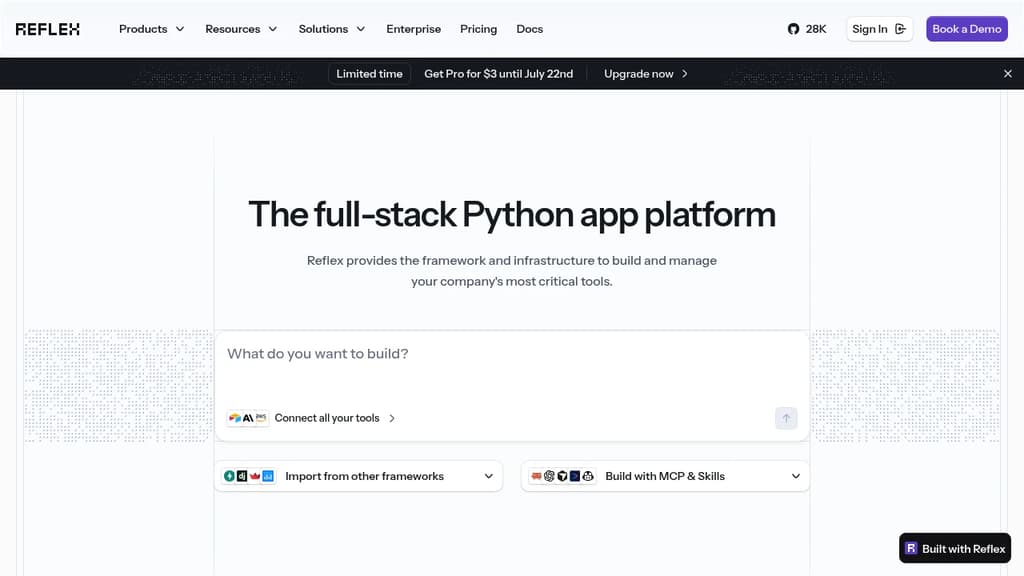
Reflex is a full-stack Python platform for teams building internal tools and customer-facing web apps. The pitch is simple: write everything in Python, skip the JavaScript ecosystem entirely, and deploy to any cloud without stitching together separate tools for frontend, backend, and infrastructure.
It's aimed at backend engineers, data scientists, and ML teams who have strong Python skills but don't want to context-switch into React or manage a separate frontend codebase. Several Fortune 500 companies use it in production, and the open-source community has built a large number of apps on it.
Key capabilities:
- AI app builder – Describe what you want and Reflex generates a tested, production-ready Python app. The output is real code you can edit, not a black box.
- Full-stack framework – One language covers UI components, state management, and backend logic. No separate frontend/backend split.
- Deploy anywhere – Ship to AWS, GCP, Azure, or bare metal with a single command. Supports on-prem, VPC, and fully air-gapped deployments.
- Enterprise integrations – Works with private PyPI registries, Postgres, Databricks, and internal Python packages your team already uses.
- Security – SOC 2 certified, supports HIPAA-compliant deployments, Apache 2.0 licensed. You own everything you build.
- MCP + Skills agent toolkit – Apps are built to work with both human users and AI agents.
For teams coming from Streamlit or similar tools, Reflex handles the cases where lightweight frameworks break down: large-scale data (users report ingesting 100GB+ daily), complex UI requirements, and multi-team production deployments. It's also a credible alternative to internal tool builders that lock you into proprietary abstractions.
If you've evaluated AI-assisted builders like Bolt.new but need something that stays in Python and integrates with your existing data infrastructure, Reflex sits in a different category. The framework is open source; the managed platform adds deployment, monitoring, and team management on top.

Create full-stack AI applications using any model or tool. Run entirely on your machine with complete privacy, flexibility, and control over your code.
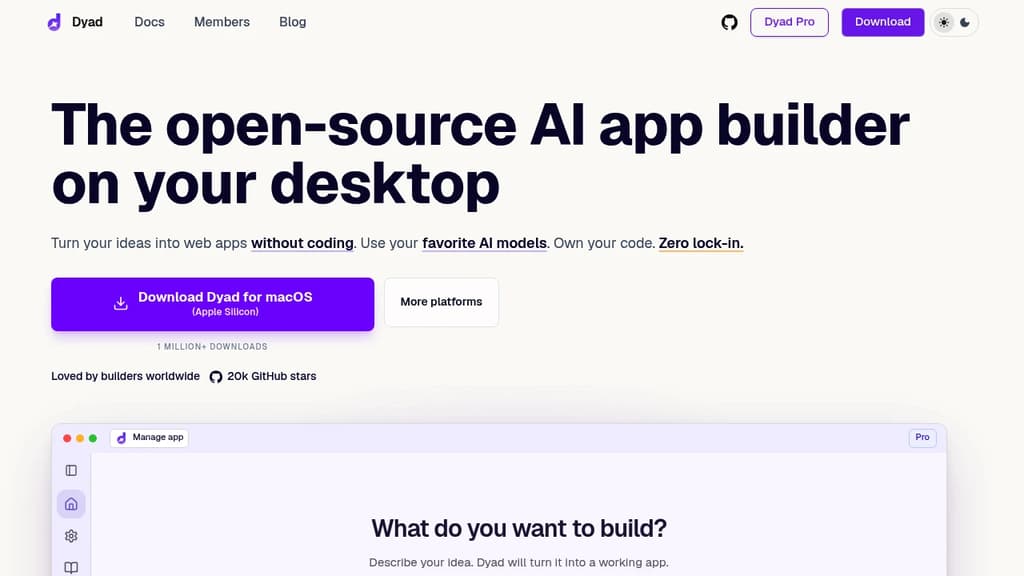
Build unlimited AI apps without vendor restrictions using this powerful local development platform. Downloaded over 1 million times, Dyad offers complete freedom to use any AI model including GPT-5, Claude Sonnet 4.5, and Gemini 3 with your own API keys.
Complete local control means your source code never leaves your machine. Work with your preferred IDE like VS Code or Cursor while enjoying instant, responsive interactions and real-time preview capabilities. No more frustrating differences between cloud builders and local development environments.
Full-stack capabilities let you build more than just UI components. Create complete applications with built-in Auth, Database, and Server Functions - all within Dyad's integrated environment.
Key benefits include:
- Zero lock-in policy - switch models and tools freely
- Privacy-first approach - everything runs locally on your machine
- Seamless workflow integration - works with existing development tools
- Free tier available - no sign-up required to get started
- Open-source foundation - community-driven development and improvements
Whether you're a seasoned developer or AI enthusiast, Dyad provides the flexibility to build sophisticated applications while maintaining complete ownership of your code and data. The platform supports both free local models for maximum privacy and cloud-based models for enhanced capabilities.

Open-source AI coding agent that runs in your browser, sees your live DOM and app state, and makes real code edits from plain English descriptions.
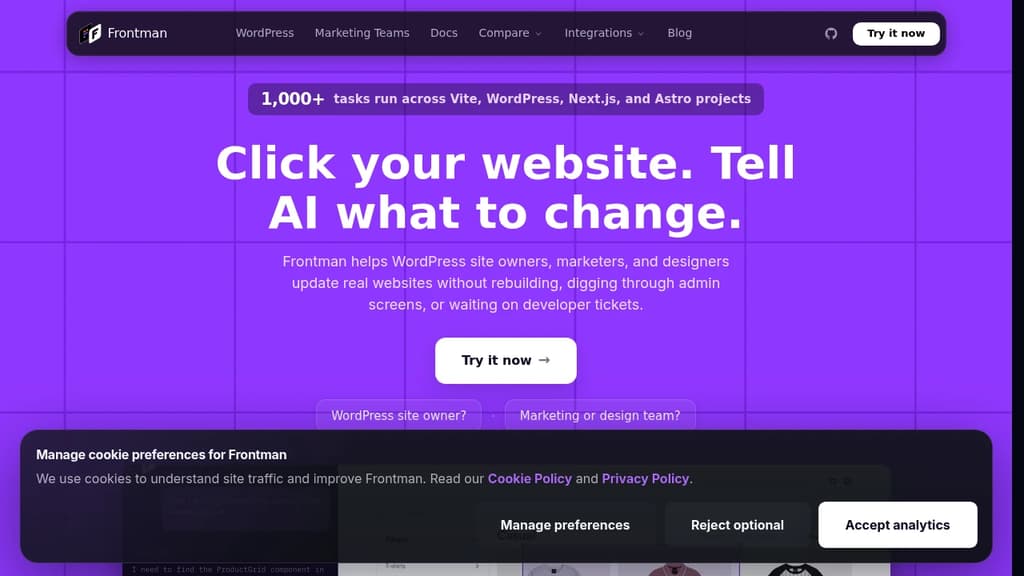
Frontman is an open-source AI coding agent that revolutionizes how you edit web applications. Unlike traditional AI coding tools that work at the file level, Frontman hooks directly into your dev server and sees your live DOM, component tree, CSS styles, routes, and server logs in real time.
Key features:
- Visual component selection - Click any element in your browser to select it
- Plain English editing - Describe changes naturally, get real code edits instantly
- Live DOM awareness - Sees your running app state, not just static files
- Framework integration - Works with Next.js, Astro, and Vite (React, Vue, Svelte)
- In-browser interface - Chat with AI while viewing your live app side-by-side
- Real code output - Updates your actual source files with reviewable diffs
Perfect for teams: Designers and product managers can make changes without opening an IDE, while developers get faster iteration with richer context than terminal-based AI tools.
Open source and secure: Fully open source under Apache 2.0 license. Runs in development only, never production. All changes go through your normal code review process. Bring your own API key (BYOK) for complete control.

People are looking for alternatives to...
View all alternatives
Spotify

Claude Code

CapCut

Claude

Notion

Lovable
 Sent – Messaging Infrastructure for Developers. One API for SMS, WhatsApp, and RCS across 190+ countries.
 Sent
Sent