Open Source Backblaze Alternatives
A curated collection of the 2 best open source alternatives to Backblaze.
The best open source alternative to Backblaze is Pluton. If that doesn't suit you, we've compiled a ranked list of other open source Backblaze alternatives to help you find a suitable replacement. Other interesting open source alternative to Backblaze is BlinkDisk.
Backblaze alternatives are mainly Desktop Backup Tools but may also be Server Backup Solutions. Browse these if you want a narrower list of alternatives or looking for a specific functionality of Backblaze.

Written by Piotr Kulpinski


Free, open-source backup solution with end-to-end encryption. Self-hosted control, supports 70+ cloud providers, automated incremental backups, and zero vendor lock-in.
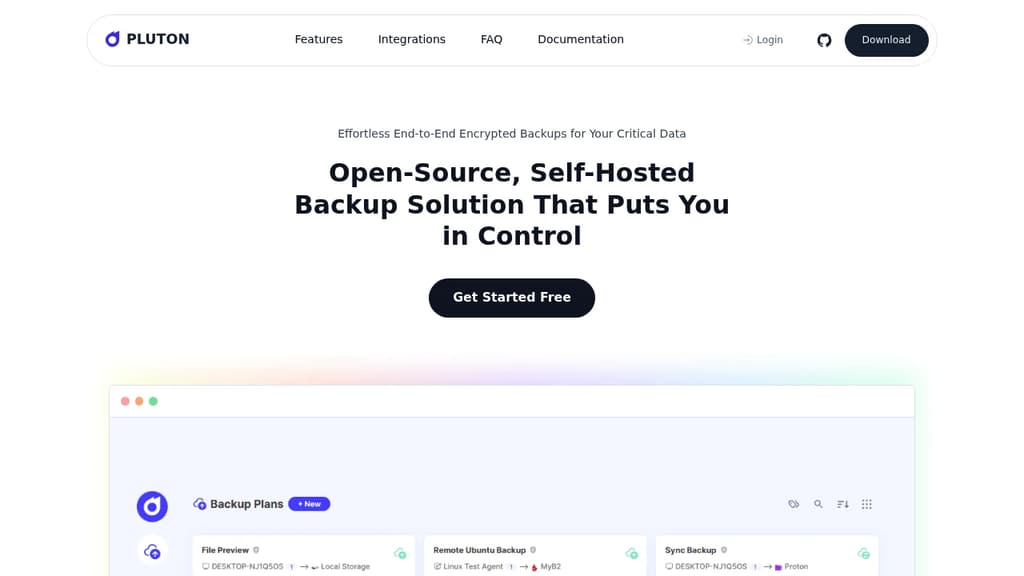
Pluton is a free, open-source backup solution that gives you complete control over your data protection. Unlike cloud-dependent alternatives, this self-hosted platform encrypts your data on your device before upload, ensuring privacy and security throughout the backup process.
Key capabilities include:
- 70+ cloud storage integrations - Connect to Amazon S3, Backblaze B2, Google Drive, and dozens of other providers without vendor lock-in
- End-to-end encryption and compression - Built on the proven Restic engine to keep data private while minimizing storage needs
- Automated incremental backups - Schedule periodic backups that only save changes, reducing transfer times and storage usage
- 3-2-1 backup strategy - Implement multiple copies across different storage locations with built-in replication
- Lightweight deployment - Runs on minimal hardware (50MB idle memory) via Docker or standalone executable on any operating system
- Real-time monitoring - Track backup progress, access detailed logs, and receive instant notifications via Slack, Discord, email, or push notifications
- Flexible restoration - Browse backup snapshots like a file manager, restore entire snapshots or specific files, or download as TAR archives
- Smart retention policies - Automatically manage storage by defining rules to keep, prune, and rotate old snapshots
- Advanced automation - Execute custom scripts before or after backups for database dumps or system maintenance
- Enhanced security - Two-factor authentication protects your backup infrastructure
Set up your first backup in under 5 minutes with an intuitive interface designed for both simplicity and power. Your data stays on your infrastructure, never passing through third-party servers.

Desktop backup app for Windows, macOS and Linux. Pick folders, encrypt files on your device, and restore older versions from local, NAS or cloud storage.
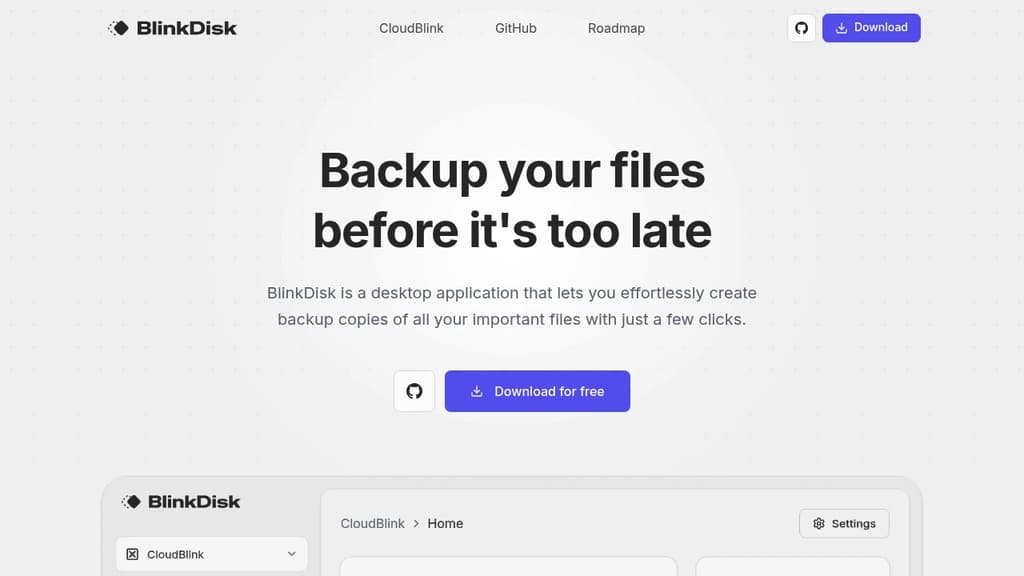
BlinkDisk is a desktop app that backs up your important folders in a few clicks. It's built for people who aren't technical but still want real protection against deleted files, dead drives and ransomware.
Unlike cloud sync, which only keeps the latest version of a file, BlinkDisk keeps real backups. If you delete or overwrite something, you can restore an older copy. It's a good fit if you're looking for a desktop backup tool, or a free option next to Carbonite or Acronis True Image.
- Simple setup: choose folders, run the first backup, and it continues in the background.
- End-to-end encryption: files are encrypted with your password before they leave your device, so not even BlinkDisk can read them.
- Deduplication: identical files are stored once, which saves space and shortens uploads.
- Flexible storage: local drives, USB sticks, external disks, NAS, AWS S3, Google Cloud, Azure Blob, SFTP, WebDAV, any S3-compatible service, or 70+ providers through Rclone.
- CloudBlink: an optional managed cloud storage service if you'd rather not run your own.
- Cross-platform: runs on Windows 10 and 11, macOS Big Sur and newer, and Linux (AppImage, deb, rpm).
If a computer crashes or gets stolen, install BlinkDisk on a new machine, connect your storage, and your files come back.
The source code is public, so you can check what runs on your computer. The app is free to use, with no locked features.

People are looking for alternatives to...
View all alternatives
Claude

Claude Code

CapCut

Notion

Wispr Flow

Grok Bot
 Postiz – The All-in-One agentic social media scheduling tool

 Stellar Hosted