Open Source Aqua Voice Alternatives
A curated collection of the 7 best open source alternatives to Aqua Voice.
The best open source alternative to Aqua Voice is VoiceInk. If that doesn't suit you, we've compiled a ranked list of other open source Aqua Voice alternatives to help you find a suitable replacement. Other interesting open source alternatives to Aqua Voice are: Handy, FluidVoice, OpenWispr, and Amical.
Aqua Voice alternatives are mainly Voice Dictation Tools but may also be AI Personal Assistants. Browse these if you want a narrower list of alternatives or looking for a specific functionality of Aqua Voice.

Written by Piotr Kulpinski

Privacy-first dictation app for Apple Silicon Macs that transcribes speech locally, cleans up output with AI, and auto-switches settings per app.
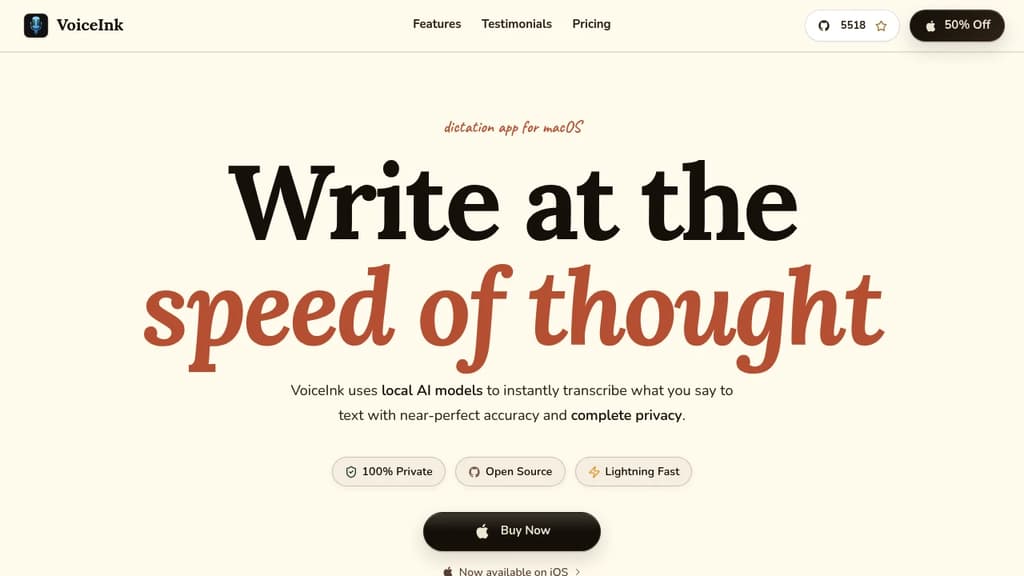
VoiceInk is a voice dictation app built for macOS that turns spoken words into clean, formatted text without sending your audio anywhere. All transcription runs on-device using local AI models and Apple's Neural Engine, so your voice data stays on your Mac. Cloud AI is optional and only ever touches transcribed text, never the raw audio.
It works across every app. Email, Slack, coding tools, social media, anything with a text field. The idea is simple: speak naturally, get polished output immediately.
Key capabilities:
- Local transcription at 99% accuracy using on-device models, with no internet required for the core feature
- Enhancement Modes let you define different AI prompts for different contexts (email, chat, social posts) and switch between them instantly
- Auto-switching Modes detect which app or website is active and apply the matching transcription and enhancement settings automatically
- Personal Dictionary lets you train the AI on custom words, names, industry terms, and text expansion shortcuts
- Contextual Awareness pulls from your screen or clipboard to improve transcription and enhancement quality
- Global shortcuts including push-to-talk and a cancel key, configurable to your preference
- AI Assistant mode for questions, summaries, or commands beyond simple dictation
Compared to subscription-based alternatives like Superwhisper or AudioPen, VoiceInk is a one-time purchase with lifetime updates and no recurring fees. It requires Apple Silicon and macOS 14.4 or later.
The codebase is fully open source on GitHub. You can read, audit, or run it yourself, which is a meaningful guarantee when the product handles everything you say.

Cross-platform desktop app that transcribes your voice into any text field using a keyboard shortcut, with all processing done locally on your machine.
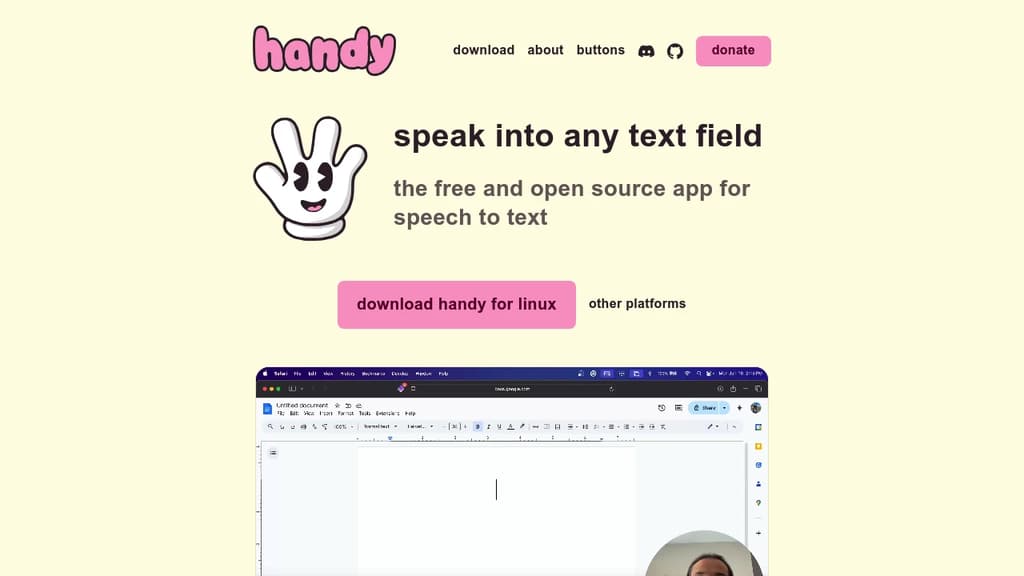
Handy is a desktop speech-to-text tool that works with any text field on your computer. Press a keyboard shortcut, speak, release, and your words appear wherever your cursor is. No cloud. No subscription. No copy-paste step.
It's built for people who want voice input without giving up privacy. Unlike browser extensions or cloud-based dictation tools such as VoiceTypr or VoiceInk, Handy processes everything locally. Your audio never leaves your machine.
The feature set is deliberately minimal:
- Push-to-talk mode holds transcription active while the key combo is pressed, releasing it triggers the paste
- Toggle mode starts transcription on first keypress, stops and pastes on the second
- Custom keybinding lets you remap the shortcut to whatever fits your workflow
- Any text field works as a target, whether it's a browser input, a document editor, or a terminal
Setup is light. A small icon appears in your system tray or menu bar when transcription is active, so you always know when it's listening.
The tool is cross-platform, running on macOS, Windows, and Linux. It does one job well. There's no dashboard, no account, and no settings beyond what you actually need to change.
For anyone who types a lot and wants a faster, hands-free alternative for drafting messages, filling forms, or writing notes, Handy covers that use case without adding complexity.

Free, open-source macOS dictation app that transcribes speech locally, polishes output with an on-device AI model, and adapts tone to whichever app you're typing into.
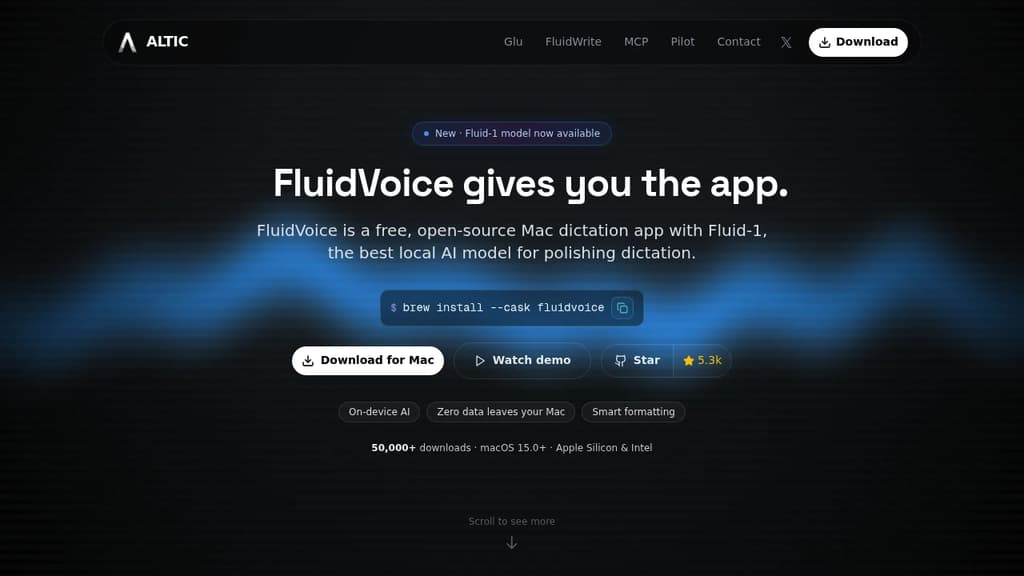
FluidVoice is a free macOS dictation app that keeps everything local. Speech is transcribed on-device, text lands in whatever app you're focused on, and no audio or transcribed content leaves your Mac. It's a strong pick if you've looked at tools like VoiceInk or OpenWispr and want something with a built-in AI polish layer that still runs offline.
The app pairs with Fluid-1, an optional local AI model that post-processes raw dictation. It cleans up filler words, fixes capitalization and formatting, handles dates and numbers, and adjusts tone based on which app is active. Slack gets casual language. Mail gets formal phrasing. GitHub issues get structured output. Same voice, different register, no manual editing.
Key capabilities:
- System-wide input – one hotkey activates dictation in any text field: terminals, code editors, chat apps, browsers
- Multiple speech models – Nemotron Speech 3.5, Parakeet TDT v2/v3, Apple Speech, Whisper (Tiny through Large), and others; model choice affects language support and speed
- 40+ languages – coverage varies by model, with Whisper reaching up to 99 languages at larger sizes
- Three dictation modes – Write Mode, Command Mode, and Direct Dictation for different use cases
- AI post-processing options – Fluid-1 locally, or optionally route to OpenAI, Groq, or a custom provider
- Apple Silicon optimized – CoreML and Metal keep latency under 100ms and preserve battery
- Long-form sessions – handles extended dictation without manual chunking
For those browsing the input and dictation space, FluidVoice stands out because it doesn't force a choice between privacy and polish. Most open-source dictation tools stop at raw transcription. Most polished commercial apps send data to the cloud. FluidVoice does both locally, with the Fluid-1 model as an optional download around 3.5 GB.
It's free forever, GPLv3 licensed, and runs on both Apple Silicon and Intel Macs (macOS 15.0 required).

Dictation app powered by OpenAI Whisper and NVIDIA Parakeet. Runs locally on macOS, Windows, and Linux with zero data retention and 100+ language support.
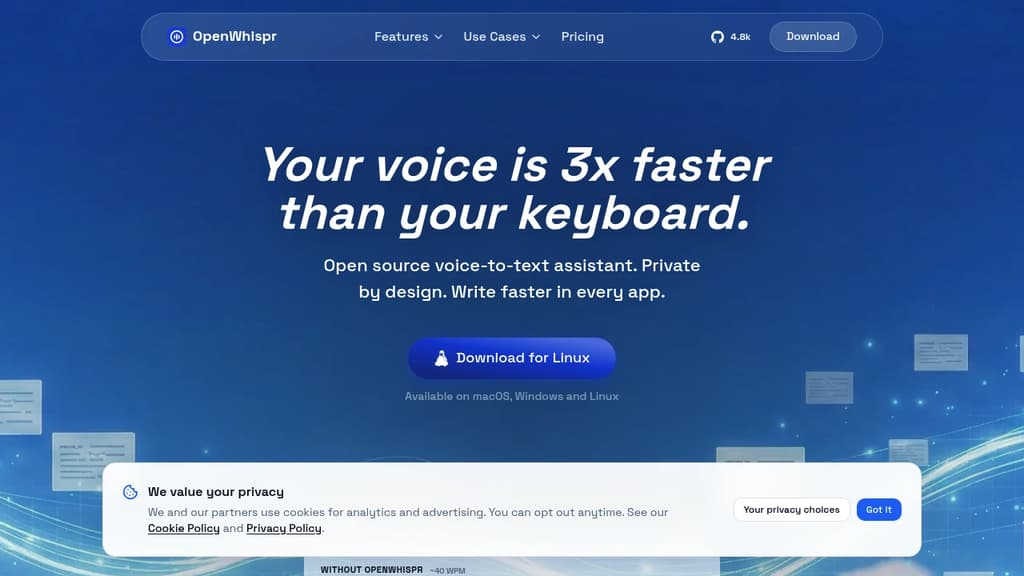
OpenWhispr is a voice dictation tool that transcribes speech directly into any app on your computer. It runs on macOS, Windows, and Linux, and works entirely offline using local AI models. For anyone who types a lot, whether drafting emails, chatting in Slack, or writing code in Cursor, it's a faster alternative to the keyboard.
The core pitch is speed and privacy together. Speaking is roughly three times faster than typing, and OpenWhispr doesn't trade your data for that speed. Audio processed locally never leaves your device. Even when using cloud processing, audio isn't stored or logged after transcription.
Key capabilities:
- Local AI models – choose from several Whisper model sizes (Tiny to Turbo) or NVIDIA Parakeet, trading speed for accuracy. No internet needed.
- AI cleanup – voice commands like "clean this up" or "draft an email to Mike" apply light editing or rewriting to your raw dictation.
- Custom dictionary – add names, jargon, and technical terms (medical, legal, domain-specific) that auto-learn from your corrections.
- 100+ languages – auto-detects language and handles mid-conversation switching.
- Universal text injection – works in any app that accepts text input, including VoiceInk-style targets like Gmail, Claude, Cursor, and iMessage.
- Meeting transcription – records and transcribes meetings with structured notes, decisions, and action items.
- MCP integration – available on Pro plans for connecting dictation into more complex workflows.
You can bring your own OpenAI API keys for unlimited cloud transcription at no extra cost beyond what OpenAI charges. The free tier includes 2,000 words per week and five hours of meeting recordings per month. Paid plans add unlimited transcription, device sync, and an agent mode for chatting over your recorded data.
For teams comparing it to tools like Superwhisper, the main differentiator is the combination of fully local processing, an auditable open-source codebase, and cross-platform support. The code is public on GitHub, so the privacy claims are verifiable rather than just policy language.

Open source AI dictation app that transforms speech to text with context-aware formatting. Fast, accurate transcription for meetings, notes, and hands-free typing.
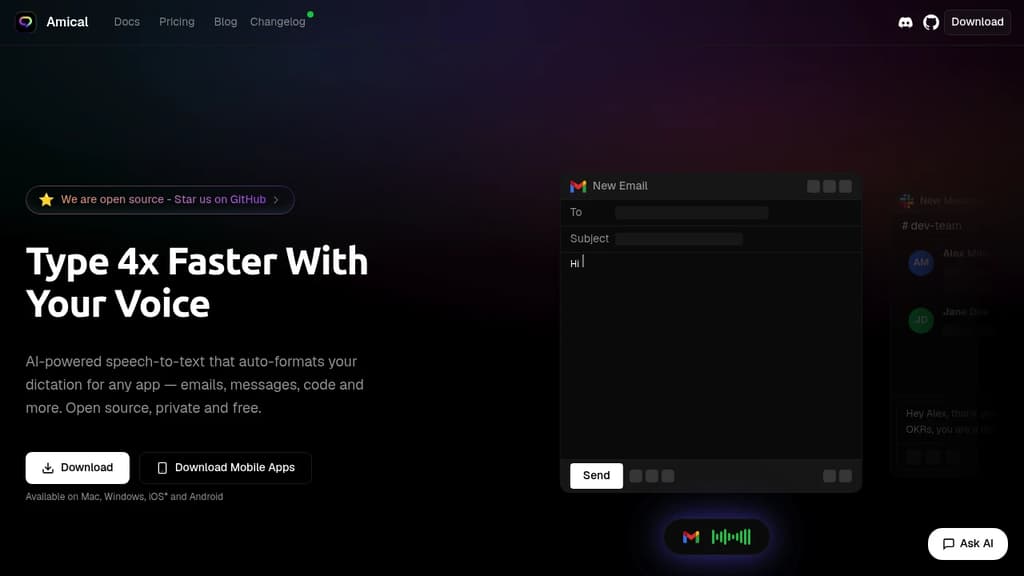
Transform your productivity with intelligent voice-to-text technology that understands context and adapts to your writing style. This open source AI dictation tool delivers 10x faster typing through advanced speech recognition that works both locally and in the cloud.
Key features include:
- Context-aware formatting - Automatically adjusts tone for professional emails vs casual messages
- Multi-language support - Transcribe in over 50 languages with native-level accuracy
- Custom vocabulary - Learns your industry jargon and specific terminology
- Smart shortcuts - Create voice commands for hands-free workflow automation
- Privacy-focused - Choose between local processing or cloud models for maximum control
Perfect for professionals, students, and anyone who wants to:
- Capture meeting notes in real-time with AI-powered insights
- Dictate emails, documents, and messages hands-free
- Take quick voice notes with intelligent formatting
- Transcribe conversations with superior accuracy
Unlike basic speech-to-text tools, this AI-powered solution understands context, corrects grammar automatically, and formats output perfectly for each application. Whether you're writing in Gmail, Slack, or any other app, it adapts the tone and style appropriately while maintaining your personal voice.
Dictate into any app on Mac or Windows using on-device AI models. One-time purchase, 99+ languages, no subscription required.
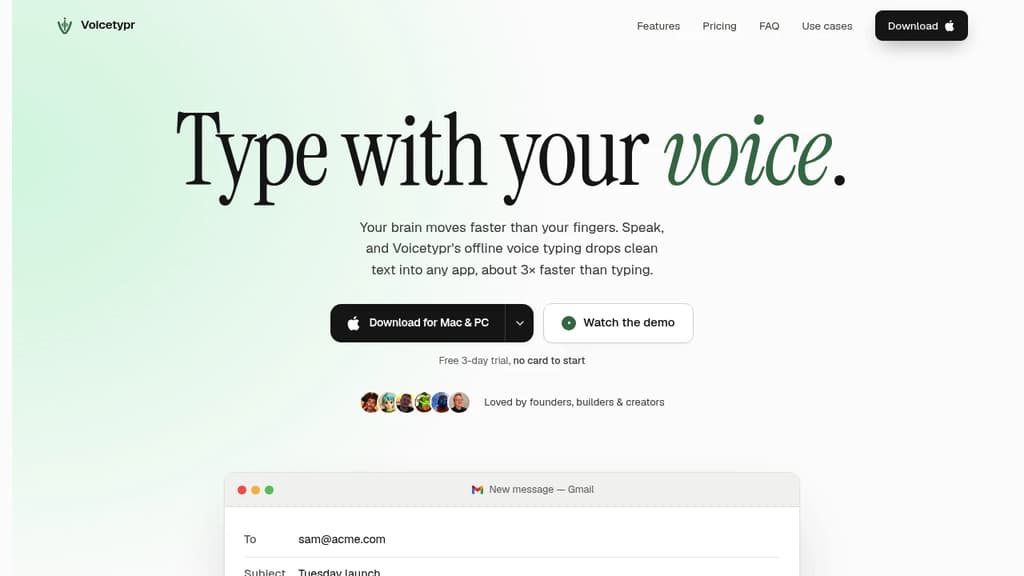
Voicetypr is a voice dictation tool for macOS and Windows that transcribes your speech directly into whatever app your cursor is in. Hold a hotkey, talk, and the text appears. No per-app setup, no copy-pasting.
Transcription runs locally by default using on-device Whisper and Parakeet models. Your audio never leaves your machine unless you choose a cloud engine. That matters for anyone handling sensitive work or who just doesn't want their voice data on someone else's server.
Key capabilities:
- Global hotkey drops text wherever your cursor sits, across Gmail, Slack, Notion, Cursor, Word, and anywhere else you type
- 99+ languages with automatic detection, no manual switching
- Push-to-talk or toggle mode depending on how you prefer to work
- AI text cleanup using your own OpenAI, Anthropic, or Gemini key. It only ever sends the final text, never audio
- Cloud fallback via Groq, Deepgram, or OpenAI for lighter machines that can't run local models comfortably
- Network transcription lets a more powerful desktop handle transcription for a lighter laptop over your own Wi-Fi
- CLI and Agent API for scripting and piping audio through AI workflows
- Audio and video file transcription with searchable local history
- Six formatting modes and per-app rules for consistent output
The pricing model is a deliberate break from tools like Superwhisper or AudioPen that charge monthly. Voicetypr is a one-time purchase covering two devices, with lifetime updates on the version you own.
It's aimed at founders, developers, and writers who type heavily all day. Speaking runs around 130 words per minute versus roughly 40 for typing, so the gap is real for anyone producing large volumes of text. Custom vocabulary support helps with technical terms or names that generic models tend to mangle.

Free, open-source macOS voice assistant that transcribes speech, applies AI transformations, and controls apps hands-free. No subscription, no training required.
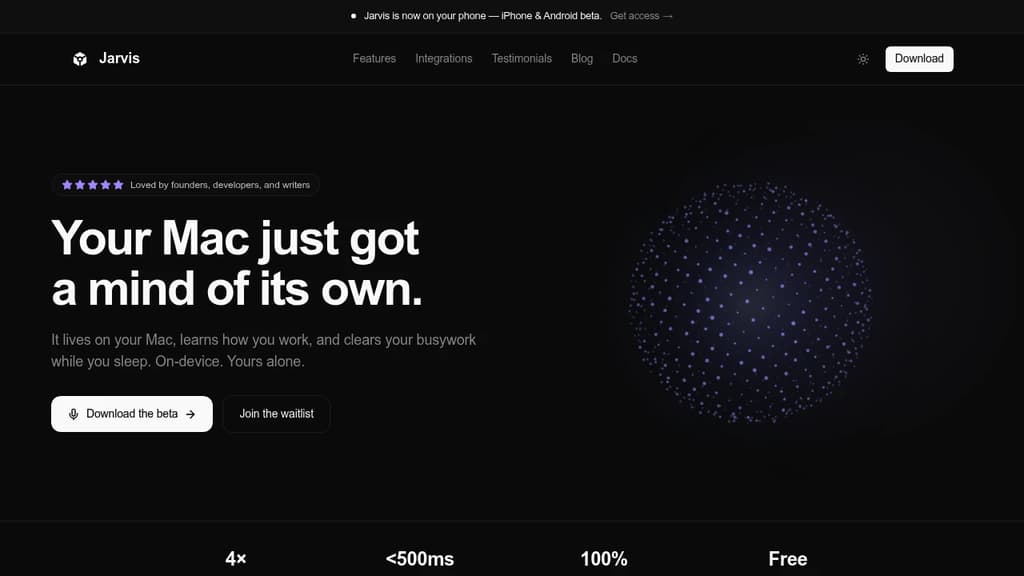
Jarvis is a free, open-source voice assistant for macOS that lets you dictate text, transform it with AI, and control your computer entirely by voice. It works offline, requires no account, and starts working immediately after install. No training period, no subscription.
The core workflow is simple: speak naturally, and your words appear as text. From there, you can issue a voice command to reshape what you just said. Ask it to make a draft more professional, fix the tone, translate it, or expand on an idea, and the transformation happens instantly in place. It works across any app where you'd normally type.
Beyond dictation, Jarvis handles broader Mac control:
- Universal app control: switch windows, open files, and adjust settings without touching the keyboard
- Chained commands: string multiple actions into a single spoken phrase, like composing and addressing an email in one step
- Smart context: adapts its behavior based on which app is active, so commands stay relevant to what you're doing
- Noise tolerance: functions in loud environments like open offices or coffee shops, not just quiet rooms
- Learns your patterns: picks up your speaking style and preferences over time for better accuracy
Privacy is handled locally. Voice data isn't stored or sent to a server for retention. It's processed and deleted immediately after transcription.
If you've looked at tools like Superwhisper or OpenWispr and wanted something that combines dictation with AI text transformation and full Mac control, Jarvis covers all three without a paywall. It's a practical alternative for writers, developers, or anyone who spends long hours at a keyboard and wants to reduce that friction.

People are looking for alternatives to...
View all alternatives
Spotify

Claude Code

CapCut

Claude

Notion

Lovable
 InfluxDB – The purpose-built time series platform for high-velocity ingestion and real-time queries at scale.

 Postiz