Open Source Alacritty Alternatives
A curated collection of the 4 best open source alternatives to Alacritty.
The best open source alternative to Alacritty is Ghostty. If that doesn't suit you, we've compiled a ranked list of other open source Alacritty alternatives to help you find a suitable replacement. Other interesting open source alternatives to Alacritty are: Kitty, WezTerm, and iTerm 2.
Alacritty alternatives are mainly Terminal Emulators but may also be Terminal Multiplexers. Browse these if you want a narrower list of alternatives or looking for a specific functionality of Alacritty.

Written by Piotr Kulpinski


Experience blazing-fast terminal performance with GPU acceleration and platform-native UI. Cross-platform compatibility meets modern design.
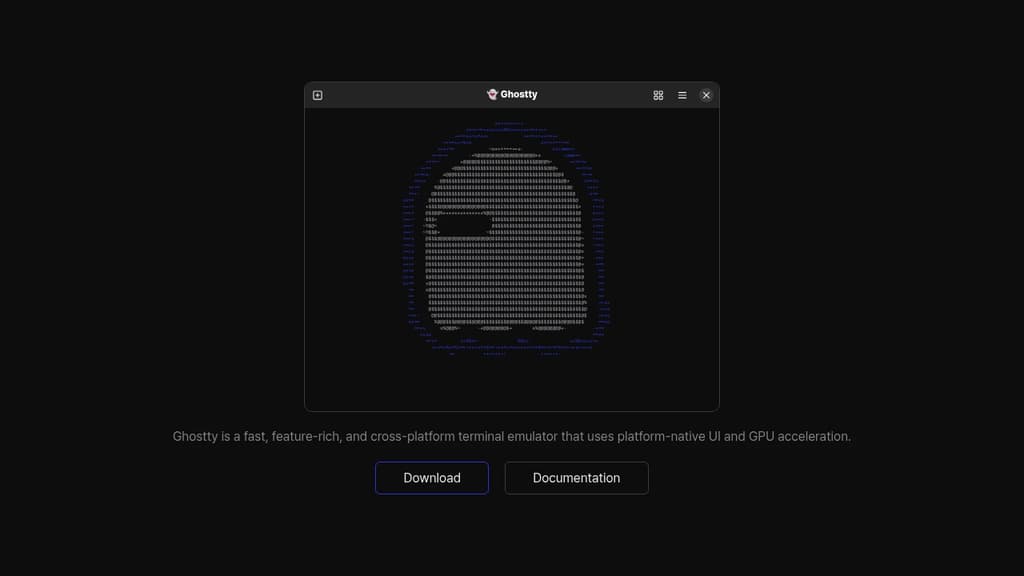
Ghostty delivers exceptional terminal performance through intelligent GPU acceleration and platform-native UI integration. This modern terminal emulator combines speed with visual excellence, offering a seamless experience across different operating systems.
Key advantages include:
- GPU-accelerated rendering for ultra-smooth text display and scrolling
- Platform-native UI that feels right at home on your operating system
- Cross-platform compatibility ensuring consistent experience everywhere
- Feature-rich functionality without compromising on performance
- Modern architecture built for today's demanding workflows
Whether you're a developer, system administrator, or power user, Ghostty provides the responsive terminal experience you need. The combination of hardware acceleration and native UI elements creates a terminal that's both fast and visually appealing, making your command-line work more efficient and enjoyable.

High-performance terminal emulator with GPU acceleration, graphics support, and advanced scripting capabilities for developers and system administrators.
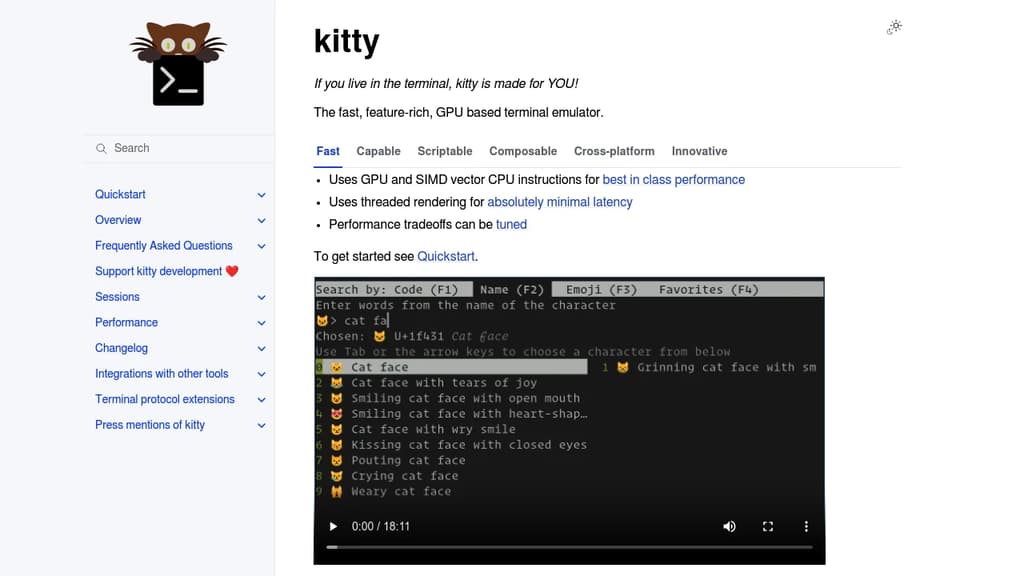
A high-performance terminal emulator designed specifically for users who spend significant time in the command line. Built with cutting-edge technology, it leverages GPU acceleration and SIMD vector CPU instructions to deliver exceptional performance that outpaces traditional terminals.
Key Performance Features:
- GPU-accelerated rendering for smooth, responsive interface
- Threaded rendering architecture for optimal speed
- Configurable performance tradeoffs to match your system
Advanced Capabilities:
- Graphics support with inline image display
- Font ligatures and emoji with proper rendering
- Scriptable interface using Python for automation
- Remote control protocol for external tool integration
Productivity Tools:
- Programmable tabs and windows with flexible layouts
- Built-in pager for comfortable text browsing
- File editing capabilities within SSH sessions
- Hyperlink support for clickable file paths
- Interactive kittens (specialized tools) for various tasks
Cross-Platform Compatibility:
- Full support for Linux, macOS, and various BSD systems
- Consistent experience across different operating systems
The terminal includes innovative features like the graphics protocol for displaying images directly in the terminal, shell integration for enhanced functionality, and broadcast mode for simultaneous input across multiple windows. Perfect for developers, system administrators, and anyone seeking a modern, feature-rich terminal experience.

Cross-platform terminal emulator and multiplexer with GPU acceleration, true color support, and Lua configuration. Runs on Linux, macOS, Windows, FreeBSD, and NetBSD.
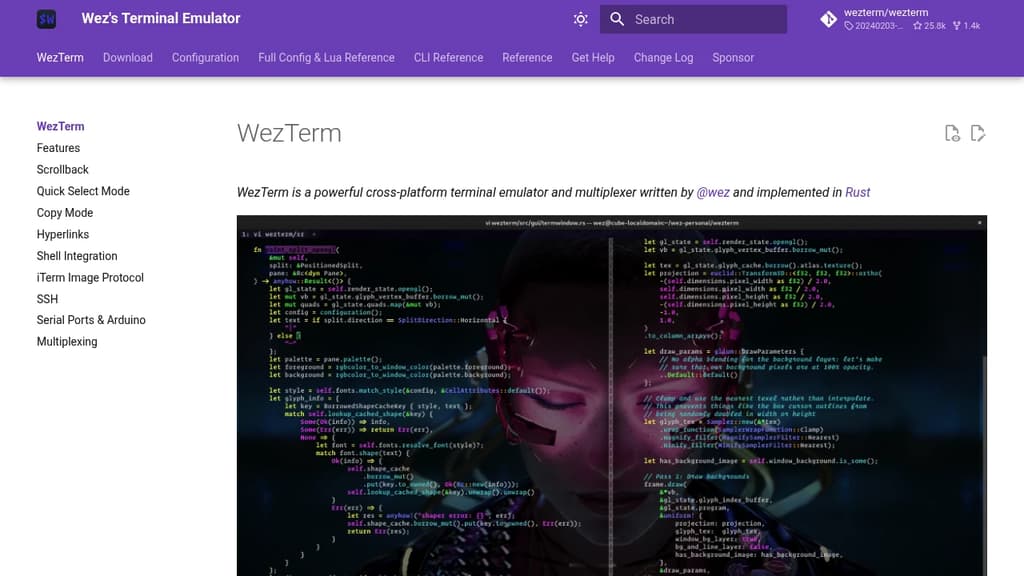
WezTerm is a powerful cross-platform terminal emulator and multiplexer that brings modern features to your command line experience. Built with performance in mind, it leverages GPU acceleration to deliver smooth rendering and responsive interactions.
Key capabilities include:
- Multi-platform support - Runs seamlessly on Linux, macOS, Windows 10, FreeBSD, and NetBSD
- Advanced rendering - GPU-accelerated display with true color support and color emoji rendering
- Font flexibility - Intelligent font fallback system ensures your preferred fonts display correctly
- Multiplexing - Built-in terminal multiplexing for managing multiple sessions and windows
- Lua scripting - Fully customizable through Lua configuration with comprehensive API modules
- Comprehensive CLI - Command-line interface for advanced control and automation
The tool provides extensive configuration options through its Lua-based config system, allowing you to customize colors, key bindings, and behavior. Its modular architecture includes specialized modules for color management, GUI operations, multiplexing, plugins, and more. Whether you're a developer, system administrator, or power user, WezTerm offers the flexibility and performance needed for productive terminal work.

Feature-rich terminal replacement for macOS with split panes, search, autocomplete, and extensive customization options for enhanced productivity.
iTerm2 transforms your command-line experience on macOS with powerful features that make terminal work more efficient and enjoyable. This free, open-source terminal replacement offers split panes for multitasking, instant replay to review command history, and smart selection that automatically recognizes URLs, email addresses, and file paths.
Key features include:
- Tabbed interface with unlimited tabs and customizable layouts
- Advanced search with regular expression support and highlighting
- Autocomplete for commands, directories, and previously used arguments
- Hotkey window for quick terminal access from anywhere
- Extensive customization with themes, color schemes, and keyboard shortcuts
- Shell integration with enhanced features like command status indicators
Built specifically for Mac users, iTerm2 supports tmux integration, password manager integration, and trigger actions that can automatically respond to terminal output. The application includes mouseless copy mode, semantic history for navigating file paths, and broadcast input to send commands to multiple sessions simultaneously.
Whether you're a developer, system administrator, or power user, iTerm2's modern interface and productivity-focused features make it an essential upgrade from the standard macOS Terminal application.

People are looking for alternatives to...
View all alternatives
Spotify

Claude Code

Claude

CapCut

Notion

Lovable
 Windshift – The self-hosted platform that replaces Jira.
 Sent
Sent