Open Source TRAE Alternatives
A curated collection of the 4 best open source alternatives to TRAE.
The best open source alternative to TRAE is pi. If that doesn't suit you, we've compiled a ranked list of other open source TRAE alternatives to help you find a suitable replacement. Other interesting open source alternatives to TRAE are: Cline, Aider, and Forgecode.
TRAE alternatives are mainly AI Coding Agents but may also be AI Coding Assistants. Browse these if you want a narrower list of alternatives or looking for a specific functionality of TRAE.

Written by Piotr Kulpinski


Terminal-based coding agent with a minimal core, 15+ LLM providers, tree-structured session history, and a TypeScript extension system for building your own workflows.
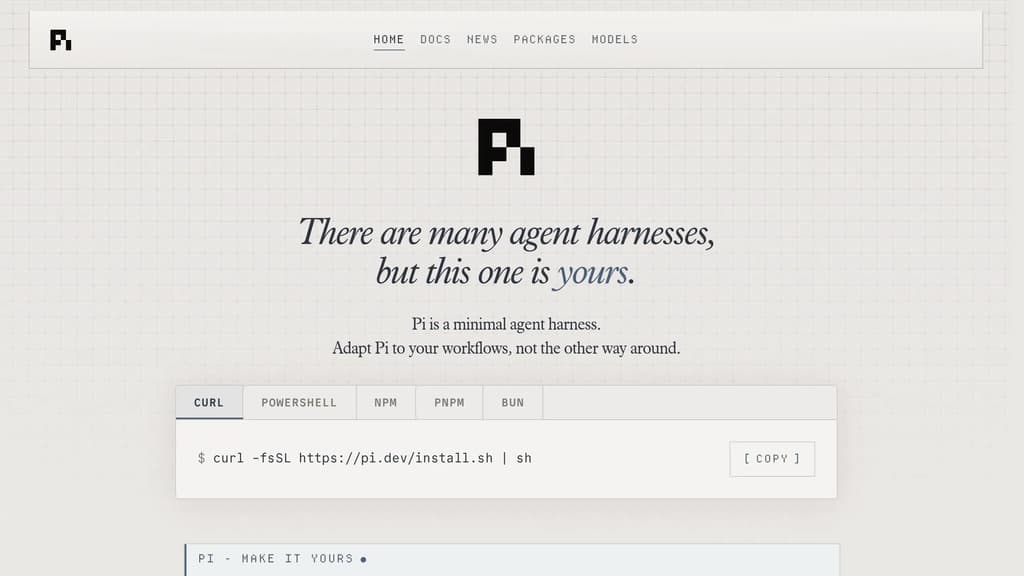
Pi is a terminal coding agent built around a single principle: the harness should adapt to you, not the other way around. Unlike AI coding agents that ship with fixed opinions about plan modes, sub-agents, and permission flows, Pi keeps the core deliberately small and exposes everything through a TypeScript extension system.
The extension model is the real differentiator. You can add tools, commands, keyboard shortcuts, events, custom editors, status bars, and overlays. Bundle those into a package and share it via npm or git. Third-party extensions already exist, including one that turns Pi into a drawing canvas inside the terminal. If you want a feature Pi doesn't have, you ask Pi to build it, hit /reload, and keep going.
Key capabilities:
- 15+ providers including Anthropic, OpenAI, Google, Azure, Bedrock, Mistral, Groq, Cerebras, xAI, Ollama, OpenRouter, and more. Switch models mid-session with
/modelor cycle favorites withCtrl+P. - Tree-structured history so sessions branch rather than scroll. Navigate any prior point with
/tree, export to HTML, or upload to a GitHub gist for a shareable URL. - Context engineering via AGENTS.md (project instructions), SYSTEM.md (custom system prompts), skills (on-demand capability packages), prompt templates, and fully customizable compaction that summarizes older messages before hitting the context limit.
- Steering while running. Press Enter to interrupt the current run with a steering message, or Alt+Enter to queue a follow-up once it finishes.
- Four modes: interactive TUI, print/JSON for scripting, RPC over stdin/stdout for non-Node integrations, and an SDK for embedding Pi in your own apps.
Pi is token-efficient by design. Its system prompt is minimal, and skills use progressive disclosure so you're not burning tokens on capabilities you haven't loaded. Features like Aider or Cline bake more in by default; Pi bets that a smaller, extensible core is more useful to developers who want control over their tooling.
Licensed under MIT and self-hostable.

AI coding agent that runs inside VS Code and the terminal, supporting multi-file edits, bash execution, and any LLM provider via bring-your-own-key.

Cline is an open-source AI coding agent that works inside VS Code and the command line. It reads and edits files across a project, runs terminal commands, reacts to their output in real time, and handles long-running processes like dev servers or test suites.
The Plan/Act mode split lets you discuss a strategy with the agent before it touches any code, then switch to Act mode when you're ready to execute. Every step is approvable, or you can enable auto-approve for unattended runs.
Model choice is unrestricted. Claude, GPT, Gemini, local Ollama or LM Studio instances, and any OpenAI-compatible endpoint all work. You bring your own key or your own weights.
For teams, Cline supports multi-agent setups where a coordinator delegates to specialist agents with their own tools and context windows. It also connects to Slack, Discord, Telegram, and Linear, and runs headlessly inside GitHub Actions or GitLab pipelines. Tools like Roo Code and OpenHands take a similar multi-agent approach if you want to compare.
.clinerules files let you ship coding standards, architecture guidelines, and deployment conventions alongside your repo so the agent follows project-specific rules consistently.
Extensibility comes through the SDK and MCP server support, which lets you register custom tools and connect to databases, APIs, or infrastructure. The project is Apache 2.0 licensed with 250+ contributors.

Terminal-based AI coding tool that lets you edit existing codebases or start new projects using LLMs like Claude, GPT, and DeepSeek.
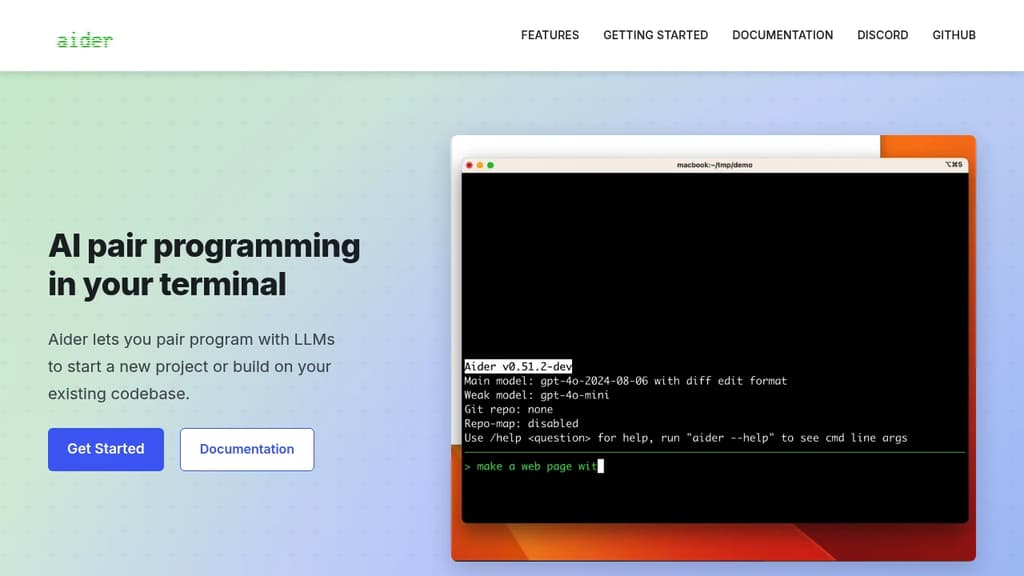
Aider brings AI pair programming directly into your terminal, letting you work with large language models on real codebases. It's built for developers who want to stay in their existing workflow rather than switching to a new editor or browser-based tool.
You point Aider at your project directory and start a conversation. It reads your files, understands the structure, and makes targeted edits across multiple files at once. Changes are applied directly to your code, not pasted into a chat window for you to copy manually.
Key capabilities:
- Multi-model support: works with Claude, GPT-4, o3-mini, DeepSeek, and other LLMs. You bring your own API key.
- Git-aware editing: automatically commits changes with meaningful messages, so every AI-assisted edit is tracked and reversible.
- Multi-file edits: handles changes that span several files in a single request, keeping diffs coherent.
- Existing codebase support: drop it into any project, not just greenfield work. It maps your repo to give the model context.
- Voice input: supports voice-to-code for hands-free coding sessions.
- Linting and test integration: can run your test suite or linter after edits and feed results back to the model for self-correction.
Compared to IDE plugins or browser-based AI coding agents, Aider is lightweight and editor-agnostic. It fits into any setup that has a terminal. The open source model means no subscription lock-in, and you control which LLM backend you use.
It's a practical choice for developers who want AI assistance without giving up their existing tools or paying for a bundled editor.

AI coding harness that runs inside your terminal, mixes LLMs per task, and uses multi-agent architecture to handle large codebases without bloating context.
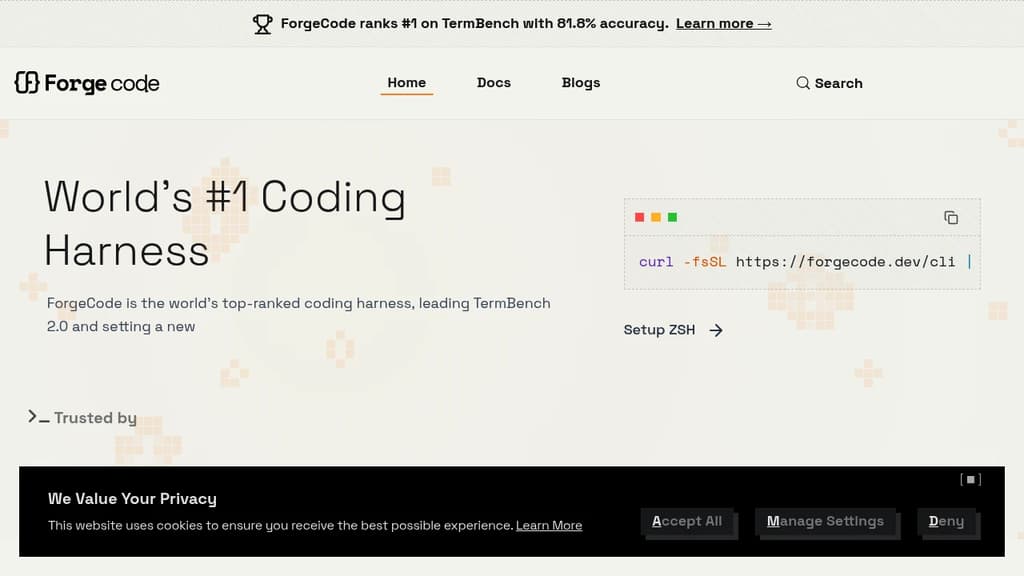
ForgeCode is a terminal-native AI coding agent that sits directly inside your ZSH shell. It's built for developers who want AI assistance without leaving the command line or abandoning their existing setup. Your custom aliases, Oh My Zsh plugins, and shell workflows stay intact. Type : and you're talking to ForgeCode.
What sets it apart from other AI coding tools is how it handles context. Rather than dumping your entire codebase into one prompt, ForgeCode uses a multi-agent architecture with specialized sub-agents for research, planning, and execution. Each agent works on minimal, relevant context, which keeps local models on track and results reliable.
Key capabilities:
- Model mixing per task. Use a thinking model to plan, a fast model to write code, and a large-context model for big files, all within a single session without restarting.
- Codebase understanding at scale. A context engine built for large repos, with fast tool corrections that prevent local models from drifting off course.
- Skills at scale. Handles thousands of skills without bloating the context window.
- Broad LLM support. Connects to hundreds of providers and models natively from the shell.
- Rigorous evaluation. Every change runs through thousands of evaluations across coding tasks and models before shipping.
ForgeCode ranks #1 on TermBench 2.0 with 81.8% accuracy, a benchmark designed specifically for terminal-based coding agents. It processes over 38 billion tokens and 24 million lines of code per day across its user base.
It's fully open source, with over 7,300 GitHub stars and 354 releases, backed by an active community. For teams already living in the terminal, it's a practical alternative to browser-based or IDE-embedded AI coding environments.

People are looking for alternatives to...
View all alternatives
Claude Code

Spotify

CapCut

Claude

Notion

Lovable
 Bright Data – Web data for AI agents and apps. Built-in unblocking, proxies, and ready-made APIs.
 Openlane