Open Source Tldraw Alternatives
A curated collection of the 2 best open source alternatives to Tldraw.
The best open source alternative to Tldraw is Excalidraw. If that doesn't suit you, we've compiled a ranked list of other open source Tldraw alternatives to help you find a suitable replacement. Other interesting open source alternative to Tldraw is Affine.
Tldraw alternatives are mainly Collaborative Workspaces but may also be Whiteboarding Tools or Online Design Tools. Browse these if you want a narrower list of alternatives or looking for a specific functionality of Tldraw.

Written by Piotr Kulpinski


Virtual whiteboard for sketching diagrams, flowcharts, and wireframes with a distinctive hand-drawn look. Real-time collaboration built in.
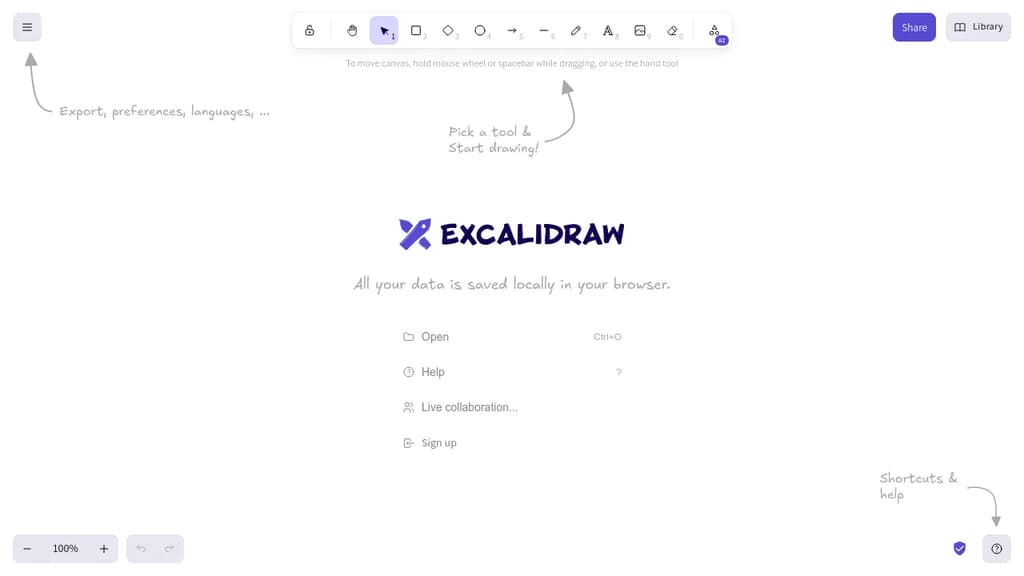
Excalidraw is a browser-based whiteboarding tool built around one idea: making diagrams feel human. Everything you draw comes out with a sketchy, hand-drawn style that keeps things informal and approachable, which makes it popular for brainstorming sessions, technical diagrams, and quick wireframes where polish would actually get in the way.
It's built for collaboration. Multiple people can work on the same canvas in real time, making it a practical choice for remote teams who need a shared visual space without spinning up heavy software.
Key capabilities include:
- Hand-drawn rendering that gives shapes, arrows, and text a natural, informal look
- Real-time multiplayer so teams can sketch together live
- Exportable scenes to PNG, SVG, or the native
.excalidrawformat for reuse - Libraries of reusable shapes and components you can drop into any canvas
- End-to-end encrypted sharing when you share a link with collaborators
- Embeddable in other apps via its open API, which is why it shows up inside tools like Obsidian and Notion
Compared to tools like draw.io or tldraw, Excalidraw leans harder into the sketchy aesthetic as a deliberate design choice rather than a mode you toggle. It's not trying to produce publication-ready diagrams. That constraint is the point: it keeps conversations focused on ideas rather than pixel-perfect layouts.
The canvas is infinite, the interface stays minimal, and the whole thing runs in the browser with no account required to start drawing.

An open-source, local-first knowledge base that merges structured docs, infinite whiteboards, databases, and AI into a single workspace for teams and creators.
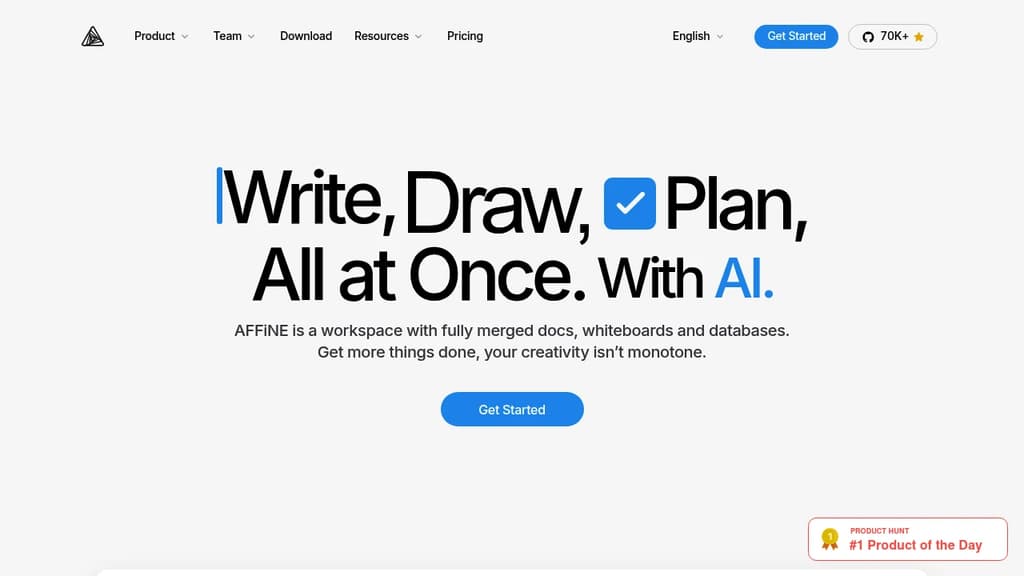
AFFiNE brings together the tools that most teams keep separate: a block-based document editor, an infinite whiteboard, Kanban boards, and a database layer, all inside one workspace. It's built for people who are tired of copying information between a wiki, a whiteboard app, and a project tracker. Everything lives in one place, and it's connected.
The local-first design is a genuine differentiator. Your data sits on your device by default, not on someone else's server. Sync is available, but you're not forced into a cloud subscription to use the core product. For teams with privacy requirements or individuals who want full ownership of their notes and plans, that matters.
Key capabilities:
- Edgeless mode turns any page into an infinite canvas where you can sketch, drag in documents, add sticky notes, and map out ideas spatially
- Block-based editing lets you build documents from reusable content blocks, mixing text, images, databases, and embeds freely
- Kanban boards sit alongside docs for project tracking without needing a separate tool like Trello or Jira
- AI integration assists with writing, summarizing, and planning directly inside the workspace
- Templates cover common use cases out of the box, from meeting notes to project plans
- Real-time collaboration lets teams work on the same page simultaneously
Compared to tools like AppFlowy or AnyType, AFFiNE leans harder into the visual side. The whiteboard isn't an afterthought; it's a first-class mode that can hold entire knowledge maps. Compared to Outline, it's less focused on structured wikis and more on freeform, mixed-media workspaces.
Free for individuals. Teams and commercial users pay for additional features. The source code is fully public, so self-hosting is an option for those who want it.

People are looking for alternatives to...
View all alternatives
Spotify

Claude Code

CapCut

Claude

Notion

Lovable
 Sent – A unified API for sending messages across SMS, RCS, and apps like WhatsApp.
 Capture