Open Source Penpot Alternatives
A curated collection of the 4 best open source alternatives to Penpot.
The best open source alternative to Penpot is Graphite. If that doesn't suit you, we've compiled a ranked list of other open source Penpot alternatives to help you find a suitable replacement. Other interesting open source alternatives to Penpot are: OpenPencil, Grida, and Quant-UX.
Penpot alternatives are mainly UI/UX Design Tools but may also be Whiteboarding Tools or Online Design Tools. Browse these if you want a narrower list of alternatives or looking for a specific functionality of Penpot.

Written by Piotr Kulpinski


A free, open source vector graphics editor built around nondestructive, node-based design. Runs locally in the browser, exports SVG, PNG, and JPG.
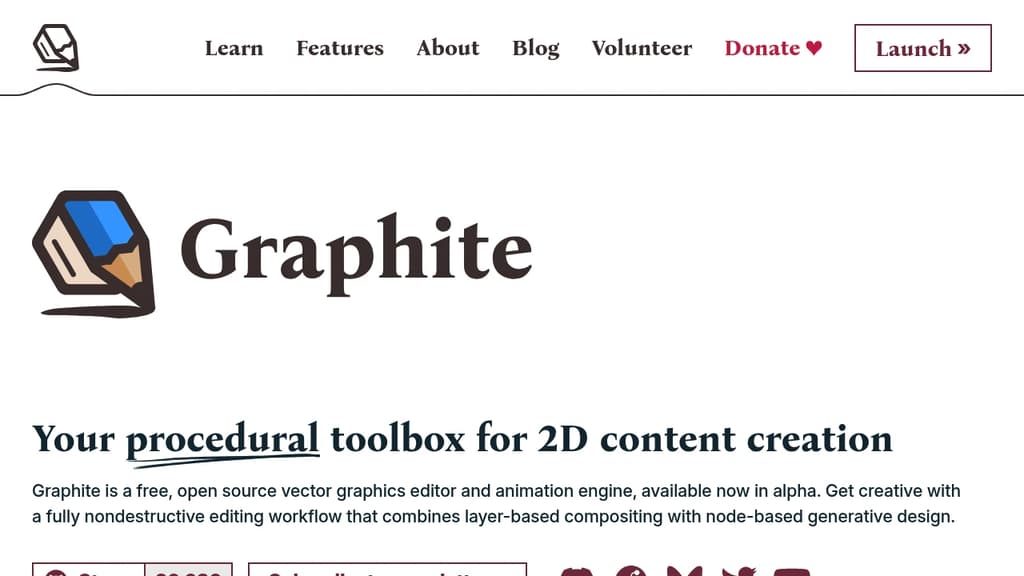
Graphite is a free, open source vector and procedural graphics editor that runs entirely in your browser without requiring an account or installation. It's aimed at designers who want a nondestructive workflow, where every creative decision stays editable through parameters rather than being baked in permanently.
Unlike most online design tools, Graphite is built around a node graph at its core. Instead of drawing shapes and committing to them, you build systems of nodes that generate and transform artwork procedurally. Want your scattered circles denser? Drag a slider. Want a different fill pattern? Swap a node. Nothing is destructive by default.
Key capabilities include:
- Procedural vector editing using a node-based layer system that lets you compose, reuse, and automate design workflows
- Nondestructive boolean operations for combining and modifying shapes without losing the originals
- Parametric iteration so you can morph between states, blend color schemes, or adjust placement areas with sliders rather than manual edits
- Infinite scalability with no pixelation, and export to SVG, PNG, or JPG at any resolution
- Fully local execution with no server involved, keeping your work private on your own hardware
Graphite is built with WebAssembly and WebGPU, which gives it performance closer to a native app than a typical browser tool. It's architecturally more like a game engine than a conventional creative app.
Desktop apps for Windows, Mac, and Linux are in late development, but the browser version is already functional and kept current. The project is in alpha, so some planned features like raster editing, live collaboration, and standalone program compilation from node graphs aren't available yet.
For designers tired of jumping between a vector editor, a compositing tool, and a generative design environment, Graphite is building toward a single app that handles all of it. It's a credible open source alternative to tools like Penpot for those who want procedural depth over a traditional layer-based approach.

A Figma-compatible design editor with built-in AI chat, headless CLI, real-time P2P collaboration, and a Vue SDK for building custom editors. No account needed.
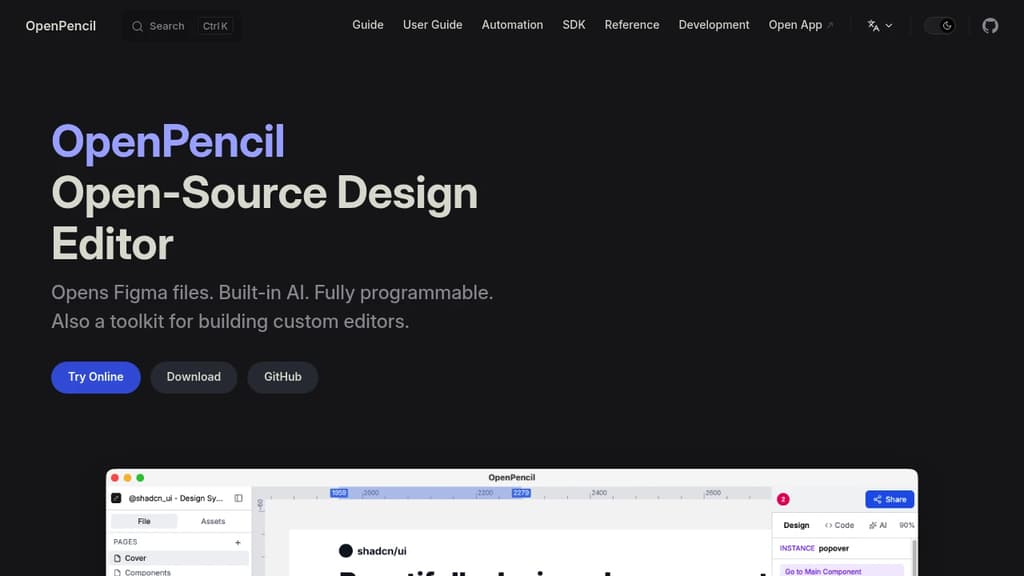
OpenPencil is a desktop and web design editor built as a direct Figma alternative. It opens .fig files natively, supports copy-paste between the two apps, and uses a Kiwi binary codec for round-trip fidelity. If your team uses Figma files but wants to move off the platform, the transition doesn't require a format conversion step.
The AI integration is built into the editor itself, not bolted on. A chat interface gives you access to 90 tools covering shape creation, style management, layout control, and token analysis. It also connects to Claude Code, Cursor, and Windsurf via an MCP server, so AI-assisted design work can fit into existing developer workflows.
Beyond the editor, it's a programmable toolkit:
- Headless CLI to inspect, export, and analyze
.figfiles without opening the UI, useful for CI pipelines and automation - Figma Plugin API support via eval, so existing plugins can run inside OpenPencil
- Tailwind CSS export and JSON output for design-to-code workflows
- Vue SDK to embed the editor into other products or build workflow-specific editing surfaces around the same core
Collaboration runs peer-to-peer over WebRTC. No server is involved. Share a link, get live cursors and follow mode. Tools like Penpot require a server for multiplayer; OpenPencil skips that entirely.
The desktop app weighs around 7 MB, available via Homebrew. No account, no internet connection, no telemetry required. The entire codebase, including the editor, engine, file codec, and CLI, is MIT licensed and fully readable.

Design and build web applications on an open canvas with AI-powered tools, Figma integration, pixel drawing, and a modular SDK built for extensibility.
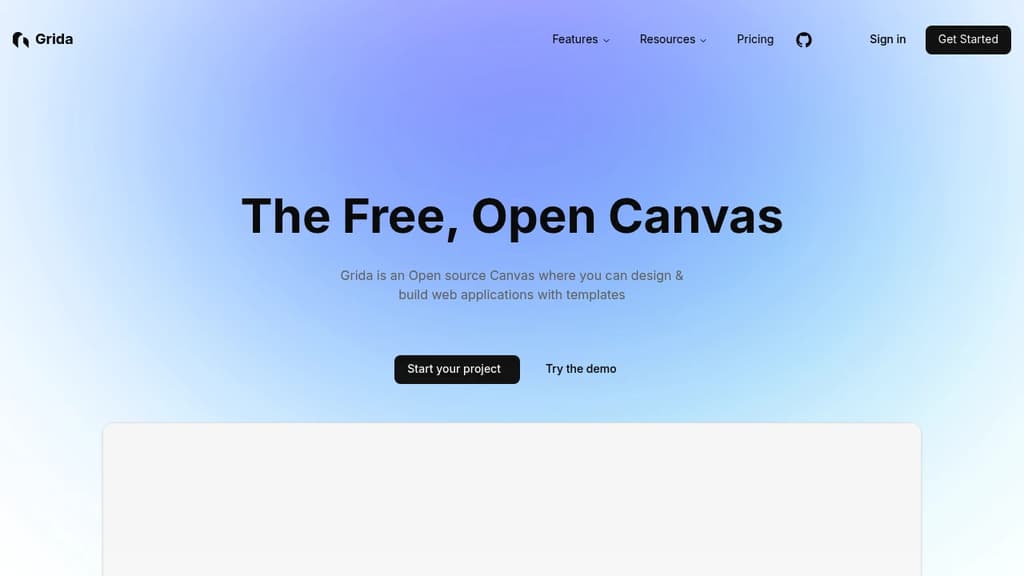
Grida is an open source canvas editor aimed at designers and developers who want a single tool for visual design and web app building. It covers the range from polished UI/UX layouts to pixel art, with enough extensibility that developers can embed it, script it, or build entirely new tools on top of it.
The canvas itself is general-purpose. You can work from templates, drag in widgets and icons, write copy with an AI assistant, and edit text directly on the canvas. Figma import and export means you're not starting from scratch if your team already has assets in Figma. For pixel work, there's a dedicated free pixel drawing mode built into the same editor.
What separates Grida from tools like Penpot or Excalidraw is its developer-first architecture:
- React component – embed the canvas directly in your own app, or bring your own React components into it
- Modular SDK – build custom tools on top of Grida's core rather than being locked into the default interface
- Scripting interface – automate design tasks and write plugins using a runtime scripting layer
- Performance – compute-heavy modules run on Rust and WebGPU, which matters when you're working with complex documents or large canvases
For teams, Grida offers enterprise options with on-premise deployment and custom solutions, so it's not just a solo design tool.
It fits developers who want a visual web builder they can actually hack on, and designers who need something between a lightweight whiteboard and a full-featured UI tool.

Quant-UX is an open-source tool for creating interactive prototypes, conducting user tests, and analyzing results to improve UX design.
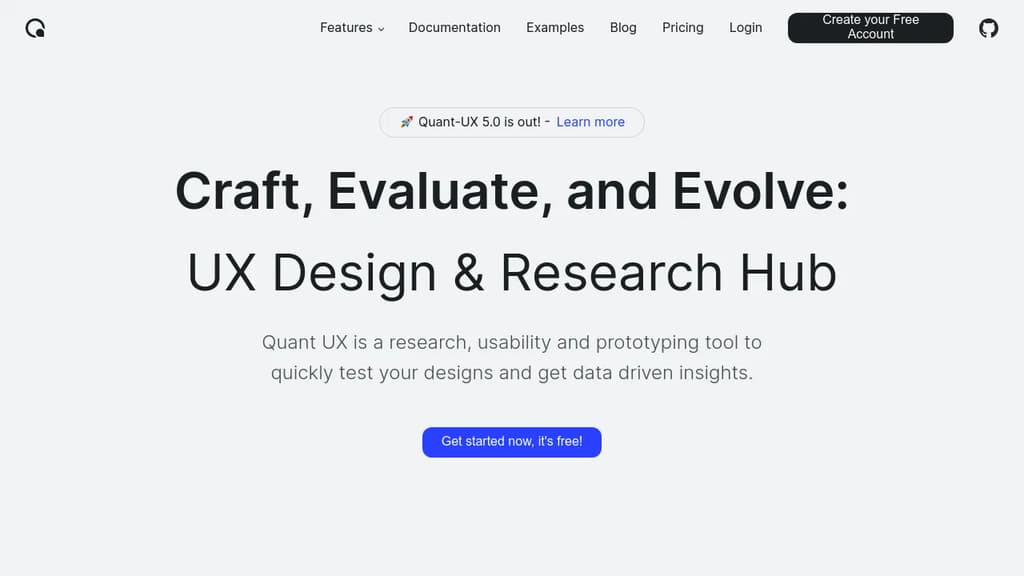
Quant-UX is a powerful, free, open-source tool for UX designers and researchers. It offers a comprehensive suite of features to streamline the entire UX process:
- Rapid Prototyping: Create interactive prototypes quickly using a visual editor. Add animations, logic flows, and form validation to make your designs feel like real apps.
- User Testing: Conduct usability tests effortlessly by sharing a link with your audience. Define user tasks, record screen interactions, and even perform A/B testing to compare design alternatives.
- Analytics and Insights: Automatically generate heatmaps, success rates, and other key metrics from your user tests. Identify drop-off points and gather valuable user feedback through built-in surveys.
- Design System Support: Utilize design tokens, components, and master screens to build scalable design systems for your projects.
- AI-Assisted Design: Leverage an AI assistant to speed up repetitive tasks and get faster, more accurate results during the design process.
- Low-Code Capabilities: Convert your designs into production-ready systems, bridging the gap between prototyping and development.
Quant-UX is trusted by thousands of users worldwide, including researchers, students, and professionals. Its combination of prototyping, testing, and analytics in a single platform makes it an invaluable tool for creating data-driven, user-centered designs.
Whether you're working on a small project or a large-scale application, Quant-UX provides the tools you need to craft, evaluate, and evolve your user experiences effectively.

People are looking for alternatives to...
View all alternatives
Spotify

Claude Code

CapCut

Claude

Notion

Lovable
 Sent – Messaging Infrastructure for Developers. One API for SMS, WhatsApp, and RCS across 190+ countries.
 Bright Data