Open Source Morphic Alternatives
A curated collection of the 4 best open source alternatives to Morphic.
The best open source alternative to Morphic is Proton Lumo. If that doesn't suit you, we've compiled a ranked list of other open source Morphic alternatives to help you find a suitable replacement. Other interesting open source alternatives to Morphic are: Open WebUI, Khoj, and Scira.
Morphic alternatives are mainly AI Personal Assistants but may also be AI Chat Interfaces or AI Search Tools. Browse these if you want a narrower list of alternatives or looking for a specific functionality of Morphic.

Written by Piotr Kulpinski


AI chat assistant from Proton that stores conversations with zero-access encryption, never logs chats, and never uses your data to train models.
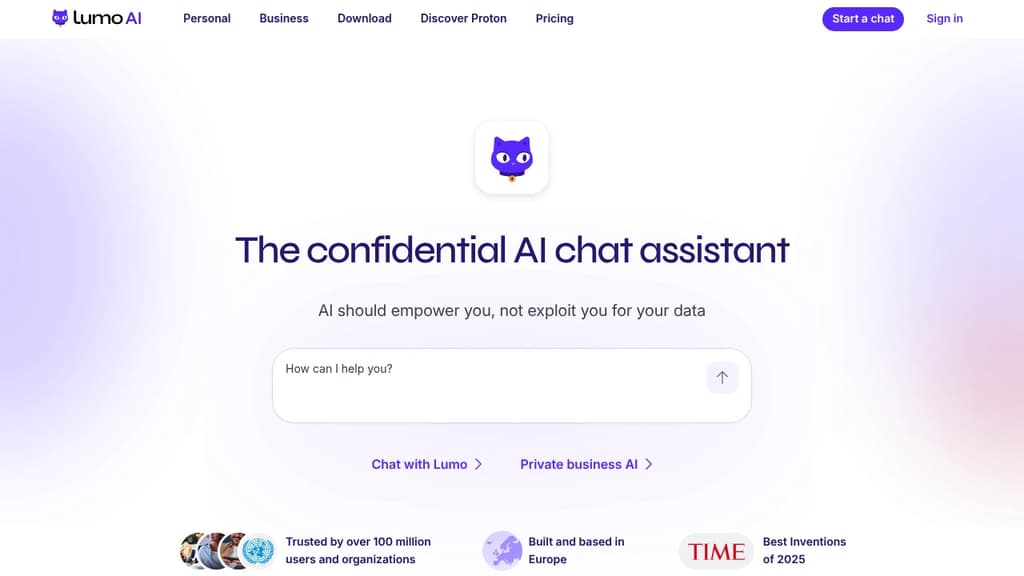
Lumo is an AI chat assistant built by the team behind Proton Mail and Proton Drive. Its core promise is simple: your conversations stay yours. Every chat is stored with zero-access encryption, meaning not even Proton can read what you've asked. No logs, no ad targeting, no data sold to third parties.
Most popular AI chat alternatives collect and retain your messages, often using them to train future models or serve targeted ads. Lumo's open-source code lets anyone verify that it doesn't. You can also use it anonymously via Tor without creating an account.
Based in Switzerland and subject to GDPR, Lumo sits outside US jurisdiction and Big Tech infrastructure. You can delete your account at any time, and Proton cannot share your data with governments or advertisers even if asked.
What Lumo can do day-to-day:
- Image generation: Turn text descriptions into images, with iterative refinement. Your inputs aren't reused to train the model.
- Web search: Built-in real-time search for current information, without queries being tied to an ad profile.
- Document analysis: Upload confidential reports or research and extract insights without that data appearing in future AI outputs.
- Project organization: Turn messy workloads into prioritized plans, handle sensitive admin tasks like visa or tax paperwork.
- Code review and file linking: Connect files from Proton Drive to work with full context across projects.
- Custom Lumos: Create specialized assistants for specific workflows (paid tier).
The free tier covers limited messages, image generations, and one project. Lumo Plus adds unlimited chats, higher model usage, more image generations, and unlimited projects. It's aimed at professionals and teams who handle sensitive information and can't afford to have that data harvested by the tools they rely on daily.

Self-hosted AI platform that connects local and cloud models, extends with Python, and keeps your data under your control.
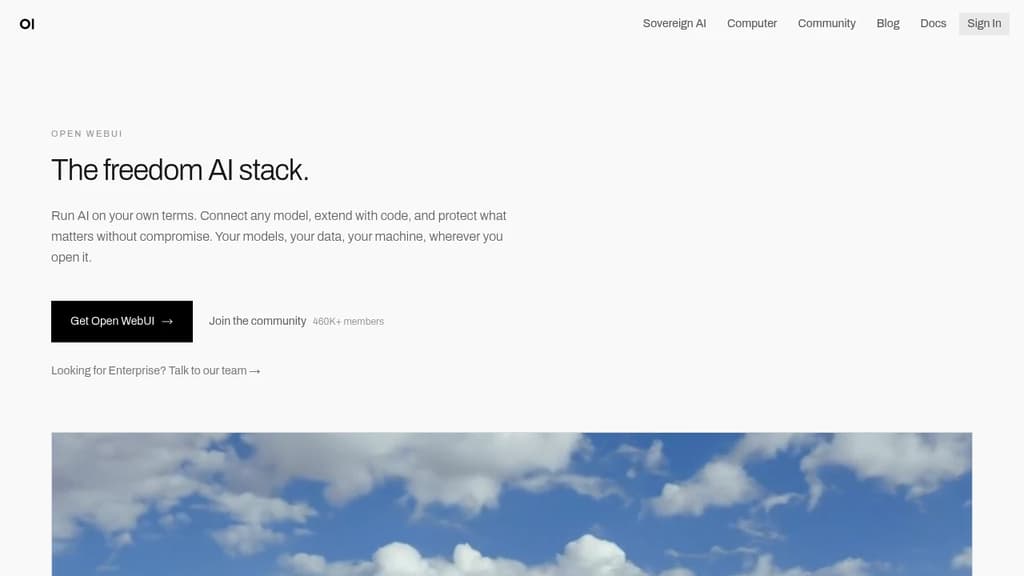
Open WebUI is a self-hosted platform for running AI models without depending on a vendor's infrastructure. It works with local models via Ollama and cloud providers like OpenAI and Anthropic, all through a single interface. Your data stays where you put it.
It's built for people who want real control. That means no accounts required to get started, no third-party data handling, and no lock-in to a single model provider. It fits as well on a personal laptop as it does inside an enterprise network.
What you can connect and do:
- Model flexibility: Connect Ollama, OpenAI, Anthropic, or any OpenAI-compatible API. Mix local and cloud models in the same workspace.
- Voice, vision, and retrieval: Multimodal capabilities are included out of the box, not bolted on later.
- Python extensions: Write custom tools and functions to extend behavior beyond what the default interface offers.
- Web search integration: Pull live information into conversations without leaving the platform.
- Enterprise controls: SSO, role-based access control, and audit logs for teams operating in regulated environments.
The community platform hosts over 410,000 members sharing prompts, models, tools, and functions. You can install what others have built or publish your own. It's a meaningful accelerator if you're experimenting or building on top of Open WebUI for others.
For teams evaluating AI interaction interfaces, Open WebUI sits in a different position than most. Tools like LLMChat or Dyad offer focused experiences for specific use cases, while Open WebUI is designed to be the central hub for everything AI-related in an organization. The scale backs that up: 290 million downloads and 139,000 GitHub stars point to broad, sustained adoption across individual users and large deployments alike.

Self-hostable AI assistant that connects to your docs and the web, lets you build agents, schedule automations, and run research with verifiable citations.
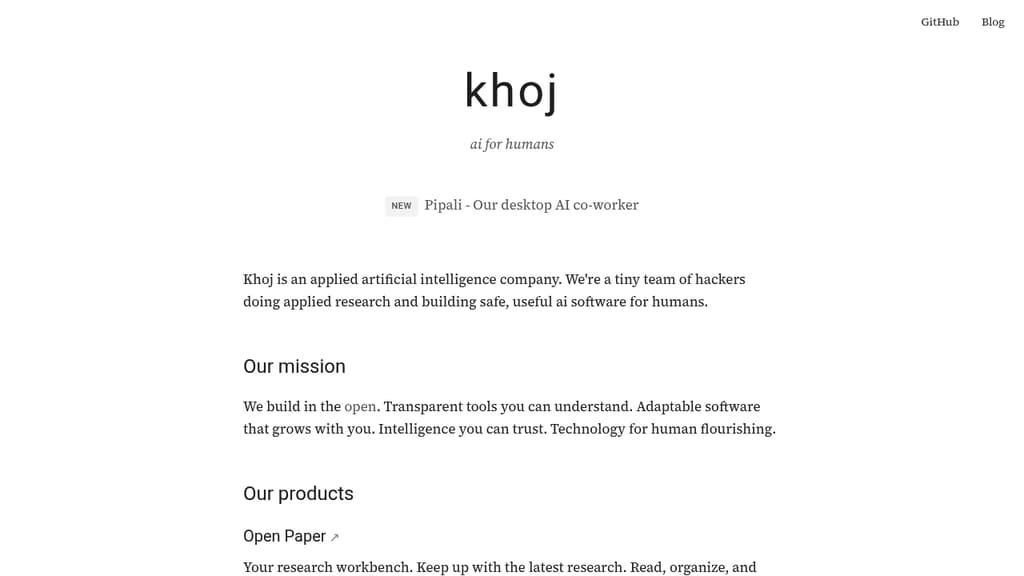
Khoj is a personal AI platform built for people who want a capable assistant they can actually trust. It connects to your documents and the web, turning any supported AI model into a research partner, automation engine, and second brain. The focus is transparency: citations are verifiable, behavior is inspectable, and you stay in control of what it accesses.
At its core, Khoj is designed around three distinct use cases:
- AI second brain: Ingest your own documents, then ask questions, get summaries, or run research across both your files and live web sources. Agents can be built on top to handle recurring tasks.
- Research workbench: Read and organize academic papers with citations you can check. Useful for anyone tracking a field or doing structured literature review.
- AI co-worker (beta): Assign multi-step tasks, track their progress, and receive polished outputs. This runs locally on your machine, keeping sensitive work off third-party servers.
Because it's open source and self-hostable, you're not locked into a single model or vendor. Swap the underlying model, run it on your own infrastructure, and keep your data private. That's a real distinction from closed alternatives like Humanloop or proprietary chat tools.
Khoj sits in similar territory to LobeChat and LLMChat, but leans harder into autonomous agents and scheduled automations rather than pure conversational UI. The scheduled automation feature means Khoj can run tasks on a cadence without you initiating each one manually.
It's a good fit for researchers, knowledge workers, and developers who want an AI assistant with genuine depth rather than a thin chat wrapper.

Scira delivers concise, AI-generated responses to queries using a clean interface and powerful search capabilities.
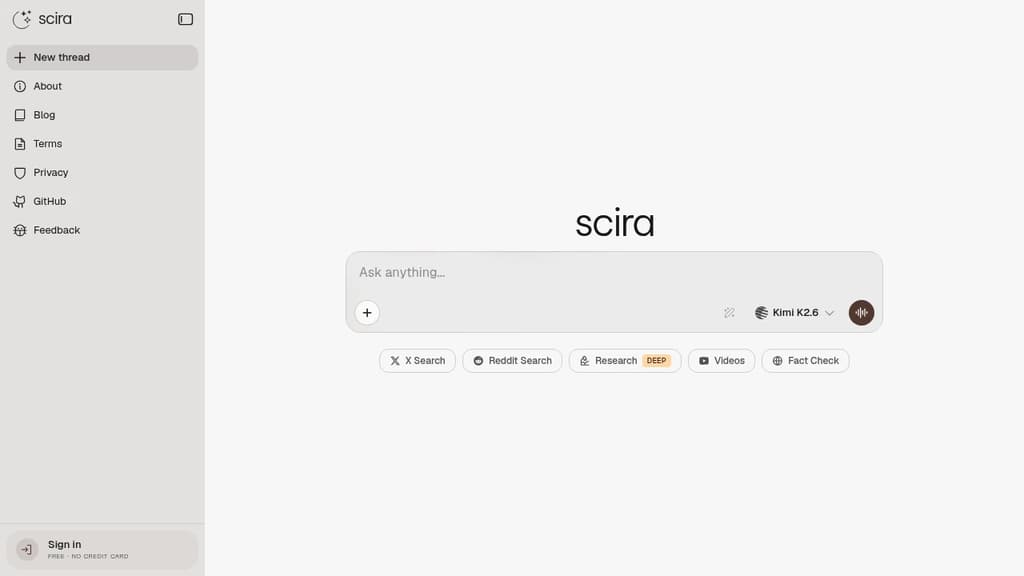
Scira is a cutting-edge, minimalist AI search engine designed to provide instant answers with elegance and simplicity. By leveraging advanced AI technology, Scira strips away clutter to focus on delivering accurate and relevant results quickly.
Key Features:
- Clean Interface: A distraction-free design that puts the focus on your search results.
- AI-Powered Responses: Utilizes cutting-edge AI to understand context and provide precise answers.
- Web Search: Comprehensive web results powered by Tavily AI.
- Code Interpreter: Advanced code interpretation and execution via e2b.dev.
- Weather Forecast: Accurate weather information through OpenWeatherMap.
- URL Summary: Quick web content summarization using FireCrawl's Scrape API.
- Location Search: Find places and nearby locations with Google Maps API integration.
- Translation & TTS: Translate text and convert to speech using OpenAI TTS.
Scira combines the power of various AI services and APIs to create a versatile search experience. Whether you're looking for quick facts, code solutions, or in-depth analysis, Scira adapts to your needs.
Experience the future of search with Scira - where minimalism meets AI power to transform how you find and process information.

People are looking for alternatives to...
View all alternatives
Spotify

Claude Code

CapCut

Claude

Notion

Lovable
 Sent – Messaging Infrastructure for Developers. One API for SMS, WhatsApp, and RCS across 190+ countries.
 Postiz