Open Source Luminar Neo Alternatives
A curated collection of the 2 best open source alternatives to Luminar Neo.
The best open source alternative to Luminar Neo is Darktable. If that doesn't suit you, we've compiled a ranked list of other open source Luminar Neo alternatives to help you find a suitable replacement. Other interesting open source alternative to Luminar Neo is RAWmakase.
Luminar Neo alternatives are mainly Photo Editing Software. Browse these if you want a narrower list of alternatives or looking for a specific functionality of Luminar Neo.

Written by Piotr Kulpinski


Open source photography workflow application for RAW development. Non-destructive editing, professional color management, and GPU acceleration for photographers.
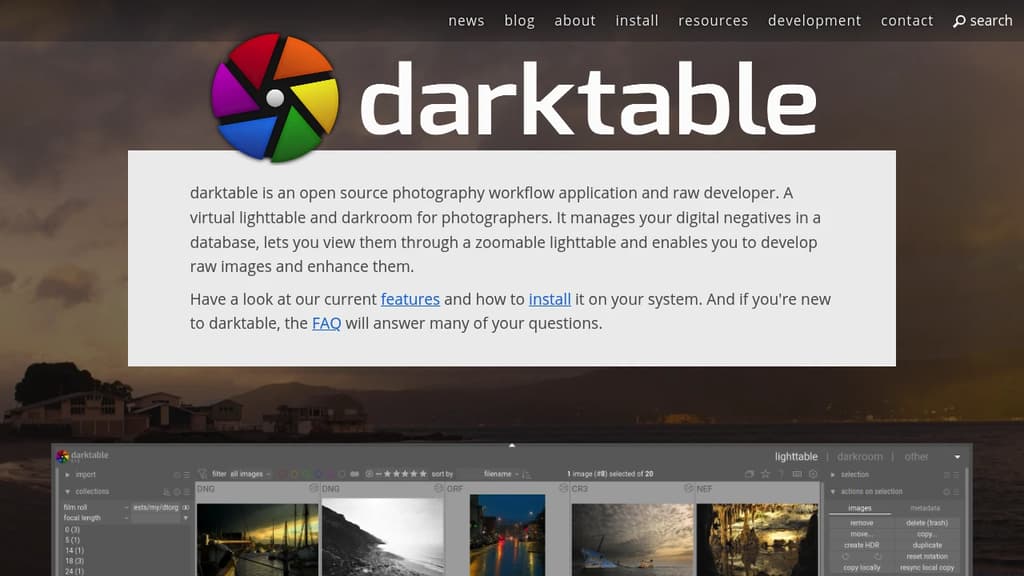
darktable is a comprehensive open source photography workflow application designed specifically for photographers who demand professional-grade RAW processing capabilities. This powerful tool serves as both a virtual lighttable and darkroom, providing everything needed to manage, develop, and enhance digital photographs.
Key Features:
- Non-destructive editing - Your original images remain untouched throughout the entire editing process
- Professional color management - Ensures color fidelity from capture to print
- GPU acceleration - Leverages your graphics card for faster processing and smoother workflow
- Database-driven organization - Efficiently manages your digital negatives with robust cataloging
- Zoomable lighttable - Intuitive interface for viewing and organizing your photo collection
Built by photographers, for photographers, darktable understands real-world workflows and challenges. The development team includes active photographers who bring practical experience to the software's design and functionality.
The application excels at RAW development with a comprehensive set of tools for exposure correction, color grading, noise reduction, and creative enhancement. Whether you're a professional photographer or serious enthusiast, darktable provides the advanced features needed for high-quality image processing without the cost of proprietary alternatives.

Non-destructive RAW photo editor for macOS, Linux, and Windows that reads Lightroom catalogs, presets, and camera profiles. Free, MIT licensed, built in Rust.
RAWmakase is a free RAW photo editor built for photographers who want to leave Adobe Lightroom behind without leaving their work behind. It reads Lightroom Classic catalogs directly, importing ratings, flags, color labels, keywords, and compatible develop settings. Your presets and DCP/XMP camera profiles come with you too.
The interface follows the Library and Develop layout Lightroom users already know, so the learning curve is short. GPU acceleration keeps rendering fast. Edits are non-destructive: your original files are never touched, and every change is written atomically to a local catalog you own outright.
What it covers in the Develop panel:
- Tone and color: white balance (including Auto WB), exposure, Shadows, Highlights, Clarity, Dehaze, and curves
- HSL and color grading for fine color control
- Detail, crop, Transform, and lens corrections
- Spots and masks: Heal, Clone, brush, gradient, and range masks (actively improving)
Library side:
- Catalogs, folders, collections, ratings, flags, labels, keywords, and filters
- Folder relinking when you open an imported Lightroom catalog
Linux support is first-class, with native .deb, .rpm, and Arch packages. There's also a command-line interface for inspecting, rendering, exporting, and importing catalogs without opening the GUI, which makes it scriptable for batch workflows.
Compared to tools like Darktable or RawTherapee, RAWmakase's main differentiator is the direct Lightroom compatibility. If you've built years of presets and catalogs in Lightroom, those assets carry over rather than requiring a rebuild from scratch. Rendering aims for close, not exact, parity with Lightroom.
It's MIT licensed, free with no trial period or feature tiers, and the source is on GitHub.

People are looking for alternatives to...
View all alternatives
Spotify

Claude Code

Claude

CapCut

Notion

Lovable
 Sent – Messaging Infrastructure for Developers. One API for SMS, WhatsApp, and RCS across 190+ countries.
 Openlane