Open Source Google Assistant Alternatives
A curated collection of the 2 best open source alternatives to Google Assistant.
The best open source alternative to Google Assistant is Home Assistant. If that doesn't suit you, we've compiled a ranked list of other open source Google Assistant alternatives to help you find a suitable replacement. Other interesting open source alternative to Google Assistant is Gladys Assistant.
Google Assistant alternatives are mainly Smart Home Automation. Browse these if you want a narrower list of alternatives or looking for a specific functionality of Google Assistant.

Written by Piotr Kulpinski


Open source home automation platform supporting 1000+ devices with local control, powerful automations, custom dashboards, and voice assistant. No cloud required.
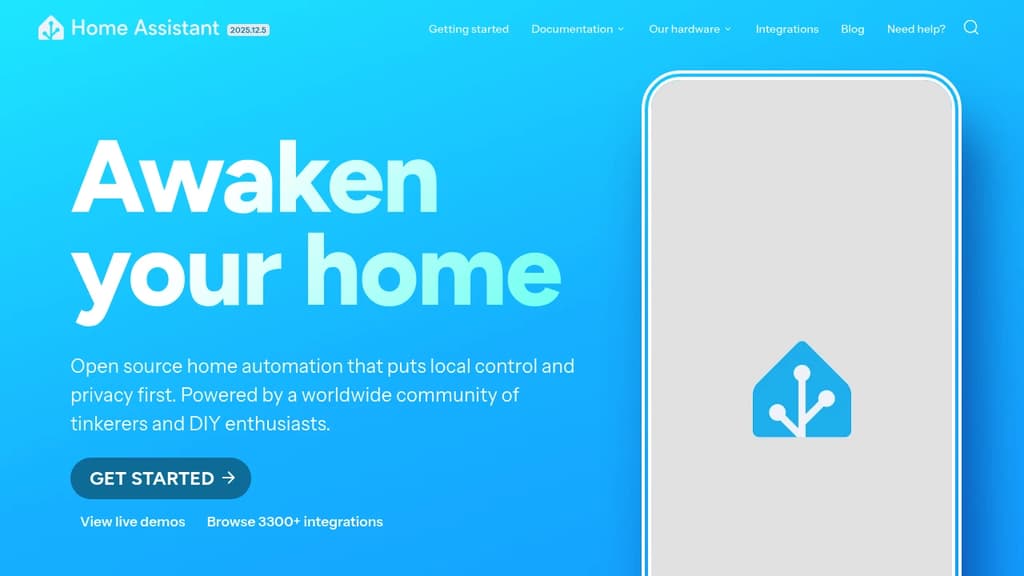
Transform your house into a smart home while keeping complete control over your data. This open source home automation platform connects with over 1000 different brands and devices, automatically discovering and integrating them into your network.
Key features that set it apart:
- Local control and privacy - All data stays on your network, no cloud dependency required
- Powerful automation engine - Create complex rules like turning lights on at sunset or alerting when garage doors are left open
- Customizable dashboards - Drag-and-drop interface for mobile and desktop control panels
- Built-in voice assistant - Control your home using natural language commands
- Extensive add-on ecosystem - Install additional applications like AdGuard, NodeRed, or Spotify Connect
- Energy management - Monitor usage, optimize solar panels, and reduce costs
- Mobile companion apps - Official apps for iOS and Android with Apple Watch support
- NFC tag automation - Use near-field communication for quick scene activation
The platform excels at presence detection, using your phone's location to trigger automations when you arrive or leave home. Home Assistant Cast turns any TV into a dashboard display, while NFC tags enable instant automation triggers.
Backed by a worldwide community of developers and DIY enthusiasts, this solution offers enterprise-level functionality without subscription fees or data harvesting. Perfect for tech-savvy homeowners who value privacy and local control over their smart home ecosystem.

Privacy-first home automation platform that runs locally on your hardware, supports Zigbee, Matter, and MQTT, and lets you automate your home without coding.
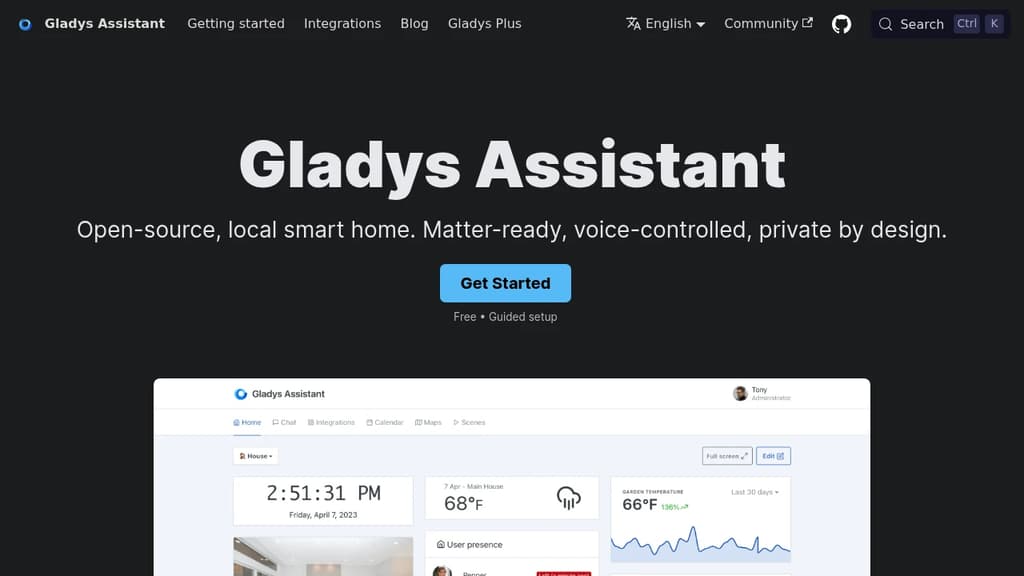
Gladys Assistant is a self-hosted smart home platform built around one principle: your data stays on your machine. No mandatory cloud, no tracking, no subscription required to run the core product. It installs via Docker on any Linux hardware, from a Raspberry Pi to a NAS to an old PC.
The interface is designed to be usable without a terminal. Day-to-day control happens through a clean dashboard showing temperatures, cameras, and presence. Scenes let you chain automations together without writing a single line of code: lights on at sunrise, coffee brewing when you wake up, alerts if the fridge stays open.
Key capabilities:
- Voice control built in, so you can issue commands directly or via your phone
- Zigbee, Matter, and MQTT support through open protocols, covering a wide range of devices out of the box
- Native integrations for Sonos, RTSP cameras, and more
- Community integrations installable in one click, with a growing catalog for devices not covered natively
- Automatic updates that apply new features and fixes without manual intervention
- Remote access via an optional paid service (end-to-end encrypted) or your own VPN setup
Compared to Home Assistant, Gladys positions itself as the simpler option. Fewer knobs, a more opinionated UI, and a focus on stability over configurability. Community members consistently cite ease of setup and a responsive maintainer as reasons they stuck with it.
The optional Gladys Plus subscription adds secure remote access from iOS and Android without exposing your local network, but the local-only experience is fully functional and free.

People are looking for alternatives to...
View all alternatives
Spotify

Claude Code

CapCut

Claude

Notion

Lovable
 Sent – A unified API for sending messages across SMS, RCS, and apps like WhatsApp.
 Stellar Hosted